 Edi Durjana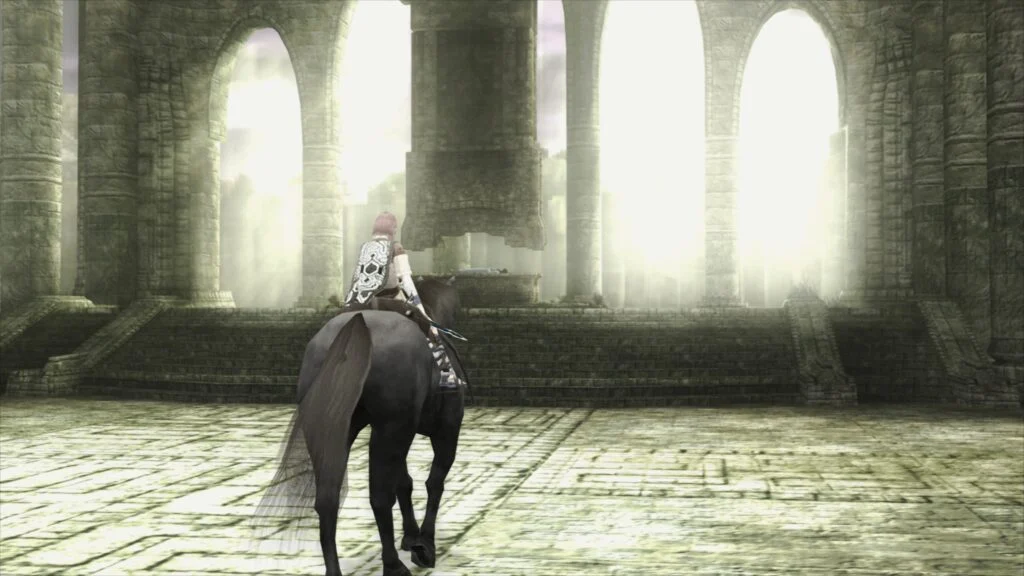
The emulation landscape has taken a monumental leap forward with Libretro’s official announcement and deployment of LRPS2, a heavily modified, modernized PlayStation 2 core custom-engineered specifically for the Libretro application programming interface (API). Available now for Windows, macOS, and Linux desktop environments, LRPS2 replaces outdated legacy iterations, effectively eliminating the persistent architectural and performance bottlenecks that historically hindered PS2 emulation within the RetroArch ecosystem. Built on contemporary codebases derived from advanced PCSX2 development, the new core brings unprecedented stability, extensive rendering backend support, and cutting-edge visual enhancements to retro gaming enthusiasts worldwide.
Background Context and Evolution of PS2 Emulation in RetroArch
PlayStation 2 emulation has long been regarded as one of the most computationally demanding challenges in software preservation. Unlike older, simpler consoles whose architectures could be efficiently mirrored by basic interpreters or dynamic recompilers, the PS2’s proprietary Emotion Engine and Graphics Synthesizer presented unique hurdles. While standalone emulators like PCSX2 matured significantly over the years, integrating these complex systems into unified multi-emulation frameworks like RetroArch proved exceptionally difficult.
Previous Libretro PS2 cores suffered from antiquated codebases, limited compatibility, and severe performance drawbacks that restricted their viability for mainstream users. The arrival of LRPS2 changes this paradigm entirely. By tailoring the core specifically to modern API standards, the development team has bridged the gap between standalone performance and frontend convenience. The project represents months of meticulous backend restructuring, paving the way for a streamlined user experience that leverages contemporary hardware capabilities without sacrificing historical accuracy.
Comprehensive Rendering Backend Support and Architecture
One of the most notable engineering triumphs of LRPS2 is its expansive compatibility with modern rendering APIs. The core successfully supports nearly all rendering backends utilized by the GSdx renderer, offering Vulkan support across Windows, macOS, and Linux; Direct3D 11 and 12 on Windows systems; and OpenGL across Windows and Linux platforms. This versatility ensures that users can optimize their graphics pipelines according to their specific hardware configurations, minimizing driver overhead and maximizing frame stability.
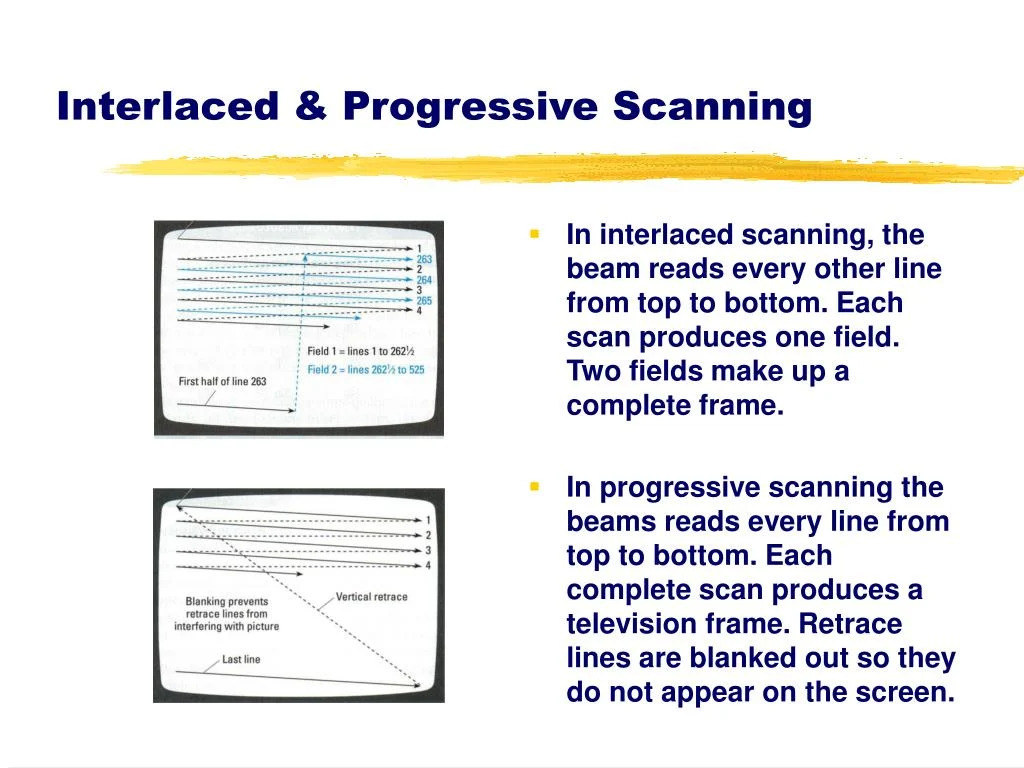
Furthermore, LRPS2 introduces robust support for the standard GSdx hardware and software rendering modes, complete with manual hardware rendering fixes designed to address graphical anomalies in notoriously difficult-to-emulate titles. Users can toggle per-game enhancements, language unlocks, anti-interlacing patches, and widescreen hacks through an integrated internal database powered by a dynamically loaded GameIndex.yaml configuration file.
The Star of the Show: ParaLLEl-GS and Compute-Based Emulation
Undoubtedly, the crown jewel of the LRPS2 release is the integration of paraLLEl-GS, a revolutionary graphics renderer authored entirely as a compute program by lead developer Themaister. Following in the footsteps of the acclaimed paraLLEl-RDP project, paraLLEl-GS is written exclusively for the Vulkan graphics API, shifting the heavy burden of the PlayStation 2’s Graphics Synthesizer from traditional rasterization pipelines onto modern compute shaders.
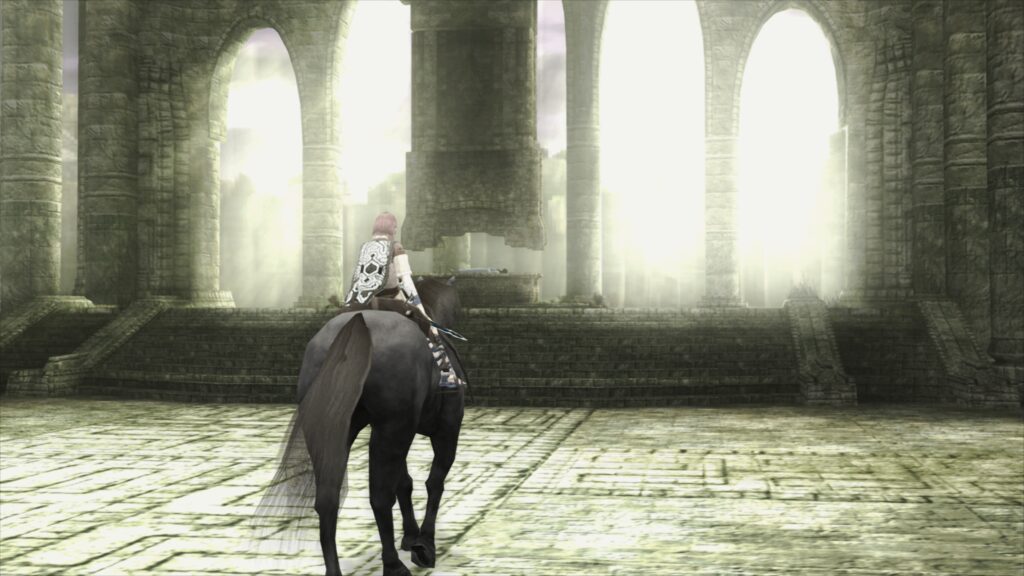
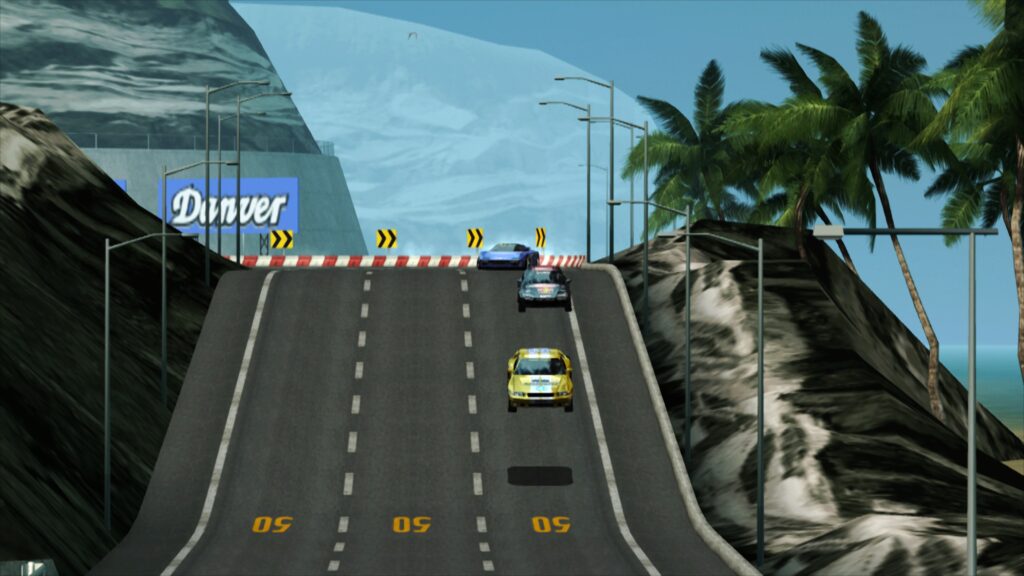
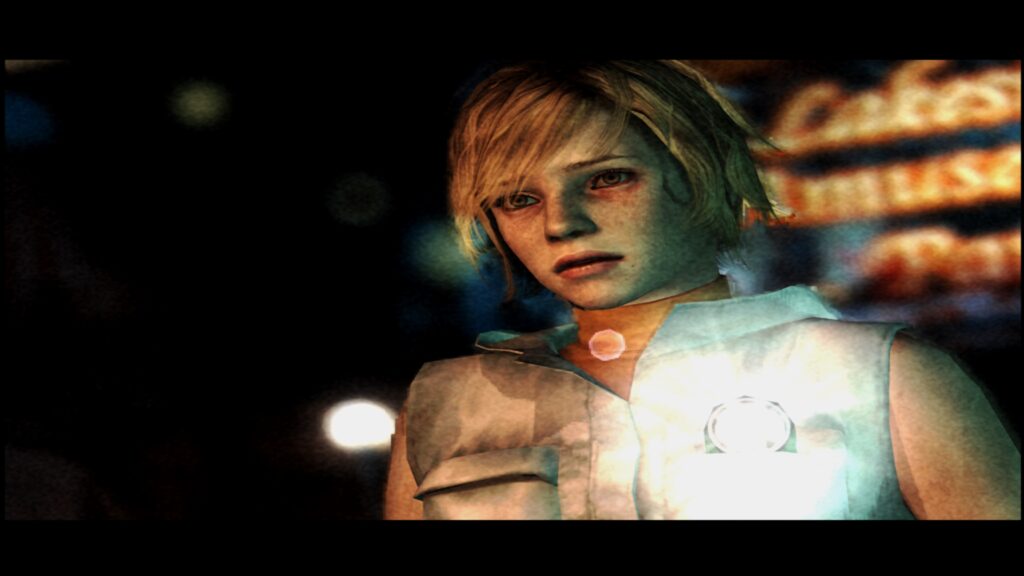
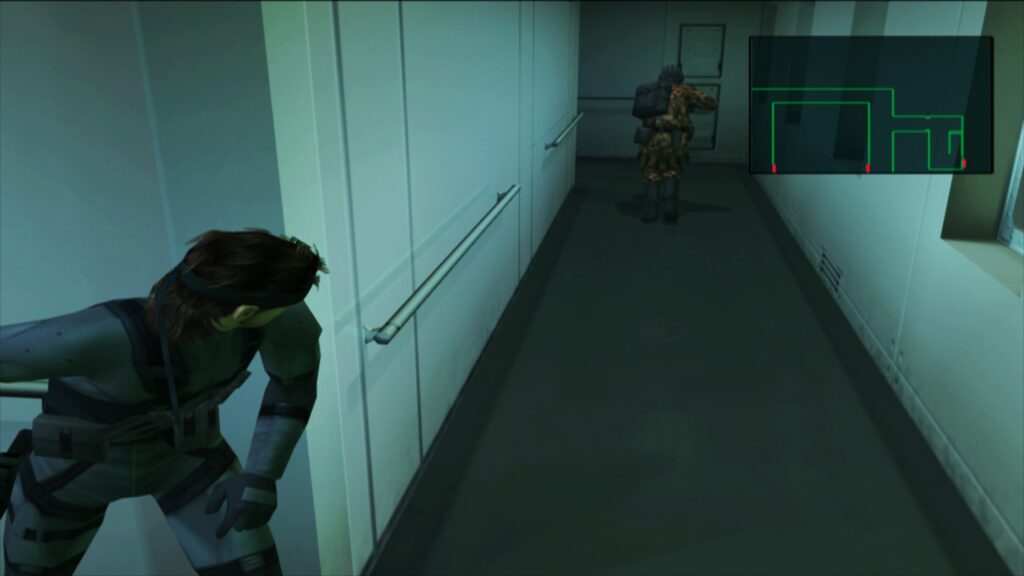
The primary objective of paraLLEl-GS is to achieve software-level rendering accuracy while unlocking advanced graphical enhancements that were previously impossible on original hardware. The standout feature of this renderer is its implementation of 16x Supersampling Anti-Aliasing (SSAA) paired with high-resolution scanout capabilities. When enabled, this combination virtually eliminates texture shimmering and geometric jaggedness—commonly referred to as jaggies—across 3D polygon meshes.
By doubling the resolution natively via high-resolution scanout and applying deep SSAA, the final output image quality often surpasses traditional GSdx internal resolution scaling. Crucially, paraLLEl-GS achieves this superior visual fidelity without requiring the extensive library of game-specific compatibility hacks that typically plague traditional rasterization renderers. Games run with greater visual purity, bringing a pristine, modern aesthetic to classic software libraries.
Step-by-Step Installation and Setup Guide
Deploying LRPS2 within RetroArch requires a specific sequence of installation steps, as the core is currently restricted to desktop operating systems (Windows, Linux x86_64, and macOS) and is unavailable on mobile platforms such as Android or iOS.
To begin, users must navigate to RetroArch’s online updater and select "Update Core Info Files" to ensure that the core populates correctly under its official designation. Next, users should access the "Core Downloader," locate "Sony – Playstation 2 (LRPS2)," and download the core binary files.
The final crucial step involves downloading the LRPS2.zip bundle via the "Core System Files Downloader." This package automatically generates a pcsx2 directory within the user’s system folder, populating it with the vital GameIndex.yaml file for game-specific compatibility patches. Additionally, users must manually place a legally dumped PlayStation 2 BIOS set inside the newly created bios directory. Once configured, users can load uncompressed game images—with CHD formats strongly recommended over compressed archives like .7z, .rar, or .zip—to begin playing.
Platform-Specific Considerations for macOS Apple Silicon Users
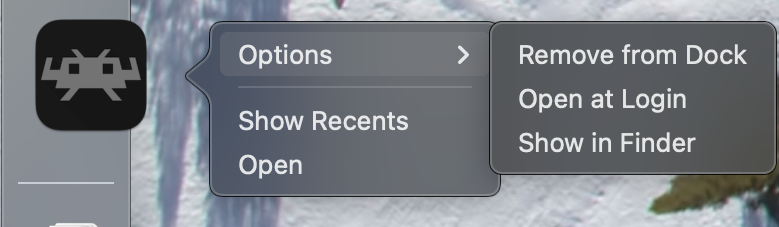
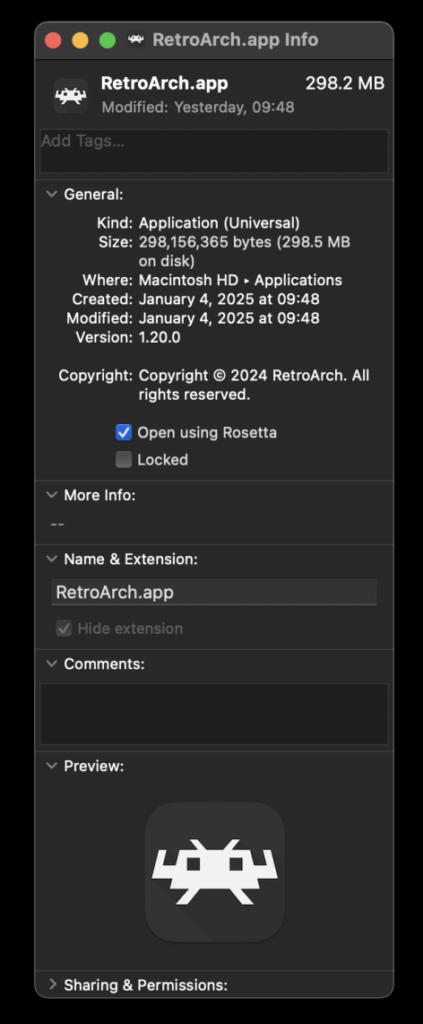
Emulation enthusiasts utilizing modern macOS hardware powered by Apple Silicon (M-series processors) must execute an additional configuration step to utilize LRPS2 successfully. Because the core relies on architecture-specific components, RetroArch must be forced to run through Apple’s Rosetta 2 translation layer.
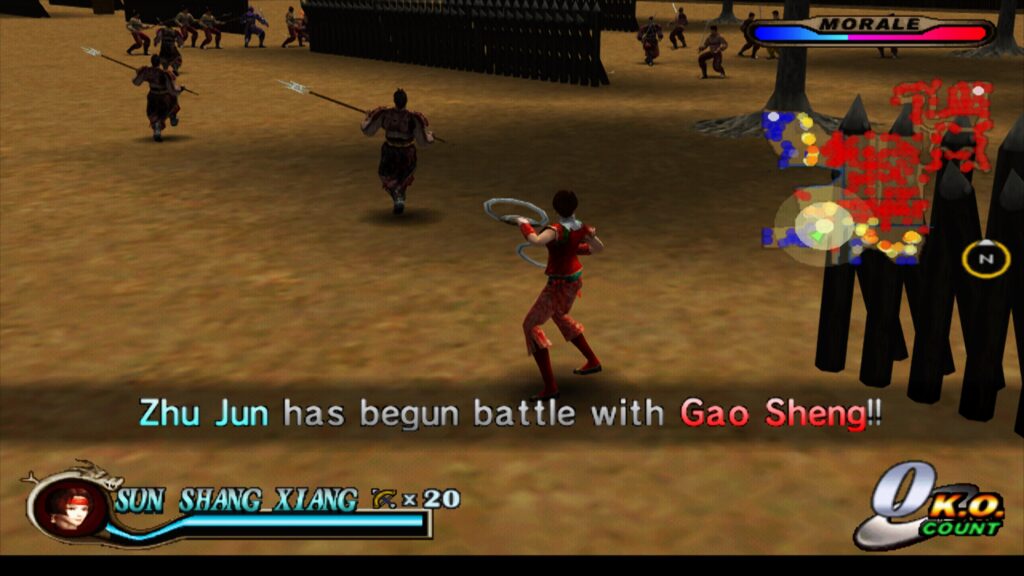
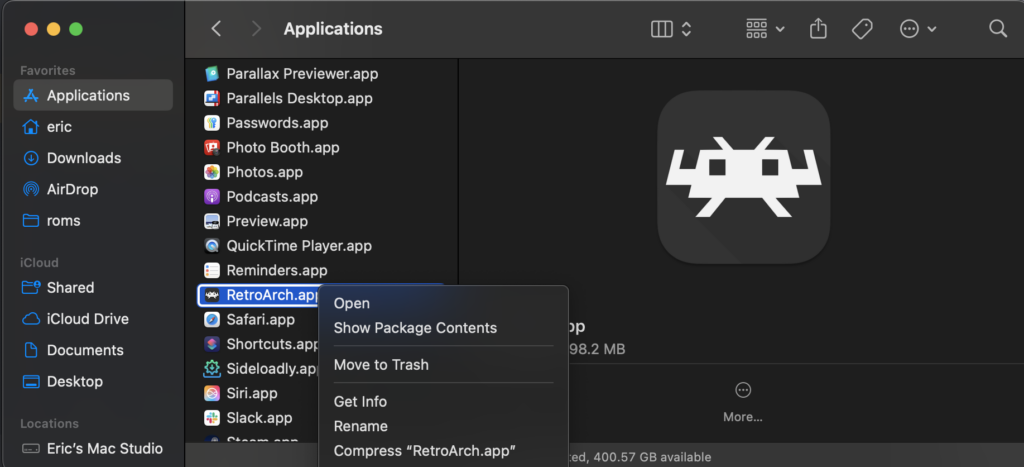
To enable this, users must completely exit RetroArch, locate the application in Finder, and right-click to open the "Get Info" menu. Within the properties panel, users must check the box labeled "Open using Rosetta." Once this setting is applied, launching RetroArch will grant system compatibility with the translation layer, allowing the LRPS2 core to appear and function normally within the Core Downloader interface.
Addressing Known Limitations and Troubleshooting Common Issues
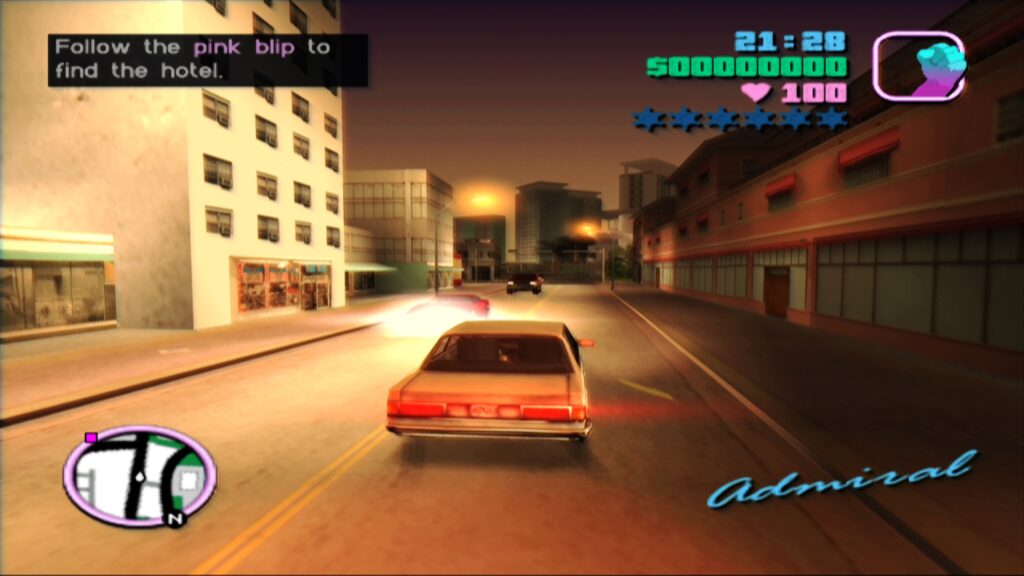
While the launch of LRPS2 represents a major milestone, developers and early adopters have identified several edge cases, hardware limitations, and troubleshooting requirements that users should note:
- Black Screen with Audio: Users running the default D3D11 video driver on Windows may occasionally encounter a black screen upon launching content. This can be swiftly resolved by switching the global or core-specific video driver to D3D12.
- Intel Integrated Graphics Performance: Due to the extreme computational demands of Vulkan compute shaders, Intel Integrated Graphics Processing Units (IGPs) struggle to run paraLLEl-GS at full speed. Users with older or integrated Intel hardware are advised to rely on standard software rendering or the traditional GSdx renderer, whereas Intel’s newer discrete graphics cards handle the workload efficiently.
- Vulkan and Software Renderer Crashes: Running the software renderer while utilizing the Vulkan video driver on Linux systems can lead to unexpected crashes. Developers recommend switching to the
glcoredriver on Linux or a Direct3D driver on Windows until a patch is deployed. - Frame Pacing Optimization: To achieve optimal visual fluidity, users can experiment with the "Sync to Exact Content Framerate" setting under video synchronization options. For Variable Refresh Rate (VRR) displays, disabling VSync within RetroArch while forcing it via dedicated GPU control panels often yields superior results, though certain titles like Fighting Vipers may require default settings.
Broader Impact and Future Implications for Retro Gaming
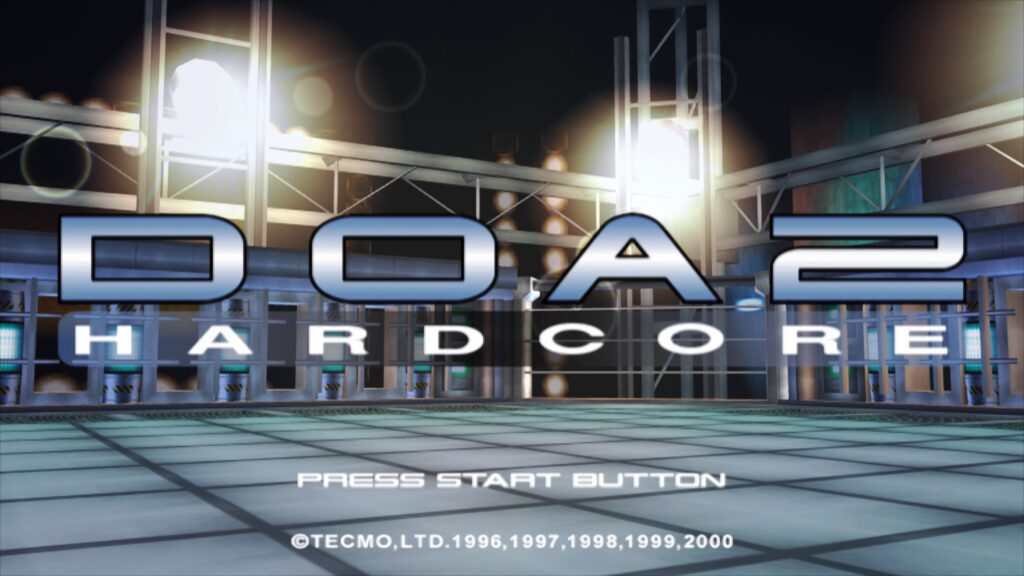
The release of LRPS2 marks a paradigm shift in how community-driven emulation projects approach hardware preservation and modern rendering techniques. By successfully translating the PlayStation 2’s notoriously complex architecture into a Vulkan compute framework, Libretro and contributing developers have established a new benchmark for accuracy and visual scalability.
As the internal database of game-specific patches continues to expand and developers address peripheral challenges—such as analog face button mapping—LRPS2 is poised to become the definitive PlayStation 2 emulation solution for desktop users. By combining the unified frontend convenience of RetroArch with the computational prowess of modern graphics cards, this release ensures that the vast, culturally significant library of the PlayStation 2 era will be preserved, enhanced, and enjoyed by future generations of gamers with unprecedented fidelity.