 Edi Durjana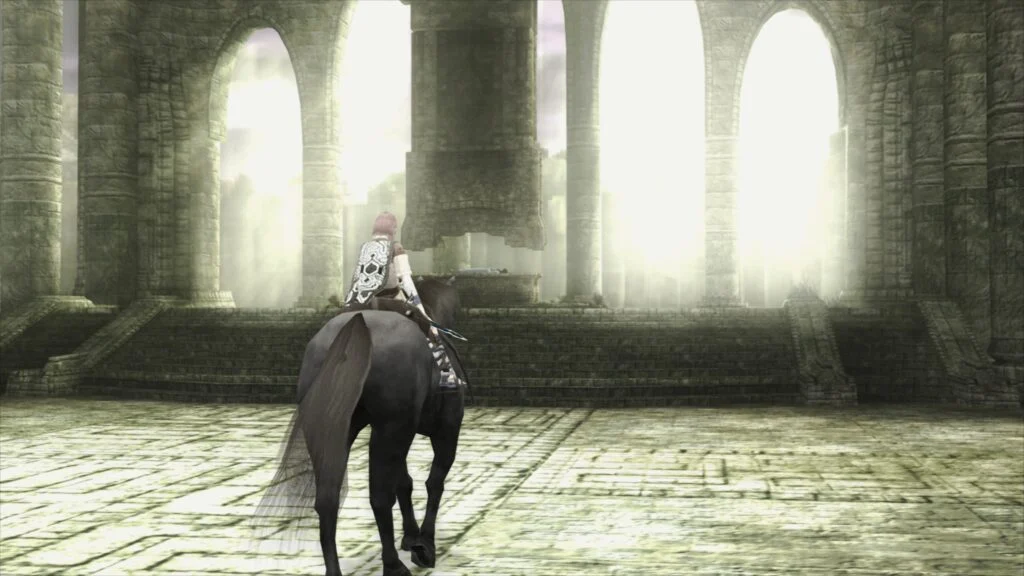
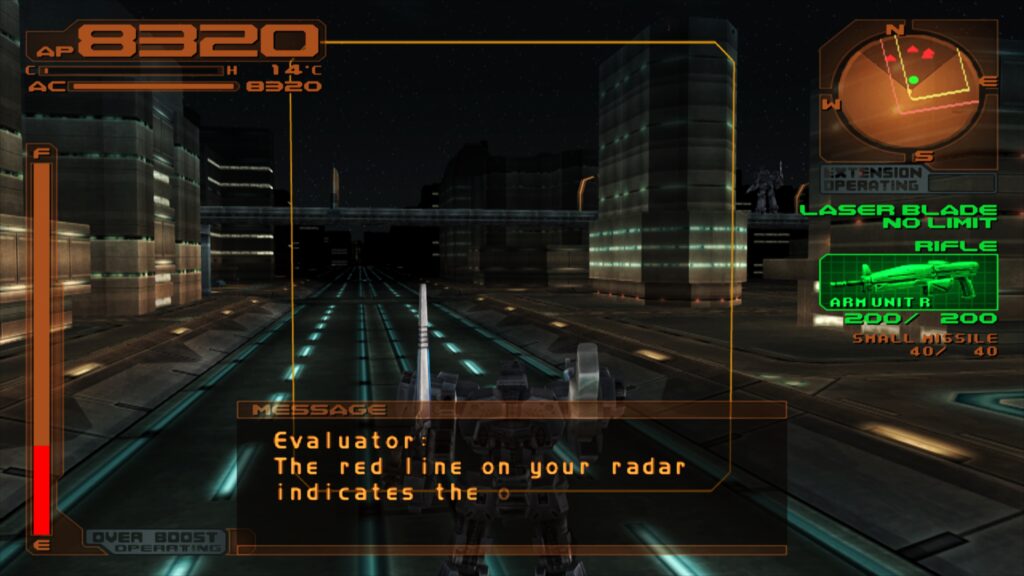
The landscape of video game preservation and emulation has taken a monumental leap forward with the official introduction of LRPS2, a heavily modified, modernized PlayStation 2 core custom-engineered for the Libretro application programming interface. Developed to supersede older, legacy iterations that suffered from persistent technical bottlenecks, outdated code architectures, and severe compatibility hurdles, LRPS2 brings the robust feature set of modern PCSX2 developments directly into the RetroArch ecosystem. Currently compatible with Windows, macOS, and Linux desktop environments, the core is designed to leverage contemporary graphics hardware to deliver unprecedented levels of visual fidelity, rendering accuracy, and execution stability for one of the most commercially successful gaming consoles in history.
Background Context and Technological Evolution
The release of LRPS2 addresses long-standing challenges within the PlayStation 2 emulation community. For years, running complex sixth-generation console architectures inside a standardized multi-emulator frontend like RetroArch presented significant engineering hurdles. Legacy cores were often constrained by aging codebases that failed to scale with modern graphics Application Programming Interfaces (APIs). Consequently, users frequently encountered graphical artifacts, unpredictable crashes, and demanding manual configuration requirements on a per-game basis.
The introduction of LRPS2 changes this dynamic entirely by establishing a modern, up-to-date foundation. Built on a tailored branch of PCSX2, the core benefits from years of upstream compatibility improvements while being meticulously refactored to interface seamlessly with the Libretro API. This integration allows enthusiasts to harness a wide array of rendering backends for the GSdx renderer, including Vulkan across Windows, macOS, and Linux, Direct3D 11 and 12 on Windows systems, and traditional OpenGL support for Windows and Linux platforms.
The Crown Jewel: ParaLLEl-GS and Compute-Based Emulation
By far the most transformative element of the LRPS2 release is the inclusion of paraLLEl-GS, a ground-up graphics synthesizer reimplementation developed entirely as a compute program by renowned emulator developer Themaister. Following the philosophical framework established by earlier compute-based renderers like paraLLEl-RDP for Nintendo 64 emulation, paraLLEl-GS is written exclusively for the Vulkan graphics API, shifting the heavy burden of pixel and vertex processing onto GPU compute shaders.
The primary objective of paraLLEl-GS is to achieve parity with authentic software rendering accuracy while simultaneously unlocking modern graphical enhancements. Traditional hardware renderers often require extensive game-specific hacks to correct texture mapping, lighting anomalies, and post-processing effects. In contrast, paraLLEl-GS aims to handle these complex routines natively through hardware-accelerated compute pipelines.
A standout capability of this new renderer is its implementation of 16x Supersample Anti-Aliasing (SSAA) combined with high-resolution scanout. When enabled, this feature set effectively eliminates the persistent shimmering, jagged edges, and geometric pixelation that typically plague upscaled sixth-generation polygonal graphics. Furthermore, high-resolution scanout doubles the native output resolution, merging with SSAA to produce an overall image quality that often surpasses traditional high internal resolution scaling via GSdx—all while requiring virtually zero manual, game-specific overrides.
Installation and Setup Procedure
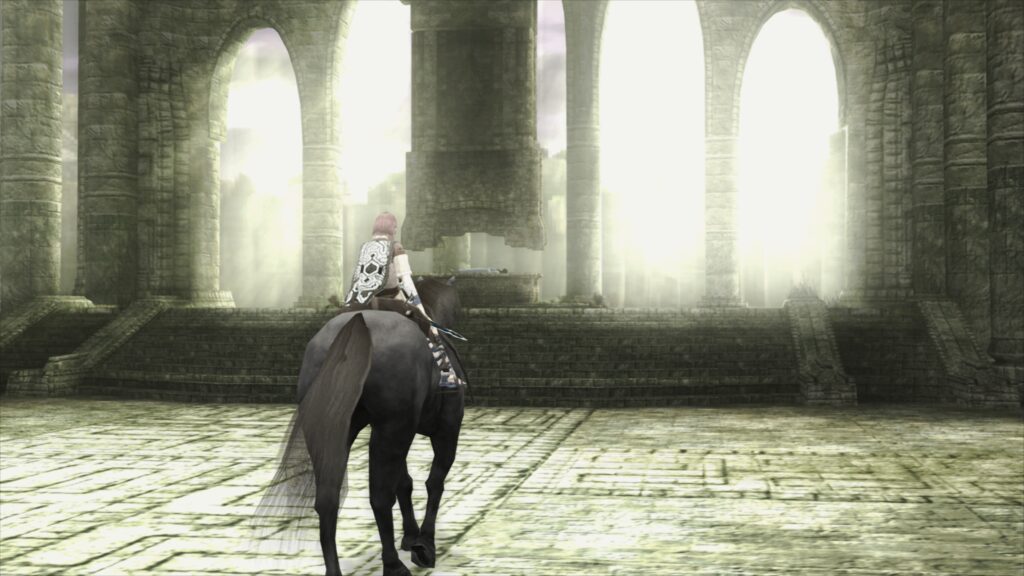
Deploying LRPS2 requires a structured configuration process within the RetroArch environment. Because the core relies on modern computing instructions and specific asset directories, users must follow a precise sequence of updates and file placements to ensure optimal performance.
To begin, users operating on supported platforms—specifically x86_64 Windows, Linux, and macOS distributions (the core is currently unavailable for Android, iOS, and ARM-based Linux architectures)—must navigate to the RetroArch online updater. The initial step requires selecting “Update Core Info Files” to ensure the user interface correctly catalogs the newly introduced core. Following this, the user accesses the “Core Downloader” menu and locates the entry designated as “Sony – Playstation 2 (LRPS).”
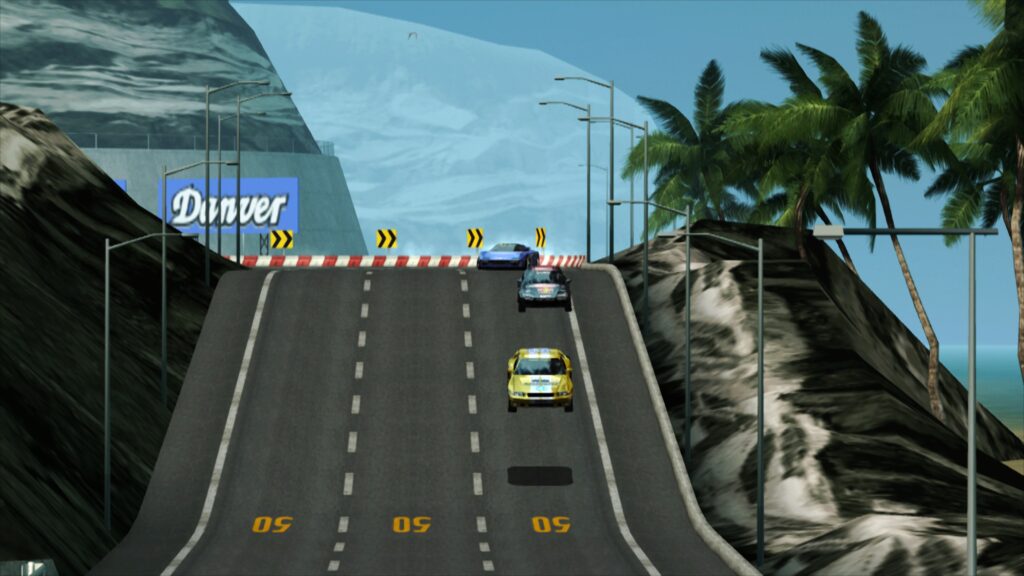
Once the core binary is downloaded, users must acquire the necessary system files by selecting “Core System Files Downloader” and obtaining the LRPS2.zip archive. This package automatically generates a designated “pcsx2” folder inside the primary RetroArch “system” directory. Within this directory, the archive deposits the vital GameIndex.yaml file, a comprehensive database containing per-game hacks, optimization hints, and compatibility parameters utilized by both the core and the GSdx renderer. Additionally, the setup procedure establishes a “bios” folder, into which users must manually place legally dumped PlayStation 2 BIOS files.
Upon completion of these directory structures, RetroArch is fully prepared to scan and execute PlayStation 2 software. Supported media formats include uncompressed ISO disk images as well as compressed CHD (Compressed Hunks of Data) files. However, developers emphasize that generic compressed archive formats such as .7z, .rar, and .zip are fundamentally unsupported and will fail to load.
Specialized Configuration for macOS and Apple Silicon
Macintosh users utilizing modern Apple Silicon hardware face unique operational requirements due to the underlying architecture of the LRPS2 core. Because the initial release relies on specific compilation pathways that do not natively execute on ARM64 macOS without translation layers, users must configure RetroArch to run via Apple’s Rosetta 2 environment.
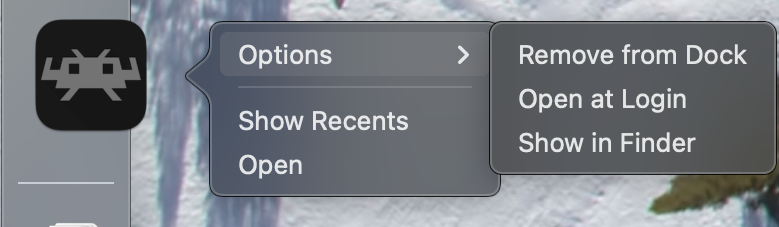
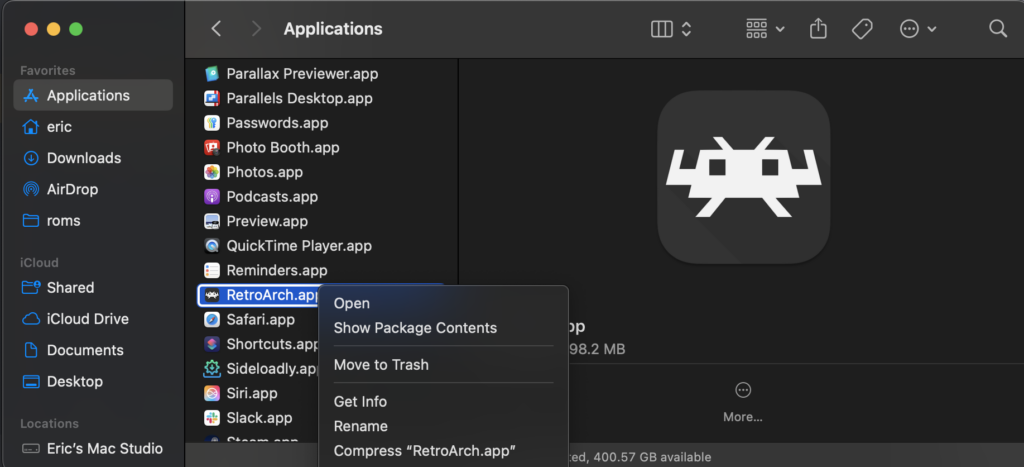
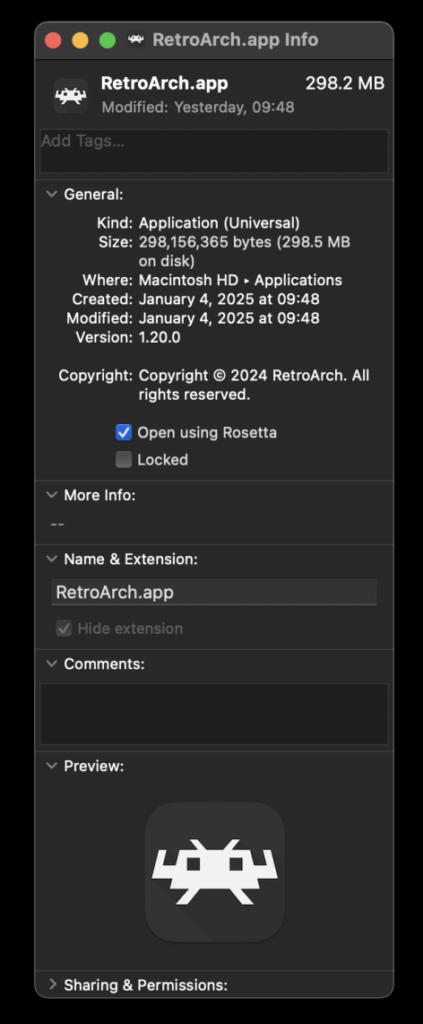
To initiate this process, users must completely exit RetroArch and locate the application binary within the macOS Finder. By right-clicking the application icon and selecting the “Get Info” contextual menu item, users access the system properties panel. Within this interface, a dedicated checkbox labeled “Open using Rosetta” must be selected. Once this setting is applied, relaunching RetroArch enables the application to translate the x86_64 instructions, subsequently revealing the LRPS2 core within the online Core Downloader.
Frequently Encountered Technical Challenges and Troubleshooting
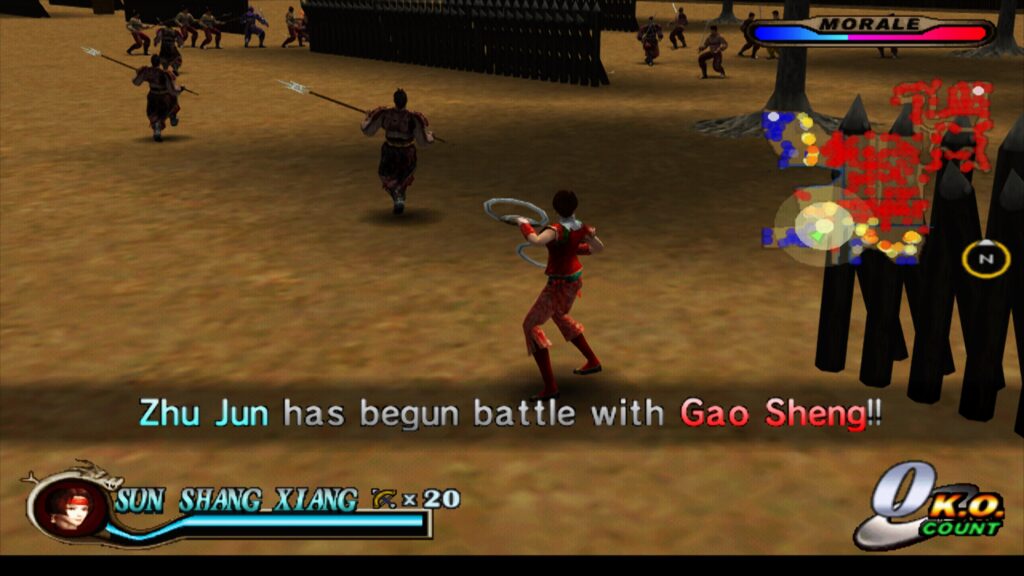
As with any major software release bridging complex legacy architectures with modern rendering APIs, users may encounter specific technical hurdles during initial deployment. Libretro developers and community maintainers have documented several common troubleshooting scenarios along with their respective resolutions.
Audio Without Video Output
A frequently reported issue on Windows systems involves encountering a black screen accompanied by functional audio playback upon launching a game. This behavior is typically linked to the default Direct3D 11 video driver. To resolve this anomaly, users are advised to switch their global video driver—or establish a core-specific override—to Direct3D 12 before restarting the core and content.
Hardware Limitations on Intel Integrated Graphics
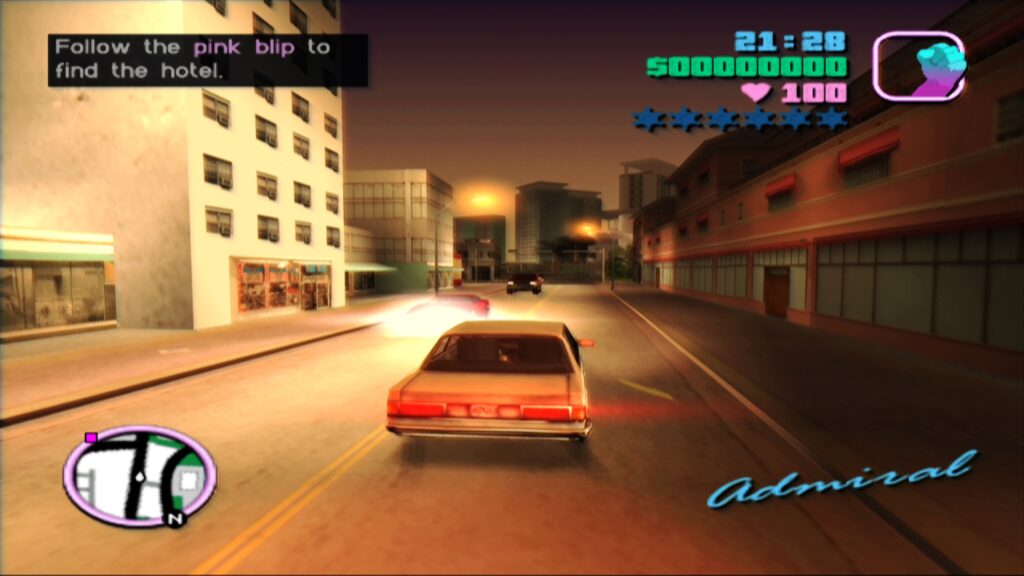
While paraLLEl-GS offers unmatched visual fidelity and accuracy, its reliance on advanced Vulkan compute shaders imposes significant demands on host hardware. Testing indicates that Intel integrated graphics processors (IGPs) lack the necessary compute throughput to execute the renderer at full speed, resulting in severe performance degradation even on relatively recent integrated chipsets. In these instances, users are encouraged to rely on the traditional software renderer or standard GSdx options, reserving paraLLEl-GS for dedicated discrete graphics cards, including Intel’s newer discrete GPU lineup.
Vulkan Software Renderer Instability on Linux
Developers have acknowledged a known bug wherein the software renderer experiences application crashes when paired with the Vulkan video driver under Linux operating systems. While diagnostic investigations are ongoing, the recommended workaround involves switching the primary video driver to the “glcore” profile in Linux environments, or utilizing Direct3D alternatives on Windows platforms.
Managing Frame Pacing and Synchronization
Achieving optimal frame pacing for precise emulation of 60Hz and 50Hz PlayStation 2 titles requires careful tuning of display synchronization settings. Users experiencing micro-stutters or frame pacing irregularities are advised to experiment with the “Sync to Exact Content Framerate” parameter located within the RetroArch video settings. For displays supporting Variable Refresh Rate (VRR) technology, disabling VSync within RetroArch while forcing VSync via external control panels (such as the NVIDIA Control Panel) often yields superior results. However, developers note that specific titles—such as Fighting Vipers and Sega Rally 1995—may exhibit unexpected behavior under exact framerate synchronization, necessitating individual testing.
Broader Implications for Video Game Preservation
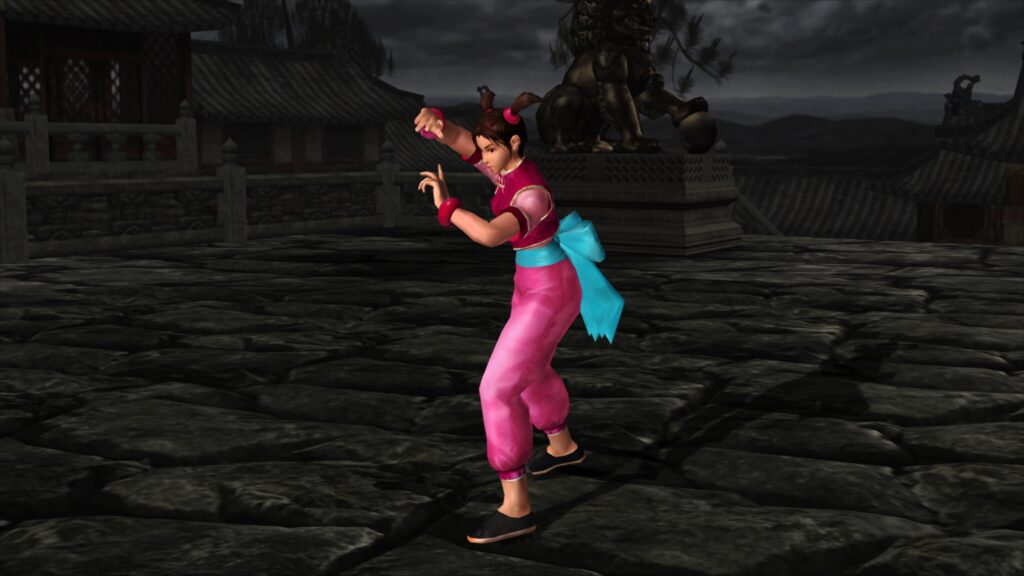
The deployment of LRPS2 within the Libretro framework marks a significant milestone in the ongoing effort to preserve sixth-generation console software. By bridging the gap between standalone emulation projects and standardized multi-system frontends, the initiative lowers the barrier to entry for enthusiasts seeking high-fidelity emulation without sacrificing organizational convenience.
Furthermore, the integration of advanced compute-based renderers like paraLLEl-GS demonstrates a shifting paradigm in emulation engineering. Moving away from fragile, game-specific hardcoded patches toward mathematically rigorous, hardware-accelerated pipeline simulations ensures greater long-term stability and fidelity. As the internal game database expands and community contributions refine the codebase, LRPS2 stands poised to become a cornerstone of modern retro gaming infrastructure, ensuring that the rich library of the PlayStation 2 era remains accessible, visually stunning, and faithfully executed for generations of players and archivists to come.