Edi Durjana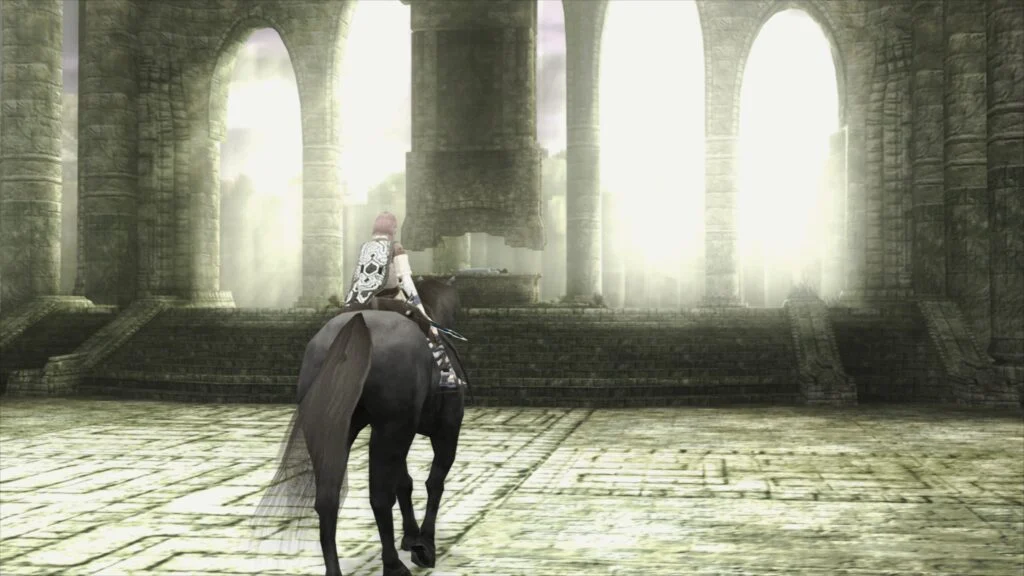
Libretro, the organization behind the popular multi-system emulator frontend RetroArch, has announced the release of LRPS2, a groundbreaking new PlayStation 2 (PS2) core. This heavily modified version of the acclaimed PCSX2 emulator has been custom-tailored for the Libretro API, promising a significantly modernized and enhanced PS2 emulation experience across Windows, macOS, and Linux platforms. The introduction of LRPS2 marks a pivotal moment for retro gaming enthusiasts, offering unprecedented accuracy and visual fidelity for one of the best-selling and most beloved consoles of all time.
A New Era for PlayStation 2 Emulation within RetroArch
For years, the PlayStation 2 has presented a formidable challenge for emulation developers due to its complex and unique hardware architecture, notably the Emotion Engine CPU and the Graphics Synthesizer GPU. While PCSX2 has long stood as the gold standard for standalone PS2 emulation, its integration into unified frontends like RetroArch has faced hurdles. The previous PS2 core available in RetroArch was known to have significant limitations, often suffering from outdated codebases and serious drawbacks in performance, compatibility, and rendering capabilities.
LRPS2 directly addresses these issues. Built upon a modern, up-to-date codebase derived from PCSX2, the new core is designed to overcome the deficiencies of its predecessor. This fundamental overhaul ensures greater stability, improved performance, and a more robust foundation for future enhancements. The core’s immediate availability on major desktop operating systems—Windows, macOS, and Linux—signifies a broad commitment to accessibility, though specific architectural requirements, such as Rosetta for Apple Silicon Macs, highlight the ongoing complexities of cross-platform development.
Advanced Rendering Capabilities: From GSdx to the Revolutionary paraLLEl-GS
One of the most compelling features of LRPS2 is its comprehensive support for nearly all rendering backends offered by the GSdx renderer, PCSX2’s primary graphics plugin. This includes cutting-edge APIs such as Vulkan, available across Windows, macOS, and Linux, providing high-performance and modern rendering capabilities. Windows users also benefit from support for Direct3D 11 and 12, ensuring optimal performance on a wide range of hardware configurations, while OpenGL remains an option for Windows and Linux users. This extensive backend support allows users to choose the most suitable renderer for their specific system, balancing performance and compatibility.
However, the true star of this release is the integration of paraLLEl-GS, a brand-new, experimental renderer developed by Themaister. Much like the paraLLEl-RDP renderer revolutionized Nintendo 64 emulation by leveraging modern GPU capabilities, paraLLEl-GS re-implements the PlayStation 2’s Graphics Synthesizer entirely as a compute program, exclusively utilizing the Vulkan graphics API. This innovative approach moves away from traditional graphics pipelines, allowing for a level of accuracy and enhancement previously unattainable.
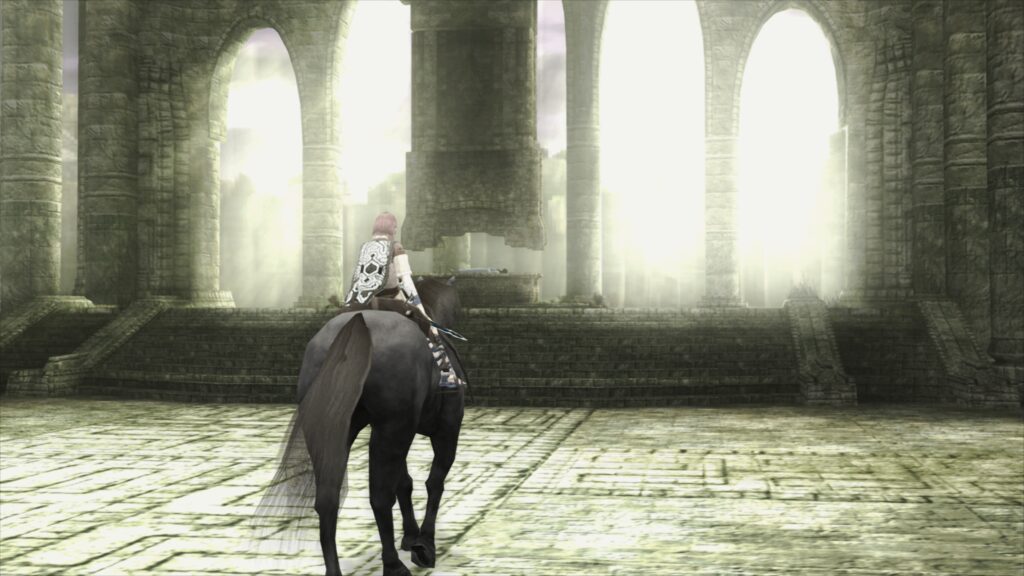
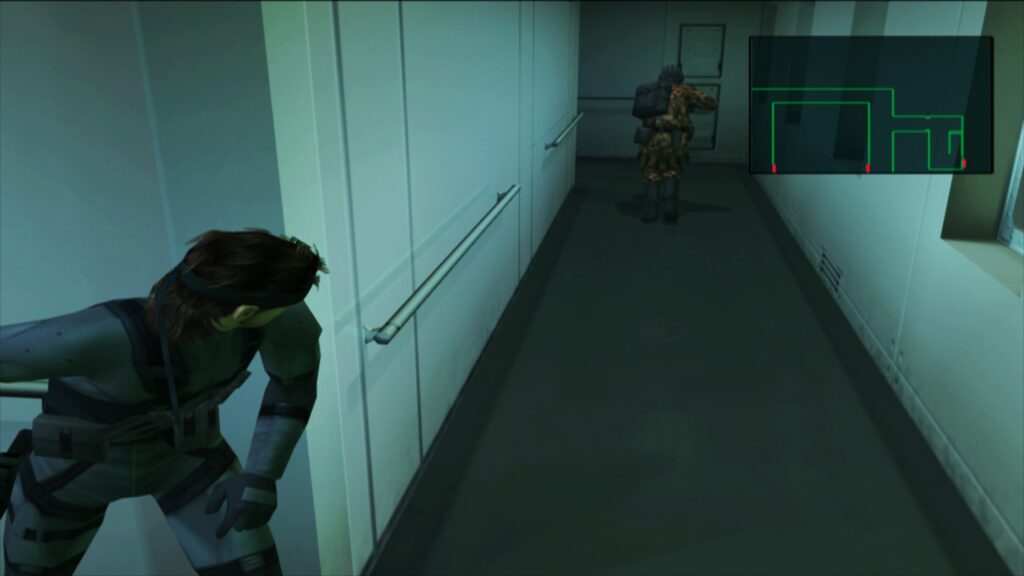
The core philosophy behind paraLLEl-GS is to achieve the accuracy of a software renderer but with the added benefits of advanced graphical enhancements. Its standout feature is Super-Sampling Anti-Aliasing (SSAA), which, when combined with experimental high-res scanout (up to 16x SSAA), dramatically reduces shimmering and "jaggies" on 3D geometry and textures. This results in an incredibly clean and crisp image quality that can often surpass GSdx rendering at significantly higher internal resolutions, all while requiring fewer game-specific hacks. Themaister’s detailed technical breakdown of this project, published several months prior, offered a glimpse into the sophisticated compute shader techniques employed to meticulously recreate the PS2’s unique rendering quirks. The ability to double the resolution with high-res scanout further elevates the visual experience, making classic PS2 titles look stunning on modern displays.
Setting Up the LRPS2 Core: A Step-by-Step Guide
To get started with LRPS2, users on supported platforms (Windows, Linux x86_64, and macOS) must first ensure their RetroArch installation is up to date. The process involves several key steps:
- Update Core Info Files: Navigate to the online updater in RetroArch and select "Update Core Info Files." This ensures that the LRPS2 core appears correctly in the menu.
- Download the Core: Proceed to the "Core Downloader" and locate "Sony – Playstation 2 (LRPS)" to download the core itself.
- Acquire System Files: Crucially, visit the "Core System Files Downloader" to obtain the "LRPS2.zip" bundle. This bundle is essential as it automatically creates the ‘pcsx2’ directory within your ‘system’ directory. Inside, it places ‘GameIndex.yaml’, a critical file containing per-game hacks and settings used by the core and GSdx renderer for compatibility. It also creates a ‘bios’ directory.
- Install PS2 BIOS: Users must then legally obtain and place their PlayStation 2 BIOS files within the newly created ‘bios’ directory. This is a standard requirement for PS2 emulation due to copyright and technical necessity.
- Load Games: Once these steps are complete, games in various formats, including CHD (Compressed Hunk Data), can be loaded. It’s important to note that compressed archives like .7z, .rar, or *.zip are not supported for direct loading.
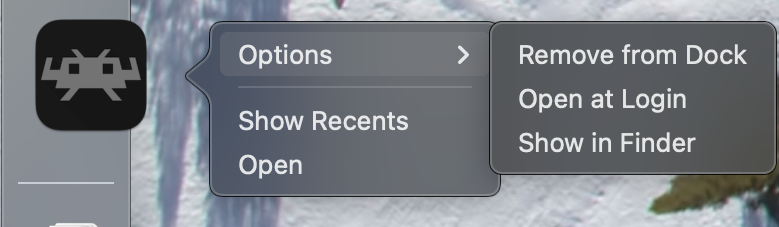
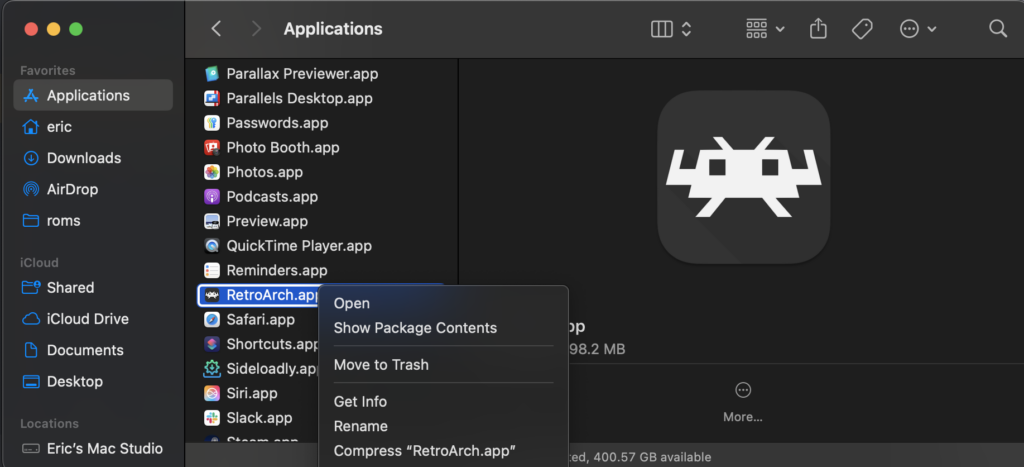
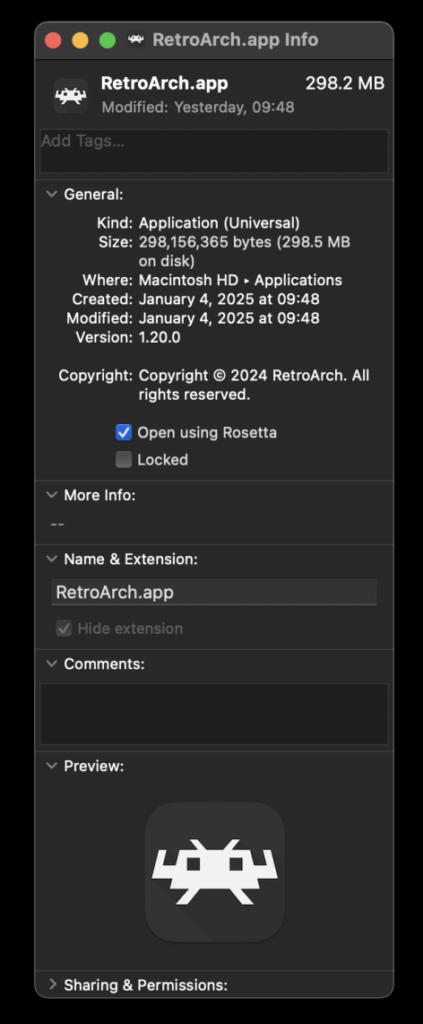
For macOS users running on Apple Silicon (M1, M2, etc.), an additional step is required. RetroArch must be run using Rosetta, Apple’s dynamic binary translator. This involves right-clicking the RetroArch application in Finder, selecting "Get Info," and checking the "Open using Rosetta" box. This enables the x86_64 core to function correctly on the ARM-based Apple Silicon architecture, allowing LRPS2 to appear in the Core Downloader.
Core Options and Fine-Tuning for Optimal Experience
LRPS2 provides a comprehensive suite of core options categorized into System, Video (general and GSdx-specific), Manual Hardware Rendering Fixes (GSdx), Emulation, and Input, along with specific options for paraLLEl-GS. These options allow users to fine-tune their emulation experience:

- System Options: Control fundamental aspects of the emulated PS2 hardware.
- Video Options (General): Settings for resolution, aspect ratio, and general video enhancements.
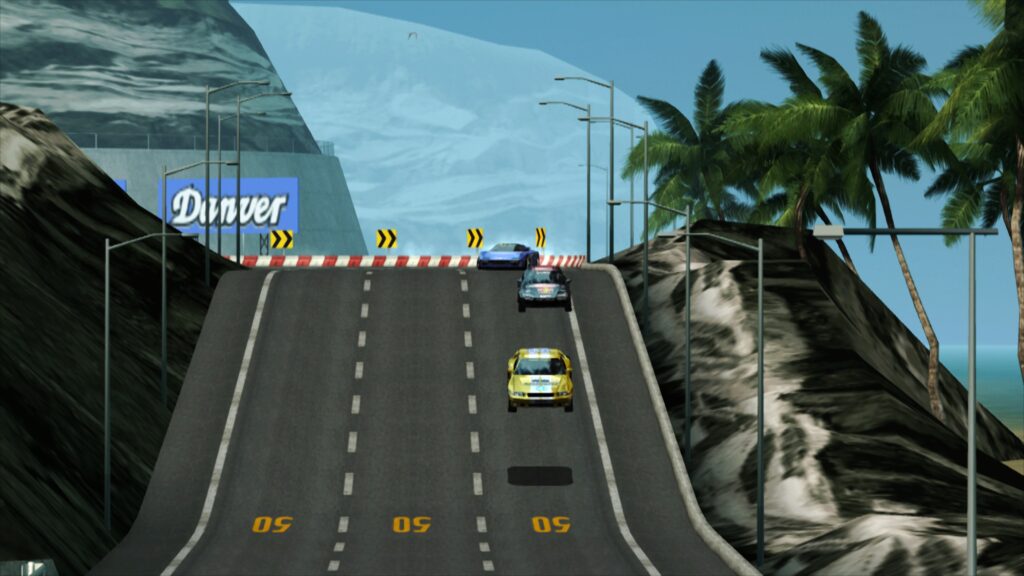
- Video – GSdx: Offers extensive controls over internal resolution scaling, texture filtering, anti-aliasing methods (beyond SSAA for paraLLEl-GS), and various hardware rendering fixes. These settings are crucial for mitigating graphical glitches and enhancing visuals when using the GSdx renderer.
- Manual Hardware Rendering Fixes – GSdx: Specific toggles to address known rendering issues in particular games, often requiring per-game adjustments.
- Emulation Options: Parameters related to CPU speed, cycle rates, and other emulation accuracy settings that can impact performance and compatibility.
- Input Options: Configuration for controllers, allowing for custom button mappings and peripheral emulation. The development team is actively working on implementing analog face button support, a feature present in a few PS2 titles.
ParaLLEl-GS Specific Enhancements:
This renderer offers unique options that leverage its compute shader architecture. Beyond 16x SSAA and high-res scanout, settings like "Enable experimental high-res scanout" provide a dramatic visual uplift. The ability to double the resolution combined with superior anti-aliasing means that paraLLEl-GS can often deliver a visually superior experience to GSdx, especially on compatible hardware.
Addressing Common Challenges and Future Development
While LRPS2 represents a significant leap forward, the development team acknowledges some initial challenges and ongoing work:
- Black Screen on D3D11: Some Windows users might encounter a black screen with audio when using the default D3D11 video driver. Switching to D3D12 (either globally or via core override) is a known workaround.
- ParaLLEl-GS Performance on Intel IGPs: ParaLLEl-GS, with its heavy reliance on compute shaders, may struggle on older or integrated Intel GPUs. Discrete GPUs, including Intel’s newer dedicated cards, are expected to perform well. For users with less powerful integrated graphics, the software renderer or GSdx remains the recommended option.
- Software Renderer and Vulkan: A known issue causes the software renderer to crash when the Vulkan video driver is active. Users are advised to switch to ‘glcore’ on Linux or a D3D driver on Windows for reliable software rendering.
- Analog Face Buttons: The unique analog pressure-sensitive face buttons of the DualShock 2 are still under development. While not critical for completing most games, their eventual implementation will further enhance authenticity.
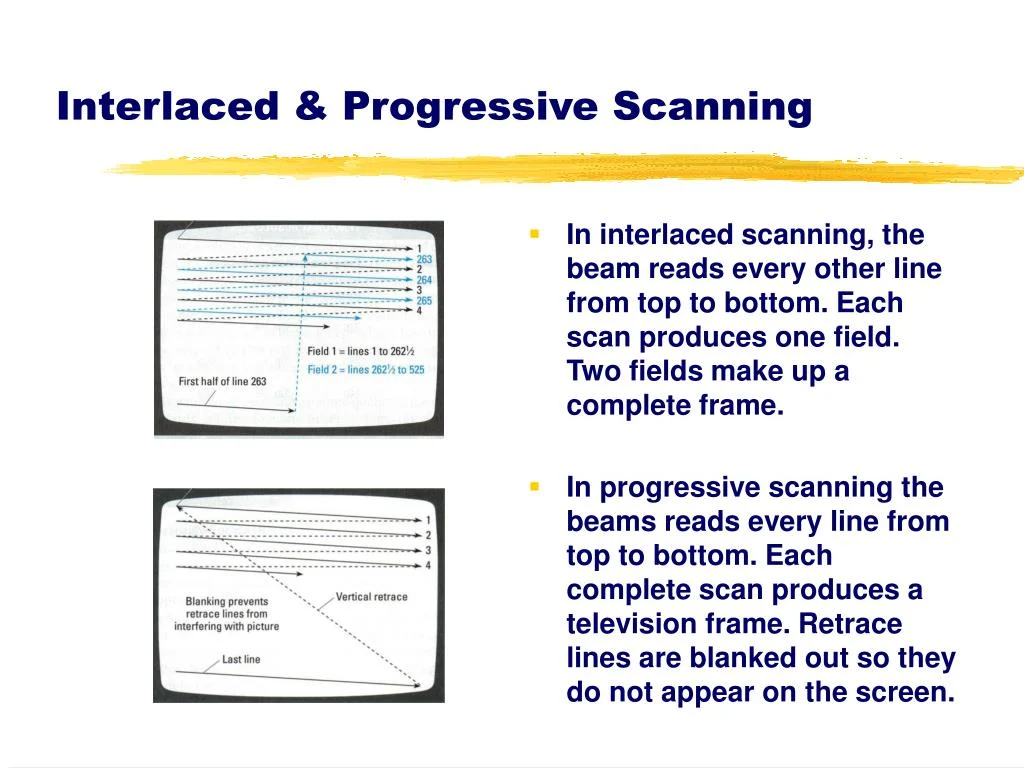
- Per-Game Patch Visibility: Currently, identifying which internal patches (e.g., game enhancements, widescreen hacks, interlacing removal) are applied on a per-game basis requires enabling RetroArch’s logging and reviewing the output. The internal database of game-specific fixes is continually expanding.
- Platform Availability: LRPS2 is specifically available for Windows, Linux (x86_64), and macOS. It is explicitly NOT supported on Android, iOS, or ARM Linux platforms at this time, which is a key distinction from many other RetroArch cores.
- Frame Pacing: For smoother gameplay, users are encouraged to experiment with the "Sync to Exact Content Framerate" option in RetroArch’s Video -> Synchronization settings. For VRR displays, turning VSync off in RetroArch while ensuring it’s enabled in the GPU driver control panel (e.g., Nvidia) can yield excellent results, though some games may behave unpredictably.
Impact and Implications for Retro Gaming
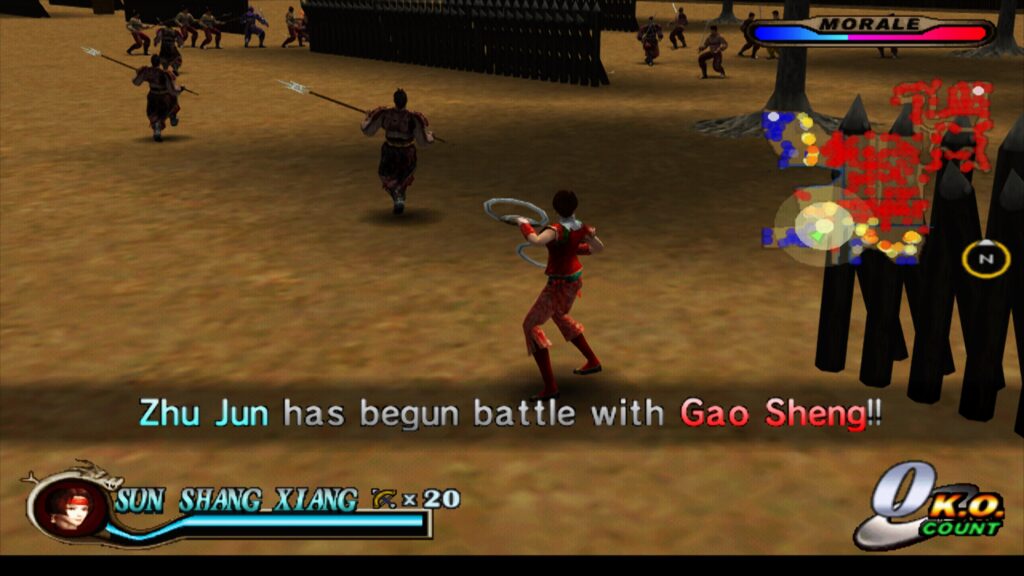
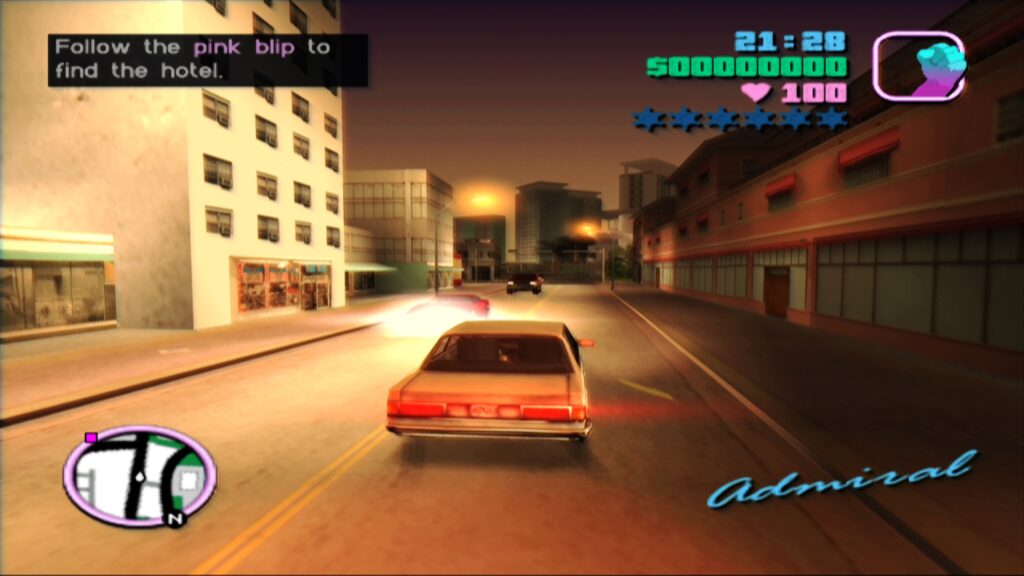
The release of LRPS2, particularly with the innovative paraLLEl-GS renderer, solidifies RetroArch’s position as a leading platform for historical game preservation and enhanced retro gaming. The PlayStation 2, with over 155 million units sold worldwide and a vast library of over 3,800 titles, represents a monumental era in gaming history. Titles like Metal Gear Solid 2, Grand Theft Auto: Vice City, Shadow of the Colossus, and Tekken Tag Tournament are not just games; they are cultural touchstones.
The ability to accurately emulate these games, with modern graphical enhancements that surpass the original console’s capabilities, breathes new life into them. Players can revisit beloved classics with crisp, anti-aliased visuals, higher resolutions, and improved performance, all within the unified, feature-rich environment of RetroArch. The modular nature of Libretro allows for continuous improvement and integration of cutting-edge emulation techniques, such as compute shader-based rendering, which promises even greater accuracy and flexibility for future console generations.
This development also underscores the dedication of the open-source community to continually push the boundaries of what’s possible in emulation. The collaborative effort behind projects like PCSX2, and now its adaptation into LRPS2, ensures that the legacy of consoles like the PlayStation 2 remains accessible and enjoyable for generations to come, preventing digital history from fading into obscurity. As the LRPS2 core continues to evolve, with ongoing work on features like analog face buttons and expanding the game-specific compatibility database, the future of PlayStation 2 emulation within RetroArch appears brighter than ever.