 Edi Durjana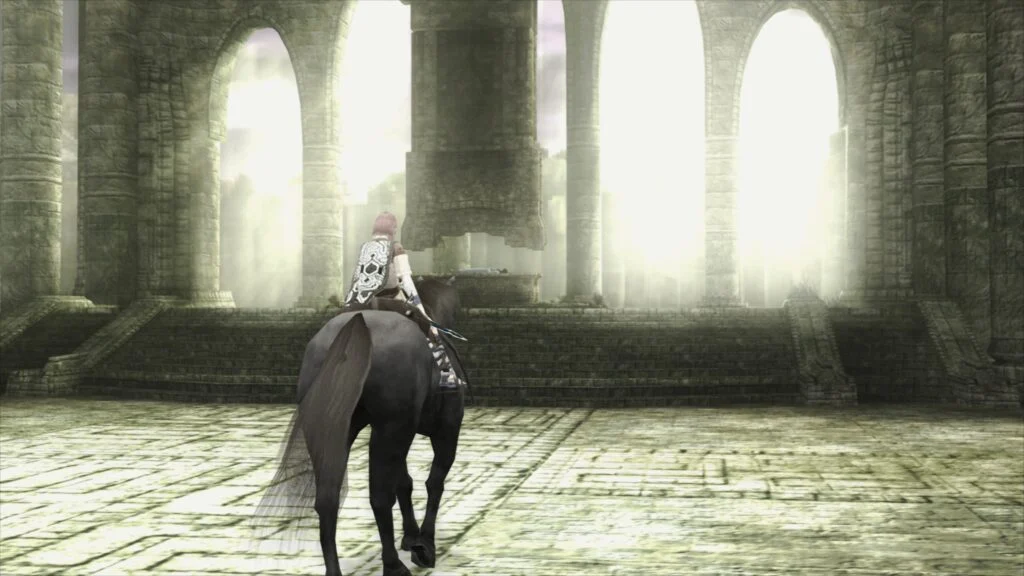
The landscape of video game preservation and emulation has taken a monumental leap forward with the official introduction of LRPS2, a heavily customized and modernized PlayStation 2 core tailored specifically for the Libretro API. Developed to replace outdated and legacy infrastructure, this new core leverages up-to-date codebases derived from PCSX2 to deliver significantly improved stability, broader compatibility, and advanced rendering features across Windows, macOS, and Linux platforms.
The release addresses long-standing performance bottlenecks that plagued older iterations of PlayStation 2 emulation within the RetroArch ecosystem. By modernizing the underlying architecture, the development team has eliminated critical drawbacks, paving the way for a more streamlined, reliable, and visually superior emulation experience. This release is accompanied by the introduction of paraLLEl-GS, a revolutionary Vulkan compute-based renderer designed to replicate the PlayStation 2’s Graphics Synthesizer with unprecedented accuracy.
Background Context and Technological Evolution
PlayStation 2 emulation has historically been one of the most complex challenges in the retro gaming community. Due to the console’s unique and unorthodox hardware architecture—anchored by the proprietary Emotion Engine CPU and the Graphics Synthesizer—emulating its ecosystem requires immense processing power and highly specialized software engineering. For years, standalone applications like PCSX2 led the charge, but integrating these complex systems into multi-platform frontend frameworks like RetroArch often resulted in performance compromises, code fragmentation, and maintenance hurdles.
The arrival of LRPS2 marks a paradigm shift. By tailoring the modern PCSX2 codebase directly to the Libretro API, developers have bridged the gap between standalone emulator efficiency and frontend versatility. Crucially, the inclusion of multiple rendering backends—including Vulkan across Windows, macOS, and Linux, Direct3D 11 and 12 on Windows, and OpenGL on Windows and Linux—ensures that users can leverage hardware acceleration tailored to their specific system configurations.
The Star of the Show: paraLLEl-GS and Compute-Based Rendering
By far the most anticipated technological milestone accompanying the LRPS2 launch is paraLLEl-GS. Developed by Andreas Naive (Themaister), who is also renowned for his work on the paraLLEl-RDP project for Nintendo 64 emulation, this new renderer is written entirely as a Vulkan compute program.
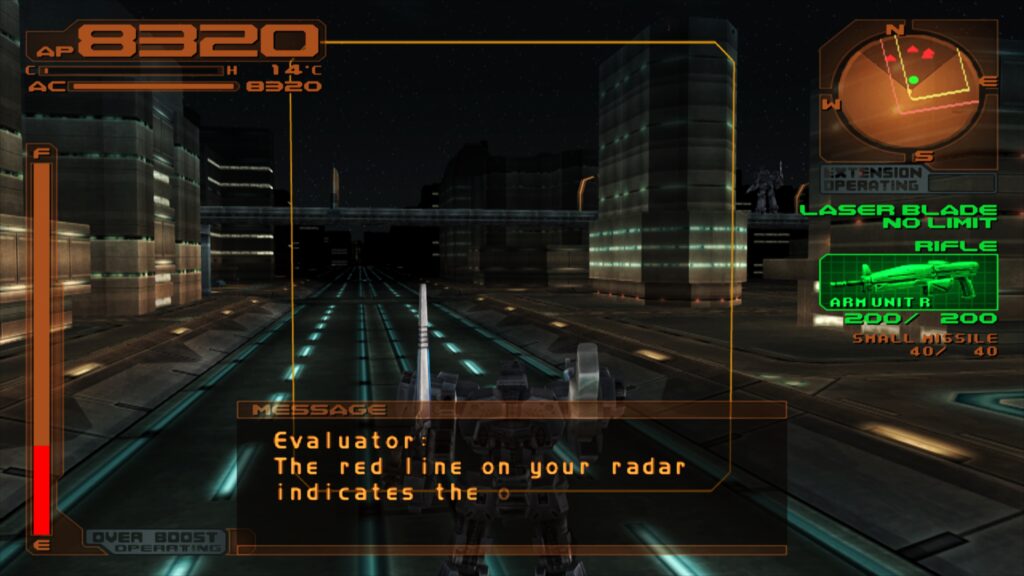
Traditional renderers often rely on high internal resolutions to clear up the muddy textures and jagged edges inherent to sixth-generation console hardware, frequently requiring extensive game-specific hacks to prevent graphical glitches. In contrast, paraLLEl-GS aims for native-level software accuracy while introducing modern graphical enhancements. Its standout feature is 16x Sparse Sampling Anti-Aliasing (SSAA) combined with high-resolution scanout. When enabled, this combination virtually eliminates shimmering and geometric jaggies without breaking game logic.
Furthermore, high-resolution scanout allows users to double the native resolution cleanly. The resulting image quality frequently surpasses traditional gsDX rendering pushed to extreme internal resolutions, achieving this visual fidelity with minimal reliance on per-game manual hardware fixes.
Step-by-Step Installation and Platform Compatibility
Deploying LRPS2 requires careful adherence to setup protocols to ensure proper integration within the RetroArch environment. The core is currently available for Windows, Linux (x86_64), and macOS, though it is notably unsupported on mobile operating systems such as Android and iOS, as well as ARM-based Linux distributions.
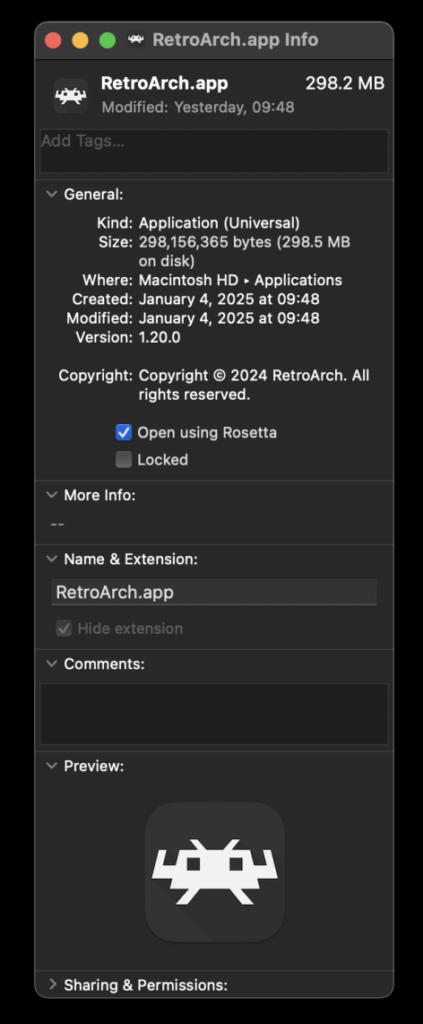
To initiate the installation, users must navigate to the RetroArch online updater and select "Update Core Info Files" to ensure correct menu categorization. Following this, the core can be acquired via the "Core Downloader" under the entry labeled "Sony – Playstation 2 (LRPS2)." System files are subsequently managed through the "Core System Files Downloader," which retrieves the necessary LRPS2.zip bundle.
This bundle automatically provisions a designated "pcsx2" folder within the primary "system" directory, housing the GameIndex.yaml file—a crucial database containing per-game compatibility hacks and settings for the gsDx renderer. Additionally, users must manually place legally acquired PlayStation 2 BIOS files within the newly generated "bios" directory. Once configured, games can be loaded using uncompressed formats such as CHD, while compressed archive formats like .7z, .rar, and .zip remain incompatible with the core.
Special Configuration for macOS Apple Silicon Users
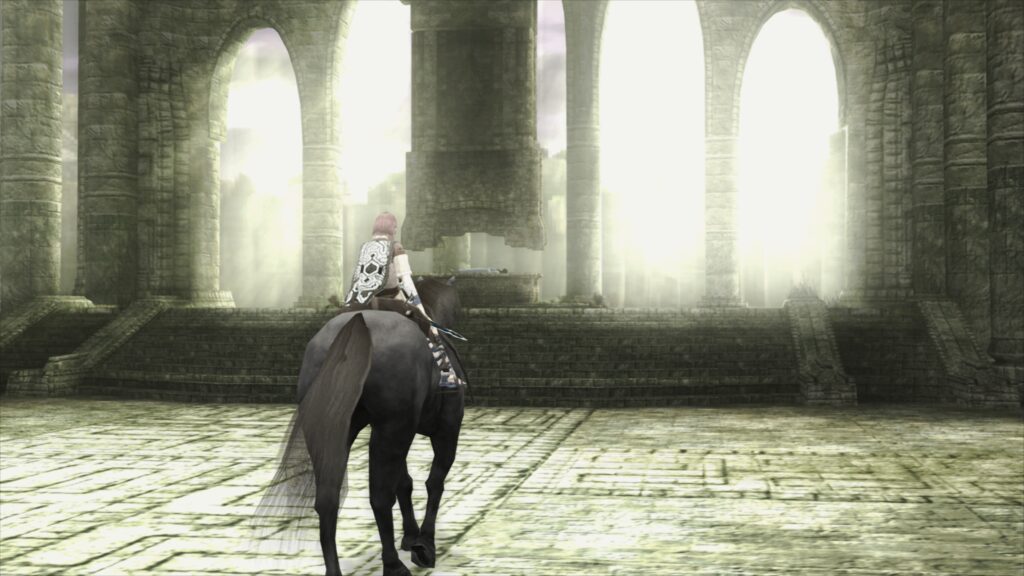
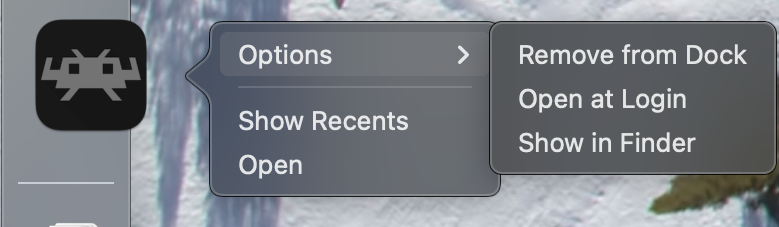
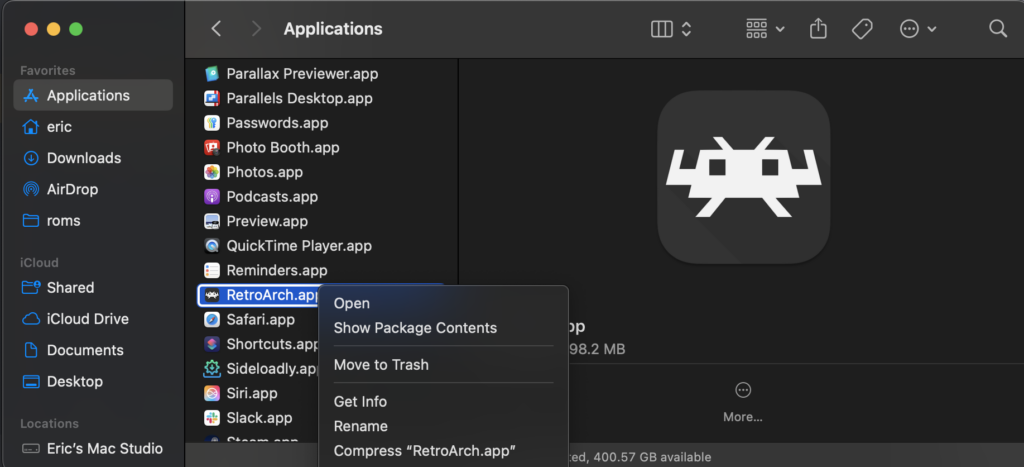
Operating LRPS2 on modern Apple Silicon Macs requires a specific compatibility workaround due to architecture dependencies. Because the core currently relies on execution environments that favor Rosetta translation layers for optimal compatibility, users must configure the RetroArch application accordingly.
To enable this, users must exit RetroArch completely, locate the application file within Finder, right-click, and select "Get Info." Within the information panel, users must check the box labeled "Open using Rosetta." Once this setting is applied, relaunching RetroArch will successfully populate the LRPS2 core within the Core Downloader interface.
Comprehensive Core Options and GSdx Enhancements
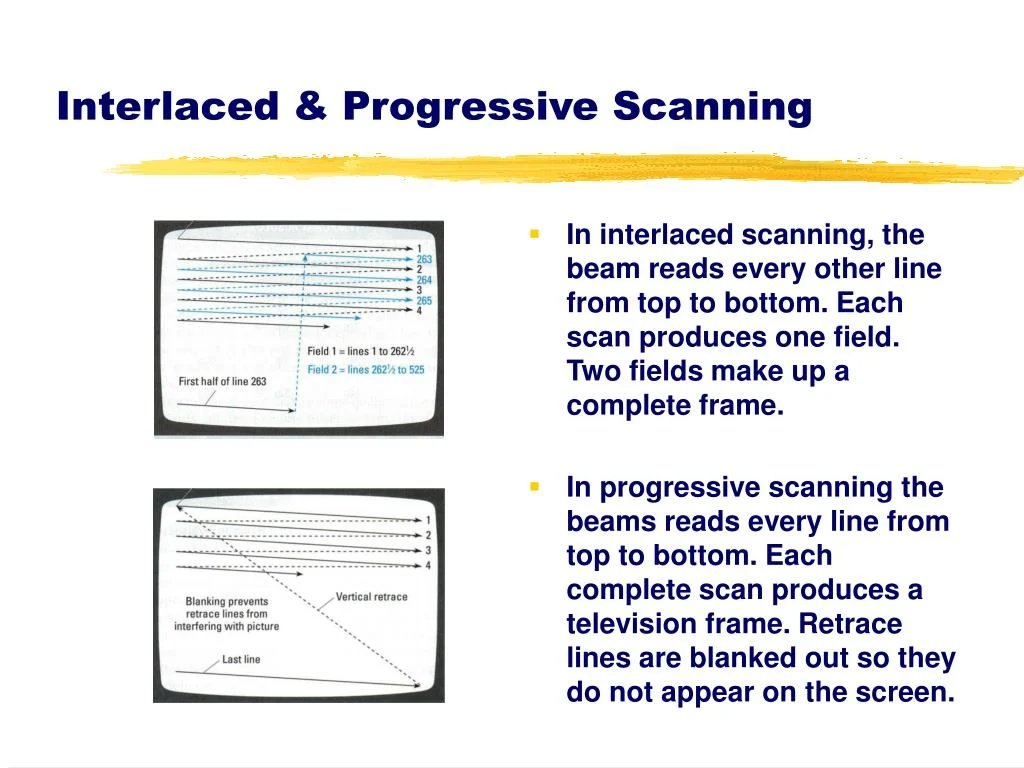
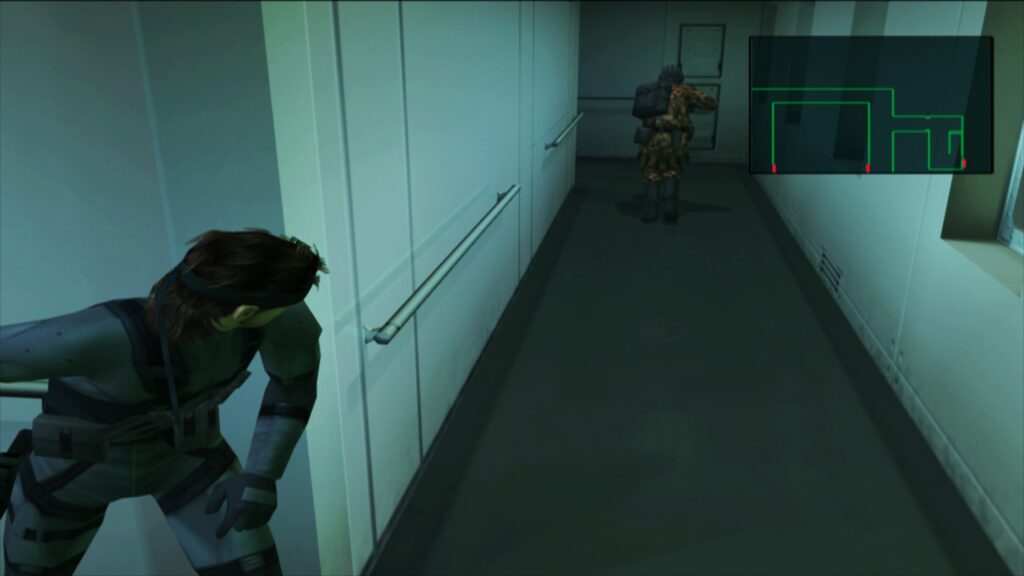
LRPS2 introduces an extensive suite of configurable parameters divided into system, video, emulation, and input categories. For users utilizing the standard gsDX renderer rather than paraLLEl-GS, a multitude of advanced settings are available to fine-grain graphical output. These include anisotropic filtering, texture filtering adjustments, manual hardware rendering fixes for notoriously difficult-to-emulate titles like Metal Gear Solid 2 and Silent Hill 3, and interlacing toggles designed to reduce visual flicker on modern progressive-scan displays.
Emulation settings allow enthusiasts to adjust cycle stealing and EE timing adjustments, which can help stabilize frame rates in demanding titles such as Shadow of the Colossus or God of War. Input configurations currently map standard DualShock 2 inputs, though developers have confirmed that ongoing work is underway to fully integrate analog face button support, a feature utilized by a niche selection of library titles.
Troubleshooting Common Emulation Hurdles
As with any major software release, early adopters have encountered specific technical hurdles, prompting the development team to issue comprehensive troubleshooting guidance.
Black Screen with Active Audio: Users utilizing the default D3D11 video driver on Windows may occasionally encounter a black screen upon launching content while audio plays normally. Resolving this requires switching the global or core-specific video driver to D3D12.
Intel Integrated Graphics Performance: While paraLLEl-GS is a technological marvel, its heavy reliance on advanced compute shaders means that Intel integrated graphics processors (IGPs) struggle to maintain full-speed execution. Users with older or mid-range Intel IGPs are advised to utilize the standard software renderer or gsDX renderer instead, as Intel’s newer discrete graphics cards are required to run compute-heavy renderers smoothly.
Vulkan Software Renderer Crashes: An intermittent issue involving the software renderer crashing when paired with the Vulkan video driver has been documented on Linux systems. Developers recommend switching to the "glcore" driver on Linux or a DirectX driver on Windows until a permanent patch is deployed.
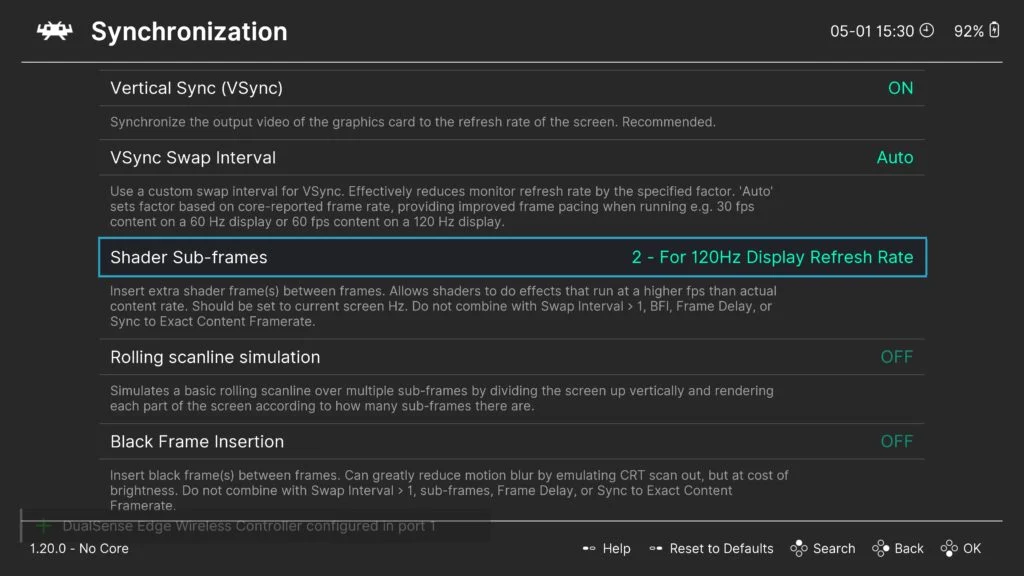
Frame Pacing Optimization: For optimal motion fluidity, users can experiment with the "Sync to Exact Content Framerate" setting located under video synchronization menus. Alternatively, users running Variable Refresh Rate (VRR) displays can disable VSync within RetroArch while ensuring it remains active in dedicated GPU control panels, though certain legacy titles like Fighting Vipers may require default synchronization profiles.
Implications for the Retro Gaming Community
The release of LRPS2 and paraLLEl-GS represents a major milestone in digital preservation and emulation engineering. By bringing cutting-edge compute renderer technology to the PlayStation 2 library within a unified frontend, the Libretro team has significantly lowered the technical barrier for enthusiasts seeking to experience sixth-generation titles with modern fidelity.
As the internal game database expands and community feedback helps iron out early compatibility bugs, LRPS2 is positioned to become the definitive standard for PlayStation 2 emulation on desktop platforms. For preservationists, developers, and casual gamers alike, this development ensures that the rich library of the PlayStation 2 era remains accessible, scalable, and visually stunning for years to come.