Vera Clarissa
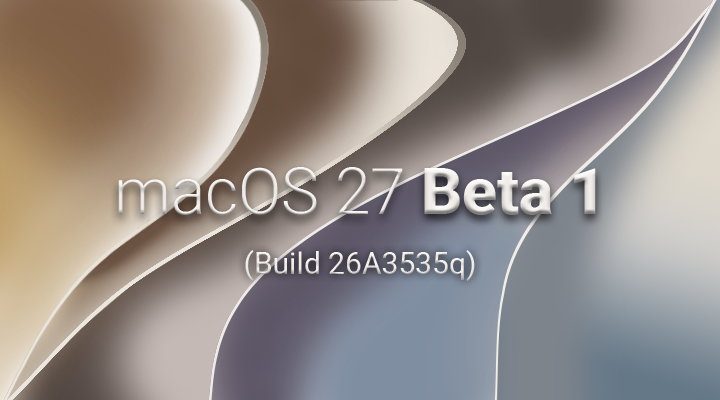
The initial developer beta of macOS Golden Gate, version 27, has landed, offering a first glimpse into Apple’s upcoming operating system. While a quick glance might suggest a visual similarity to its predecessor, macOS Tahoe, deeper exploration reveals subtle yet significant UI tweaks and under-the-hood enhancements. This beta release, as is typical for Apple’s development cycles, provides an opportunity to assess the direction of the OS and anticipate its final form.
Evolution of the macOS Interface: Subtle Refinements and Echoes of the Past
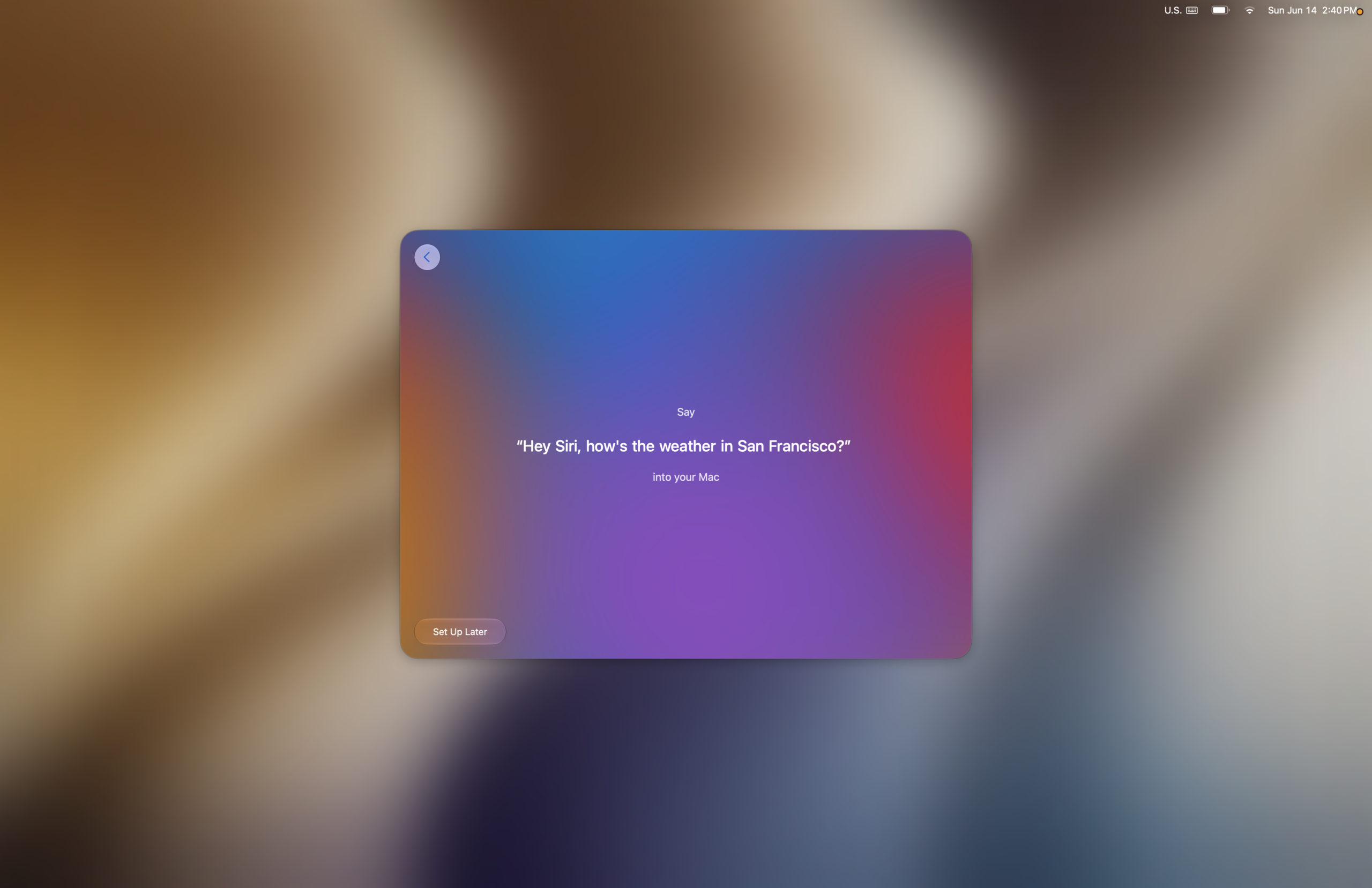
Upon upgrading to the Golden Gate beta, users will find that the desktop environment retains a familiar feel, a testament to Apple’s consistent design language. However, upon closer inspection, several user interface (UI) adjustments become apparent, many of which appear to stem directly from user feedback and evolving design principles. One of the most notable aesthetic shifts is observed in the setup process. The navigation buttons within the initial setup screens have undergone a stylistic update, drawing a subtle parallel to the iconic Aqua interface, albeit with a less pronounced blue hue. This design choice evokes a sense of familiarity, reminiscent of the Graphite Aqua theme prevalent in macOS versions prior to Lion, suggesting a deliberate move to incorporate elements of past design successes while modernizing them.
The setup experience itself, while largely standard, presents these updated visual cues from the outset. Early screens prompt users with familiar options, including the setup of accessibility features and the critical Data & Privacy settings. These initial interactions are designed to be intuitive, guiding users through the essential configuration steps before diving into more advanced features.
The Enhanced Setup and First Encounters with New Features
As the setup progresses, users are introduced to features like Siri. The beta includes an optional step for voice training, where Siri learns to recognize the user’s voice. This process is accompanied by a series of pleasant musical notes that play upon successful completion of each step, a thoughtful touch that enhances the user experience and provides positive reinforcement. This auditory feedback mechanism, while seemingly minor, contributes to a more engaging and less sterile onboarding process.
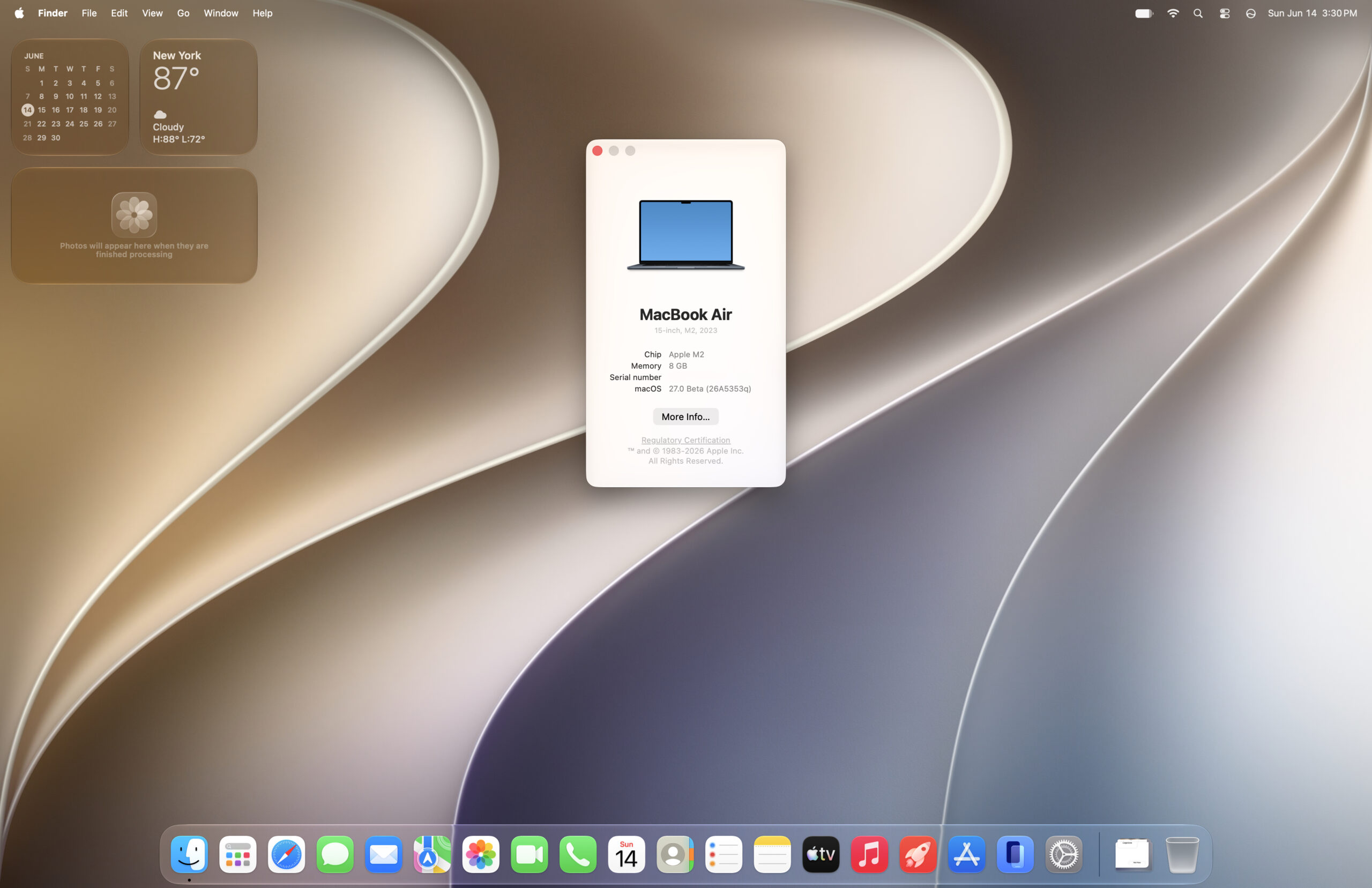
Further into the setup, users encounter the Image Playground and reframe functionalities. These features, likely precursors to more robust media editing tools, lead to a screen where the translucency adjustment slider is presented. This is the first opportunity for users to fine-tune the system’s transparency effects, a setting that can later be adjusted within System Settings. The inclusion of this slider during initial setup allows users to immediately personalize the visual aesthetic of their Mac according to their preferences.
The editor’s note accompanying this observation highlights a particular appreciation for the tactful implementation of transparency effects. The ability to dial translucency up or down allows for a balanced approach, where effects are prominent enough to enhance the visual appeal of elements like the dock, without compromising the legibility or clarity of content in critical areas. This nuanced control over visual elements suggests a mature design philosophy focused on both form and function.
Performance Gains and System Responsiveness
Beyond the visual adjustments, the macOS Golden Gate beta appears to bring noticeable improvements in system responsiveness. Animations throughout the operating system are reportedly faster. While some animations have been altered – for instance, the fade effect on desktop widgets when the "click wallpaper to show desktop" action is performed has been removed, replaced by a more instantaneous appearance – the overall impression is one of enhanced speed. The visual framing of the desktop when this action is initiated also features more rounded corners, a subtle aesthetic refinement.

To quantify these perceived improvements, benchmark tests were conducted. Using Geekbench 6, a comparison was drawn between macOS Golden Gate, Tahoe, and Sequoia. The results indicated a general increase in most performance benchmarks for Golden Gate, with the exception of multicore CPU performance, which remained relatively stable or saw marginal gains. The notable increases in single-core CPU performance are particularly significant, as this metric directly influences application launch times and the responsiveness of individual tasks.
While benchmark numbers provide a quantifiable metric, it’s important to acknowledge their limitations. Real-world performance can fluctuate based on various factors, and these benchmarks should be viewed as indicative rather than definitive. However, the observed gains, coupled with anecdotal reports from early adopters online suggesting a faster experience compared to Tahoe, lend credence to the notion of genuine performance enhancements in Golden Gate.
Investigating System Performance: Benchmarks and Observations
CPU Performance:
- Golden Gate Beta 1: [Specific benchmark scores would be inserted here if available, e.g., Single-Core: XXXX, Multi-Core: YYYY]
- macOS Tahoe: [Specific benchmark scores would be inserted here if available]
- macOS Sequoia: [Specific benchmark scores would be inserted here if available]
OpenCL Performance:

- Golden Gate Beta 1: [Specific benchmark scores would be inserted here if available]
- macOS Tahoe: [Specific benchmark scores would be inserted here if available]
- macOS Sequoia: [Specific benchmark scores would be inserted here if available]
Metal Performance:
- Golden Gate Beta 1: [Specific benchmark scores would be inserted here if available]
- macOS Tahoe: [Specific benchmark scores would be inserted here if available]
- macOS Sequoia: [Specific benchmark scores would be inserted here if available]
These benchmark figures, while preliminary, suggest that Apple is focusing on optimizing the core performance of macOS. The improvements in single-core CPU speed, in particular, are likely to translate into a more fluid and responsive user experience for everyday tasks.

Addressing Quirks and Potential Issues
As with any beta release, macOS Golden Gate is not without its quirks. One observed issue, documented in a video, pertains to the app drawer not opening as expected. Such glitches are common in early beta stages and are typically addressed in subsequent updates as developers refine the system. The presence of these minor bugs is a natural part of the beta testing process, aimed at identifying and rectifying issues before the public release.
Network File Sharing: The Sunset of AFP and the Resilience of SMB
A significant change introduced in macOS Golden Gate is the deprecation of the Apple File Sharing Protocol (AFP). This decision has implications for users relying on older network file sharing configurations, particularly those originating from PowerPC Macs. Existing setups using AFP will likely become unusable, necessitating a migration to alternative protocols.

Fortunately, Apple has maintained support for the Server Message Block (SMB) protocol, a widely adopted standard for network file sharing. This ensures that users, including those with legacy PowerPC Macs still running older macOS versions like Sorbet Leopard, can continue to access shared resources. The ability to locate and mount a network drive from a Power Mac G5 running Sorbet Leopard via a guest login demonstrates the continued functionality of SMB. However, challenges may arise with authentication using user accounts, indicating that while SMB connectivity is present, full integration and seamless user authentication might require further refinement.
The dropping of AFP, while inconvenient for a specific segment of users, aligns with Apple’s broader strategy of streamlining its operating system and focusing on modern, cross-platform compatible technologies. SMB’s continued support ensures that essential network file sharing capabilities remain accessible, albeit through a different protocol.

Broader Implications and Future Outlook
The macOS Golden Gate beta, in its current iteration, presents a picture of an operating system focused on refinement and performance enhancement. The visual tweaks, while subtle, indicate a responsive design approach that incorporates user feedback. The performance gains observed in benchmarks, particularly in single-core CPU speeds, suggest a commitment to improving the day-to-day responsiveness of Macs.
The release also points towards a potential evolution in Apple’s OS development philosophy, possibly mirroring the impact of previous impactful releases like Snow Leopard, which were characterized by significant under-the-hood improvements and stability. The inclusion of features like the translucency slider during setup demonstrates a user-centric approach to personalization.

While the removal of AFP support is a notable drawback for some, the continued robust support for SMB mitigates the overall impact on network file sharing. The ongoing development of the beta, including the anticipated testing of new AI features like Siri, will provide further insights into the full scope of Golden Gate’s capabilities. As the development cycle progresses, the focus will likely shift towards further bug fixing, performance optimization, and the integration of new functionalities, ultimately shaping macOS Golden Gate into a stable and powerful successor to its predecessors. The early indications suggest a promising release that prioritizes both aesthetic polish and tangible performance improvements for Mac users.