Edi Durjana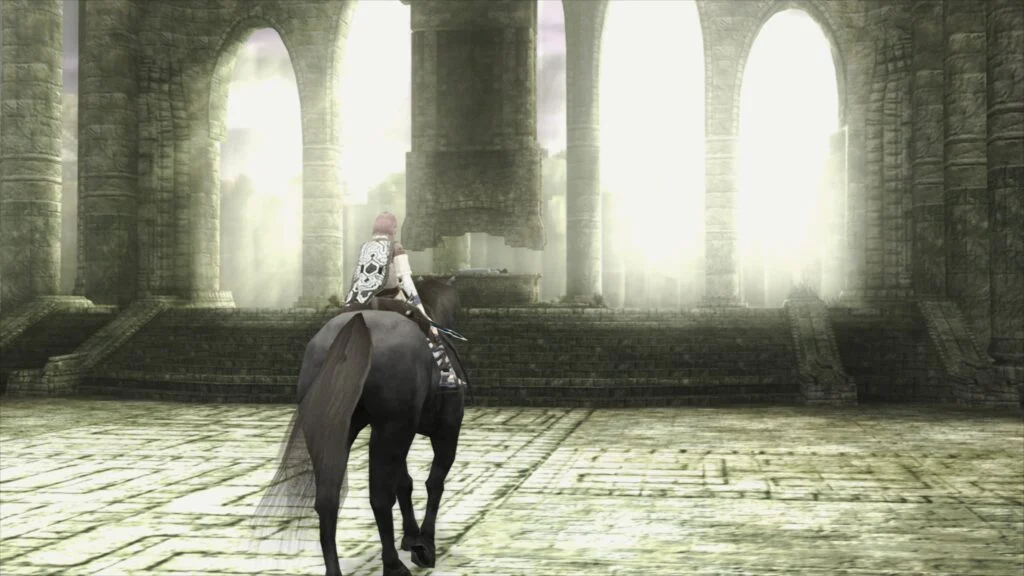
Libretro, the organization behind the popular multi-system emulator frontend RetroArch, has officially announced the release of LRPS2, a groundbreaking new PlayStation 2 (PS2) core. This core represents a heavily modified version of PCSX2, meticulously tailored for seamless integration with the Libretro API, promising a significantly upgraded emulation experience for one of gaming’s most iconic consoles. Currently, LRPS2 is available for Windows, macOS, and Linux platforms, marking a substantial leap forward in PS2 preservation and playability within the RetroArch ecosystem.
A New Era for PlayStation 2 Emulation within RetroArch
The introduction of LRPS2 signifies a pivotal moment for PlayStation 2 emulation within the Libretro framework. The development team emphasizes that this new core features modern, up-to-date code, effectively resolving the serious drawbacks and limitations that characterized its older counterpart. This modernization effort extends to comprehensive support for nearly all rendering backends compatible with the robust GSdx renderer. Users on Windows, macOS, and Linux can now leverage Vulkan, while Windows users additionally benefit from Direct3D 11 and 12, and Windows/Linux users have access to OpenGL. This broad compatibility ensures optimal performance and visual fidelity across a diverse range of hardware configurations.
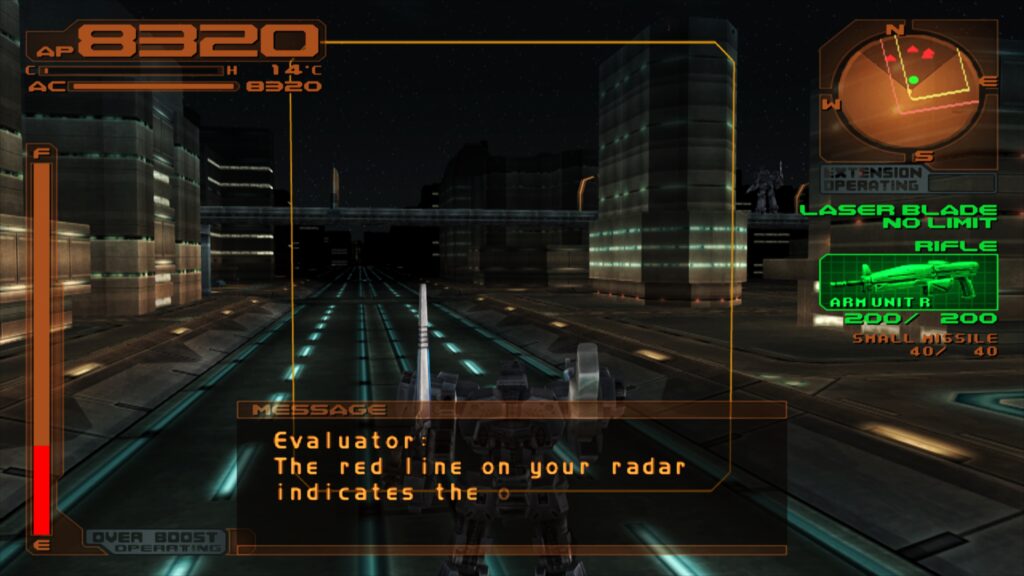
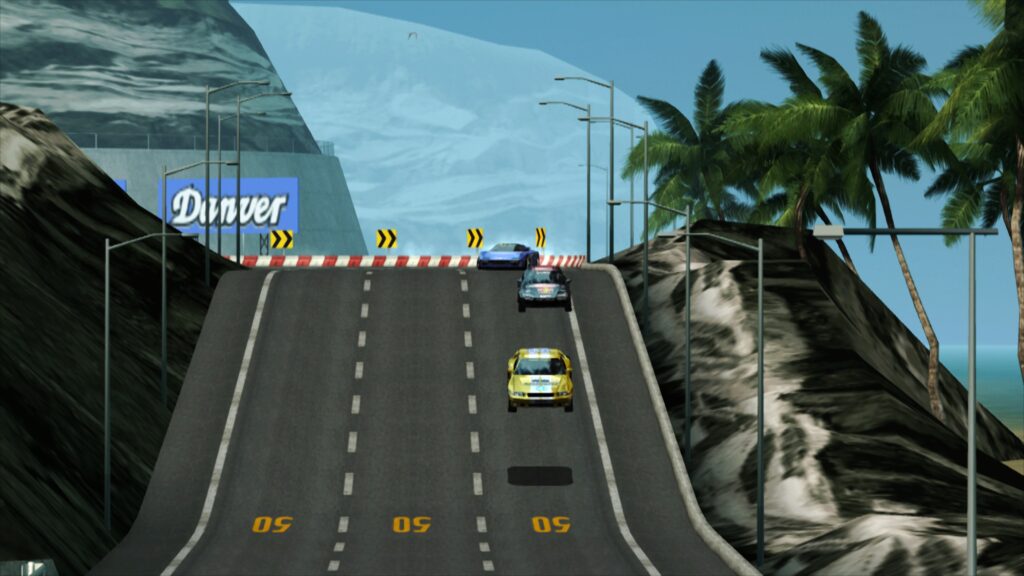
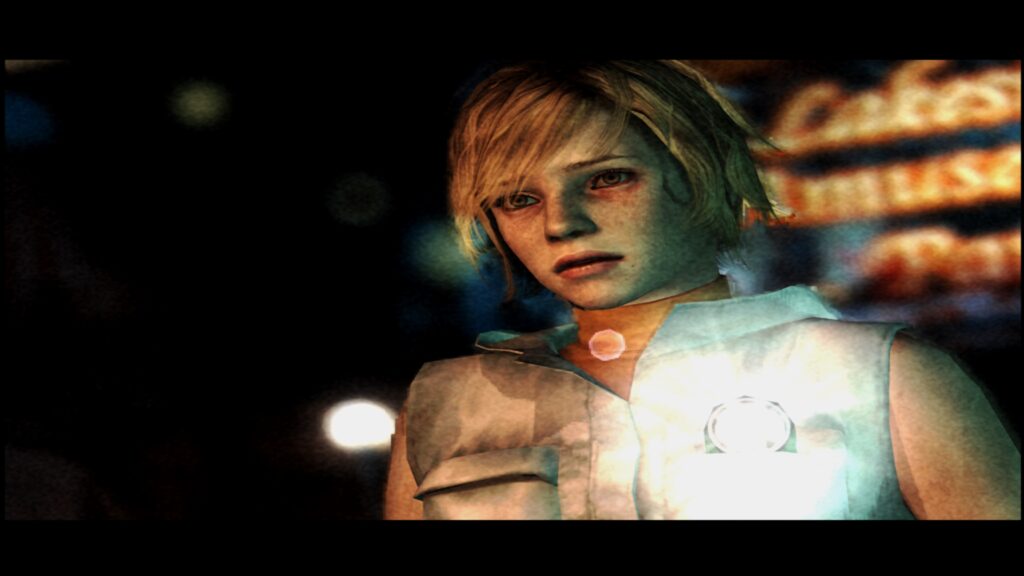
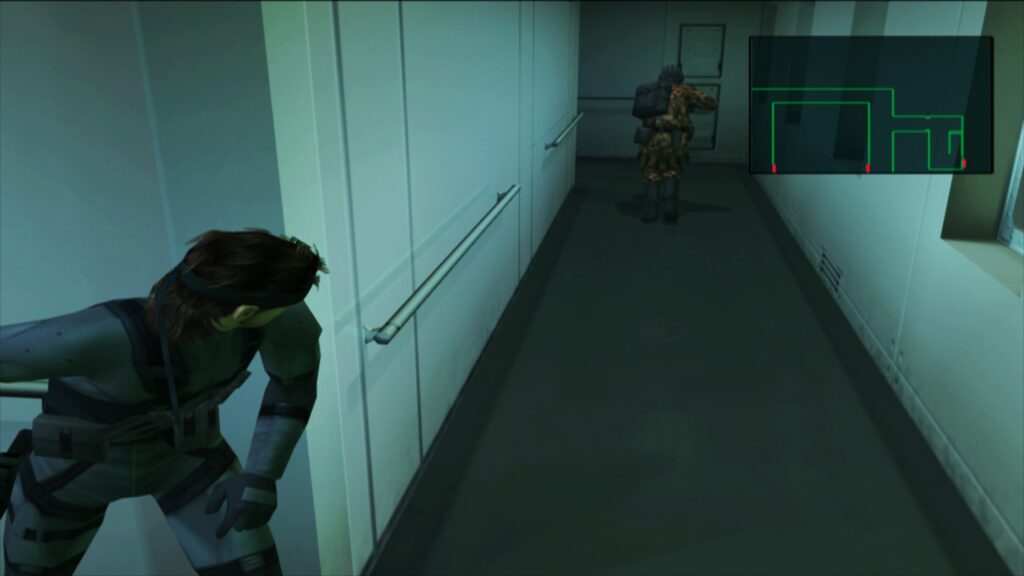
The PlayStation 2, launched in 2000, stands as the best-selling video game console of all time, with over 155 million units sold worldwide. Its vast library of over 3,800 titles includes some of the most critically acclaimed and beloved games in history, from "Grand Theft Auto III" and "Metal Gear Solid 2: Sons of Liberty" to "Final Fantasy X" and "God of War." Emulating such a complex system, with its unique Emotion Engine CPU and Graphics Synthesizer GPU, has historically presented significant challenges for developers. PCSX2, the foundational emulator for LRPS2, has been at the forefront of these efforts for decades, continuously evolving to improve accuracy and performance. Libretro’s adaptation of PCSX2 into the LRPS2 core for RetroArch democratizes this advanced emulation, making it accessible through a unified, user-friendly interface.
Deep Dive into Technical Advancements: The Power of paraLLEl-GS
The crowning achievement of the LRPS2 core is undoubtedly the introduction of paraLLEl-GS, a revolutionary new renderer developed by Themaister. This renderer is built entirely as a compute program, exclusively utilizing the Vulkan graphics API. Its design philosophy mirrors that of the earlier paraLLEl-RDP for Nintendo 64 emulation, aiming to deliver accuracy on par with software rendering while simultaneously offering advanced graphical enhancements.
ParaLLEl-GS represents a significant technical innovation. Unlike traditional rendering pipelines, compute shaders allow for highly parallel processing on the GPU, which is particularly well-suited for emulating the PS2’s unique Graphics Synthesizer (GS) architecture. Themaister’s detailed blog article, published several months prior to this official announcement, provided an in-depth look into the technical intricacies of this project, highlighting the challenges and breakthroughs in leveraging Vulkan compute for such complex emulation tasks.
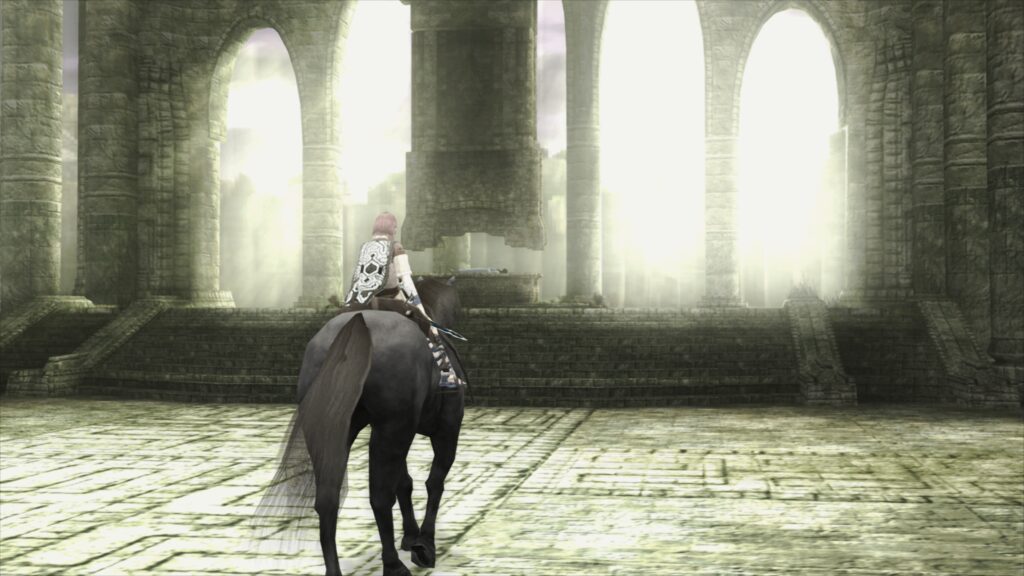
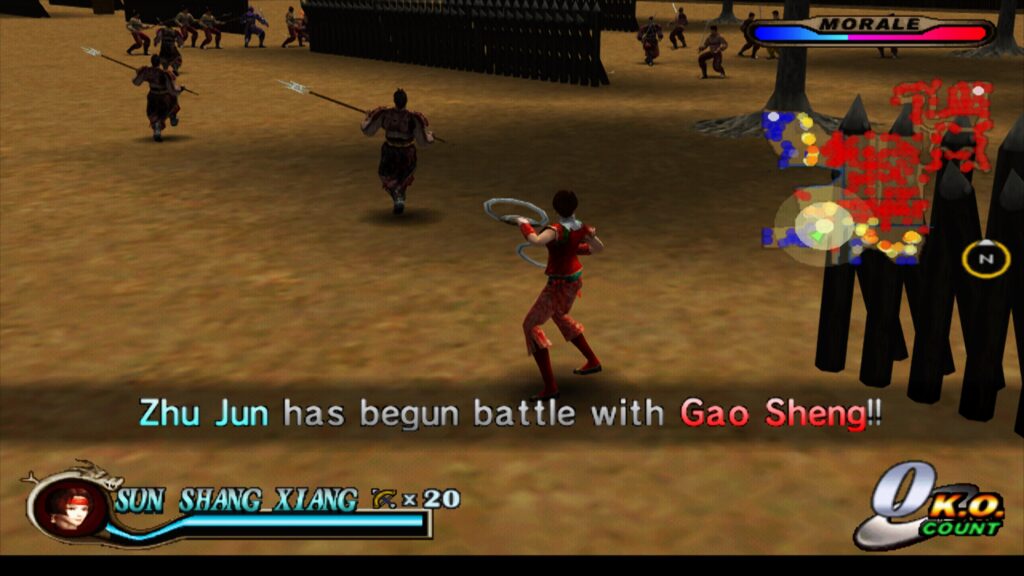
The standout feature of paraLLEl-GS is its exceptional anti-aliasing capabilities, specifically Super-Sampling Anti-Aliasing (SSAA). When configured with 16x SSAA and experimental high-resolution scanout enabled, paraLLEl-GS can virtually eliminate the shimmering and "jaggies" commonly observed on 3D geometry and textures in emulated PS2 games. This level of visual refinement often surpasses what can be achieved with GSdx rendering, even at much higher internal resolutions. Furthermore, a key advantage of paraLLEl-GS is its ability to achieve this superior visual quality with minimal reliance on game-specific hacks or compatibility adjustments, a common necessity with other renderers. The high-res scanout feature further allows for doubling the output resolution, creating a pristine visual experience that breathes new life into classic titles.
Setting Up LRPS2: A Comprehensive Guide for Users
For users eager to experience the enhanced PlayStation 2 emulation offered by LRPS2, a straightforward setup process is outlined. It is crucial to note that the LRPS2 core is currently available only for Windows, Linux (x86_64), and macOS, and is not supported on Android, iOS, or ARM Linux platforms.
To begin, users must navigate to RetroArch’s online updater. The first step involves selecting "Update Core Info Files" to ensure that LRPS2 appears correctly in the core list. Following this, users should proceed to the "Core Downloader" and locate "Sony – Playstation 2 (LRPS)" to download the core itself.
The next critical step involves acquiring the necessary system files. From the "Core System Files Downloader," users need to download the "LRPS2.zip" bundle. This bundle automates the creation of the "pcsx2" directory within RetroArch’s "system" directory. Inside this newly created "pcsx2" folder, the "GameIndex.yaml" file will be placed, which contains various per-game hacks and settings utilized by the core and GSdx renderer for improved compatibility. Additionally, the bundle creates a "bios" directory. Users are then required to place their PlayStation 2 BIOS set within this "bios" directory. It is imperative that users legally obtain their BIOS files from their own PS2 console, as distributing BIOS files is illegal.
Finally, with the core and system files in place, users are ready to scan and/or load their PlayStation 2 games. LRPS2 supports various game formats, including CHD. However, it is important to ensure that games are not stored in compressed archives such as .7z, .rar, or *.zip, as these formats are not directly supported for loading.
Specific Considerations for macOS (Apple Silicon) Users
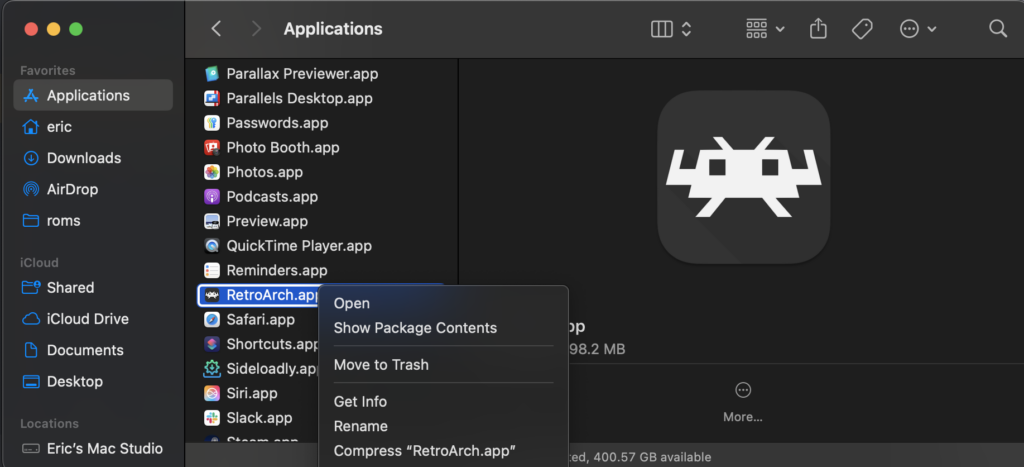
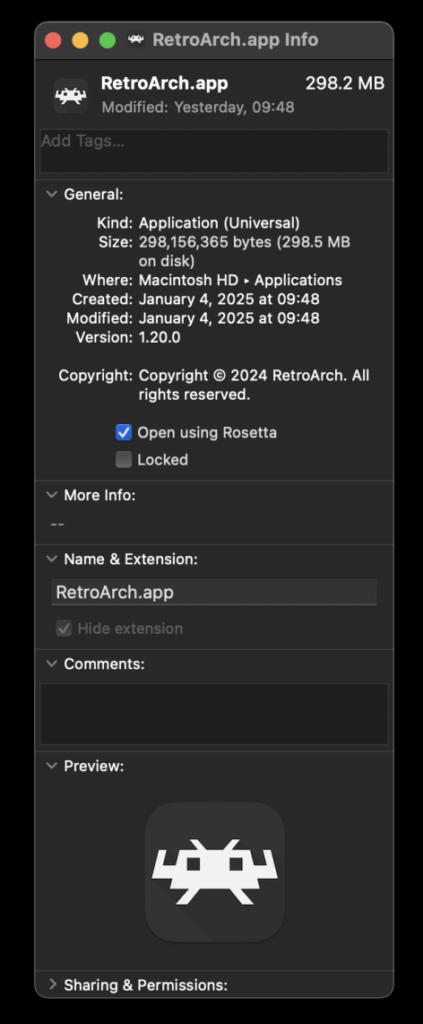
Apple Silicon Mac users face a unique requirement due to the current architecture of LRPS2. To run the core, RetroArch must be launched using Rosetta emulation. This involves exiting RetroArch, locating the application in Finder, right-clicking it, and selecting "Get Info." Within the Info screen, users must check the box labeled "Open using Rosetta." Once RetroArch is running under Rosetta, the LRPS2 core will become visible in the Core Downloader, allowing for its installation and use. This temporary measure is necessary until native Apple Silicon support is potentially implemented for the core.
Understanding Core Options: Tailoring Your Emulation Experience
The LRPS2 core provides a comprehensive suite of options, categorized to allow users granular control over various aspects of emulation. While a full list of every option is extensive, understanding the categories helps users fine-tune their experience:
- System: These options typically govern fundamental aspects of the emulated PS2 hardware, such as console region, date/time settings, and other low-level system configurations that might impact game behavior.
- Video (General): This section controls general video output settings, including aspect ratio, display mode, and other parameters that apply across different renderers.
- Video – GSdx: These settings are specific to the GSdx renderer, allowing users to adjust internal resolution scaling, texture filtering, anisotropic filtering, and other visual enhancements or accuracy toggles.
- Manual Hardware Rendering Fixes – GSdx: This crucial section provides game-specific workarounds for common rendering glitches encountered when using hardware renderers like GSdx. These fixes address issues such as flickering textures, incorrect lighting, or geometry problems that might arise due to differences between the emulated GPU and modern graphics APIs.
- Emulation: These options relate to the core emulation process itself, potentially including speed hacks, cycle rate adjustments, and other settings that balance performance with accuracy.
- Input: This category manages controller configurations, allowing users to map physical inputs to the emulated PS2 controller, including options for rumble and potentially future support for analog face buttons.
- ParaLLEl-GS Specific Options: As the most advanced renderer, paraLLEl-GS has its own set of unique options. These include controls for SSAA levels (e.g., 2x, 4x, 8x, 16x), experimental high-resolution scanout, and other settings that directly influence its compute-shader-driven rendering pipeline and visual output.
Addressing Common Queries and Known Issues
The Libretro team has proactively addressed several frequently asked questions and known issues to ensure a smoother user experience:
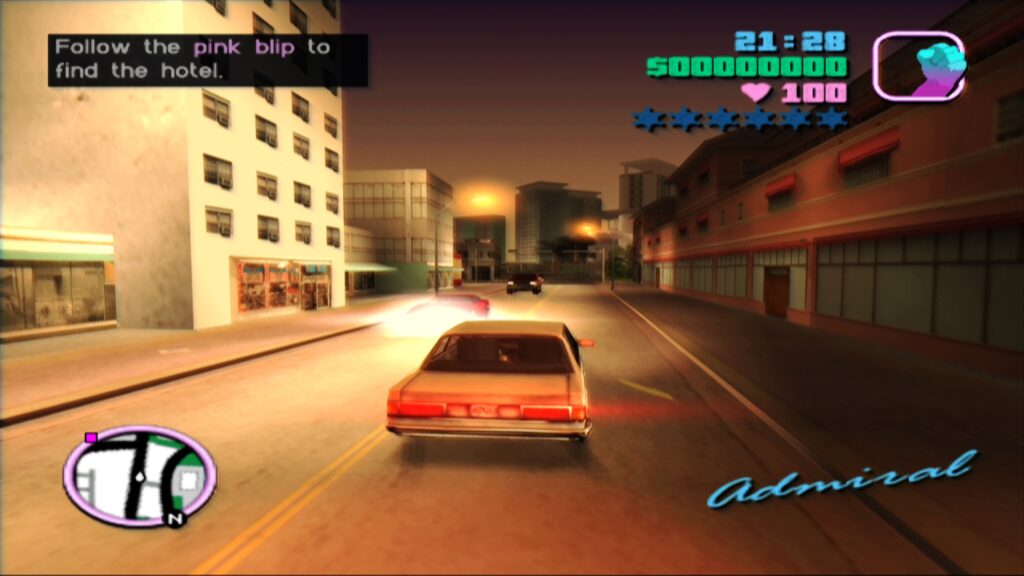
- Black Screen with Audio: Some Windows users employing the D3D11 video driver (the default) may encounter a black screen while audio plays normally. The recommended solution is to switch the video driver to D3D12, either globally in RetroArch settings or specifically for the LRPS2 core via a core override.
- ParaLLEl-GS Performance on Intel Integrated Graphics: Unfortunately, Intel Integrated Graphics Processors (IGPs) generally struggle with the compute shaders that power paraLLEl-GS, even recent models. Full-speed emulation with paraLLEl-GS is unlikely on these systems. In such cases, the software renderer or the GSdx renderer remain the best options. Intel’s newer discrete GPUs, however, are expected to handle paraLLEl-GS effectively.
- Software Renderer Crashes with Vulkan Driver: A known issue exists where the software renderer crashes when used with the Vulkan video driver. Until a fix is identified, users are advised to switch to the "glcore" driver on Linux or one of the D3D drivers on Windows for reliable software rendering.
- Analog Face Buttons: The implementation of analog face button support is currently a work in progress. While a few PS2 games utilize this feature, most titles remain fully playable without it.
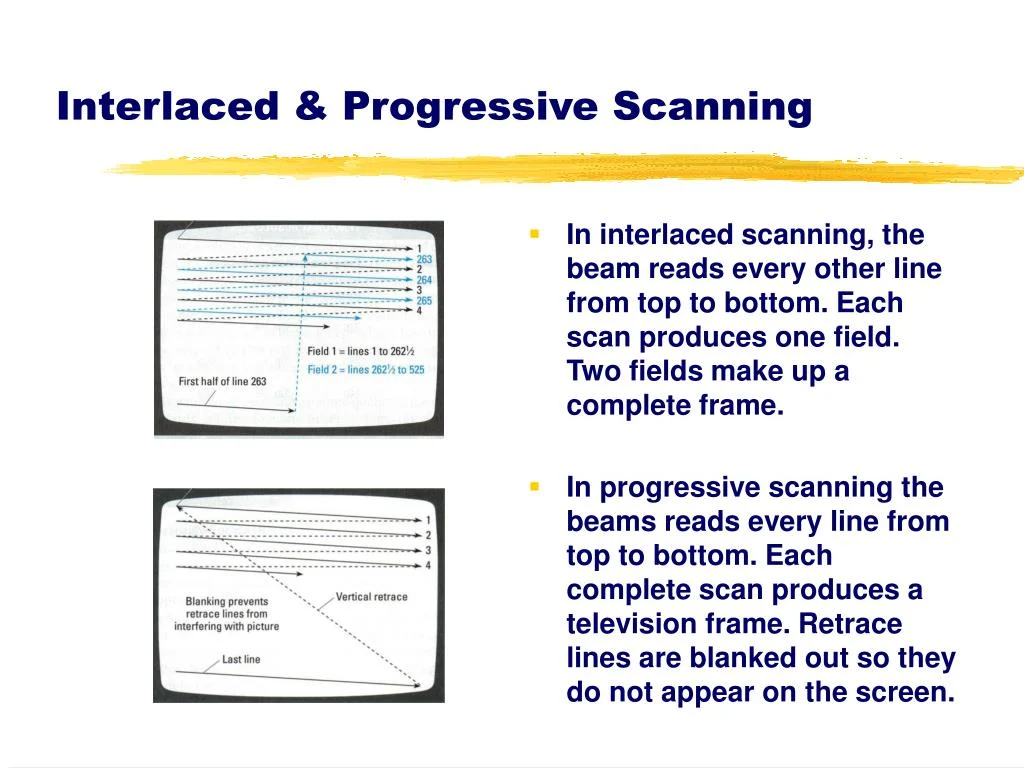
- Per-Game Patch Identification: To determine which internal patches (Game Enhancements, Language Unlock, No interlacing, Widescreen) are being applied on a per-game basis, users need to enable logging in RetroArch and review the log output. The internal database of game-specific compatibility fixes is actively being expanded.
- Core Not Appearing in List: If LRPS2 is not visible in the core list, it likely indicates that the core is not available for the user’s specific platform (e.g., Android, iOS, ARM Linux). For supported platforms, updating core info files via the online updater usually resolves the issue.
- Improving Frame Pacing: For better frame pacing, especially on Variable Refresh Rate (VRR) displays, users can enable "Sync to Exact Content Framerate" in RetroArch’s Video -> Synchronization settings. On VRR displays with NVIDIA GPUs, it’s recommended to turn VSync off in RetroArch and ensure VSync is enabled in the NVIDIA driver control panel. However, some games may not behave well with "Sync to Exact Content Framerate," requiring user experimentation.
The Broader Impact and Future Implications
The release of LRPS2 and the innovative paraLLEl-GS renderer by Libretro represents a significant milestone in the ongoing effort to preserve and enhance classic gaming experiences. By integrating a highly refined PCSX2 derivative into RetroArch, Libretro makes advanced PS2 emulation more accessible and user-friendly. The emphasis on modern code and diverse rendering backends, particularly the compute-shader-driven paraLLEl-GS, pushes the boundaries of what is possible in terms of visual fidelity and accuracy for emulated consoles.
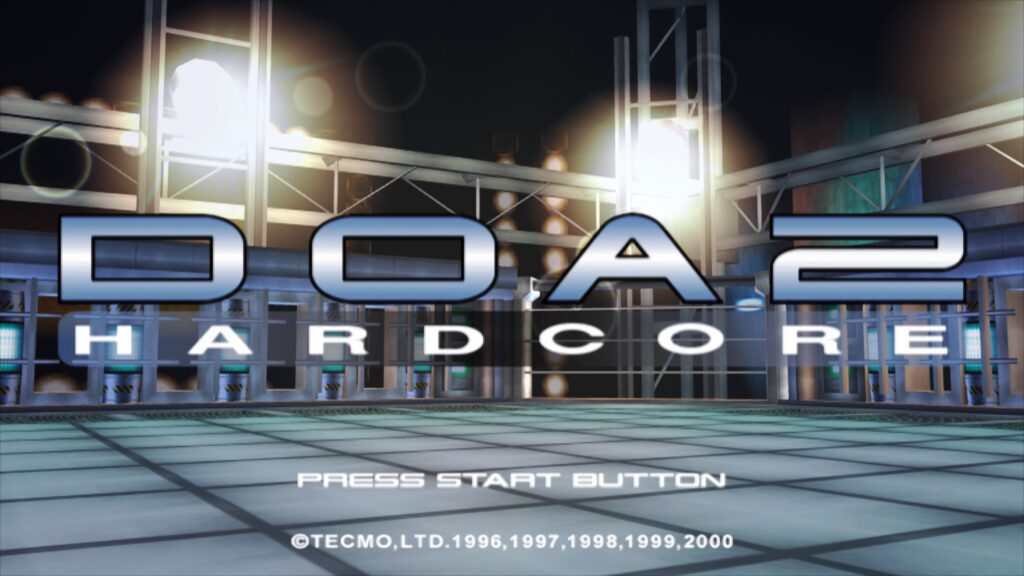
This development not only benefits enthusiasts seeking to revisit their favorite PS2 titles with unprecedented clarity but also contributes to the broader digital preservation movement. Ensuring that games from past generations remain playable and visually appealing on modern hardware is crucial for cultural heritage. The continuous refinement of cores like LRPS2 underscores the dedication of the open-source community to this cause, promising a vibrant future for retro gaming. The modular nature of RetroArch, combined with the power of specialized cores like LRPS2, continues to solidify its position as a leading platform for comprehensive emulation.