Farhan hamdan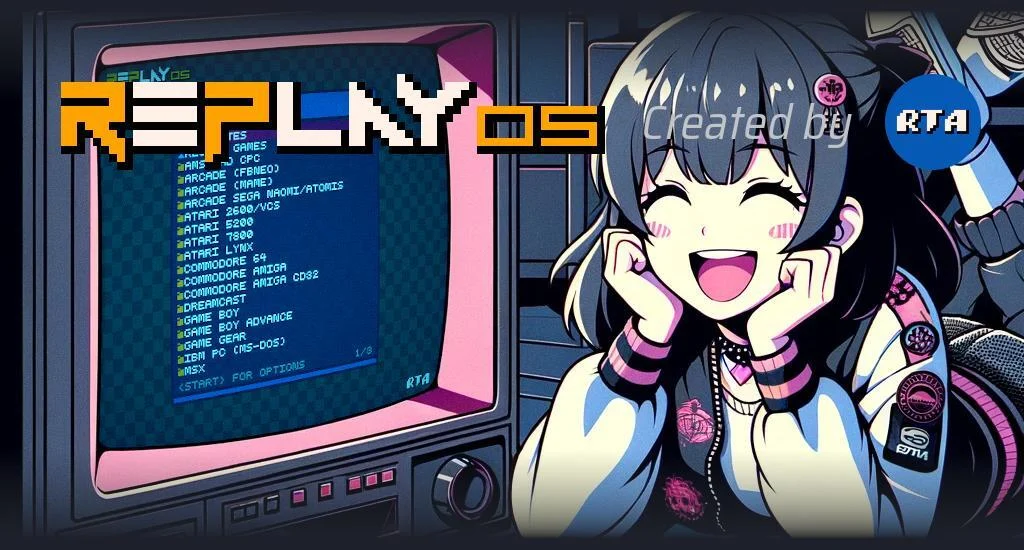
The developer RTA has officially rolled out a significant update to RePlayOS, its specialized operating system tailored for Raspberry Pi devices, introducing a pivotal feature that dramatically enhances user experience: the capability for most future updates to be executed directly from within the operating system, thereby eliminating the necessity for MicroSD card reformatting. This advancement means that users who opt to store their extensive libraries of retro game ROMs directly on the MicroSD card will no longer face the tedious and time-consuming process of re-copying their entire collection after each system update. This streamlines the maintenance workflow for retro gaming enthusiasts, marking a substantial leap forward in user convenience and system longevity.
Background: The Landscape of Raspberry Pi Retro Gaming
The Raspberry Pi has, over the past decade, cemented its position as a cornerstone in the vibrant retro gaming emulation community. Its affordability, compact size, and versatile computing power make it an ideal platform for transforming into a dedicated retro gaming console. Enthusiasts leverage various operating systems—often Linux-based distributions specifically optimized for emulation—to run a vast array of classic games from arcade machines, home consoles, and early personal computers. Popular distributions like RetroPie, Batocera, and Recalbox have empowered millions to relive their childhood gaming memories.
However, a persistent challenge within this ecosystem has been the update process for these operating systems. Historically, major system updates often necessitated a complete re-imaging of the MicroSD card. This involved downloading a new OS image, flashing it to the card (a process that wipes all existing data), and then manually re-transferring all game ROMs, BIOS files, and custom configurations. For users with large game libraries—often hundreds of gigabytes—this procedure could span several hours, if not an entire day, acting as a significant deterrent to keeping their systems current. It also carried the risk of data loss if backups were not meticulously maintained. The RePlayOS 1.6.0 update directly addresses this fundamental pain point, positioning itself as a leader in user-centric design within the retro gaming OS space.
The Genesis of RePlayOS and RTA’s Vision
RePlayOS emerged from the dedicated efforts of developer RTA, whose commitment to the retro gaming community is evident in the system’s ongoing evolution. The project’s genesis was rooted in the desire to provide a robust, efficient, and increasingly user-friendly platform for Raspberry Pi-based emulation. While the core functionality of running emulators and games has always been central, RTA has consistently sought to refine the peripheral aspects of system management that contribute to the overall user experience. The introduction of in-system updates is a testament to this philosophy, reflecting an understanding of the practical frustrations faced by end-users. Support for RePlayOS development, including resources for its continuous improvement, is primarily garnered through platforms like Patreon, allowing the developer to invest time and resources into significant feature enhancements such as this.
The Mechanics of the Breakthrough: In-OS Updating
The cornerstone of RePlayOS 1.6.0 is its innovative update architecture. Unlike previous iterations and many competing systems, this version introduces a partition management scheme that segregates the core operating system files from user data, such as ROMs and BIOS files. Upon initial setup, which closely mirrors other Raspberry Pi solutions, users download the OS image, extract it, and flash it to a MicroSD card. After the initial boot and installation, the system is designed to create two distinct, readable partitions when the MicroSD card is reinserted into a PC.
The second of these partitions is dynamically expanded to utilize the full available space of the MicroSD card, serving as the primary storage repository for user-added content. This is where users can place their MAME, FBNeo, SNES, Genesis, PlayStation, Nintendo 64, and other console ROM sets within pre-created, organized folders. Crucially, this data partition is designed to remain untouched during subsequent system updates. When an update is initiated from within RePlayOS, only the primary system partition, containing the core OS files and emulation software, is modified. This ensures that the user’s valuable game library and personalized configurations are preserved, eliminating the need for arduous data transfers.
This architectural decision represents a significant engineering effort. It requires a robust update manager within the OS itself, capable of identifying, downloading, and applying patches or new system components without interfering with the user’s data. The implications are profound: faster updates, reduced data transfer bandwidth, and a dramatically lower barrier to entry for keeping the system secure and feature-rich.
Setting Up RePlayOS 1.6.0: A Refined Process
The initial setup for RePlayOS 1.6.0 remains straightforward and familiar to those experienced with Raspberry Pi distributions. Users begin by downloading the OS image, typically from the developer’s Patreon page or an official distribution channel. This image is then extracted on a personal computer and written to a MicroSD card using standard imaging software like BalenaEtcher or Raspberry Pi Imager.

Once the MicroSD card is prepared, it is inserted into the Raspberry Pi, which is then booted. The system performs its initial installation routines, configuring the OS for the specific Raspberry Pi model and connected peripherals. After reaching the main menu, users are advised to power down the Raspberry Pi and re-insert the MicroSD card into their PC. This step is critical for accessing the newly configured partitions.
As noted, Windows users will find both partitions readable, with the secondary partition now expanded to fill the remainder of the MicroSD card’s capacity. This provides immediate access for transferring ROMs. While storing ROMs directly on the MicroSD card offers the convenience of an integrated, self-contained system, RePlayOS also supports the use of external USB drives. This flexibility caters to users with exceptionally large game collections or those who prefer to keep their data separate from the primary system storage for easier management or portability across different setups. The internal storage method, however, is now significantly more appealing given the elimination of data re-copying after updates.
Essential Components: BIOS Files and Emulation Accuracy
Beyond ROMs, the accurate emulation of many classic systems necessitates specific BIOS files. These proprietary software components are essentially the "boot-up" instructions for original consoles and arcade boards, and their absence can prevent games from launching or cause incorrect emulation behavior. Due to intellectual property considerations and legal complexities, these BIOS packs are never included directly with emulation operating systems like RePlayOS.
However, RePlayOS 1.6.0 makes the integration of these essential files remarkably easy. Users are directed to download a separate BIOS pack, often available from community archives, and simply place them into designated folders within the second partition of the MicroSD card. This process is typically a one-time affair. Crucially, just like ROMs, these BIOS files reside on the data partition and are therefore unaffected by subsequent system updates. This means users only need to manage their BIOS collection once, significantly simplifying long-term maintenance.
Display Flexibility: From Modern 4K to Authentic CRT
RePlayOS 1.6.0 offers comprehensive video output options, catering to a wide spectrum of retro gaming preferences. For modern displays, the system defaults to 1080p output via HDMI, ensuring crisp visuals on high-definition televisions and monitors. Users seeking even higher fidelity or those with larger 4K displays have the option to manually configure the output resolution to 4K. While some older games might not benefit significantly from such high resolutions, and in some cases might even introduce scaling artifacts if not handled correctly by the display, the option provides maximum flexibility for contemporary setups.
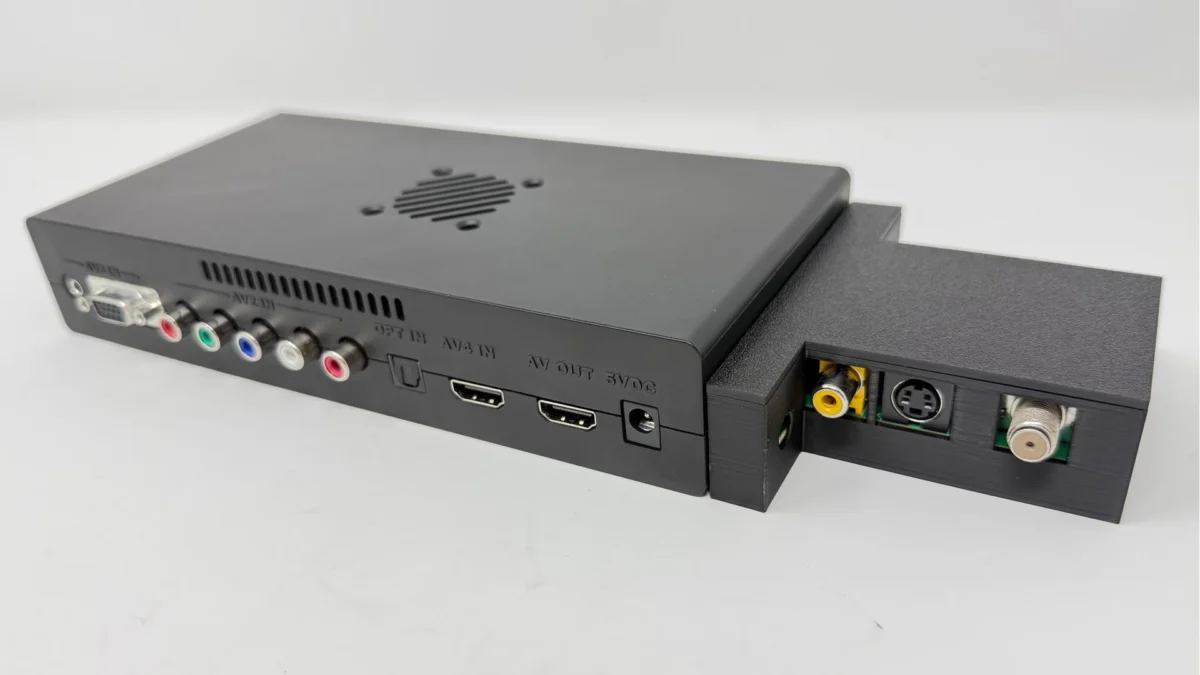
Perhaps more compelling for dedicated retro enthusiasts is the system’s robust support for analog video output. The included video showcased RePlayOS running a dual-CRT setup, demonstrating its capability to power authentic retro displays. This is achieved through the use of a digital-to-analog converter (DAC), which transforms the Raspberry Pi’s digital HDMI signal into analog video formats like RGB, composite, or S-Video. Connecting to a CRT (Cathode Ray Tube) display offers an unparalleled authentic retro gaming experience, complete with scanlines, true black levels, and the characteristic warmth of classic arcade monitors and televisions. The RePlayOS ecosystem, therefore, bridges the gap between modern convenience and historical accuracy in display technology, providing resources and guidance for users to implement such advanced setups.
Implications and Broader Impact on the Retro Gaming Community
The introduction of seamless in-OS updates in RePlayOS 1.6.0 carries significant implications for the retro gaming community and the future of emulation platforms on the Raspberry Pi.
- Enhanced User Retention and Satisfaction: By removing a major pain point—the laborious update process—RePlayOS is likely to see increased user satisfaction and a higher rate of users keeping their systems up-to-date. This translates to a more secure and feature-rich experience for the end-user.
- Faster Feature Adoption and Bug Fixes: Developers can now push updates, bug fixes, and new features with greater frequency and confidence, knowing that users can adopt them easily. This agile development cycle can lead to a more responsive and evolving platform.
- Reduced Technical Barrier: While still requiring initial setup knowledge, the long-term maintenance becomes significantly simpler, potentially attracting a broader audience who might have been intimidated by the complexities of previous update procedures.
- Competitive Advantage: This feature places RePlayOS in a strong competitive position against other retro gaming distributions that still rely on full re-imaging for major updates. It sets a new standard for user convenience in the sector.
- Focus on Gaming, Not Maintenance: Ultimately, the update allows users to spend more time enjoying their retro games and less time on system administration, fulfilling the core promise of a dedicated gaming OS.
- Sustainability of the Platform: For a project like RePlayOS, often supported by community contributions, ease of use is paramount to sustained engagement. A frictionless update process encourages continued use and support.
While the article focuses on the current release, the underlying architectural changes pave the way for more sophisticated features in the future, potentially including incremental updates, simplified configuration backups, and even more integrated management tools, all building upon the foundation of a stable and persistent data partition.
Looking Forward
The RePlayOS 1.6.0 update represents more than just a new feature; it signifies a maturing of the retro gaming operating system paradigm. By tackling one of the most significant frustrations associated with these systems, RTA has not only improved RePlayOS but has also set a new benchmark for user-centric development within the Raspberry Pi emulation scene. The ability to update the system without affecting carefully curated game libraries and BIOS collections transforms the ownership experience from a periodic chore into a seamless background process. For anyone looking to build or maintain a robust Raspberry Pi-based retro gaming console, RePlayOS 1.6.0 offers a compelling and significantly more convenient solution. The official download link and further details are available on the developer’s Patreon page, where ongoing support continues to fuel such innovative advancements.