 Farhan hamdan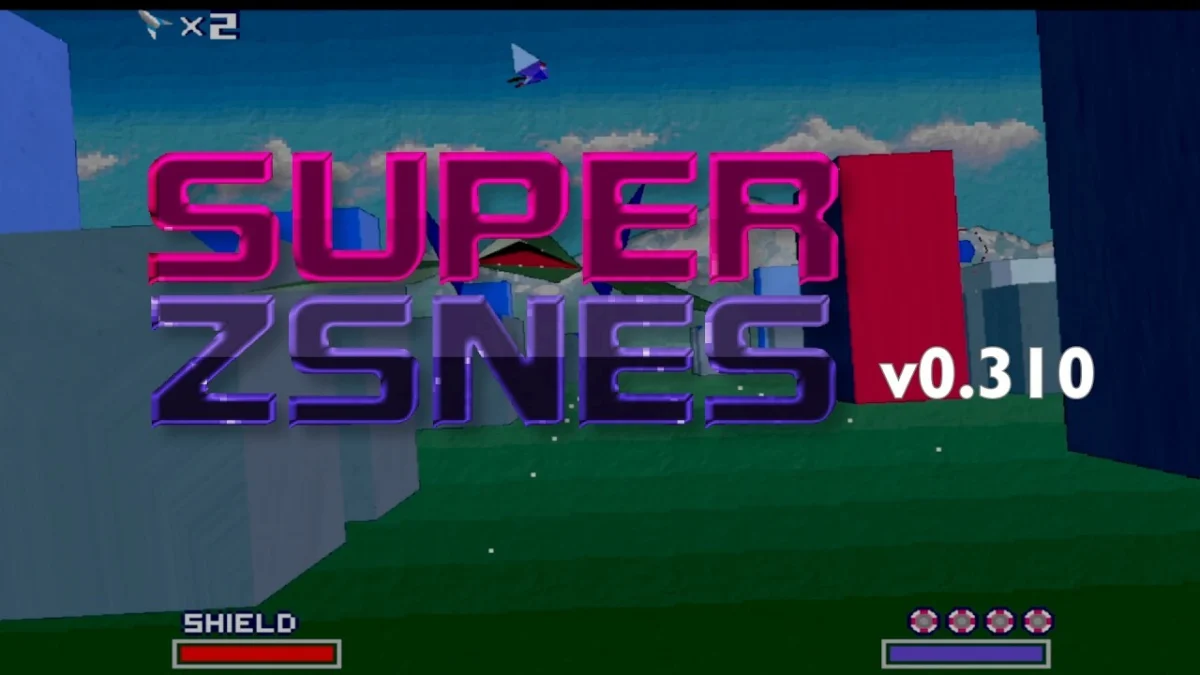
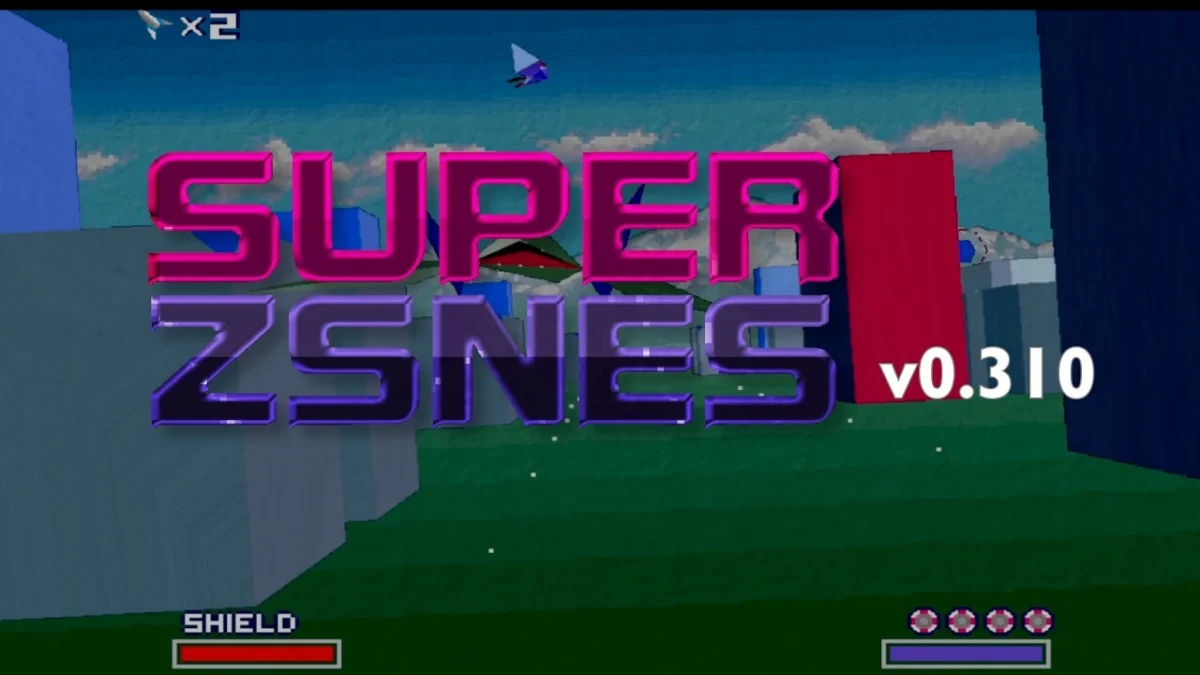
Developer zsKnight has officially announced the rollout of version 0.310 for Super ZSNES, the newly re-launched Super Nintendo Entertainment System (SNES) and Super Famicom emulator. This latest software iteration introduces a suite of significant performance updates, expanding platform compatibility to include dedicated applications for Apple TV and Android TV streaming boxes, while also incorporating high-definition graphics enhancements for notable titles such as Star Fox. The release marks an aggressive step forward in modern retro-gaming emulation, offering tailored optimization for living room entertainment setups.
While the desktop and PC editions of Super ZSNES remain entirely free to download and utilize, the newly minted Apple TV and Android Play Store applications are commercially available at a nominal price point of $3.00. This pricing strategy aims to support ongoing software development, maintenance, and future feature implementations while keeping the core emulator accessible to traditional personal computer users. Early adopters and technology enthusiasts can access the software directly through official distribution channels, including the Apple App Store, Google Play, and the primary project website hosted at zsKnight’s developer network. Additionally, a dedicated Patreon page has been established to facilitate direct community contributions toward the continuous refinement of the emulator.
Comprehensive Feature Set and Platform Optimization
Version 0.310 introduces several deep architectural optimizations, crucial bug fixes, and targeted enhancements designed to leverage modern hardware capabilities. Among the most prominent technical additions is the inclusion of specialized high-definition (HD) visual enhancements for the classic 1993 3D rail shooter Star Fox. Originally rendered using the pioneering Super FX chip—a coprocessor designed to handle polygon-based graphics on 16-bit hardware—Star Fox has long presented a unique challenge for emulation developers seeking to upgrade visual fidelity without disrupting game logic. The new HD enhancements breathe fresh life into the polygon-heavy classic, offering smoother frame delivery and elevated resolution output.
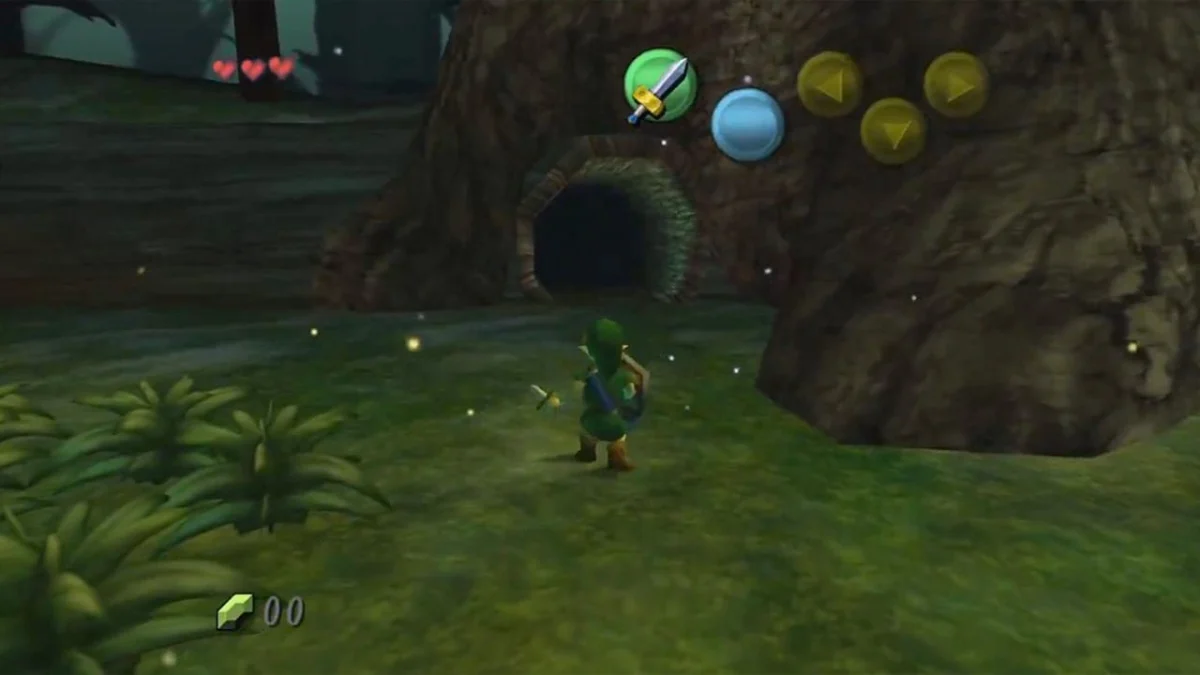
Beyond visual upgrades, the integration of seamless web-server file management has simplified the user experience significantly, particularly for living room environments where traditional file transfers can be cumbersome. Users operating the Apple TV or Android TV iterations can manage their game ROM and save files simply by navigating to an assigned local web server address through any standard web browser on their local network. By dragging and dropping files directly into the browser interface, users can instantly upload games to the streaming device. Initial testing of this feature reveals immediate compatibility with advanced audio modifications, such as MSU-1 high-quality soundtrack packs, exemplified by the smooth execution of The Legend of Zelda: A Link to the Past paired with enhanced audio tracks.
Crucial Hardware Considerations for Streaming Devices
With the expansion of Super ZSNES into the realm of dedicated streaming hardware, early users and reviewers have emphasized the critical necessity of proper display configuration to ensure optimal performance. Specifically, users operating the emulator on Apple TV or Android TV hardware are strongly advised to manually switch their display device into "Game Mode" prior to launching software. Modern high-definition and 4K televisions frequently utilize advanced internal image processing algorithms—such as motion smoothing, noise reduction, and cinematic picture modes like Filmmaker Mode—to optimize pre-recorded video content.

While these settings are ideal for film and television viewing, they introduce significant display latency, commonly referred to as input lag, which severely degrades the responsive nature required for retro video game emulation. Forgetting to switch to Game Mode can result in an unacceptably sluggish user experience where controller inputs are delayed by several frames. Activating Game Mode bypasses extraneous video processing pipelines, drastically reducing input latency and restoring the snappy, responsive feel characteristic of original 16-bit hardware.
Historical Context and the Evolution of ZSNES
The release of Super ZSNES and its iterative updates represents a fascinating chapter in the broader timeline of software emulation. The original ZSNES project, initially launched in 1997 by developers zsKnight and Demo, stands as one of the foundational pillars of the retro-gaming emulation community. During the late 1990s and early 2000s, ZSNES revolutionized the preservation landscape by successfully enabling personal computers to accurately simulate the complex architecture of the Super Nintendo Entertainment System at a time when consumer hardware was vastly less powerful than it is today.
However, as personal computing architectures evolved and operating systems transitioned toward modern 64-bit frameworks, the original codebase of ZSNES aged, leading to a prolonged hiatus in active development. The recent re-launch of the project under the banner of Super ZSNES signifies a modern renaissance. By modernizing the underlying codebase, optimizing for contemporary APIs, and adapting the software for modern living room ecosystems—such as tvOS and Android TV—the development team is bridging the gap between legacy preservation and modern consumer convenience.
Analysis of Implications for Retro-Gaming Preservation
The commercial availability of emulators on mainstream living room platforms like Apple TV and Android TV highlights a broader shift in how digital cultural heritage and classic video games are consumed. Historically, hardware emulation was largely confined to desktop computers, specialized single-board computers like the Raspberry Pi, or dedicated handheld emulation devices. Bringing polished, user-friendly emulation software directly to mainstream smart TV operating systems normalizes access to gaming history within standard household living spaces.
Furthermore, the implementation of straightforward web-server file ingestion addresses one of the primary historical barriers to entry for living room emulation: the logistical difficulty of transferring files to closed ecosystem devices that lack traditional USB storage ports or open file system access. By streamlining the user experience to a simple drag-and-drop web interface, developers are lowering the technical threshold for casual enthusiasts who wish to experience classic titles on large-format displays.
While version 0.310 is not entirely devoid of minor software bugs—as is common during active development phases following major architecture overhauls—none of the identified anomalies have proven to be game-breaking. The development team’s rapid iteration cycle suggests that these minor software quirks will be systematically addressed in subsequent patches. For a nominal investment of three dollars, users gain access to a rapidly evolving tool that successfully merges 1990s gaming nostalgia with contemporary high-definition display technology and modern streaming hardware convenience.