Vera Clarissa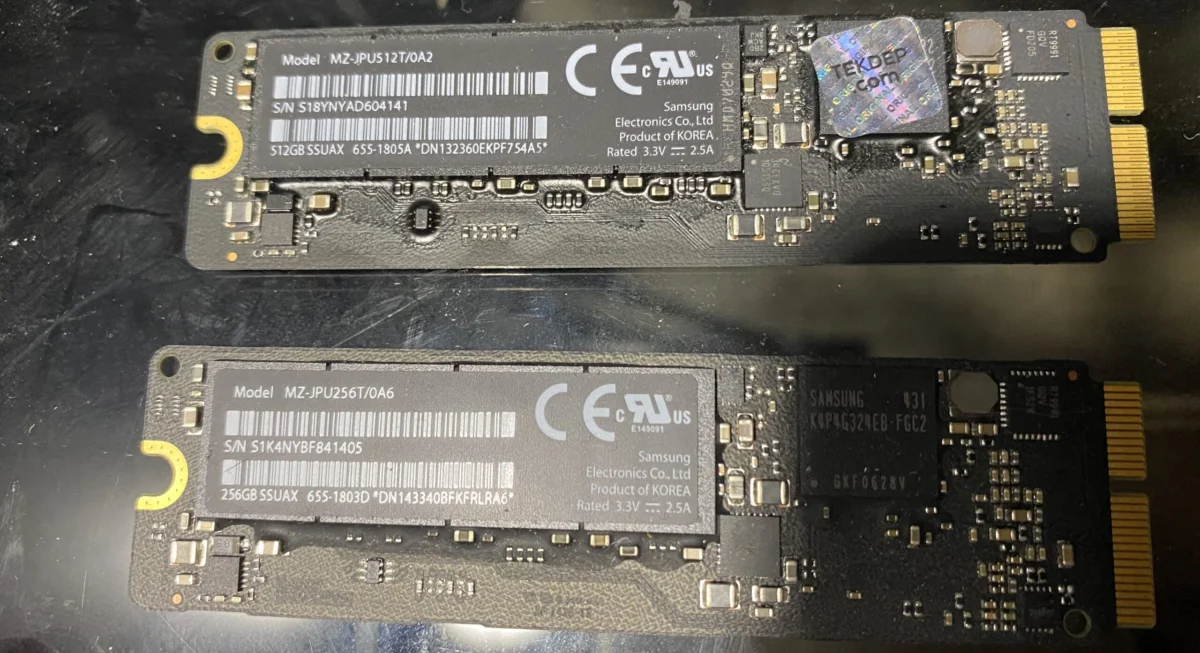
Solid-state drives (SSDs) have fundamentally reshaped the computing landscape, transitioning from niche upgrades to the primary storage solution for virtually every modern computer. This article delves into the intricate world of SSD technologies, exploring their evolution, diverse standards, and compatibility considerations, particularly within the ecosystem of Apple’s Mac computers. By dissecting the nuances of SATA, AHCI, NVMe, PCIe, M.2, and RAID configurations, users can make informed decisions about optimizing their Mac’s storage performance, from vintage Power Mac G5s to contemporary Retina MacBooks.
The Unstoppable Rise of Flash Storage
The widespread adoption of Solid-State Drives (SSDs) as the primary boot drive in modern computers is a testament to the transformative power of flash storage. While smartphones and tablets have long benefited from the speed and durability of solid-state memory, it has only been within the last decade that SSDs have become cost-effective enough for widespread integration into laptops and desktops. This shift represents a significant departure from traditional Hard Disk Drives (HDDs), offering substantial improvements in data access times, application loading speeds, and overall system responsiveness.
By 2026, the market is saturated with a variety of SSD standards and form factors, each with its own set of technical specifications and compatibility requirements. Navigating this complex ecosystem can be challenging for users seeking to upgrade their existing Mac hardware or select new systems. This comprehensive guide aims to demystify these technologies, providing clarity on the different types of SSDs and the Mac models in which they are commonly found.
SATA: The Foundation of Mainstream SSD Adoption
Serial Advanced Technology Attachment (SATA) drives were instrumental in popularizing SSD technology throughout the mid-2010s. Their compelling price-to-performance ratio significantly surpassed that of conventional hard drives, making them an attractive option for both budget-conscious consumers and those looking to breathe new life into older machines. Today, SATA SSDs continue to serve as a viable choice for additional storage, budget-oriented builds, and as an upgrade path for aging computers.
The integration of SATA technology into Apple’s product line began with the 2003 Power Mac G5. This landmark machine, while an early adopter, was limited by its SATA 1.0 interface, which capped data transfer speeds at approximately 150 MB/s. Subsequent Mac models have seen progressively faster SATA revisions, with SATA III (6 Gbps) becoming the standard for many years, offering theoretical maximum speeds of around 600 MB/s. The performance of a SATA SSD in any given Mac configuration is influenced by a confluence of factors, including the Mac’s specific motherboard and controller, the type of PCI card used for adaptation (if applicable), the SSD itself, and even the operating system version. These variables can lead to performance variations, underscoring the importance of understanding a Mac’s inherent limitations and the specifications of any chosen storage upgrade.
AHCI: The Protocol Enabling SATA’s Full Potential
Advanced Host Controller Interface (AHCI) is not a physical connector but rather a crucial interface protocol that emerged in 2004. Developed by Intel, AHCI provides a standardized method for software to interact with SATA storage devices. It defines the behavior and functionality of the software interface for AHCI-compliant controllers and offers a consistent programming model for SATA-to-AHCI adapters. In essence, AHCI acts as a translator, enabling drives to communicate effectively over their physical SATA connections. This protocol was a significant advancement, unlocking features such as Native Command Queuing (NCQ), which allows the drive to reorder incoming commands to optimize read/write operations, thereby improving performance, especially under heavy workloads.
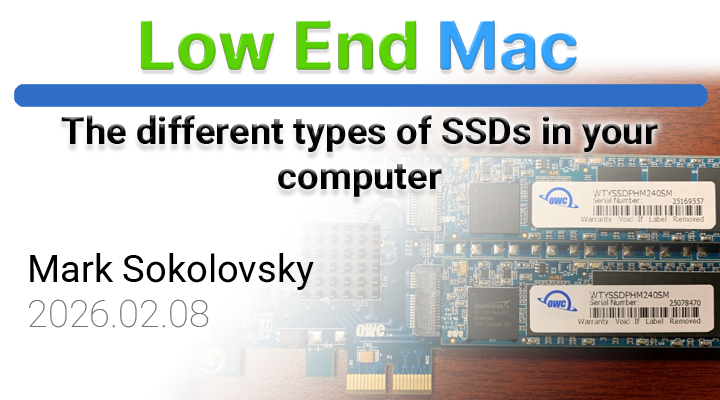
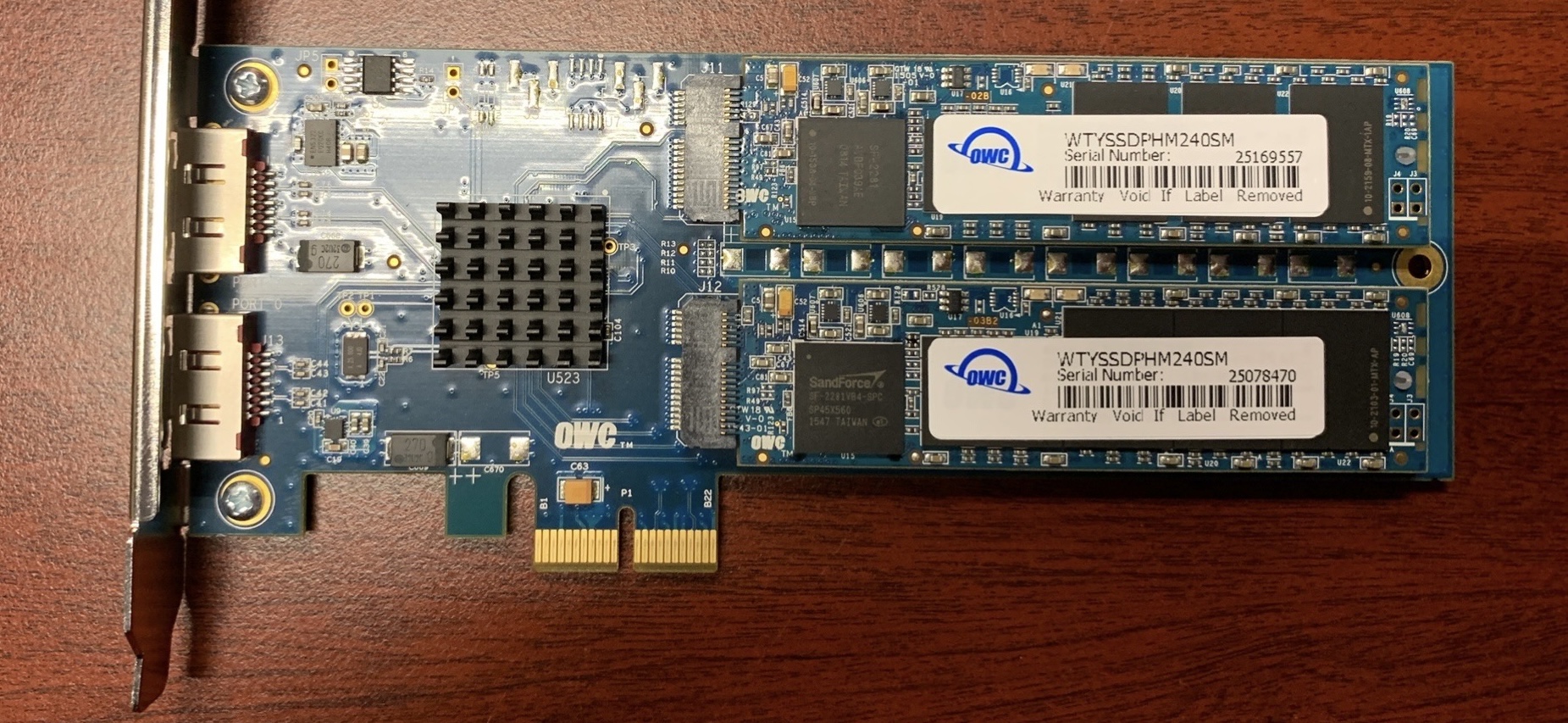
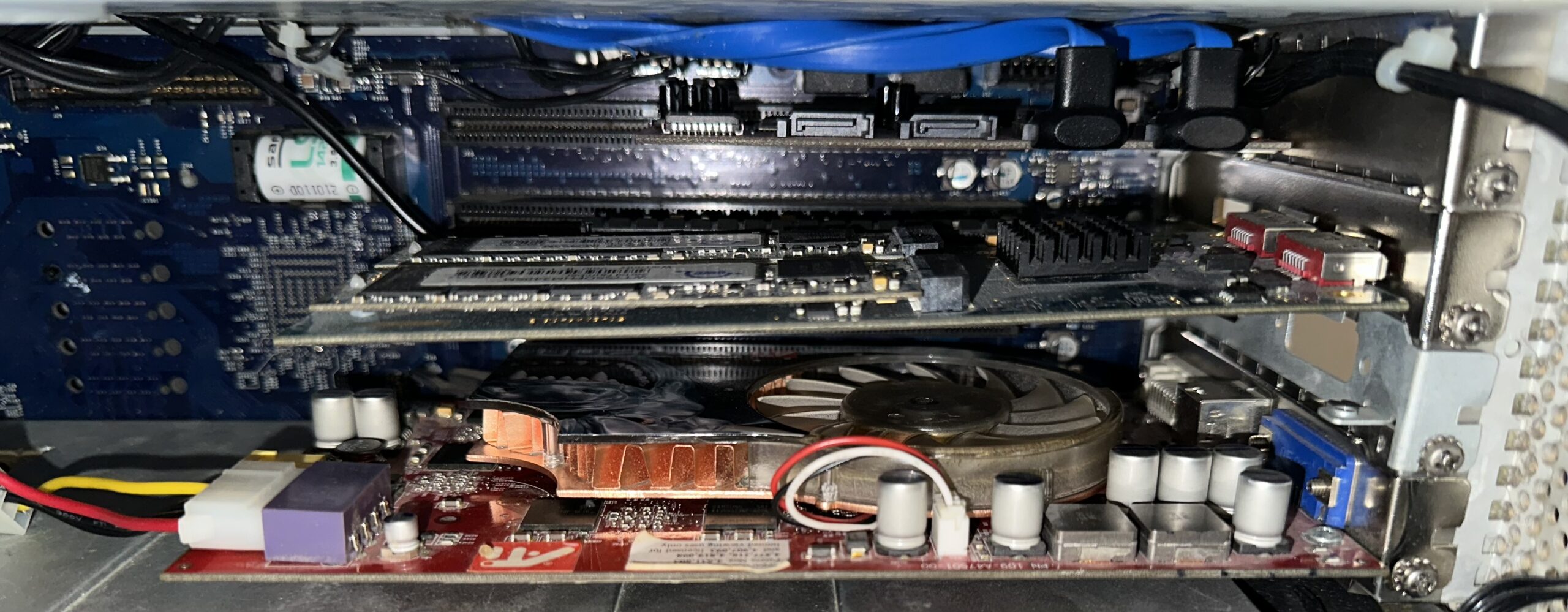
For users looking to upgrade older Macs, particularly those with PCI or PCIe slots, AHCI compatibility is a key consideration. For instance, OWC’s Mercury Accelsior line of SSDs often utilizes PCIe interfaces but can be adapted for use in older Macs, provided the SSD itself incorporates AHCI or SATA controllers that are recognized by the system. The image showcasing an OWC Mercury Accelsior adapted to PCI in a Power Mac G5 illustrates this practice, highlighting how advanced storage solutions can be retrofitted into legacy hardware through appropriate adapters and compatibility layers. The adoption of AHCI was a critical step in realizing the performance benefits of SSDs over traditional HDDs, laying the groundwork for even more advanced protocols.
NVMe: The Modern Standard for High-Performance SSDs
Non-Volatile Memory Express (NVMe) represents a significant paradigm shift in storage technology, specifically engineered for the high-speed capabilities of modern SSDs. It was developed to overcome the inherent limitations of AHCI, which was originally designed with spinning hard drives in mind. NVMe drastically reduces latency compared to AHCI, often dropping it to under 10 milliseconds. This reduction in latency translates directly into a perceivably faster user experience, making NVMe SSDs the preferred choice for demanding applications, gaming, and professional content creation.
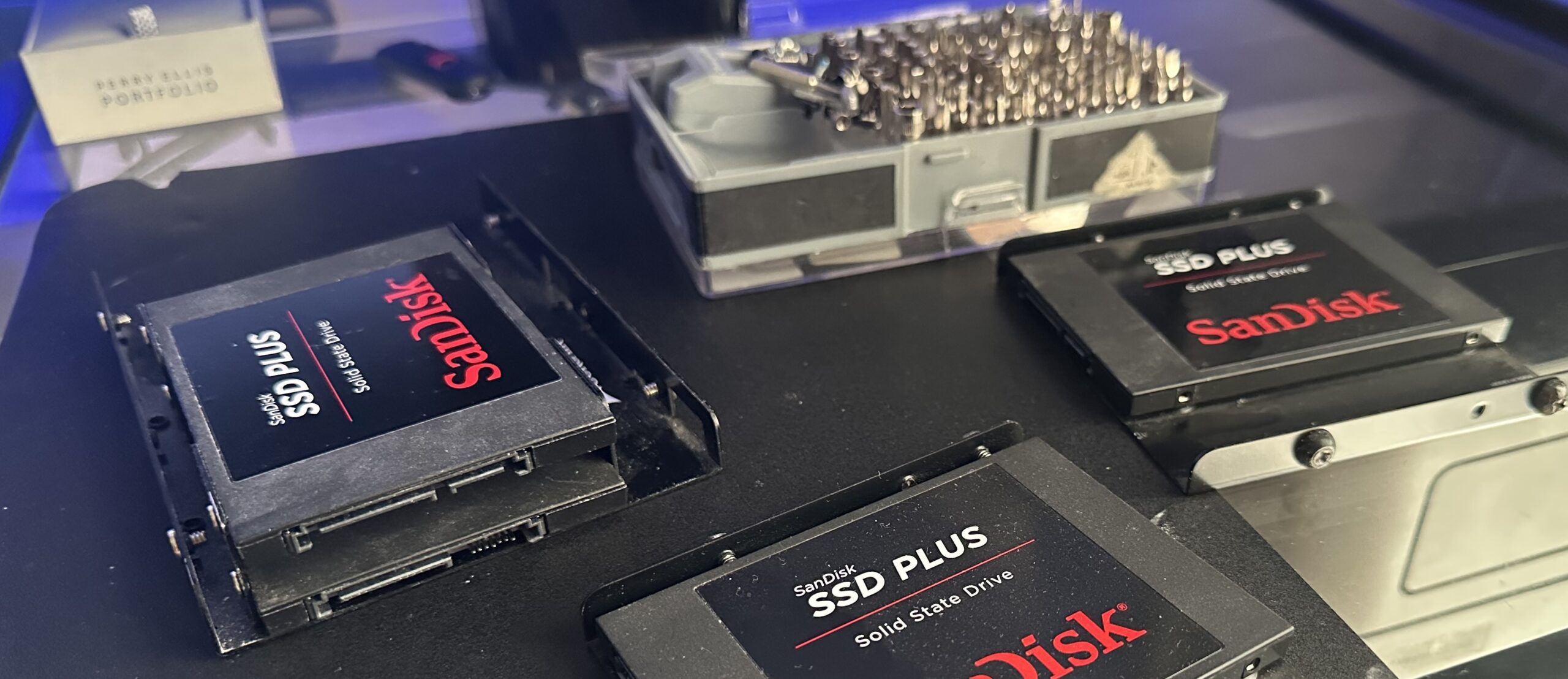
One of the key architectural differences lies in command queuing. NVMe supports up to 64,000 command queues, each capable of holding 64,000 commands. In stark contrast, AHCI is limited to a single command queue with a maximum of 32,000 commands. This exponential increase in parallel processing capability allows NVMe drives to handle millions of requests concurrently, a feat that is likened to a massive, highly efficient retail operation with numerous open registers, as opposed to the bottleneck of a single cashiers. This parallel processing power is particularly beneficial in multi-tasking environments and with workloads that involve frequent small read/write operations.
PCIe: The High-Speed Highway for SSDs
Peripheral Component Interconnect Express (PCIe) is a high-speed serial computer expansion bus standard. In the context of SSDs, PCIe offers multiple lanes for data transfer, enabling significantly faster read and write speeds compared to SATA. This direct connection to the system’s bus minimizes bottlenecks, especially in more modern Mac architectures. While PCIe SSDs generally deliver superior performance, they can also come with a higher price tag and potentially higher power consumption. Furthermore, in systems with limited PCIe lanes, the bandwidth can become constrained if multiple high-bandwidth PCIe devices are operating simultaneously.
The evolution of PCIe standards, from PCIe 3.0 to the latest PCIe 5.0, has continuously pushed the boundaries of storage performance. For instance, a PCIe 3.0 x4 NVMe SSD can achieve sequential read/write speeds of up to 3,500 MB/s, while a PCIe 4.0 x4 NVMe SSD can reach up to 7,000 MB/s, and PCIe 5.0 SSDs are now pushing beyond 10,000 MB/s. These figures dwarf the theoretical maximum of SATA III (around 600 MB/s), underscoring why PCIe NVMe SSDs are considered the modern standard for achieving peak storage performance in compatible Macs.
M.2: The Versatile Form Factor
The M.2 form factor is purely a physical connector and size standard for SSDs, analogous to how PCIe is a standard for expansion cards. It describes the physical dimensions and connector type of the drive, not its underlying communication protocol. M.2 SSDs can utilize either the SATA or NVMe protocol. This distinction is crucial: an M.2 SATA SSD, while appearing in the M.2 form factor, will still be limited by the SATA III interface speeds (around 550-600 MB/s). Conversely, an M.2 NVMe SSD leverages the much faster PCIe interface, offering the performance benefits discussed previously.
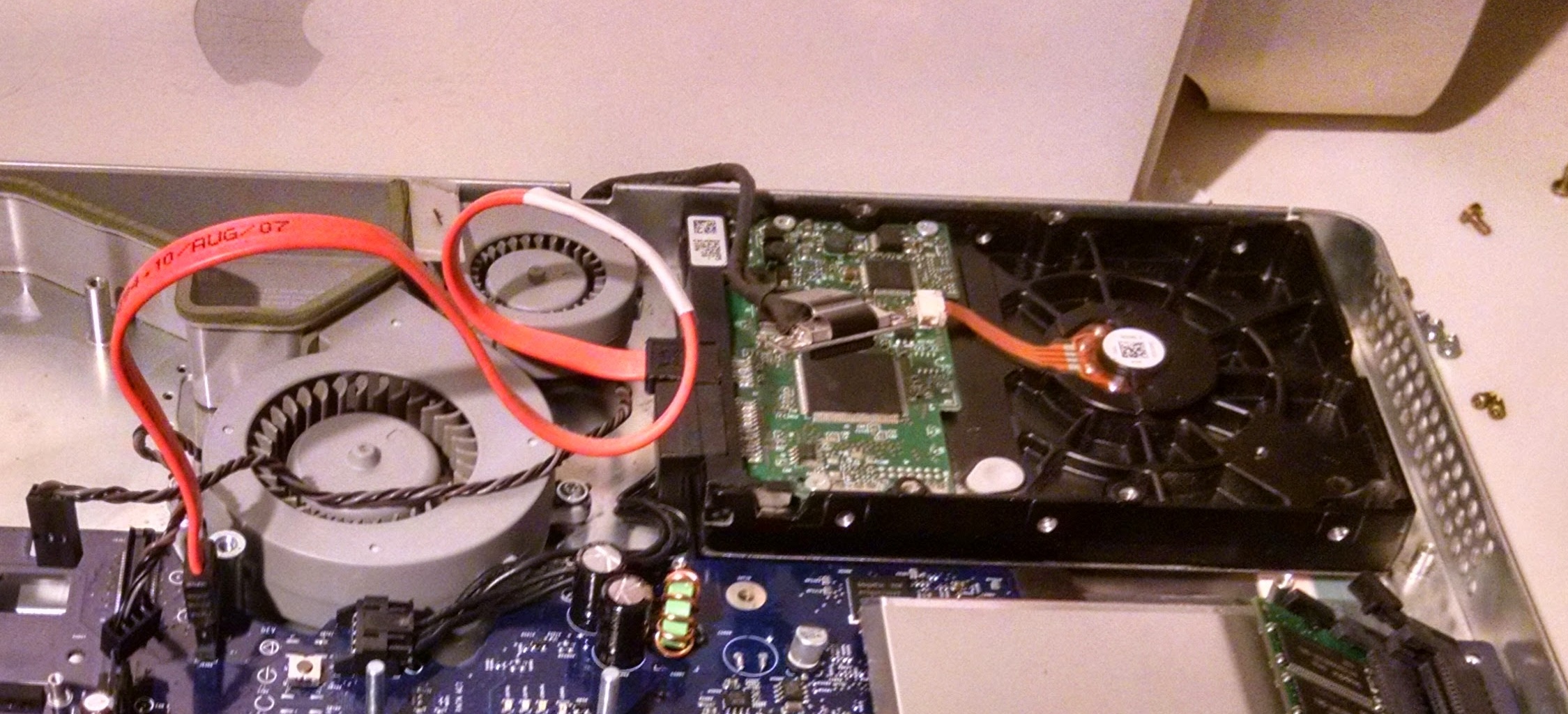
Compatibility with older Macs, particularly PowerPC-based systems, often hinges on whether an M.2 SSD supports the AHCI or SATA protocols and if an appropriate adapter is available. For example, a PCIe adapter card that accepts M.2 drives can allow an NVMe SSD to be installed in a Mac with PCIe slots. However, the system’s firmware and drivers must be able to recognize and utilize the NVMe protocol for full performance. The image of a Fanxiang S660 4 TB M.2 NVMe SSD illustrates a modern, high-performance drive designed for the latest systems. When selecting an M.2 SSD, it is imperative to examine its technical specifications, specifically whether it operates via SATA or NVMe, to ensure it meets performance expectations and compatibility requirements.
RAID0: Enhancing Speed at the Cost of Redundancy
Redundant Array of Independent Disks (RAID) is a storage technology that allows multiple drives to be combined into a single logical unit. This pooling of resources can enhance performance, improve data redundancy, or both, depending on the RAID level configured. To the operating system, a RAID array typically appears as a single drive, although disk management utilities will often reveal the individual drives within the array.
RAID 0, often referred to as "striping," is a popular configuration for SSDs when maximum performance is the primary objective. In RAID 0, data is split (striped) across two or more drives. This parallel access to data across multiple drives significantly boosts read and write speeds, often approaching the sum of the individual drives’ capabilities. However, this performance enhancement comes at a critical cost: a complete lack of data redundancy. If even one drive in a RAID 0 array fails, all data across all drives in the array is irretrievably lost. Therefore, RAID 0 represents a direct trade-off, prioritizing raw speed over data safety. It is best suited for non-critical data or systems where backups are rigorously maintained.
A Timeline of SSD Integration in Macs
The journey of SSDs into Macs has been a gradual but impactful one, marked by key product introductions and technological advancements.
- Early 2000s: While not strictly SSDs in the modern sense, early forms of flash storage began appearing in some compact Apple devices. The focus was on cost and capacity, with performance being a secondary concern.
- 2003: The Power Mac G5 introduced the SATA interface, laying the groundwork for future internal storage upgrades and compatibility with early SSDs, albeit with the limitations of SATA 1.0.
- Mid-2000s: As SSD technology matured and prices began to fall, aftermarket upgrades for Macs became more common. Early adopters would install SATA SSDs into compatible Macs, replacing traditional HDDs. The adoption of AHCI protocols facilitated better performance for these early SSDs.
- Late 2000s & Early 2010s: Apple began integrating SSDs as standard options in some MacBook Air models, highlighting the drive’s benefits for portability and battery life. MacBook Pro models also started offering SSD configurations, often as higher-priced upgrades. These early integrated SSDs typically used SATA interfaces.
- 2010s: The introduction of PCIe-based SSDs, particularly in the form of proprietary Apple SSDs and later third-party solutions like OWC’s Accelsior line, marked a significant leap in performance for Macs equipped with PCIe slots. This era saw the widespread use of SATA III SSDs as standard options in many Mac models.
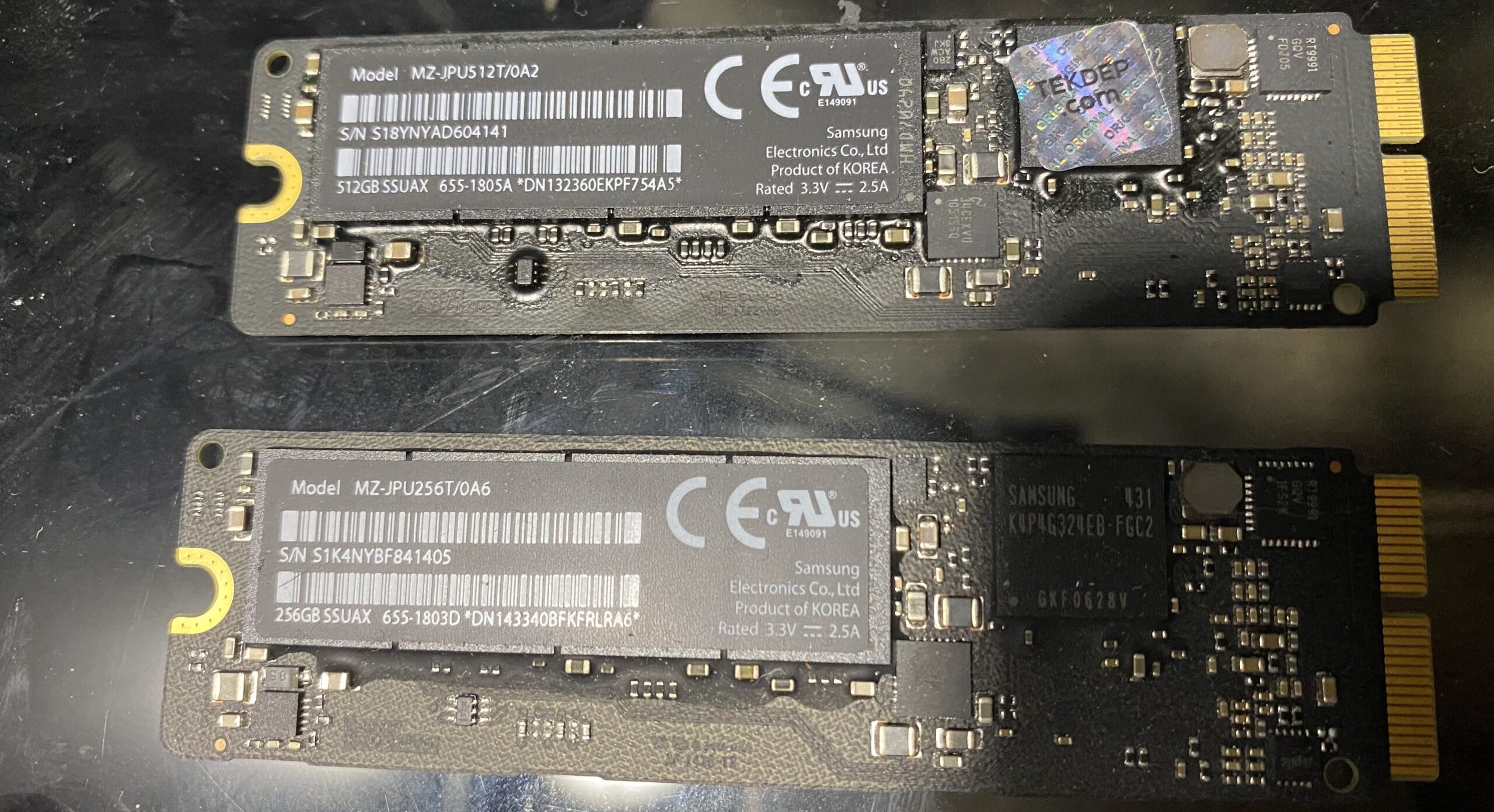
- Mid-2010s onwards: Apple began to adopt NVMe technology and the M.2 form factor, particularly in Retina MacBook Pro models starting around 2013-2015. These drives offered a substantial performance improvement over previous SATA-based SSDs. While Apple used proprietary connectors for a time, the underlying NVMe protocol became the de facto standard for high-performance SSDs.
- Late 2010s & 2020s: NVMe SSDs became the standard boot drive for nearly all new Mac models, including iMacs, Mac minis, and Mac Pros. The performance gains from NVMe over PCIe, combined with the efficiency of the protocol, have made them indispensable for modern computing tasks. For users of older Macs, the availability of PCIe adapter cards for M.2 NVMe SSDs has opened up significant upgrade possibilities.
Broader Impact and Implications
The transition to SSDs, particularly NVMe over PCIe, has had profound implications for Mac users and the broader computing industry. For individuals, it means faster boot times, significantly reduced application load times, quicker file transfers, and a more fluid overall user experience. This is crucial for professionals working with large datasets, video editors, graphic designers, and developers who rely on speedy storage for their workflows.
From an industry perspective, the demand for faster storage has driven innovation in NAND flash technology, controller design, and interface standards. The ubiquity of SSDs has also influenced software development, with applications increasingly designed to take advantage of faster storage. For Apple, the integration of high-performance SSDs has been a key differentiator, contributing to the perceived speed and responsiveness of macOS.
For owners of older Macs, the availability of upgrade paths using SATA, AHCI, and NVMe SSDs, often facilitated by adapter cards and meticulous research into compatibility, has extended the lifespan of their hardware considerably. This democratizes access to modern storage performance, allowing users to retain beloved, albeit aging, machines while benefiting from significant speed improvements. The continued development of these technologies promises even faster and more efficient storage solutions in the future, further pushing the boundaries of what personal computers can achieve.