Edi Durjana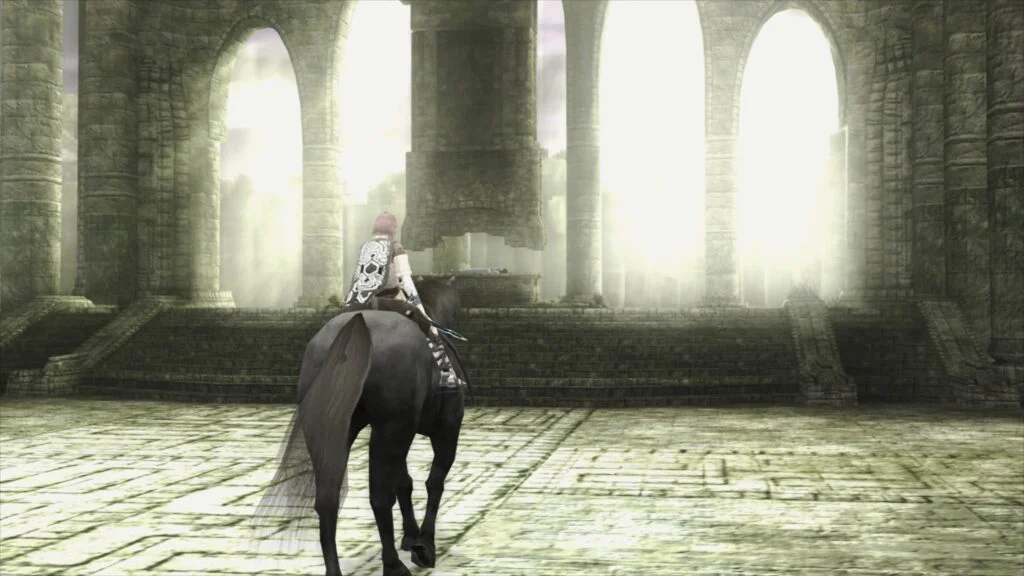
Libretro, the framework behind the popular multi-system emulator RetroArch, has officially unveiled its groundbreaking new PlayStation 2 core, designated LRPS2. This highly anticipated release represents a significant leap forward in PS2 emulation within the Libretro ecosystem, offering enhanced performance, superior graphical fidelity, and a streamlined user experience across a range of platforms. Built upon a heavily modified version of the renowned PCSX2 emulator, LRPS2 is meticulously custom-made for the Libretro API, ensuring deep integration and optimized functionality. It is now readily available for Windows, macOS, and Linux operating systems, promising to redefine how enthusiasts experience the vast library of PlayStation 2 titles.
The Genesis of LRPS2: A Modern Foundation for Classic Gaming
The introduction of LRPS2 marks a pivotal moment, replacing the older, less optimized PS2 core previously available within Libretro. This new core boasts a modern and up-to-date codebase, meticulously engineered to address and eliminate the significant drawbacks that plagued its predecessor. The development team has focused on stability, accuracy, and performance, leveraging years of advancements in PS2 emulation pioneered by projects like PCSX2. By creating a custom version tailored for Libretro, developers have ensured that LRPS2 benefits from RetroArch’s robust feature set, including its unified input system, shader capabilities, and comprehensive configuration options.
The PlayStation 2, launched in 2000, remains the best-selling video game console of all time, with a staggering library of over 3,800 titles. Its complex Emotion Engine CPU and Graphics Synthesizer (GS) have historically presented formidable challenges for accurate emulation. Emulating the PS2 requires not just raw processing power but also intricate low-level accuracy to replicate the console’s unique hardware quirks. LRPS2’s foundation in a modern PCSX2 codebase means it inherits decades of research and development in tackling these complexities, bringing a new level of fidelity to Libretro users.
Unleashing Visual Fidelity: Rendering Backends and Enhancements
One of the standout features of the LRPS2 core is its comprehensive support for nearly all the rendering backends offered by the GSdx renderer. This versatility allows users to select the most suitable rendering API for their system, ensuring optimal performance and compatibility. The supported backends include:
- Vulkan: Available on Windows, macOS, and Linux, Vulkan is a modern, low-overhead graphics API known for its high performance and multi-threading capabilities, making it an excellent choice for demanding emulation tasks.
- Direct3D 11 and 12: Exclusively for Windows users, these Microsoft APIs provide robust hardware acceleration, with D3D12 offering further optimizations for multi-core processors and modern GPUs.
- OpenGL: Supported on Windows and Linux, OpenGL offers a widely compatible and mature rendering solution, ensuring broad hardware support.
This extensive backend support signifies Libretro’s commitment to accessibility, allowing users with diverse hardware configurations to enjoy PS2 emulation with minimal compromises. The ability to switch between these APIs also provides crucial troubleshooting flexibility, as some games or system configurations may perform better with a specific renderer.
Introducing paraLLEl-GS: A Paradigm Shift in Graphics Emulation
By far the most revolutionary aspect of the LRPS2 core is the introduction of paraLLEl-GS. This brand new renderer, developed by the acclaimed programmer Themaister, represents a significant technological advancement in PS2 graphics emulation. Much like his previous work on paraLLEl-RDP for Nintendo 64 emulation, paraLLEl-GS is written entirely as a compute program and operates exclusively with the Vulkan graphics API.
The core philosophy behind paraLLEl-GS is to achieve the highest possible accuracy, mirroring the precision of a software renderer, while simultaneously offering powerful graphical enhancements traditionally associated with hardware rendering. Themaister’s detailed insights into this project can be found in his blog article, "PlayStation 2 GS emulation: the final frontier of Vulkan compute emulation," which provides a deep dive into the technical intricacies of this innovative approach.
The flagship feature of paraLLEl-GS is its exceptional Super-Sampling Anti-Aliasing (SSAA). When configured with 16x SSAA and experimental high-resolution scanout enabled, paraLLEl-GS can virtually eliminate aliasing artifacts – the shimmering and jagged edges common on 3D geometry and textures in older games. This results in an incredibly clean and smooth image, often surpassing the visual quality achieved by the standard GSdx renderer even at much higher internal resolutions.
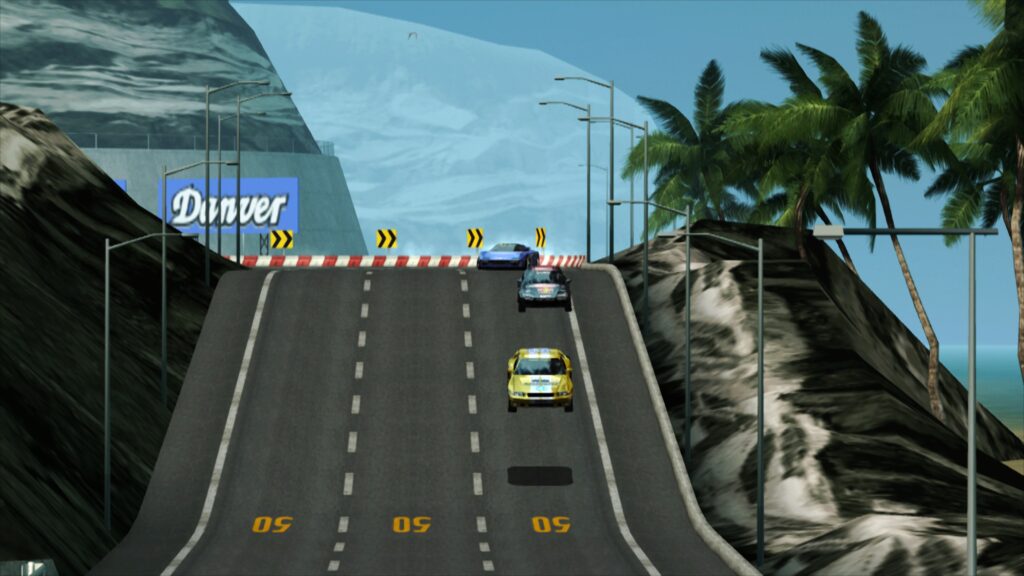
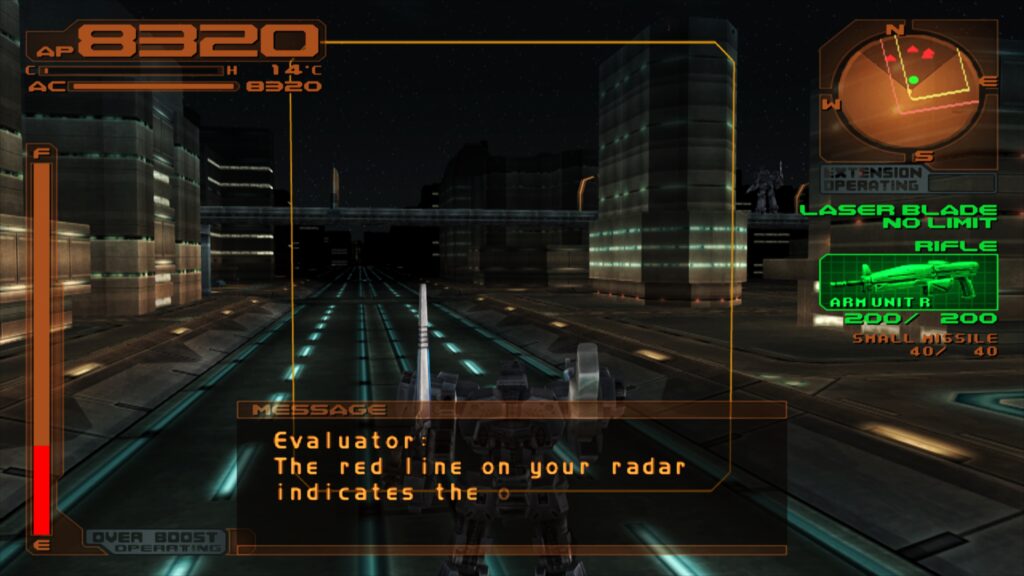
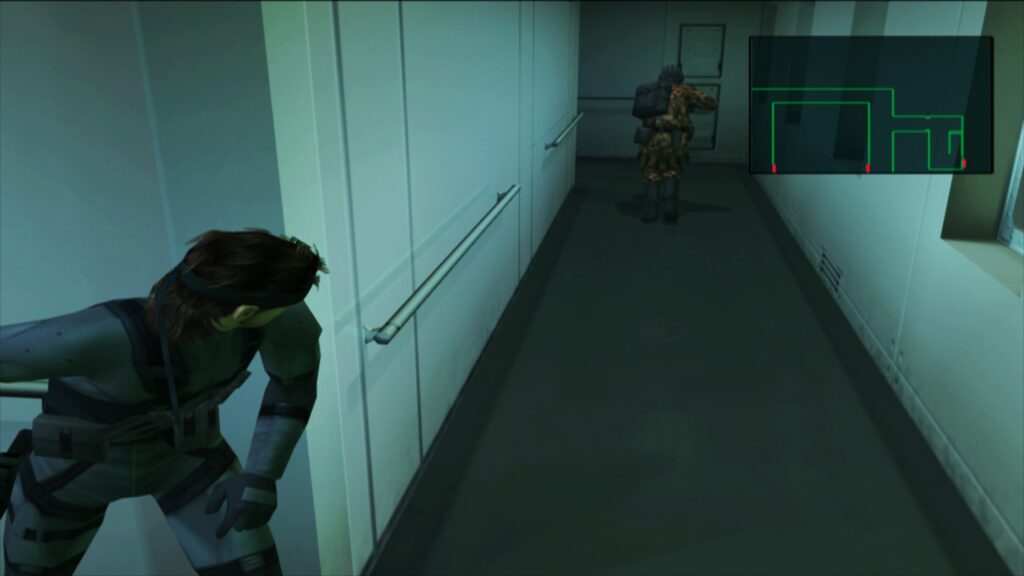
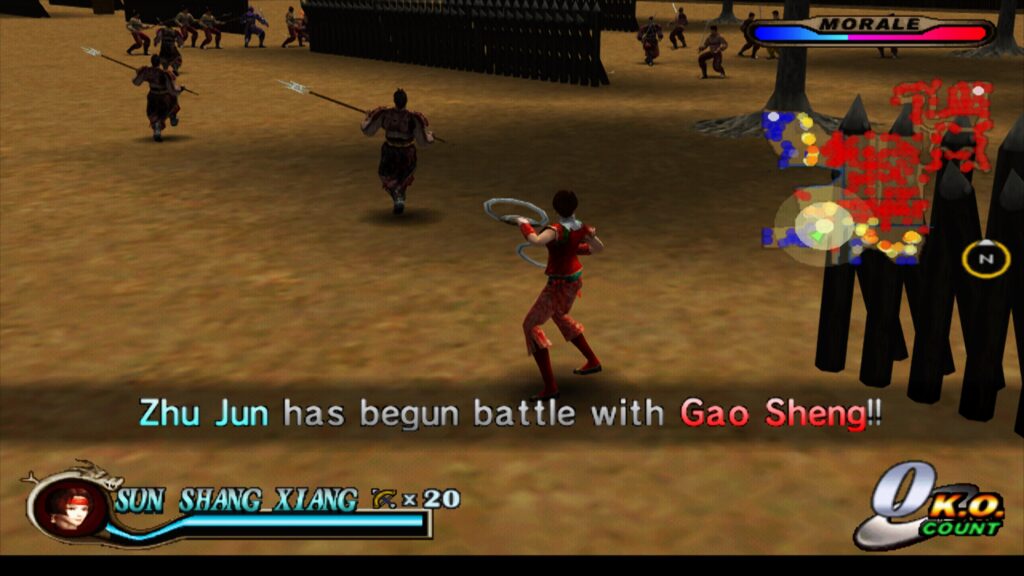
Furthermore, with high-res scanout, paraLLEl-GS can effectively double the output resolution. When combined with SSAA, the final image quality can be stunningly crisp and detailed, bringing a modern polish to classic PS2 titles. Crucially, paraLLEl-GS achieves this fidelity with minimal reliance on game-specific hacks, a common necessity in traditional hardware renderers to overcome emulation inaccuracies. This "hack-free" approach simplifies configuration and improves overall compatibility, ensuring a more consistent and accurate visual experience across the entire PS2 library. The screenshots provided, showcasing titles like Armored Core 3 and Silent Hill 3 with 16x SSAA and high-res scanout, demonstrate the transformative visual upgrade paraLLEl-GS delivers, utilizing a shader preset like presets/fsr/fsr-aa-lv2-bspline-4taps.slangp for further refinement.
Getting Started: Setting Up LRPS2 in RetroArch

Setting up the LRPS2 core within RetroArch is a straightforward process, though it requires a few specific steps to ensure all necessary components are in place. The core is currently supported on Windows, Linux (x86_64), and macOS, but notably not on Android, iOS, or ARM Linux devices.
- Update Core Info Files: Begin by navigating to the "Online Updater" in RetroArch and selecting "Update Core Info Files." This action refreshes the core database, ensuring LRPS2 appears correctly in the core list.
- Download the Core: Proceed to the "Core Downloader" within the "Online Updater." Scroll down to "Sony – Playstation 2 (LRPS)" and select it to download the core itself.
- Obtain System Files: Next, go to the "Core System Files Downloader" (also in the "Online Updater") and download the "LRPS2.zip" bundle. This critical bundle automatically creates the "pcsx2" directory within your RetroArch "system" directory. Inside, it places "GameIndex.yaml," a database containing various per-game hacks and settings used by the core and GSdx renderer for improved compatibility. It also creates a "bios" directory.
- Place PS2 BIOS: The final crucial step is to place your legally obtained PlayStation 2 BIOS files into the newly created "bios" directory. Without these, the emulator cannot function.
- Load Games: Once the BIOS files are in place, you are ready to scan and load your PS2 games. Supported formats include CHD, ISO, and others, but ensure your games are not in compressed archives like .7z, .rar, or *.zip, as these are not directly supported for loading.
Specific Considerations for macOS (Apple Silicon)
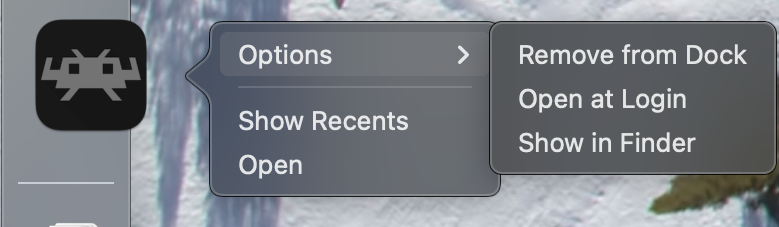
For users running RetroArch on macOS with Apple Silicon (M1, M2, etc.) processors, an additional step is required to enable LRPS2. The core currently necessitates running RetroArch through Rosetta, Apple’s dynamic binary translator.
To do this:
- Exit RetroArch completely.
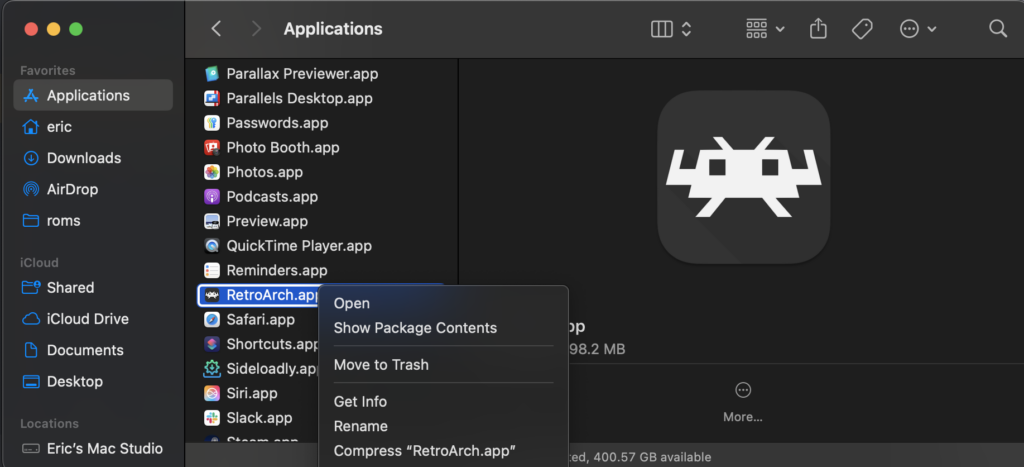
- Locate the RetroArch application in Finder.
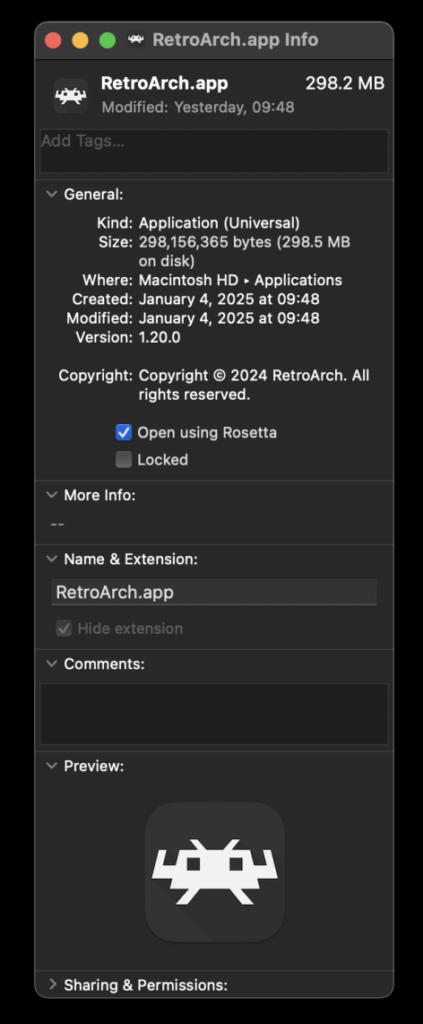
- Right-click on the RetroArch application icon and select "Get Info" from the context menu.
- In the Info window, locate and check the "Open using Rosetta" checkbox.
- Launch RetroArch again. Once running in Rosetta mode, the LRPS2 core will be visible and downloadable in the Core Downloader.
Navigating the Core Options: Tailoring Your Experience
The LRPS2 core provides a comprehensive set of options categorized for ease of use, allowing users to fine-tune various aspects of emulation, from system settings to advanced rendering adjustments. While the specific details of each option are extensive, they generally fall into categories such as:
- System: Controls regional settings, memory card configurations, and other fundamental console parameters.
- Video: General video output settings, including aspect ratio, interpolation, and internal resolution scaling (separate from paraLLEl-GS specific scaling).
- Video – GSdx: Specific settings for the GSdx renderer, including upscaling multipliers, texture filtering, and hardware rendering fixes.
- Manual Hardware Rendering Fixes – GSdx: A collection of game-specific or general fixes to address common graphical glitches when using the GSdx hardware renderer.
- Emulation: Options related to CPU speed, cycle rates, and other emulation accuracy settings that can impact performance or compatibility.
- Input: Configuration for controllers, including support for rumble and other peripheral settings.
- ParaLLEl-GS Options: Dedicated settings for the paraLLEl-GS renderer, focusing on SSAA levels, high-res scanout, and other compute-shader-specific enhancements.
These options empower users to balance performance, visual quality, and emulation accuracy according to their specific hardware and preferences.
Addressing Common Queries: LRPS2 FAQ Highlights
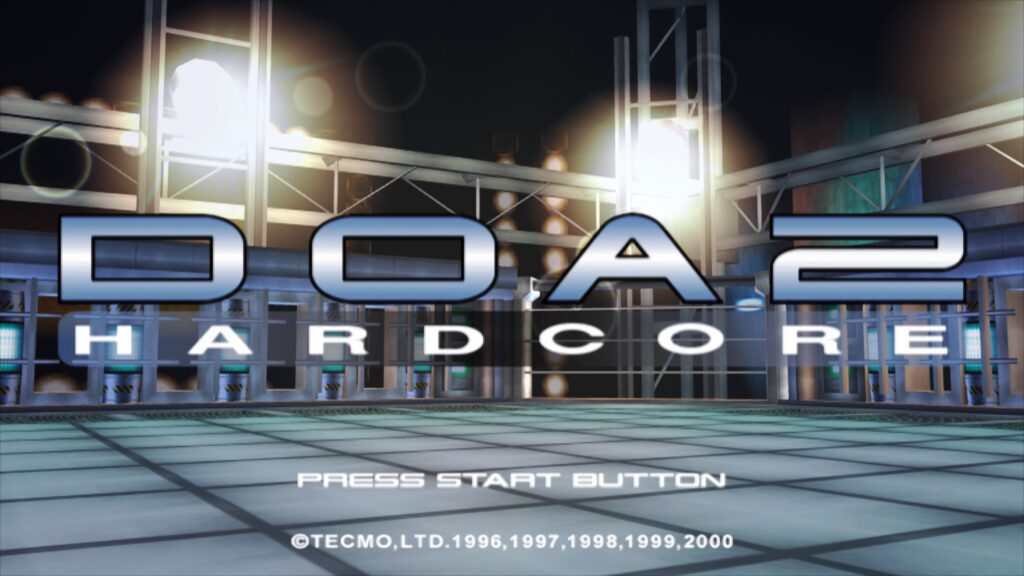
The development team has proactively addressed several common questions users might encounter:
- Black Screen with Audio: If using the D3D11 video driver on Windows and experiencing a black screen, switching to D3D12 (either globally or via a core override) is recommended.
- ParaLLEl-GS Performance on Intel Integrated Graphics: ParaLLEl-GS, being compute-shader intensive, can struggle on older or less powerful Intel Integrated Graphics Processors (IGPs). Discrete GPUs, including Intel’s newer dedicated cards, are better suited. For IGPs, the software renderer or GSdx remain viable alternatives.
- Software Renderer Crashes with Vulkan: A known issue currently causes the software renderer to crash when the Vulkan video driver is selected. Users should switch to ‘glcore’ on Linux or a D3D driver on Windows to use the software renderer reliably until a fix is implemented.
- Analog Face Buttons: Full support for analog face buttons (a unique PS2 controller feature) is actively being worked on. While a few games utilize this, most are fully playable without it.
- Game-Specific Patches: To see which internal patches (e.g., game enhancements, widescreen hacks, interlacing fixes) are applied on a per-game basis, users need to enable logging in RetroArch and review the log output. The internal database of such patches is continuously growing.
- Frame Pacing: For improved frame pacing, users can enable "Sync to Exact Content Framerate" in RetroArch’s Video -> Synchronization settings. For VRR displays, turning VSync off in RetroArch and ensuring it’s enabled in the GPU driver control panel (e.g., Nvidia Control Panel) can yield optimal results, though some games may require experimentation.
The Broader Impact: A New Era for PS2 Emulation
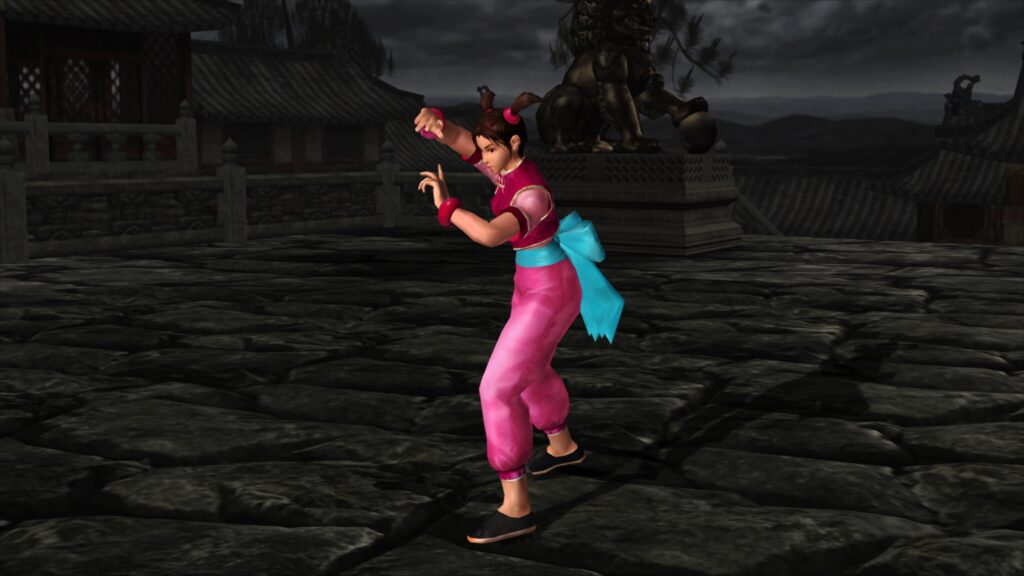
The launch of the LRPS2 core, particularly with the groundbreaking paraLLEl-GS renderer, is more than just an update; it represents a significant milestone for the Libretro project and the broader emulation community. By providing a modern, high-performance, and highly accurate PS2 core with advanced graphical enhancements, Libretro solidifies its position as a premier platform for retro gaming.
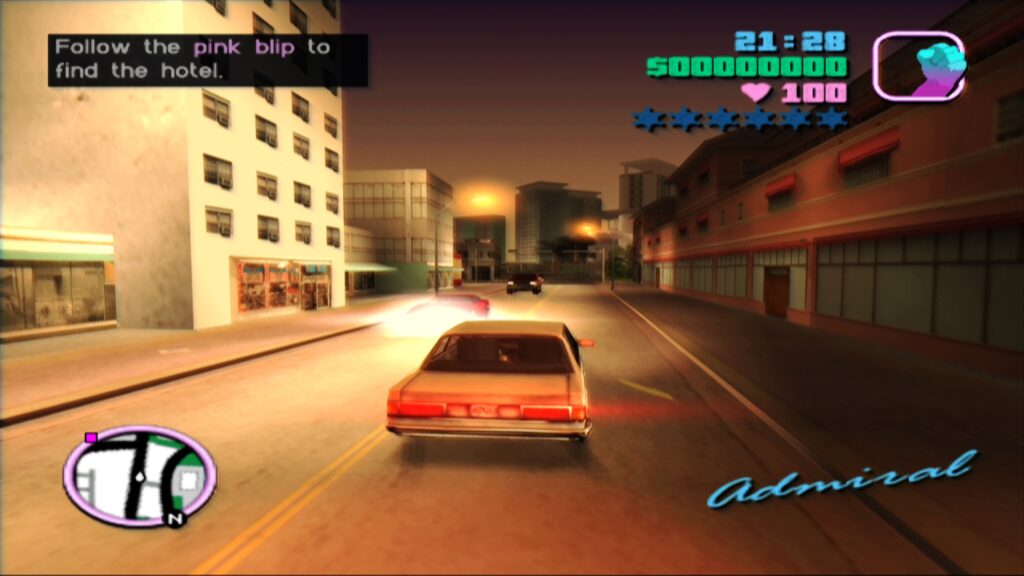
This development ensures that the rich legacy of the PlayStation 2 can be preserved and experienced by a new generation of players, and re-experienced by veterans, with unparalleled visual fidelity and ease of use. The innovative approach of paraLLEl-GS, utilizing compute shaders for emulation accuracy and enhancement, also sets a new precedent, potentially influencing future emulation core development across various platforms. The ongoing commitment to refinement, as evidenced by the active development on features like analog face button support and the expanding game compatibility database, promises a continually improving experience for all users. The accompanying videos, showcasing games like Ridge Racer V, Gran Turismo 4, and Tekken 5 running with paraLLEl-GS, serve as compelling evidence of the core’s transformative capabilities.