Edi Durjana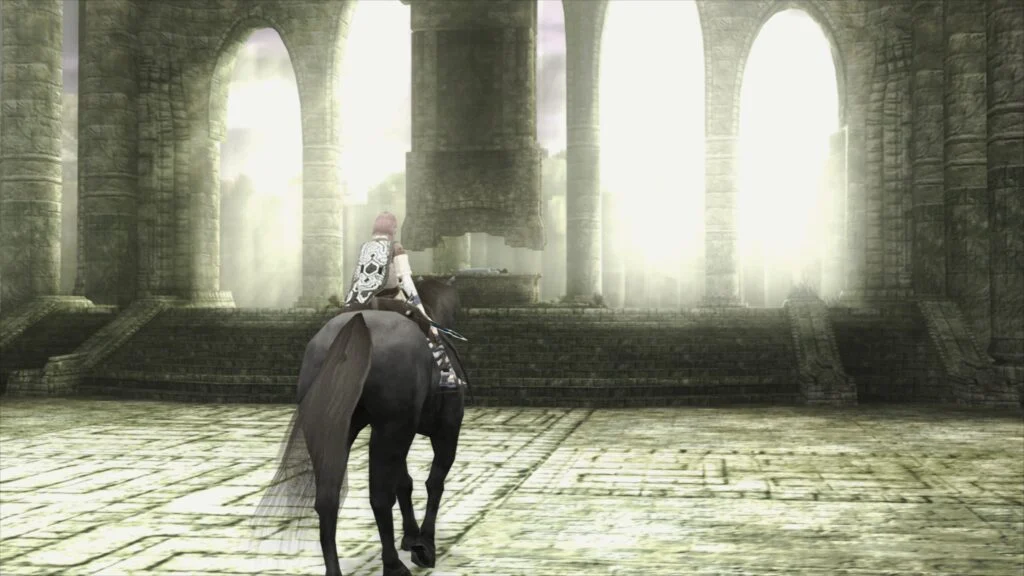
Libretro, the organization behind the popular frontend RetroArch, has officially announced the release of LRPS2, a groundbreaking new core designed to bring robust and high-fidelity PlayStation 2 (PS2) emulation to a wider audience. This highly anticipated core, a heavily modified derivative of the renowned PCSX2 emulator, represents a significant leap forward for PS2 preservation and gameplay within the Libretro ecosystem, promising enhanced performance, broader compatibility, and a suite of advanced rendering features. The new core is immediately available for Windows, macOS, and Linux platforms, marking a substantial upgrade from its predecessor and addressing long-standing issues that hindered the previous core’s capabilities.
The introduction of LRPS2 signals a new era for PlayStation 2 emulation within RetroArch. Unlike the older, less maintained core, LRPS2 boasts a modern and thoroughly updated codebase, specifically engineered to integrate seamlessly with the Libretro API. This fundamental overhaul means that users can expect a much more stable and performant experience, free from the "serious drawbacks" that plagued earlier iterations. The core leverages the latest advancements in emulation technology, providing a solid foundation for accurately replicating the complex architecture of Sony’s best-selling console.
A cornerstone of LRPS2’s technical prowess lies in its comprehensive support for a diverse array of rendering backends, powered by the versatile GSdx renderer. This flexibility ensures optimal performance and visual fidelity across a wide range of hardware configurations and operating systems. Users on Windows, macOS, and Linux can now utilize Vulkan, a high-performance, cross-platform graphics API renowned for its efficiency. Windows users further benefit from support for Direct3D 11 and Direct3D 12, offering native integration with Microsoft’s proprietary graphics technologies. Additionally, OpenGL remains an option for Windows and Linux users, providing broad compatibility. This multi-backend approach empowers users to select the rendering method best suited for their system, optimizing for either speed or graphical accuracy.
Beyond its core functionality, LRPS2 introduces a pivotal feature for achieving superior visual quality: paraLLEl-GS. This groundbreaking renderer, developed by Themaister, stands out as the star of the show. Much like its Nintendo 64 counterpart, paraLLEl-RDP, paraLLEl-GS is a bespoke renderer crafted entirely as a compute program, exclusively utilizing the Vulkan graphics API. This innovative approach allows for unparalleled accuracy, aiming to match the fidelity of the most precise software renderers while simultaneously enabling advanced graphical enhancements. Themaister’s detailed insights into this project can be explored in a dedicated blog article, which, despite being several months old, continues to offer a deep dive into the technical intricacies of PlayStation 2 Graphics Synthesizer emulation using Vulkan compute.
The primary objective of paraLLEl-GS is to deliver an emulation experience that is both highly accurate and visually stunning. A standout feature is its support for up to 16x SSAA (Supersample Anti-Aliasing). When combined with the experimental high-res scanout option, this can dramatically reduce or entirely eliminate the shimmering and "jaggies" commonly associated with 3D geometry and textures in older games, even at higher internal resolutions. High-res scanout specifically allows for doubling the native resolution, and when paired with SSAA, the resulting output image quality can often surpass that of the GSdx renderer operating at significantly higher internal scaling factors. Crucially, paraLLEl-GS achieves this enhanced visual fidelity with minimal reliance on game-specific hacks, a common necessity for GSdx to correct rendering quirks. This streamlined approach greatly improves compatibility and reduces the need for manual configuration, offering a more "plug-and-play" high-quality experience.
For users eager to dive into the vast library of PlayStation 2 titles, setting up the LRPS2 core within RetroArch is a straightforward process, though it requires adherence to specific steps. First, on supported platforms (Windows, Linux x86_64, and macOS – notably not Android, iOS, or ARM Linux), users must navigate to RetroArch’s online updater and select "Update Core Info Files." This ensures that the LRPS2 core is correctly listed in the menu. Following this, users should proceed to the "Core Downloader" section, where they can locate and download the "Sony – Playstation 2 (LRPS)" core. The next crucial step involves obtaining the necessary system files. From the "Core System Files Downloader," users need to download the "LRPS2.zip" bundle. This bundle automates the creation of the pcsx2 directory within RetroArch’s system directory and populates it with GameIndex.yaml. This YAML file is vital as it contains a database of per-game hacks and settings that the core and GSdx renderer utilize to optimize compatibility and performance for a wide array of titles. The bundle also creates a bios directory, into which users must place their legally obtained PlayStation 2 BIOS set. Once these prerequisites are met, games, ideally in CHD format (compressed archives like .7z, .rar, or .zip are not supported for loading), can be scanned and launched.
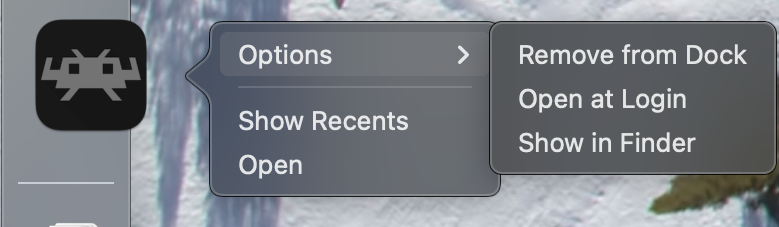
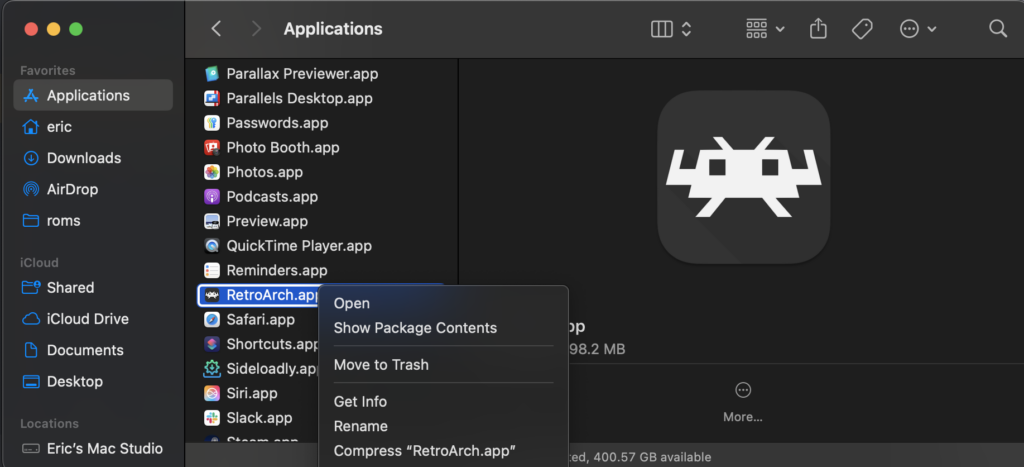
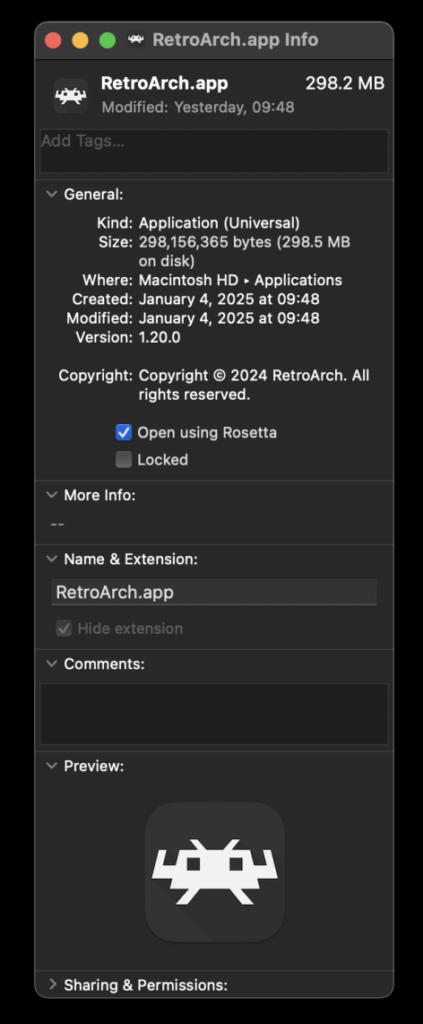
Users on Apple Silicon-based macOS machines have a specific consideration for running LRPS2. Due to the core’s current architecture, RetroArch must be run using Rosetta, Apple’s dynamic binary translator. To enable this, users should exit RetroArch, locate its application file in Finder, right-click, and choose "Get Info." Within the Info screen, there is a checkbox labeled "Open using Rosetta"; ensuring this is checked will allow RetroArch and, consequently, the LRPS2 core to function correctly on Apple Silicon hardware. Once Rosetta is enabled, the LRPS2 core will become visible and downloadable in the Core Downloader.
The LRPS2 core, like all sophisticated emulation cores, offers a range of configurable options categorized for fine-tuning the emulation experience. These categories include System, Video, Video – GSdx, Manual Hardware Rendering Fixes – GSdx, Emulation, Input, and ParaLLEl-GS.
Under System options, users can typically adjust fundamental settings related to the emulated PS2 hardware, such as console region, language, and other system-level configurations that might affect game startup or compatibility. The Video section provides general display options applicable to all renderers, potentially including aspects like aspect ratio, integer scaling, and VSync.
The Video – GSdx category contains settings specifically tailored for the traditional GSdx renderer. These options often relate to internal resolution scaling, texture filtering, and various upscaling enhancements. Furthermore, the Manual Hardware Rendering Fixes – GSdx section is critical for addressing specific graphical glitches that may arise in certain games when using hardware rendering. These fixes are often game-specific workarounds designed to improve visual accuracy where the default settings fall short.
Emulation options delve into the core behavior of the emulated PS2, allowing adjustments to CPU clock speed, EE/IOP timing, and other performance-related parameters. These can be crucial for resolving slowdowns or ensuring accurate game behavior in titles sensitive to emulation timing. The Input category, as expected, manages controller configurations, enabling users to map their physical gamepads to the emulated PlayStation 2 controllers, including features like rumble and potentially future analog face button support.
Finally, the ParaLLEl-GS category provides specific configuration options for this advanced compute-shader-based renderer. These settings are geared towards maximizing the visual fidelity and performance unique to paraLLEl-GS, such as selecting SSAA levels, enabling high-res scanout, and other visual enhancements that differentiate it from the traditional GSdx renderer.
The developers have also provided a comprehensive Frequently Asked Questions (FAQ) section to address common issues and optimize user experience:
- Black Screen with Audio: If using the default D3D11 video driver on Windows results in a black screen, switching to D3D12 (either globally or via a core override) and restarting the core and content typically resolves this issue.
- ParaLLEl-GS Performance on Intel Integrated Graphics: Unfortunately, Intel Integrated Graphics Processors (IGPs), especially older models, struggle with the compute shader intensity of paraLLEl-GS and may not run at full speed. For these systems, the software renderer or the GSdx renderer are recommended alternatives. Newer Intel discrete GPUs are expected to handle paraLLEl-GS without issues.
- Software Renderer Crashes with Vulkan: A known issue currently prevents the software renderer from reliably working with the Vulkan video driver. Until a fix is identified, users are advised to switch to the
glcoredriver on Linux or one of the D3D drivers on Windows when using the software renderer. - Analog Face Buttons: Support for analog face buttons, a unique feature of the DualShock 2, is currently under development. While only a few PS2 games utilize this feature, and most remain fully playable without it, the team is working towards its implementation.
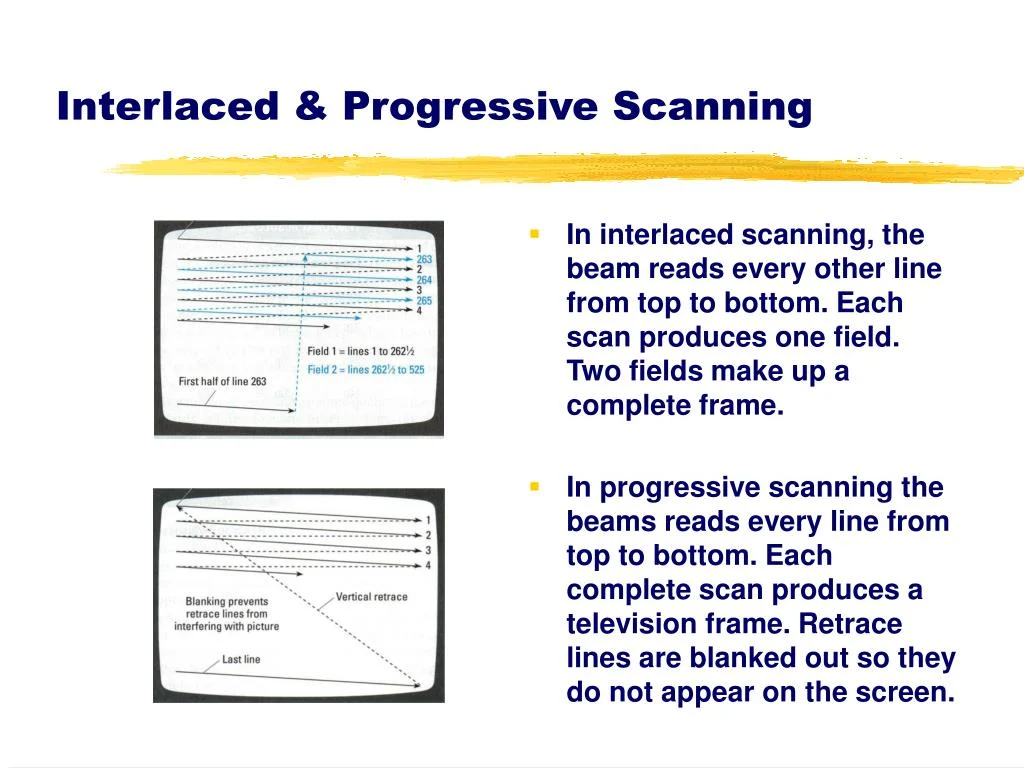
- Identifying Applied Internal Patches: To determine which internal patches (e.g., game enhancements, language unlocks, interlacing removal, widescreen hacks) are being applied per game, users need to enable logging in RetroArch and review the log output. The internal database of game-specific patches is continually expanding.
- Core Not Appearing in List: LRPS2 is specifically available for Windows, Linux (x86_64), and macOS. It is not supported on Android, iOS, or ARM Linux platforms. If on a supported platform and the core is still missing, updating core info files via the online updater is recommended.
- Improving Frame Pacing: To enhance frame pacing, users can try enabling "Sync to Exact Content Framerate" in RetroArch’s Video -> Synchronization settings. For VRR (Variable Refresh Rate) displays, turning VSync off in RetroArch while ensuring VSync is enabled in the GPU driver control panel (e.g., Nvidia Control Panel) can yield optimal results. However, effectiveness may vary, as some games (like Fighting Vipers or Sega Rally 1995) may not respond well to "Sync to Exact Content Framerate," necessitating user experimentation.
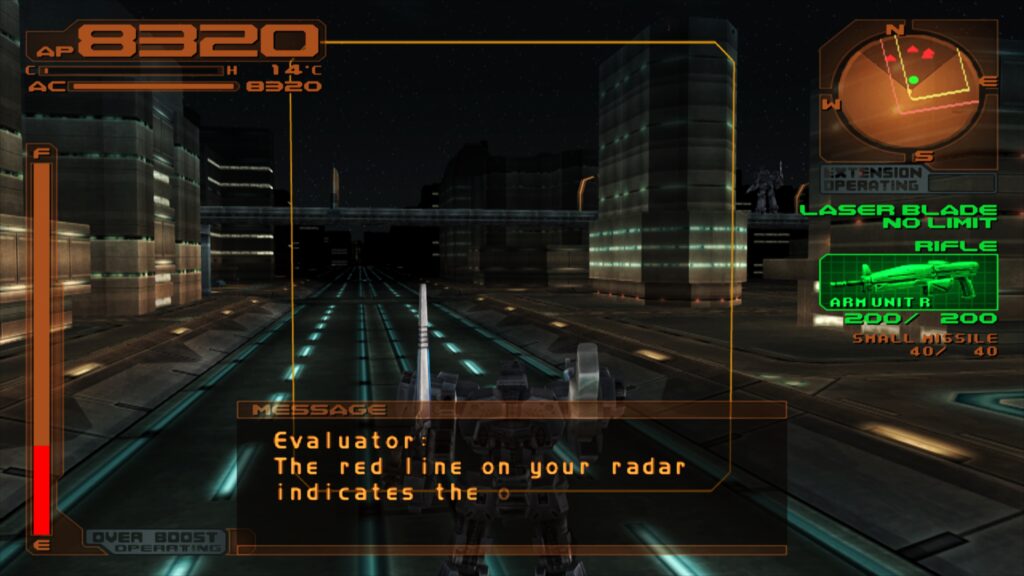
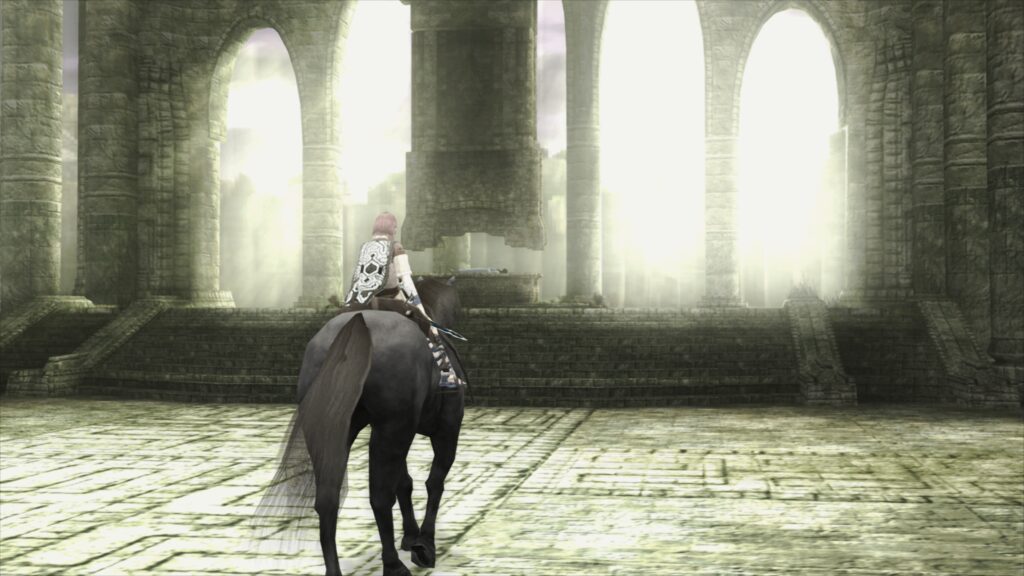
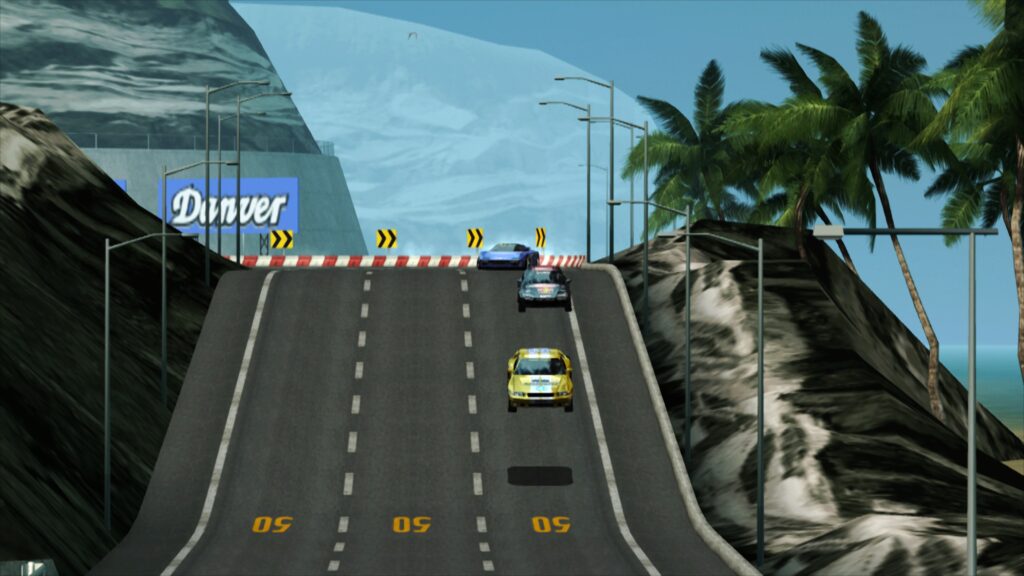
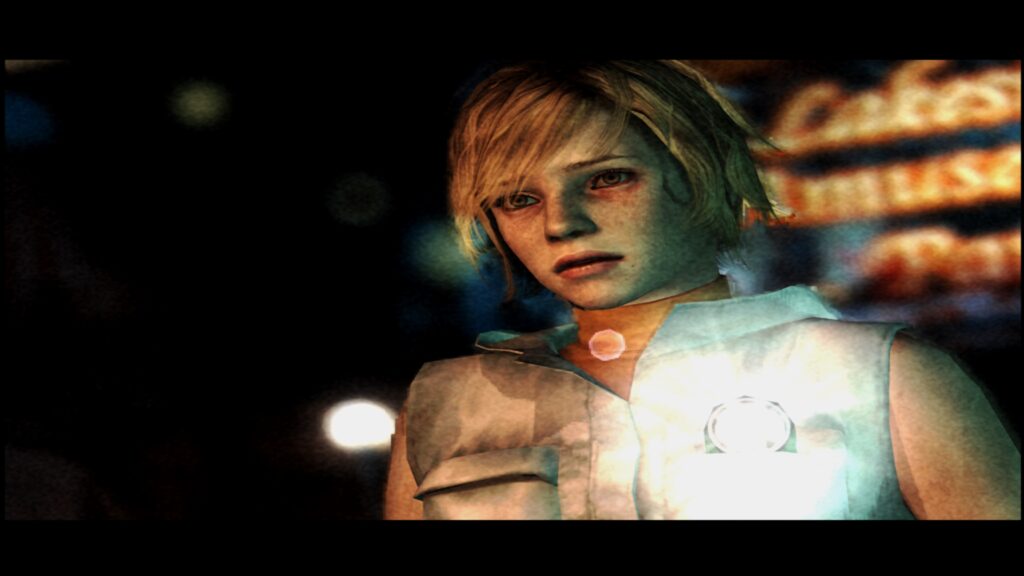
The launch of LRPS2 represents a significant milestone for the Libretro project and the broader retro gaming community. By leveraging a modern PCSX2 codebase and introducing cutting-edge rendering techniques like paraLLEl-GS, Libretro has positioned RetroArch as an even more formidable platform for PlayStation 2 emulation. This advancement not only enhances the playability of classic titles but also contributes to the crucial effort of digital game preservation, ensuring that the rich history of the PlayStation 2 remains accessible and enjoyable for future generations. The improved compatibility, performance, and visual fidelity offered by LRPS2 solidify RetroArch’s reputation as a versatile and powerful tool for experiencing the golden age of gaming. The accompanying screenshots and demonstration videos provide compelling visual evidence of the core’s capabilities, showcasing beloved titles like Armored Core 3, Shadow of the Colossus, Ridge Racer V, Silent Hill 3, Metal Gear Solid 2, Dynasty Warriors 2, Grand Theft Auto: Vice City, Dead or Alive 2: Hardcore, Tekken Tag Tournament, SSX 3, Primal Image Vol. 1, Gran Turismo 4, Tekken 5, and Onimusha 3: Demon Siege running with impressive clarity and detail.