 Vera Clarissa
The landscape of personal computing is constantly evolving, and with it, the connectivity needs of users. Apple’s transition to USB-C across its Mac lineup, from the ultra-portable MacBook Air to the powerful MacBook Pro, has necessitated a shift in how users interface with their devices. This evolution, while streamlining design, has also created a demand for a new generation of adapters and accessories. This updated guide explores a curated selection of essential accessories that enhance the functionality and versatility of various Mac models, from the latest M-series machines to older Intel-based predecessors and even iPads.
Navigating the Port Transition: Adapters as Essential Tools
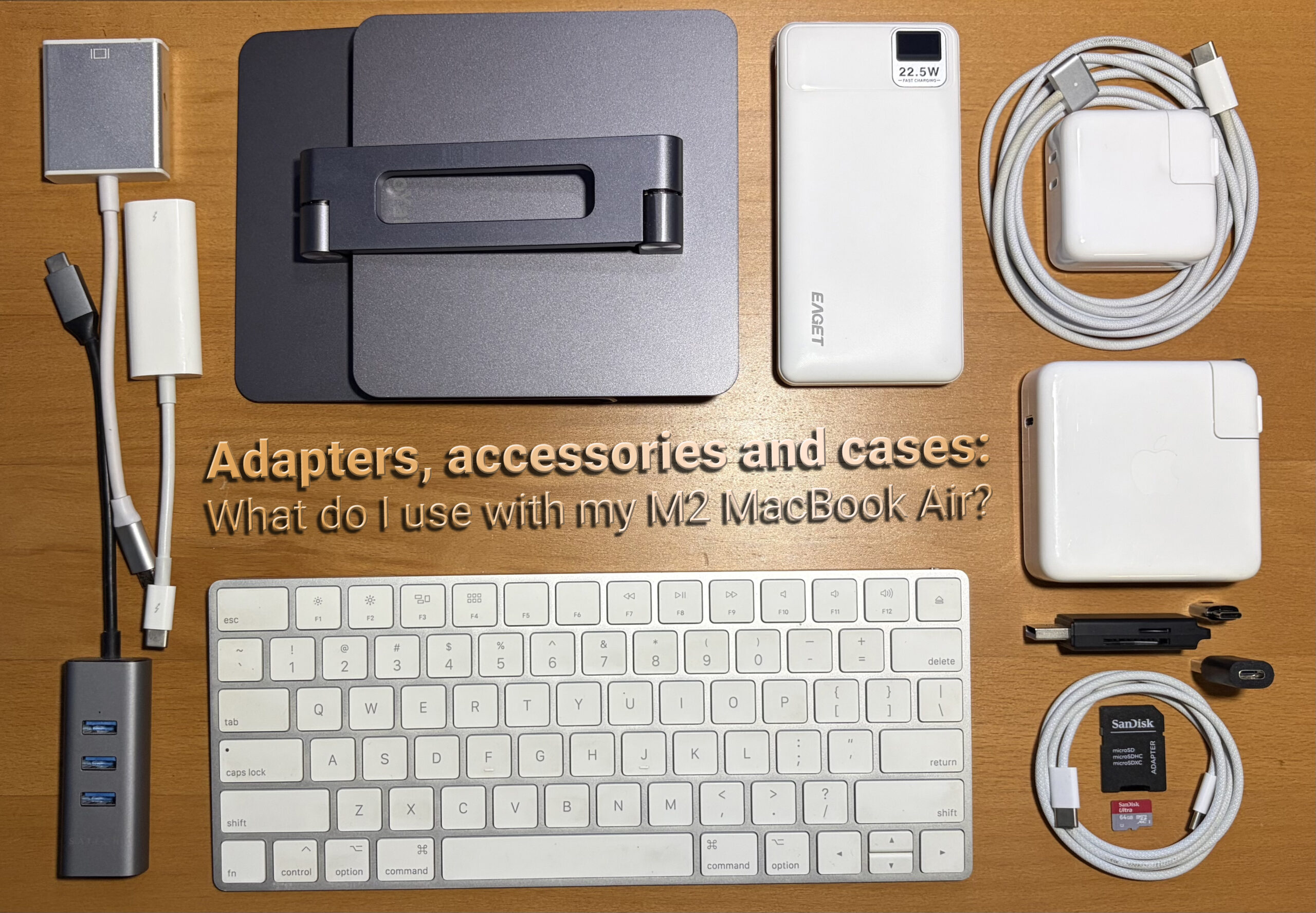
One of the most significant shifts in recent Mac history has been the phasing out of traditional USB-A ports in favor of the more versatile USB-C standard. This transition, driven by the need for smaller, faster, and more reversible connectors, means that many legacy peripherals and devices require adapters to function with newer Macs.
The Ubiquitous USB-C to USB-A Adapter: A Lifeline for Legacy Devices
At the forefront of this adapter revolution is the humble USB-C to USB-A adapter. While seemingly basic, this small yet indispensable tool bridges the gap between older USB devices and modern Mac ports. The author’s personal experience highlights its enduring utility, noting its inclusion with a Samsung Galaxy S7 Edge years ago and its continued use with an iPhone X and subsequent Macs. The low cost, often found for as little as $2 on platforms like eBay, makes it an almost mandatory addition to any Mac user’s toolkit. Its value lies not in constant use, but in its availability for those infrequent yet crucial moments when an older peripheral needs to be connected. This adapter ensures that investments in existing USB-A based accessories, such as external hard drives, flash drives, and even older printers, are not rendered obsolete by the adoption of USB-C. The widespread availability of these adapters also speaks to the industry’s acknowledgment of this transitional phase, with numerous manufacturers offering reliable and affordable options.

Enhancing Portability and Functionality: The Rise of Mini-Hubs
As Apple has continued to pare down the port selection on its laptops, particularly the MacBook Air, the need for compact and efficient port expansion has become paramount. Mini-hubs, which connect via a single USB-C port, offer a multifaceted solution to this challenge.
The Satechi USB-C Hub: A Steadfast Companion for Connectivity
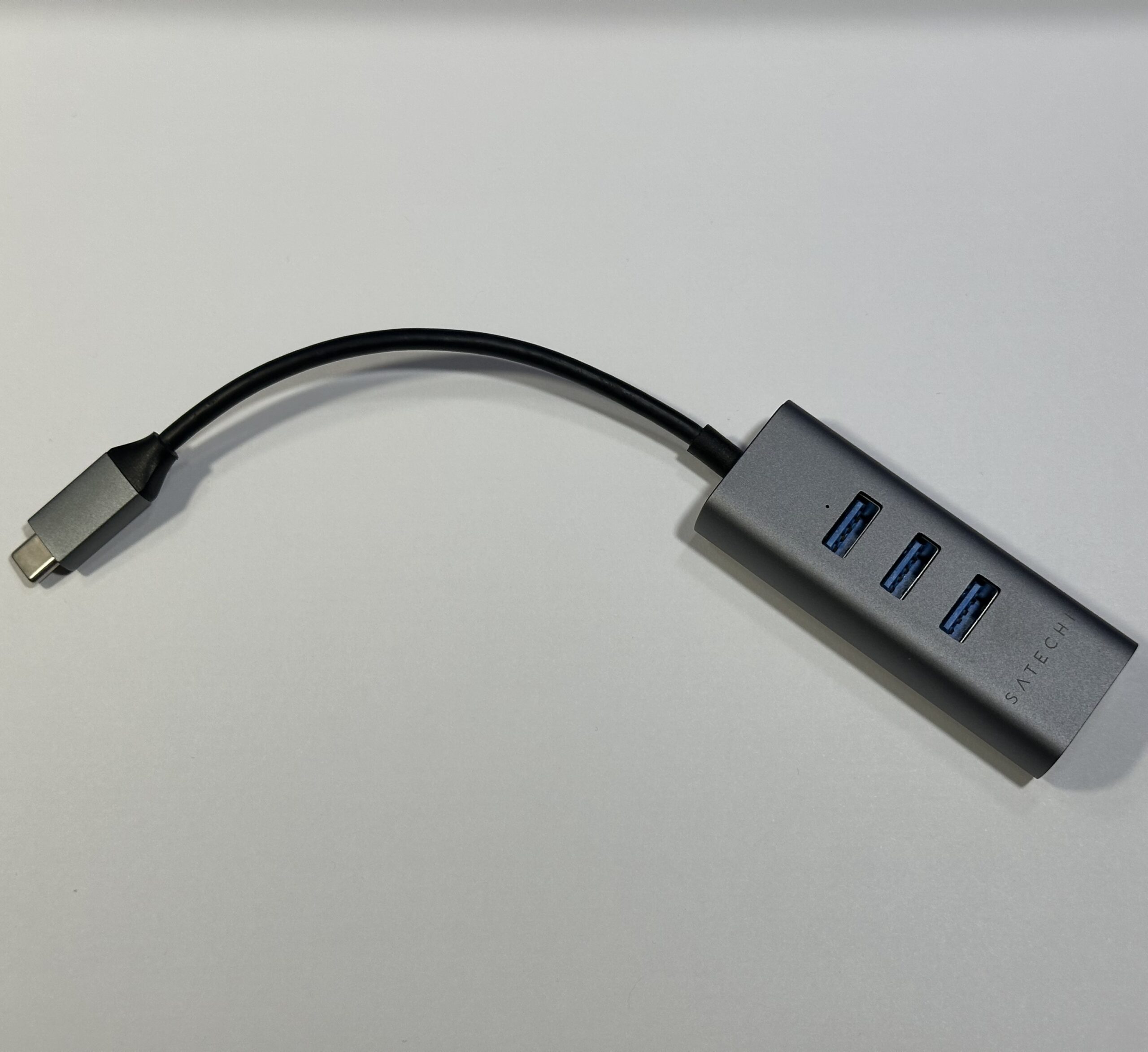
The Satechi USB-C to 3x USB-A 3.0 + Gigabit Ethernet adapter is a prime example of a well-designed and enduring accessory. Originally acquired for a 2018 15-inch MacBook Pro with Touch Bar, its utility has persisted through subsequent Mac generations. The hub’s aesthetic, particularly its "Space Gray" finish, often complements Apple’s design language, making it a visually cohesive addition to any setup. Priced competitively at around $29.99 on Amazon, it offers a practical expansion of connectivity, providing three USB-A 3.0 ports for peripherals like mice, keyboards, and external storage, alongside a vital Gigabit Ethernet port. This Ethernet connection is particularly valuable for users who require a stable and high-speed internet connection, often surpassing the reliability and speed of Wi-Fi, especially in environments with weak wireless signals. The durable metal casing, while showing some signs of wear, can often be easily repaired, further extending its lifespan. For users with multiple Apple devices, the decision of where to deploy such a hub—whether at a primary workstation or for a more portable setup—becomes a strategic consideration for optimizing workflow.
Reviving Vintage Displays: Adapters for External Monitors
The integration of Apple’s own display technology has always been a hallmark of the Mac experience. However, with the shift to USB-C and Thunderbolt, connecting older Apple displays to newer Macs requires specific adapters.
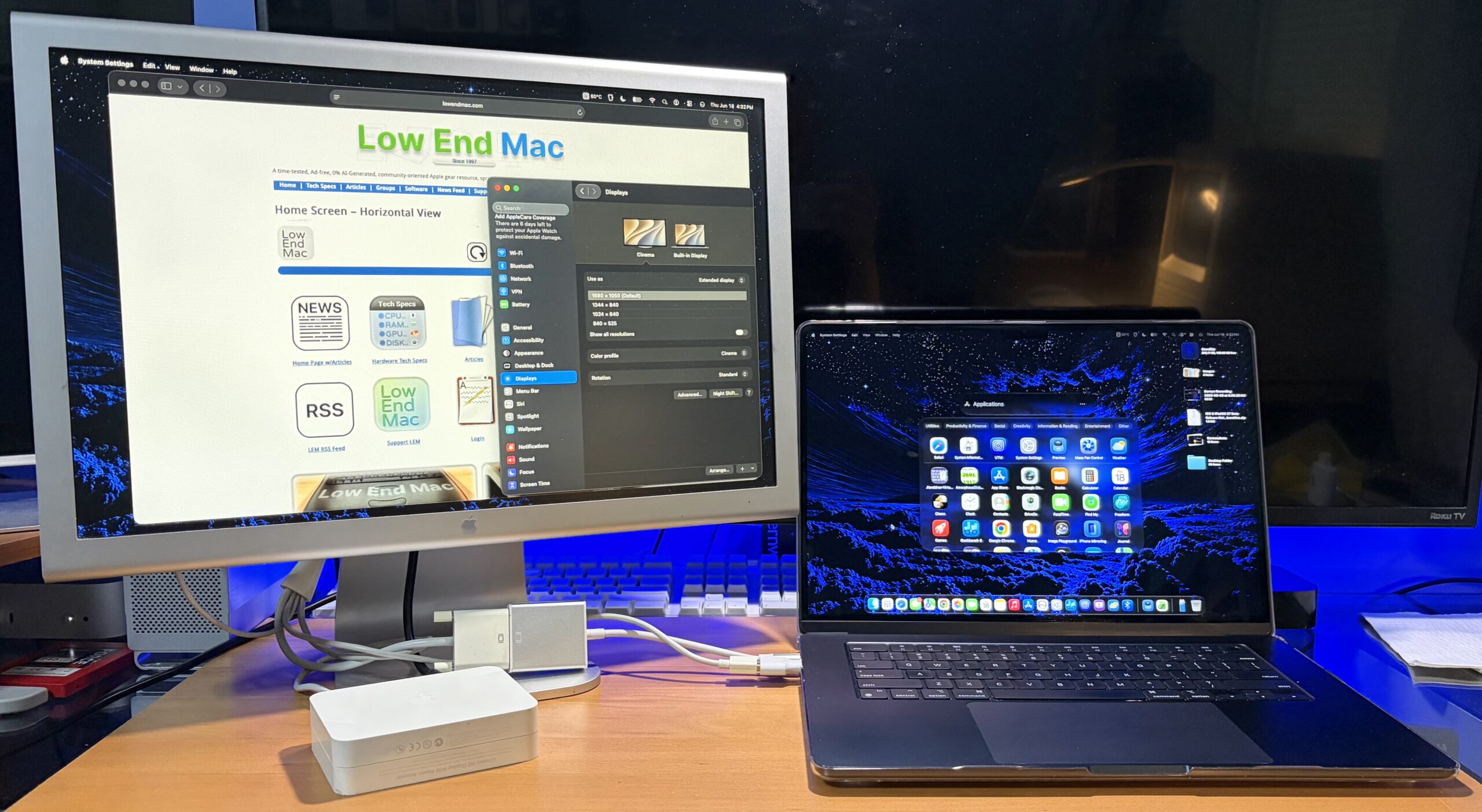
Bridging Generations: Display Adapters for Aluminum Cinema Displays
Apple’s iconic Aluminum Cinema Displays, once a standard for professional Mac users, can still be integrated with modern Apple Silicon Macs through the use of DVI to USB-C adapters. A generic single-link DVI adapter, costing approximately $26, has proven effective for connecting both the 20-inch Aluminum Cinema Display and the M2 MacBook Air. This capability allows users to continue leveraging their existing high-quality displays without needing to invest in entirely new monitor setups. For those with dual-link DVI displays, the cost of adapters increases, and compatibility can sometimes be more nuanced, often requiring a combination of adapters, such as a Mini DisplayPort to Dual-Link DVI adapter, to achieve full functionality. The continued availability and functionality of these older displays with newer hardware underscore Apple’s commitment to backward compatibility and user investment protection. This approach not only offers a cost-effective solution but also promotes sustainability by extending the life cycle of perfectly functional hardware.
Powering Up: Fast Charging and Battery Management
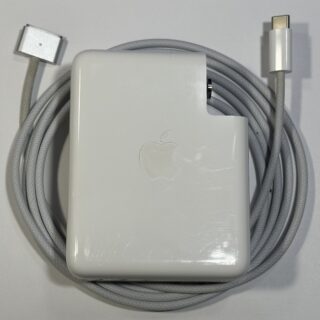
The power delivery capabilities of modern Macs have evolved significantly, with fast charging becoming a key feature. Optimizing charging strategies can enhance user experience and device longevity.
Leveraging Existing Bricks for Faster Charging
The M2 MacBook Air, for instance, supports fast charging when connected to higher-wattage power bricks typically associated with MacBook Pro models. While the Air ships with a lower-wattage charger for standard charging, utilizing a more powerful brick can significantly reduce charging times. Apple’s trade-in policy, which often allows users to retain their old accessories, presents an opportunity to acquire these higher-wattage bricks at no additional cost. For those needing to purchase a new charger, reputable brands like Anker offer high-wattage, compact USB-C power bricks, such as their 100W model, often priced around $29. The author’s personal setup utilizes a 140W Apple USB-C brick for home use and a slightly smaller 87W Apple USB-C brick for portability, recognizing that the MacBook Air requires approximately 70W for optimal fast charging. This strategic approach to power management ensures that devices can be charged efficiently whether at a desk or on the go, minimizing downtime and maximizing productivity. The availability of third-party high-wattage chargers also provides consumers with more choice and competitive pricing, further democratizing access to fast charging technology.
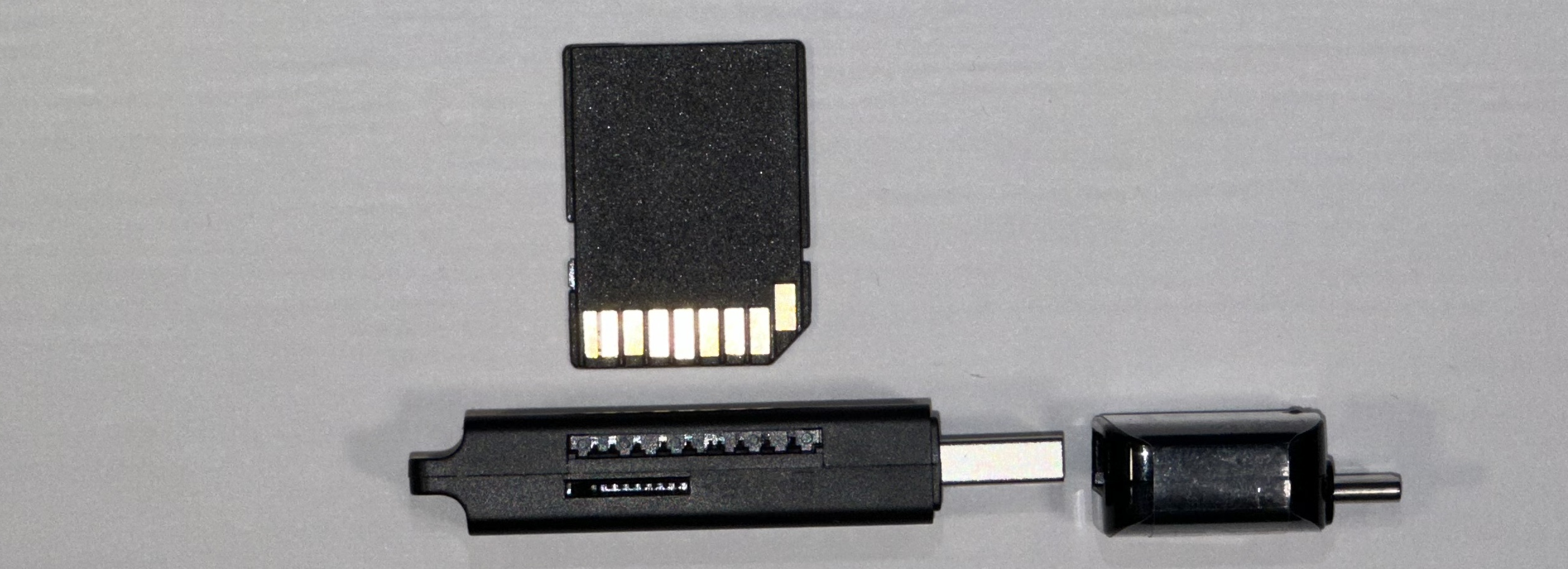
Data Storage Solutions: Adapters for External Drives
As storage needs grow, the ability to easily connect and utilize external hard drives remains crucial for Mac users. Adapters play a key role in ensuring compatibility with various drive interfaces.
Repurposing Old Drives with USB-C Adapters
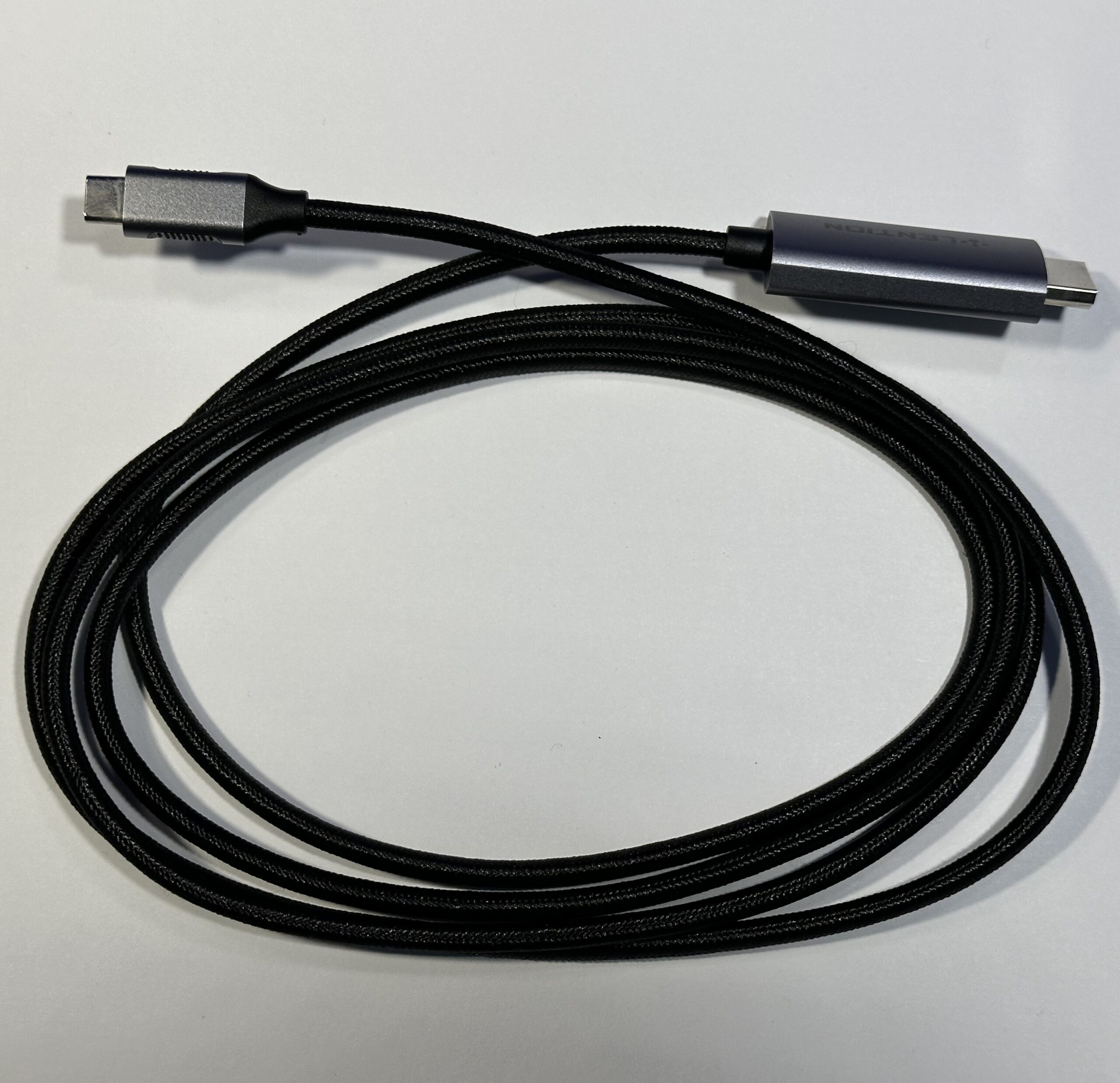
The ubiquity of USB-C has made connecting older SATA drives to modern Macs straightforward. USB-C to SATA adapters are readily available and affordable, often comparable in price to their USB-A counterparts. The author employs an older Apricorn SATA 6G USB 3.0 adapter, which, when paired with a USB-C to Type-A adapter, seamlessly integrates with newer Macs. This approach allows users to salvage and repurpose old laptop hard drives, which are frequently discarded as primary storage methods shift towards faster Solid State Drives (SSDs). The cost-effectiveness of this solution is remarkable; a 500GB drive can often be acquired on eBay for as little as $10, offering a substantial amount of storage at a minimal investment. This not only provides an economical storage solution but also contributes to reducing electronic waste by giving new life to older components. The performance of these repurposed drives, while not matching high-speed SSDs, is often more than adequate for archival purposes, backups, or storing less frequently accessed files.
Protection and Ergonomics: Cases, Stands, and Bags
Beyond connectivity, safeguarding the device and enhancing the user experience through ergonomic accessories are vital considerations.

Protective Cases: Balancing Aesthetics and Durability
Protecting MacBooks, whether new or vintage, is essential. Clear cases offer a way to preserve the aesthetic appeal of the device while providing a layer of defense against scratches and minor impacts. However, the author notes a common frustration with clear cases: their tendency to become brittle with age or crack easily, regardless of price. While a $49.95 Incase Edge Hardshell for an M4 MacBook Air was praised for its snug fit and material quality, a more recent $10 Amazon clear case now serves the purpose of protecting against everyday wear and tear. The trade-off is a less precise fit, which, conversely, makes removal and cleaning easier. This highlights a market where price does not always correlate with durability or fit, encouraging users to seek value and practicality. The ongoing development of case materials and designs aims to address these issues, with brands continually seeking to balance protection, aesthetics, and long-term durability.
Versatile Laptop Bags: Portability and Protection
The choice of a laptop bag significantly impacts portability and protection. Off-price department stores and even yard sales can yield budget-friendly options, often representing overstocked or closed-out merchandise. While many fabric-based bags under $30 may lack rigidity and robust protection, they can still offer convenience. The author’s current bag, while lacking a rigid frame, serves its purpose, with the potential for future replacement. The key is finding a balance between cost, protection, and the practicalities of daily transport. The evolution of laptop bag design often incorporates specialized compartments for accessories, improving organization and accessibility.
iPad Stands: Dual-Purpose Functionality
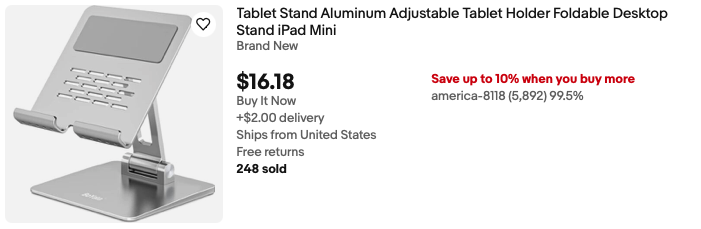
An iPad stand can serve a dual purpose for Mac users. While primarily designed for tablets, some compact stands can also support a MacBook vertically, enabling clamshell mode or acting as a riser. The author notes that placing the MacBook trackpad-down on such a stand is advisable to avoid stressing the display. This simple accessory can transform an iPad into a companion display via Sidecar, allowing for extended screen real estate and enhanced multitasking, with the MacBook Air positioned alongside for control via trackpad. This integration of iPad and Mac workflows, facilitated by simple accessories, demonstrates the growing synergy within the Apple ecosystem.
Organization and Input: Desk Accessories and Keyboards
Efficient workspace organization and comfortable input methods are crucial for productivity.
Desk Organization: Taming the Adapter Chaos
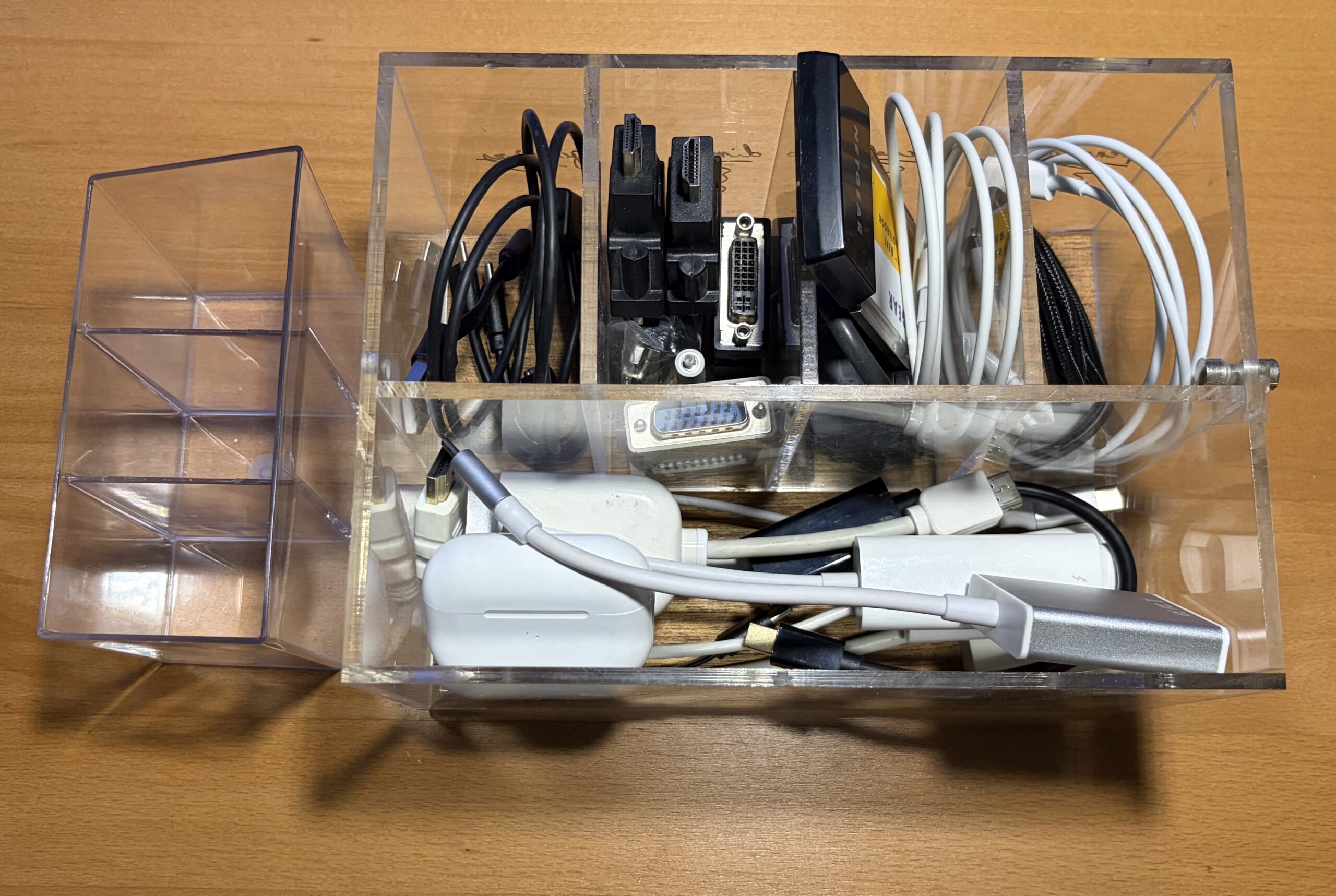
A common challenge for Mac users with multiple adapters is managing them effectively. Local dollar stores, off-price retailers, and even art supply stores can offer low-cost plastic organizers. These simple solutions help categorize and store adapters, preventing clutter and ensuring that the right accessory is readily available. This attention to desk organization, even with inexpensive items, contributes to a more streamlined and efficient work environment.
External Keyboards: Enhancing Typing Comfort and Functionality
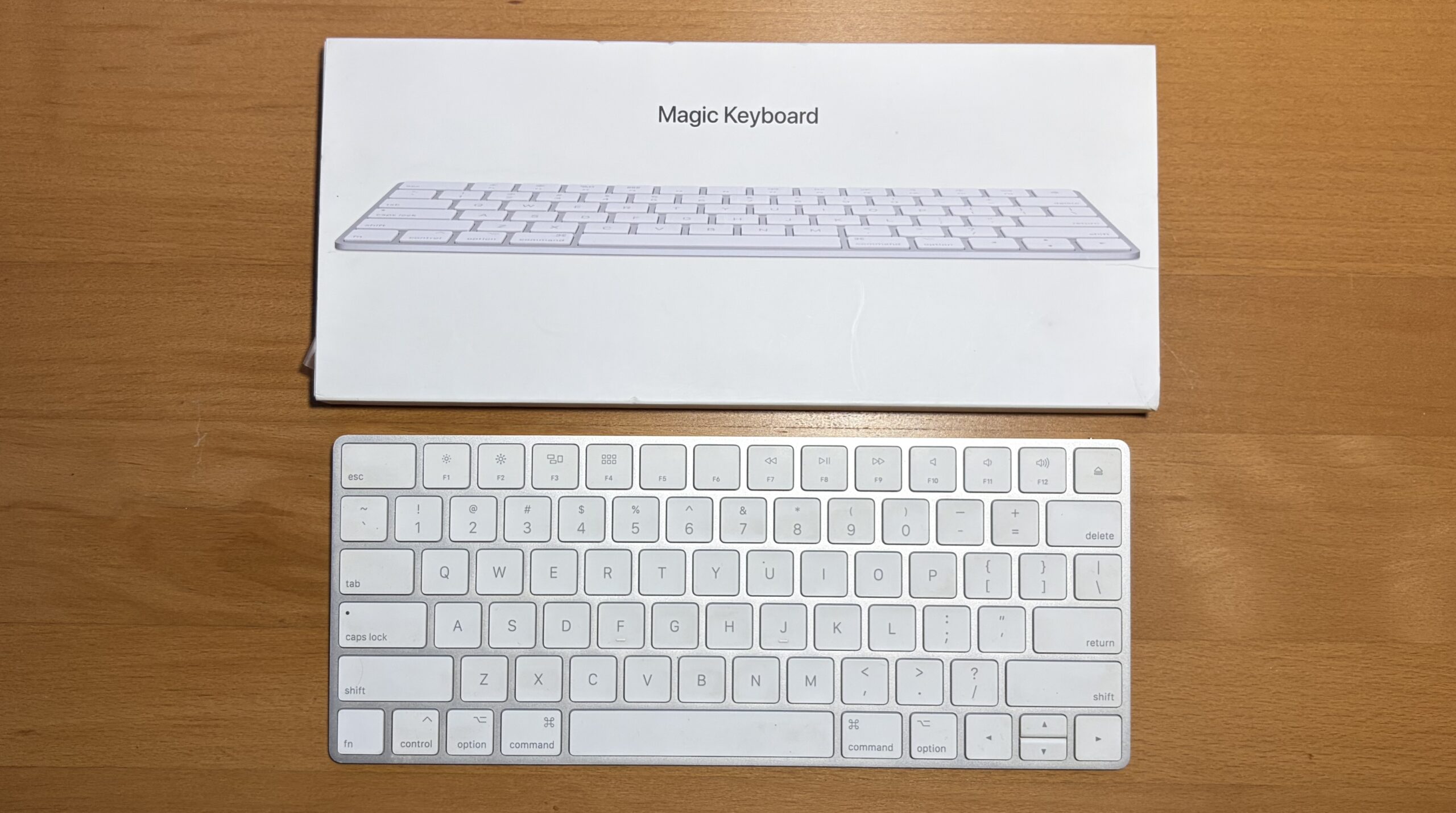
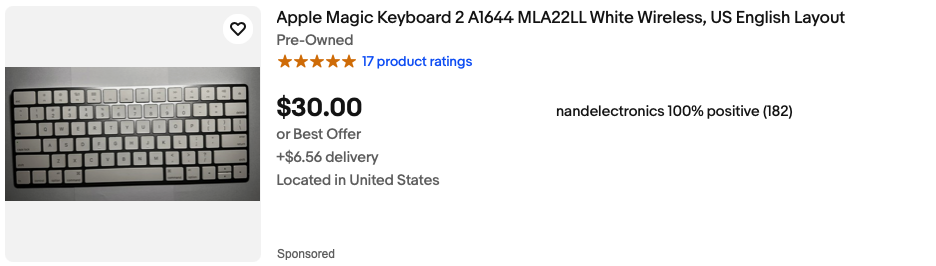
For users whose MacBook keyboards may not be fully functional, or simply for those seeking an alternative typing experience, a wireless Bluetooth keyboard is a valuable addition. Older, slimline Apple wireless keyboards can often be found secondhand at a fraction of their original cost, fitting neatly into laptop bag compartments. This provides a comfortable and familiar typing experience, especially for extended writing sessions. The continued availability of these older, reliable peripherals at affordable prices makes them an attractive option for budget-conscious users.
Power Banks: Mobile Charging Solutions
In situations where access to power outlets is limited, a portable power bank becomes an invaluable tool for keeping devices charged.
Portable Power Banks: Ensuring Uninterrupted Power
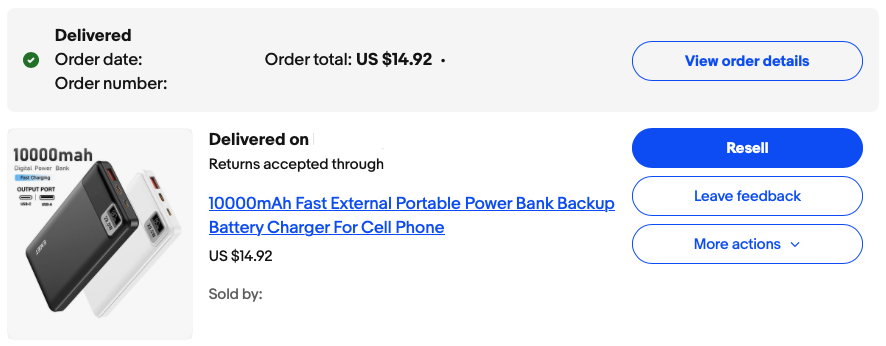
To effectively charge a MacBook, a portable power bank should be rated for at least 35W, with such devices typically costing around $50 or more. The author’s experience with a $15, 10,000 mAh power bank from eBay, advertised with 22.5W fast charging, highlights that while it may not provide full charging speed for a MacBook while in use, it can trickle charge the device while sleeping and fully charge an iPhone multiple times. This demonstrates that even budget-friendly power banks can offer a degree of mobile charging capability, extending the usability of a MacBook Air when away from a power source. The market for power banks is vast, offering a wide range of capacities, wattages, and features to suit diverse user needs and budgets.
Conclusion: A Strategic Approach to Mac Accessories
The modern Mac user’s accessory needs are diverse, driven by technological advancements and the desire for enhanced functionality. The key takeaway is that building an effective accessory arsenal does not require exorbitant spending. By strategically selecting versatile, multi-functional, and often inexpensive items, users can significantly augment their Mac experience. The author’s approach of acquiring accessories incrementally, rather than investing in expensive, all-in-one solutions, has resulted in a practical and cost-effective collection. From essential USB-C to USB-A adapters that breathe new life into legacy peripherals, to compact hubs that expand connectivity, and protective cases that safeguard investments, each accessory plays a crucial role. Furthermore, the ability to repurpose older components, such as external hard drives and displays, through affordable adapters underscores a sustainable and economical approach to technology utilization. The modern Mac user, armed with a well-chosen set of accessories, can navigate the evolving technological landscape with confidence and efficiency, ensuring that their device remains a powerful and adaptable tool for both work and play. The collective footprint of these essential accessories, when thoughtfully curated, can often fit within the confines of a standard sheet of paper, emphasizing the power of portability and smart decision-making in the realm of technology.