Vera Clarissa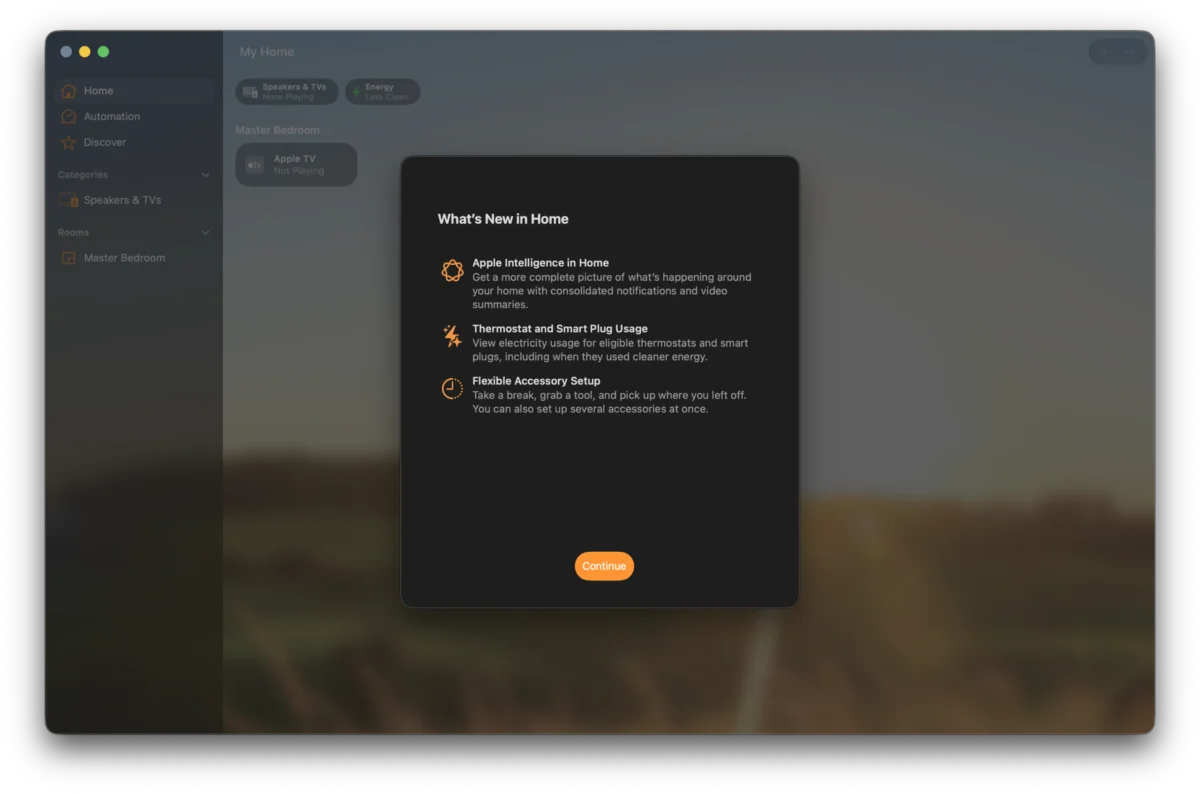
The first developer beta of macOS Golden Gate, version 27.0, was released on June 8th, 2026, coinciding with the opening day of WWDC26. This initial release marked a significant step in Apple’s annual operating system development cycle, setting the stage for the anticipated public launch later in the year. A key highlight of this early build is the subtle, yet pervasive, integration of Siri AI, which is now gradually rolling out to users who have joined the waitlist. This advanced iteration of Apple’s virtual assistant is designed to operate in the background, progressively replacing the older Siri functionality across the macOS ecosystem.
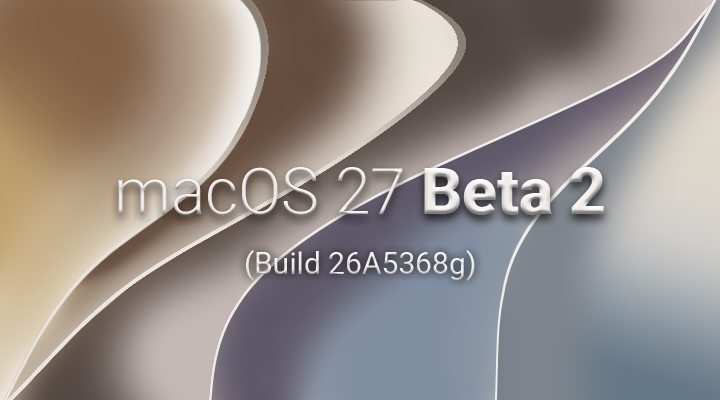
The release of Developer Beta 1 immediately offered a glimpse into the future direction of macOS, with early adopters and developers keen to explore the nascent features. However, it was the subsequent release of Developer Beta 2, identified by build number 26a5353q, that provided a more refined and observable set of changes. This particular beta build, which this article extensively examines, offers crucial insights into Apple’s development priorities and the ongoing evolution of its desktop operating system.
The Development Trajectory of macOS Golden Gate
The journey of macOS Golden Gate began with the unveiling of its first developer beta, a foundational release that laid the groundwork for subsequent iterations. This initial beta, dropped on June 8th, 2026, served as an early indicator of the operating system’s core architectural shifts and the integration of new technologies. Following this, Developer Beta 2 emerged, bringing with it a series of refinements, bug fixes, and the more prominent rollout of Siri AI features. This iterative process is characteristic of Apple’s development methodology, allowing for extensive testing and feedback incorporation before a wider public release.
The timeline for these early releases is critical for understanding the pace of development. WWDC26, a pivotal event for developers and tech enthusiasts, served as the official launchpad for the first beta. The subsequent release of Beta 2, while not explicitly tied to a specific public event, demonstrates Apple’s commitment to rapid iteration in the beta testing phase. This cadence suggests a well-defined development roadmap, aiming to deliver a stable and feature-rich operating system by the fall.
Initial Observations and User Interface Evolution
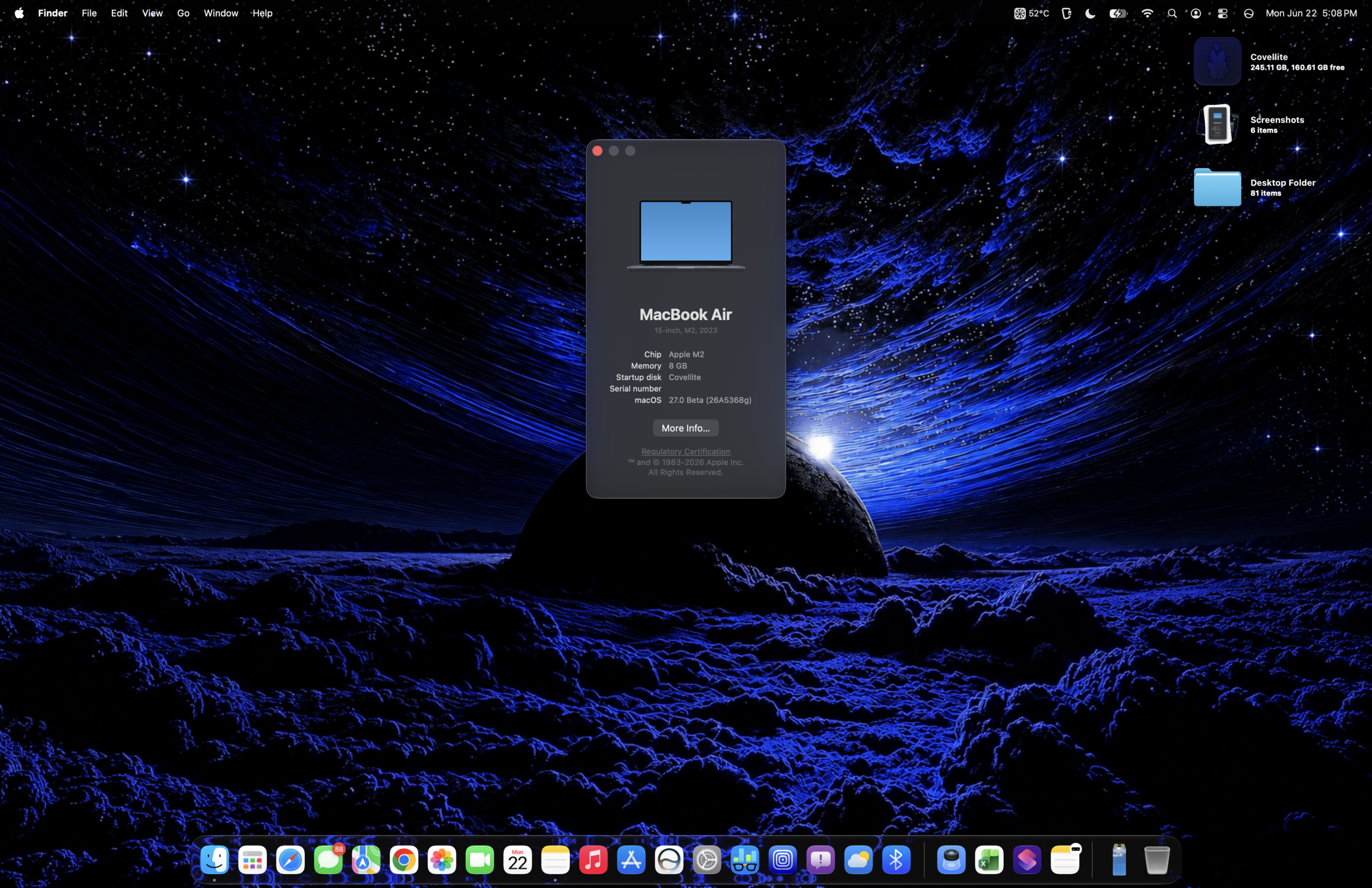
Upon logging into macOS Golden Gate Developer Beta 2, immediate subtle shifts in the user interface become apparent. Notably, the text accompanying the macOS version information within the "About This Mac" window has undergone a slight modification. This minor textual alteration, while seemingly insignificant, often signals a broader thematic or branding update that Apple is preparing for the final release. Such changes, even at a granular level, reflect a meticulous attention to detail in crafting the overall user experience.

Furthermore, the upgrade process to Beta 2 has been notably streamlined. Unlike earlier beta iterations that might have included additional setup screens or configuration prompts, users are now directed straight to the desktop. This simplification suggests an effort to reduce friction for developers and testers, allowing them to engage with the new features more rapidly. This mirrors similar streamlining efforts observed in iOS development, indicating a consistent approach to user onboarding across Apple’s platforms.
A new system icon for macOS 27 has also been introduced within the "About" section of the Settings application. This visual identifier serves as a clear marker for the operating system’s version and contributes to the evolving visual language of macOS. The integration of Siri AI is also becoming more evident, with subtle additions to the navigation and user interface elements. While not always overtly advertised, these background integrations are designed to enhance user interaction and provide more intelligent assistance throughout the operating system.
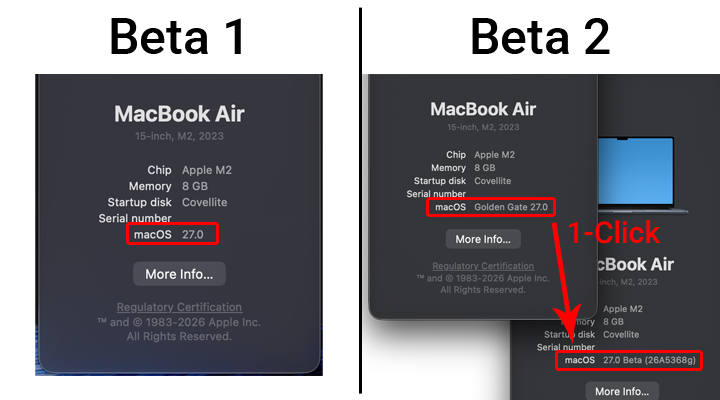
Network File Transfer: A Significant Improvement
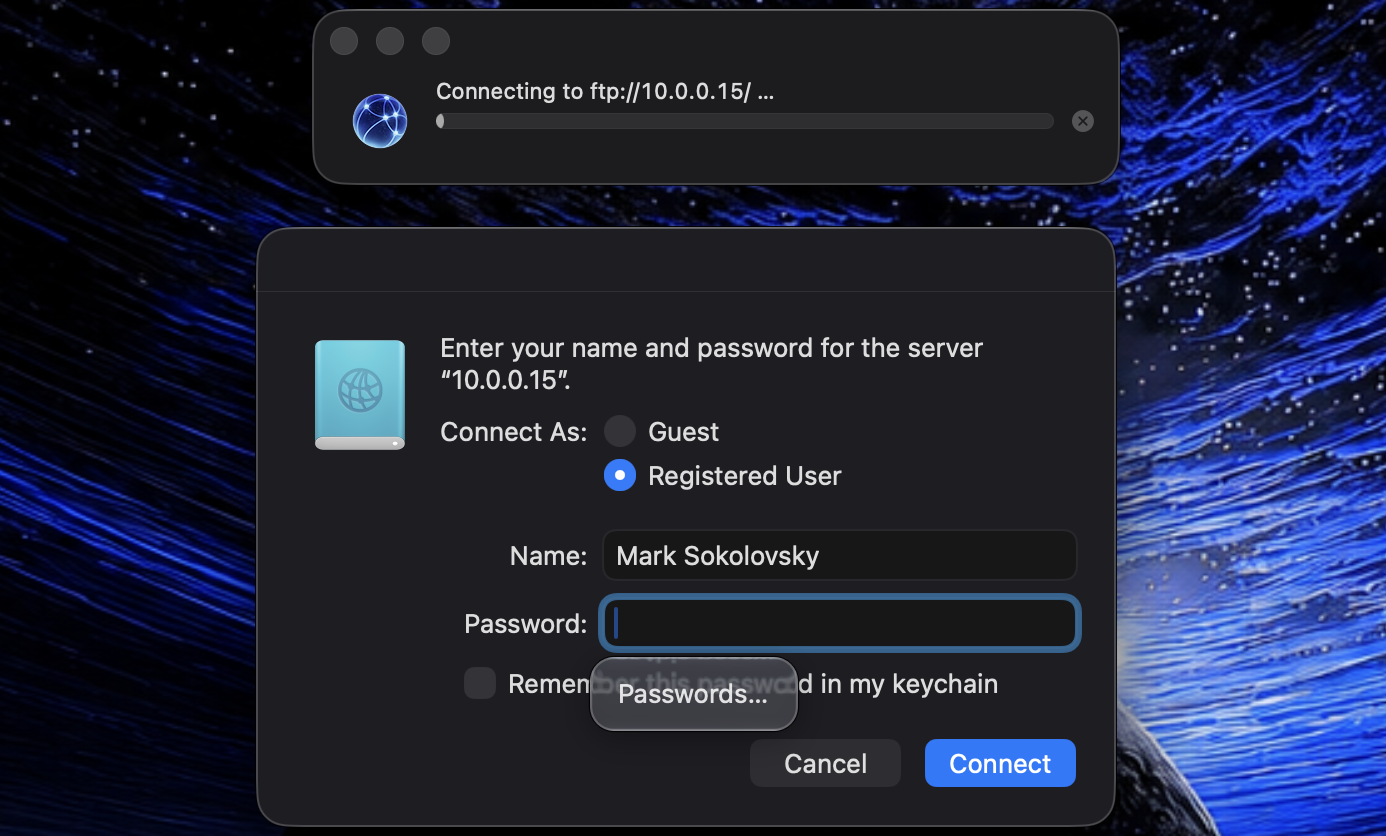
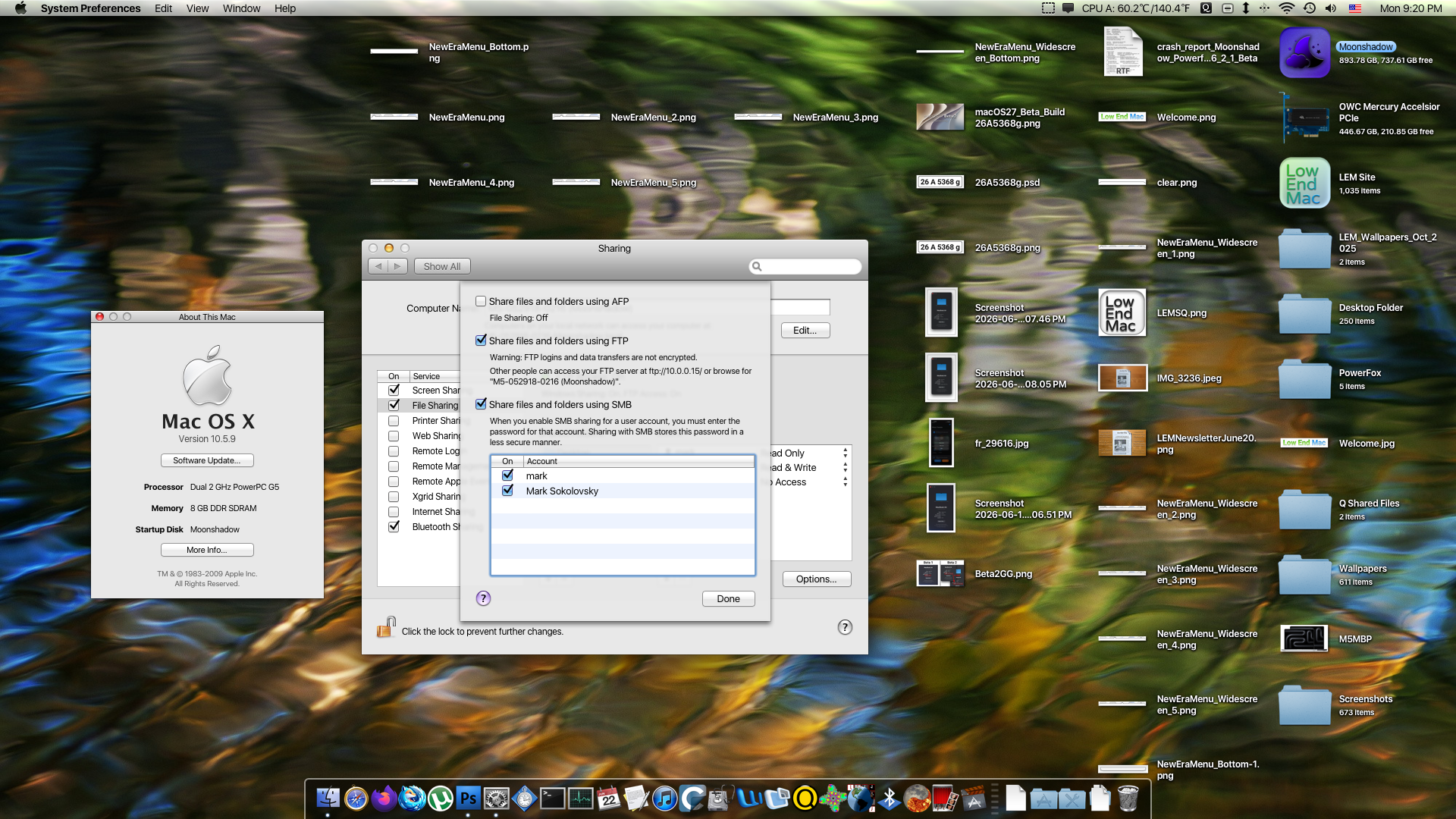
One of the most impactful changes observed in macOS Golden Gate Developer Beta 2 pertains to Network File Transfer, particularly between Apple Silicon Macs and older PowerPC architectures. In Beta 1, users reported significant issues with network authentication and the mounting of shared volumes. Specifically, the ability to access anything beyond public volumes was often unreliable, and authentication processes were frequently hit-or-miss.
Developer Beta 2 appears to have substantially addressed these connectivity challenges. While Apple has officially dropped support for the legacy Apple Filing Protocol (AFP), the focus has shifted to the more universally adopted File Transfer Protocol (FTP). Testing has revealed that FTP now functions reliably and efficiently between disparate Apple hardware generations. Although AFP was noted for its perceived seamlessness and more accurate reporting of volume sizes, it was also prone to occasional hangs. The current iteration demonstrates that FTP, while perhaps lacking some of the historical user-friendliness of AFP, offers a more stable and consistent connection. Further testing over local area networks (LAN) will be crucial to fully assess the performance gains and stability improvements in diverse network environments.

The necessity of disabling AFP to ensure Golden Gate’s functionality with certain older Macs (specifically those running "Tahoe," another hypothetical macOS version) highlights a transitional phase in Apple’s networking protocols. This creates a scenario where users might need to make a choice between legacy AFP support for older systems or the newer, more robust FTP for Golden Gate-compatible machines, underscoring the ongoing evolution of Apple’s network infrastructure.
Unveiling New Features in Beta 2
Beyond the crucial network fixes, Developer Beta 2 introduces several new functionalities and refinements that hint at the broader capabilities of macOS Golden Gate.
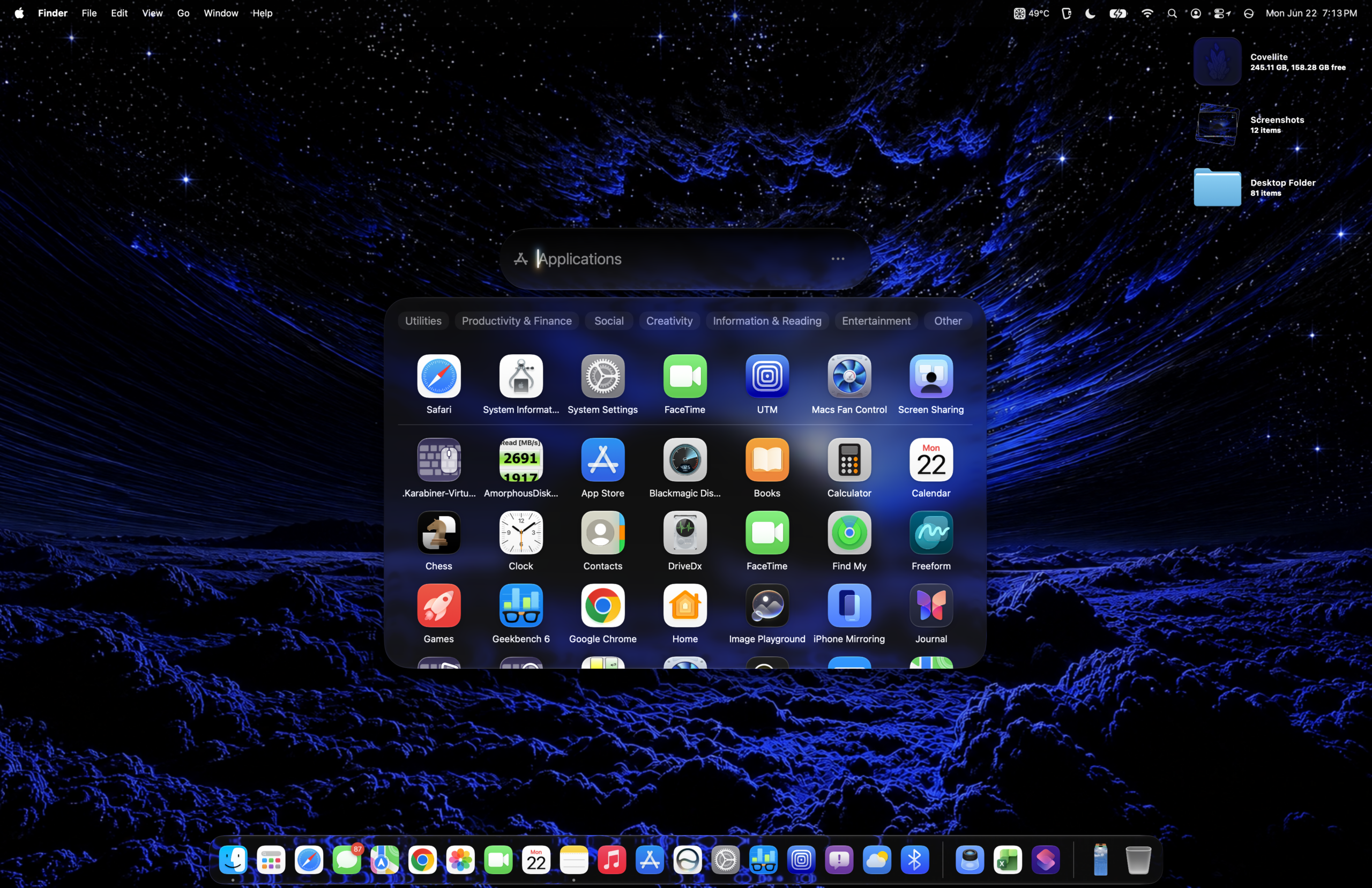
The Home App Integration
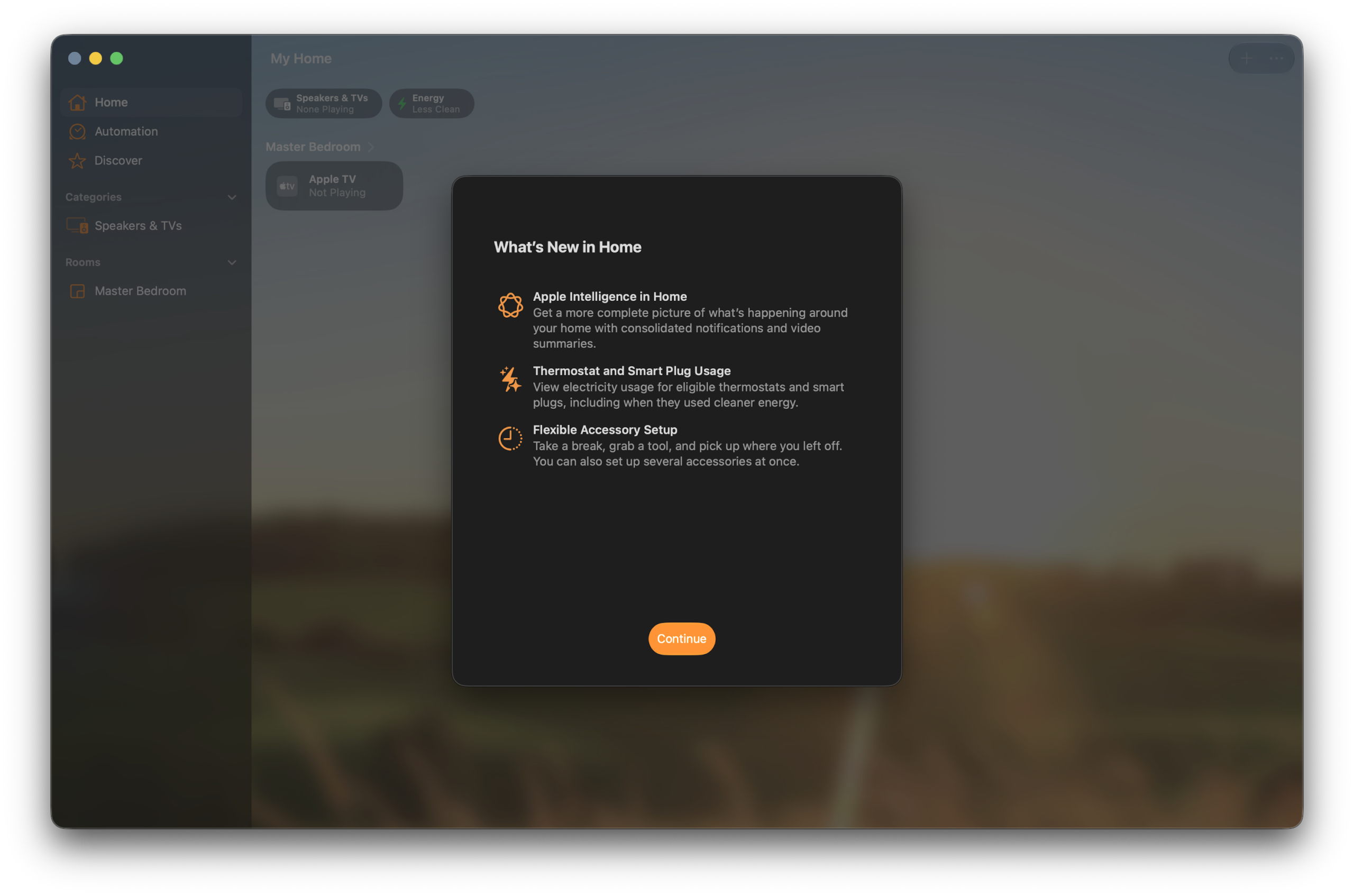
A significant addition is the enhanced integration of the Home App. This feature, designed to manage smart home devices, appears to have received a visual and functional overhaul in this beta release. The updated Home App aims to provide users with a more intuitive and centralized control center for their connected accessories, aligning with Apple’s expanding ecosystem of smart home technology.
Siri AI in Settings
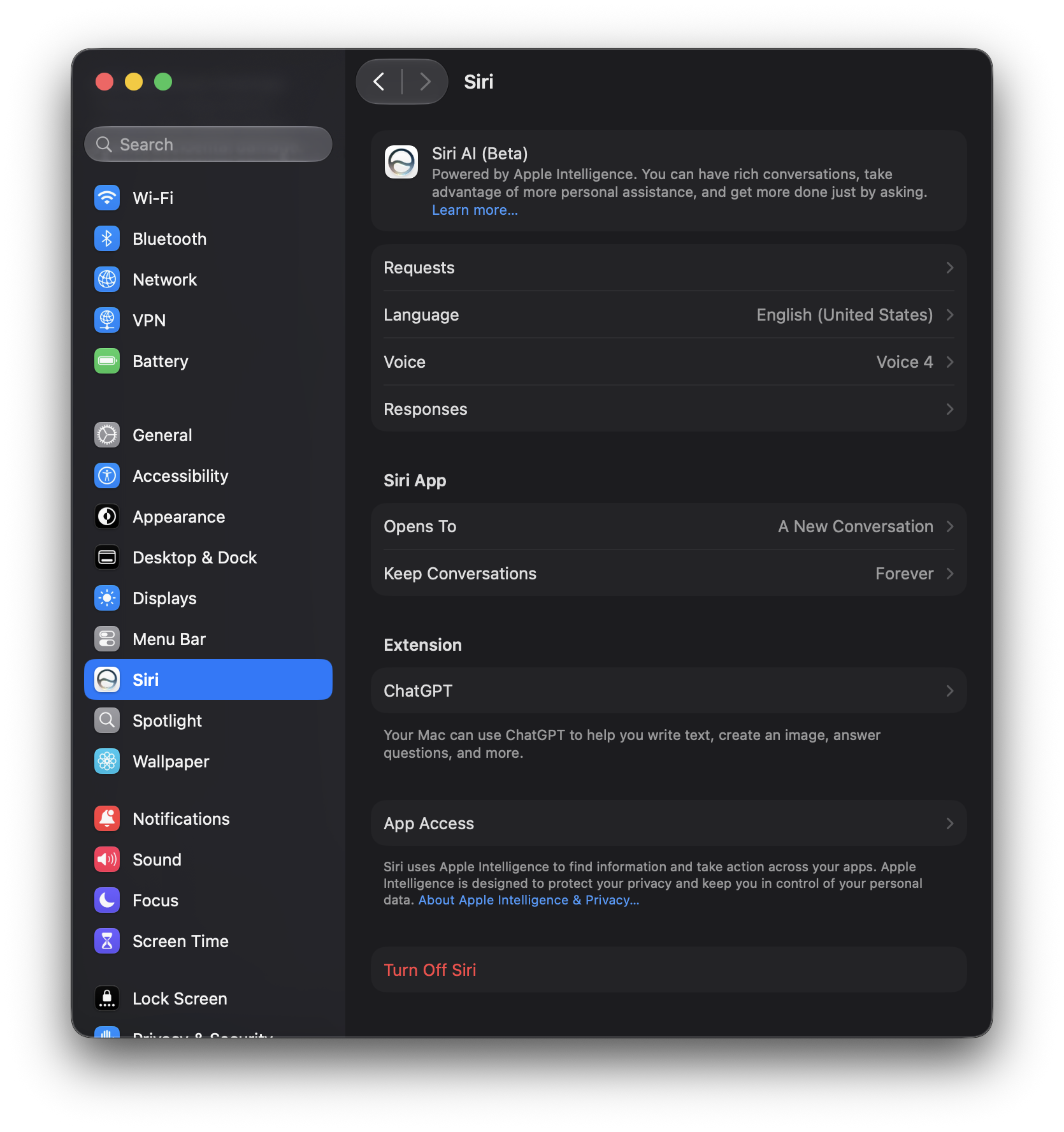
The presence of Siri AI is further emphasized within the Settings application. Specific submenus related to Siri AI have undergone UI adjustments, including modifications to button layouts and overall graphical presentation. These changes suggest a deepening integration of AI-powered features into the core operating system, moving beyond simple voice commands to more sophisticated contextual assistance.
System Bug Fixes and Performance Adjustments
As expected with a second developer beta, a substantial number of bug fixes have been implemented. While specific details of every resolved issue are not enumerated in the initial release notes, the general trend indicates a stabilization of the operating system. Early reports suggest that minor performance quirks and graphical glitches present in Beta 1 have been addressed, leading to a smoother overall experience.
Known Issues and Ongoing Challenges
Despite the progress made in Developer Beta 2, certain issues persist, which is typical for beta software. These known issues provide valuable insight into areas that Apple is actively working on and highlight the challenges inherent in developing a complex operating system.
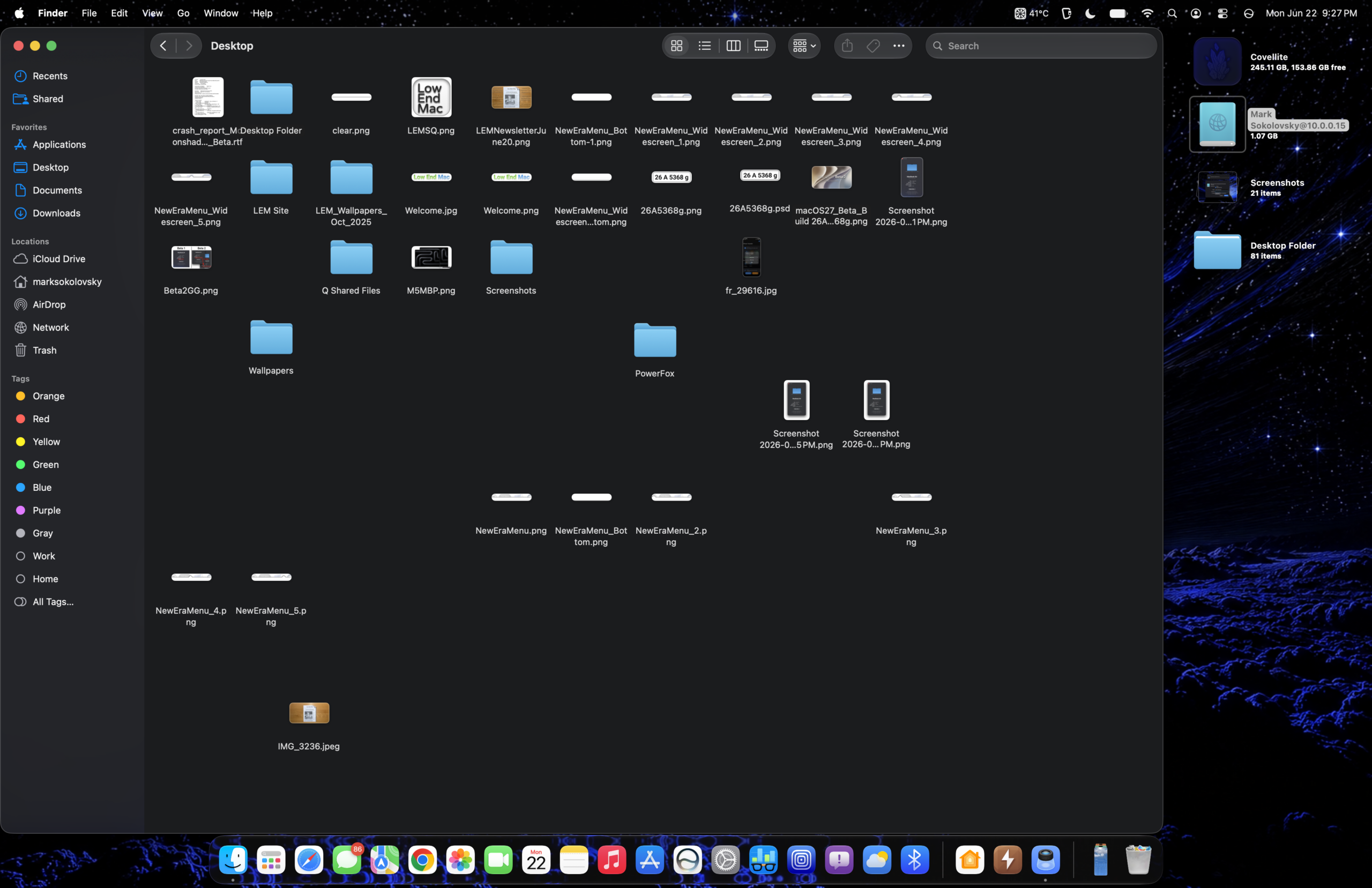
One notable area of concern is the continued requirement to disable AFP for compatibility with specific older macOS versions, as previously mentioned. This dependency creates a bifurcated networking experience for users with mixed hardware environments. Additionally, there are indications of certain visual elements or animations that, while improved in some areas, might exhibit minor inconsistencies or performance dips in others. The article notes a subtle, almost imperceptible, slowdown of approximately 5% compared to Beta 1, which could be attributed to the increased computational load of the new Siri AI features or other background processes.
Further investigation into the specific bugs listed in the release notes and observed by testers will be crucial for a comprehensive understanding of the remaining hurdles before the final release. These issues often include aspects of application compatibility, system stability under specific workloads, and the reliability of newly introduced features.
Artificial Benchmarks: The Impact of Siri AI
To gauge the performance implications of the new features, particularly the integration of Siri AI, benchmark tests were conducted. Comparisons were made against previous macOS versions, including Sequoia and Tahoe, to assess the impact on system performance.
CPU Performance: Initial Geekbench tests indicate that the CPU performance in Developer Beta 2 does not show drastic deviations from previous versions. The MacBook Air used for testing remained responsive, suggesting that the core processing capabilities are largely intact. However, the integration of Siri AI likely necessitates background processing power, and while not significantly impacting raw benchmark scores, it might contribute to the perceived subtle performance shift.
OpenCL and Metal Benchmarks: Performance metrics for OpenCL and Metal, which are crucial for graphics-intensive tasks and machine learning, were also evaluated. While specific numerical results are presented, the overarching observation is that these benchmarks have not experienced significant negative impacts. This suggests that Apple has managed to integrate advanced AI capabilities without a substantial degradation of the system’s graphical and computational performance for these key areas.
The benchmarks, while providing quantitative data, should be interpreted in conjunction with qualitative observations. The article notes that while overall performance seems stable, certain animations, such as those in the Applications tray and Control Center, have indeed improved, indicating targeted optimizations alongside the broader system changes.
Preliminary Assessment: A Promising, Yet Evolving, Landscape
The initial impressions of macOS Golden Gate Developer Beta 2 reveal a system that is steadily progressing towards a robust and feature-rich final release. The successful integration of Siri AI, albeit in its early stages, signals a significant leap forward in intelligent assistance within the macOS ecosystem. The improvements in network file transfer, particularly the stabilization of FTP for cross-generational Mac compatibility, address a critical pain point for many users.
However, the presence of known issues, such as the AFP dependency and the subtle performance observations, underscores the ongoing nature of beta testing. These challenges are not uncommon in the development of major operating system updates and provide valuable feedback for Apple’s engineering teams. The coming weeks and months will likely see further refinements, bug fixes, and potentially the introduction of more advanced Siri AI capabilities as Apple continues to iterate on macOS Golden Gate. Developers and early adopters play a crucial role in this process, and their continued engagement will be instrumental in shaping the final user experience. As the indexing settles and more time is dedicated to exploring the full potential of Siri AI, a more comprehensive opinion on its impact and utility will undoubtedly emerge.