Vera Clarissa
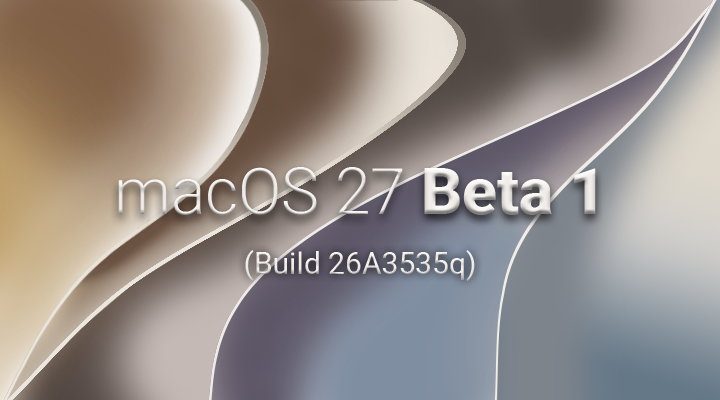
The initial developer beta of macOS Golden Gate, version 27, has landed, offering users a glimpse into Apple’s next major operating system iteration. While a quick glance might suggest a familiar landscape compared to its predecessor, macOS Tahoe, closer inspection reveals a series of deliberate UI tweaks and a promising uptick in system performance, guided by user feedback and Apple’s ongoing commitment to refining the user experience. This early assessment, based on the first developer beta, provides an initial overview of what users can expect as Golden Gate progresses towards its public release.
A Familiar Yet Refined Aesthetic
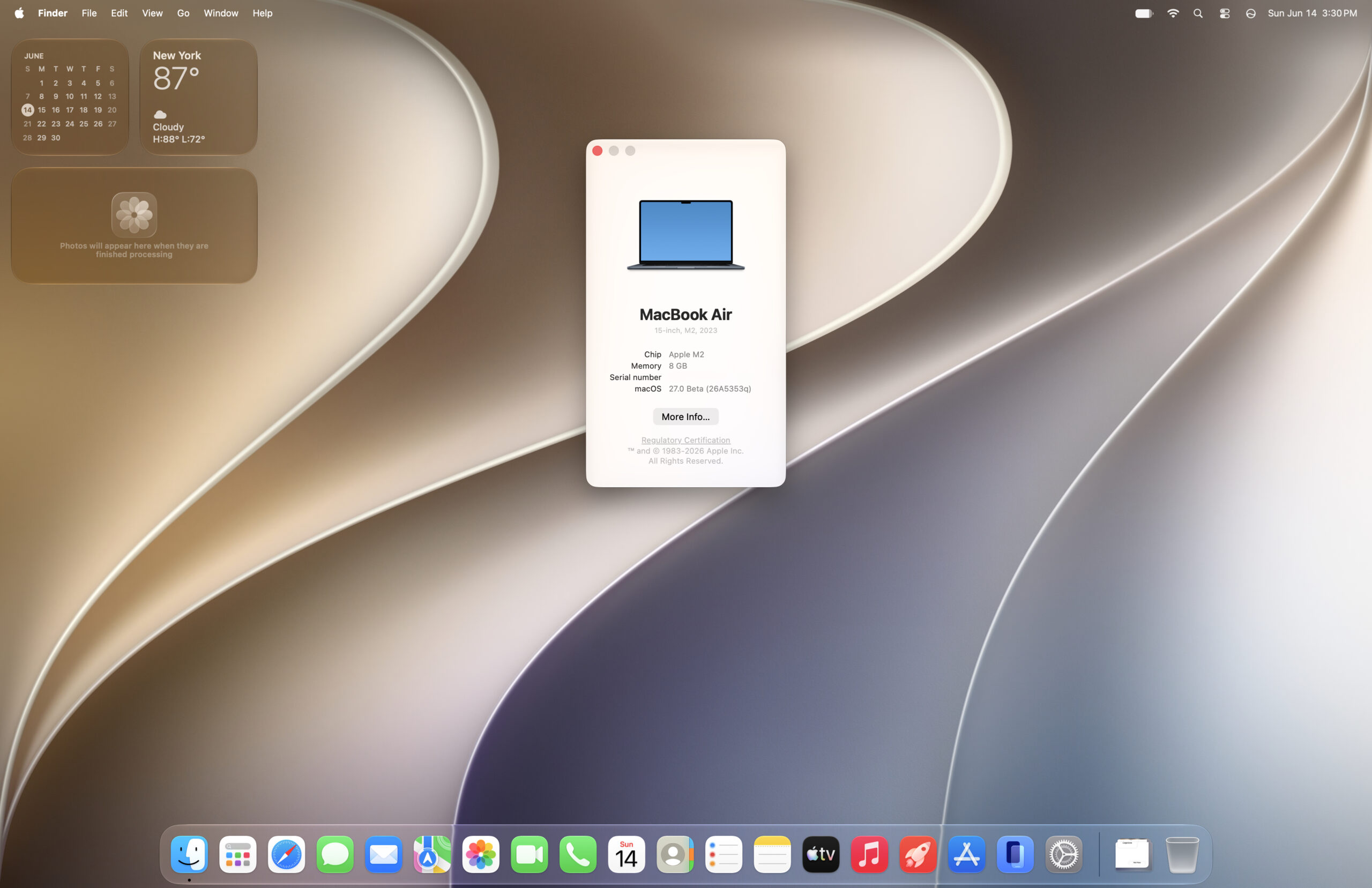
Upon installation, the most immediate impression of macOS Golden Gate is its visual continuity with Tahoe. The overall desktop layout remains largely unchanged, fostering a sense of immediate familiarity for existing users. However, Apple has introduced subtle yet significant refinements to the user interface (UI). These changes, seemingly small in isolation, contribute to a more polished and cohesive user experience.
One notable area of adjustment is in the setup process. The navigation buttons within the initial setup screens have undergone a stylistic update. These buttons now exhibit a design language that evokes a sense of a modern interpretation of Apple’s classic Aqua interface, reminiscent of earlier macOS versions like Leopard, albeit with a less pronounced blue hue. This stylistic choice appears to be a conscious effort to balance modern design principles with a nod to the operating system’s heritage, potentially appealing to users who appreciate the evolution of Apple’s design philosophy. The visual cues, particularly in the setup process, suggest a move towards a cleaner, more streamlined aesthetic that prioritizes clarity and ease of use.
Navigating the Setup: A Detailed Examination

The initial stages of the macOS Golden Gate setup process mirror the standard procedures users have come to expect. Users are guided through essential configurations, including the setup of optional accessibility features and the crucial Data & Privacy settings. These screens, while functional, have been subject to the subtle UI refreshes that characterize Golden Gate.
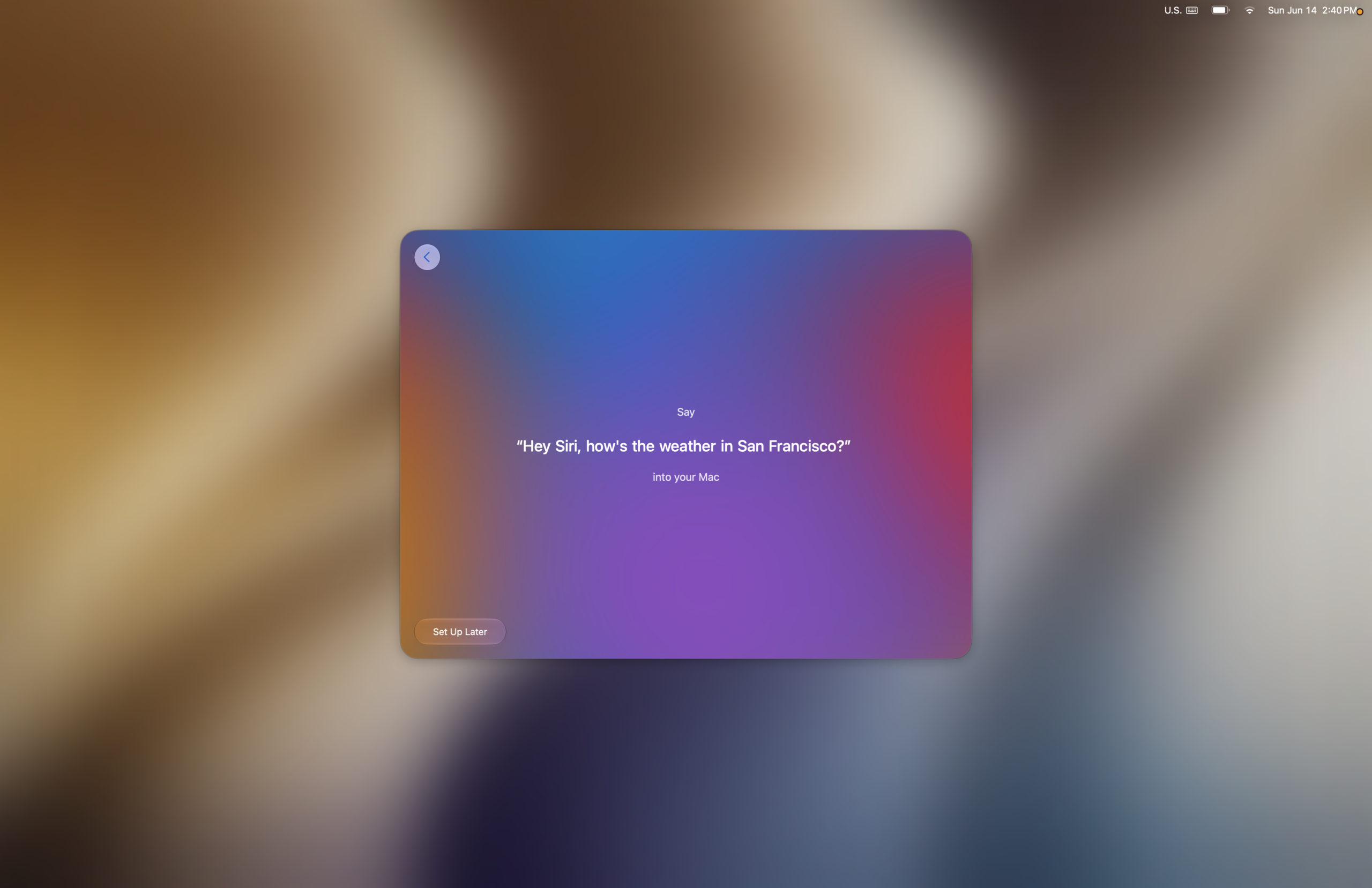
A more engaging aspect of the setup emerges when users opt to enable Siri. The process of training Siri to recognize the user’s voice is accompanied by a series of pleasant musical notes that play as each step is successfully completed. This auditory feedback mechanism is a well-executed design choice, transforming a potentially mundane task into a more interactive and rewarding experience. It highlights Apple’s attention to detail in crafting user interactions that are not only functional but also aesthetically and sonically pleasing.

Following these initial steps, users are presented with screens related to image manipulation features like Image Playground and reframe tools. It is here that users encounter a new element: a translucency adjustment slider. This slider offers users their first opportunity to fine-tune the operating system’s transparency effects, a setting that can later be accessed and modified within System Settings. The inclusion of this slider early in the setup process suggests that Apple is emphasizing user control over visual elements from the outset.
The editor’s note accompanying the discussion of translucency highlights a user-centric approach to these visual effects. The ability to adjust translucency to personal preference, coupled with Apple’s apparent strategy of applying transparency tactfully – enhancing elements like the dock without compromising legibility in critical content areas – indicates a thoughtful balance between visual flair and practical usability. This approach aims to provide a visually appealing experience that does not detract from the core functionality of the operating system.
System-Wide Enhancements and Performance Benchmarks
Beyond the setup screens, the beta reveals a more dynamic and responsive system. Animations throughout macOS Golden Gate have been noticeably accelerated. While some animation behaviors have been altered – for instance, the fade effect on desktop widgets when wallpaper is clicked has been removed, and the surrounding dark frame now features more rounded corners – the overall impression is one of increased speed and fluidity. These changes contribute to a snappier user experience, making everyday interactions feel more immediate.

To quantify these perceived improvements, early performance benchmarks have been conducted. Using Geekbench 6, comparisons were made between macOS Golden Gate, Tahoe, and Sequoia. The results indicate a generally positive trend, with most performance benchmarks showing an increase in Golden Gate compared to its predecessors. Notably, single-core CPU performance has seen meaningful gains, a factor that directly contributes to faster application launch times and improved responsiveness in everyday tasks. While multi-core CPU performance may show less dramatic increases in some tests, the overall trend suggests a solid performance foundation for the new OS.
These benchmark figures, while preliminary, align with anecdotal reports from early adopters who have described a faster experience on Golden Gate compared to Tahoe. The implications of these performance enhancements are significant, suggesting that Apple is not only focusing on new features but also on optimizing the core performance of its operating system, which directly impacts the user’s daily workflow and productivity. The numbers, though susceptible to variation under different conditions, provide a compelling indication of real-world performance gains.

Under the Hood: Protocol Changes and Potential Quirk
A significant change noted in the Golden Gate beta pertains to file sharing protocols. The Apple File Sharing Protocol (AFP) appears to have been deprecated. This move has implications for users who rely on older network configurations, particularly those involving PowerPC Macs, rendering existing AFP-based network file sharing setups unusable.

However, support for the Server Message Block (SMB) protocol remains robust. This ensures continued compatibility for users who utilize SMB for network file sharing, including those with legacy PowerPC Macs. Testing has confirmed the ability to locate and mount shared resources from a Power Mac G5 running an older macOS version via SMB, demonstrating that essential network functionality is preserved. While initial authentication challenges were encountered with specific user accounts, the continued support for SMB is a crucial mitigation for users migrating to the new OS.
The beta has also surfaced some minor quirks. One such issue, captured in a video demonstration, involves a potential bug where the app drawer fails to open. While this is not uncommon in early beta releases, it highlights areas that will require further refinement before the stable release. Such issues, though minor, are part of the iterative development process of any major software update.

Looking Ahead: A Promising Trajectory
Based on the initial analysis of the macOS Golden Gate developer beta, the operating system is shaping up to be a significant evolutionary step. The subtle yet impactful UI refinements, coupled with demonstrable performance improvements, suggest a release that prioritizes user experience and efficiency. The developer’s sentiment likens Golden Gate to a "Snow Leopard kinda OS release," evoking the era of macOS 10.6, which was widely praised for its stability and performance enhancements.

The removal of AFP support is a point of concern for a specific segment of users, but the continued robustness of SMB and the potential for alternative solutions offer a pathway forward. The early stability of the beta is encouraging, and the anticipation for further refinements and the integration of new features, such as the advanced Siri AI capabilities, is high.
As the development cycle progresses, further insights into Golden Gate’s capabilities and refinements will undoubtedly emerge. However, this initial assessment paints a picture of an operating system that is building upon a solid foundation, aiming to deliver a more polished, performant, and user-centric experience for Mac users. The journey from beta to public release will be closely watched, with expectations set for a stable and powerful iteration of macOS.