 Edi Durjana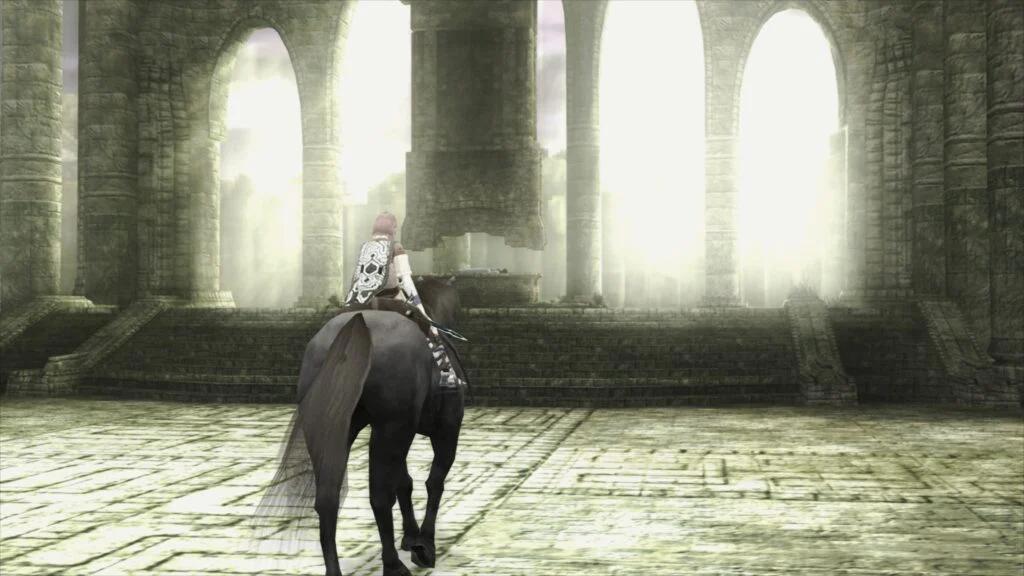
Libretro, a prominent force in the video game preservation and emulation community, has officially launched LRPS2, a groundbreaking new core designed to bring an enhanced PlayStation 2 emulation experience to its RetroArch frontend. This core, a heavily modified and modernized iteration of the venerable PCSX2 emulator, promises significant advancements in performance, compatibility, and graphical fidelity, targeting Windows, macOS, and Linux platforms. The release marks a pivotal moment for enthusiasts seeking to revisit the vast and beloved library of the PlayStation 2 with unprecedented accuracy and visual improvements.
Technical Deep Dive: The Power of LRPS2
LRPS2 is built upon a contemporary codebase, departing from the architectural constraints and serious drawbacks that characterized its predecessor, the older PlayStation 2 core within the Libretro ecosystem. This modernization effort has resulted in a more robust and efficient emulation solution, capable of leveraging modern hardware capabilities more effectively. A key highlight of the new core is its comprehensive support for a wide array of rendering backends, ensuring broad compatibility and optimal performance across diverse system configurations.
For graphics rendering, LRPS2 integrates nearly all the capabilities of the GSdx renderer, a cornerstone of high-quality PlayStation 2 emulation. This includes support for Vulkan on Windows, macOS, and Linux, providing a high-performance, low-overhead graphics API for cutting-edge visuals. Windows users benefit from additional flexibility with support for both Direct3D 11 and Direct3D 12, catering to various hardware generations and preferences. Furthermore, OpenGL support is available for Windows and Linux, offering a widely compatible alternative. This multi-API strategy underscores Libretro’s commitment to accessibility and performance, allowing users to select the rendering backend best suited for their system and game.
A New Era of Graphics: Introducing paraLLEl-GS
The crowning achievement within the LRPS2 release is undoubtedly the introduction of paraLLEl-GS. This innovative renderer, developed by Themaister, represents a paradigm shift in PlayStation 2 graphics emulation. Much like its predecessor, paraLLEl-RDP for Nintendo 64 emulation, paraLLEl-GS is engineered from the ground up as a compute program, exclusively leveraging the Vulkan graphics API. This compute-centric approach allows for a level of graphical accuracy and enhancement previously unattainable in traditional rasterization-based renderers.
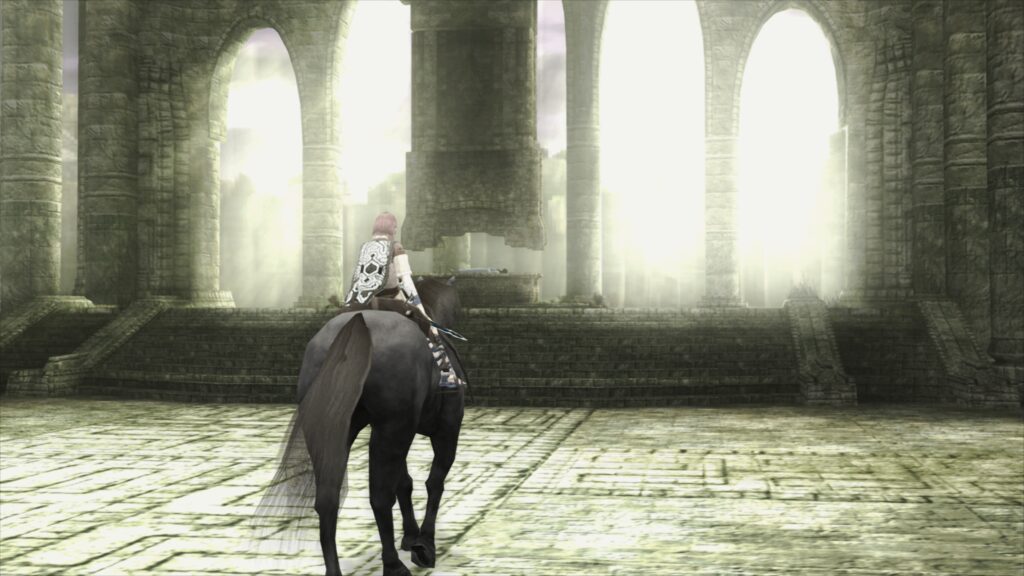
The core philosophy behind paraLLEl-GS is to achieve accuracy comparable to the PlayStation 2’s original software renderer, while simultaneously offering substantial graphical enhancements. Its standout feature is Super Sample Anti-Aliasing (SSAA), which, when configured to 16x SSAA alongside the experimental high-res scanout, virtually eliminates aliasing artifacts such as shimmering and jagged edges on both 3D geometry and textures. This results in an incredibly clean and polished visual presentation that often surpasses the output quality of the GSdx renderer even at much higher internal resolutions.
A significant advantage of paraLLEl-GS lies in its reduced reliance on game-specific hacks. Unlike GSdx, which often requires various adjustments and workarounds for individual titles to achieve optimal rendering, paraLLEl-GS’s design inherently handles many of these complexities with greater fidelity. This streamlines the user experience and provides a more consistent, accurate visual output across the diverse PS2 library. Themaister’s detailed technical insights into the project, originally shared in a blog article several months prior to this release, highlight the intricate engineering involved in reimplementing the PlayStation 2’s Graphics Synthesizer using modern compute paradigms.
Seamless Integration: Setup and Accessibility
Getting started with LRPS2 within RetroArch is a straightforward process, though specific steps are required to ensure proper functionality. The core is currently available for Windows, Linux (x86_64), and macOS, with explicit confirmation that it is not yet supported on Android, iOS, or ARM Linux platforms.
Users must first navigate to the Online Updater within RetroArch and select "Update Core Info Files." This critical step ensures that LRPS2 appears correctly within the core selection menu. Following this, users proceed to the "Core Downloader" to acquire "Sony – PlayStation 2 (LRPS)." The next essential step involves downloading the "LRPS2.zip" bundle from the "Core System Files Downloader." This bundle automatically populates the ‘system’ directory with a ‘pcsx2’ subdirectory, containing the GameIndex.yaml file. This YAML file is crucial, as it houses a database of per-game hacks and settings utilized by both the core and the GSdx renderer to enhance compatibility. Additionally, the bundle creates a ‘bios’ directory, where users are required to place their PlayStation 2 BIOS files. Once the BIOS set is correctly placed, games in various formats, including CHD, can be scanned and loaded. It is important to note that compressed archives such as .7z, .rar, or *.zip are not supported for game files.
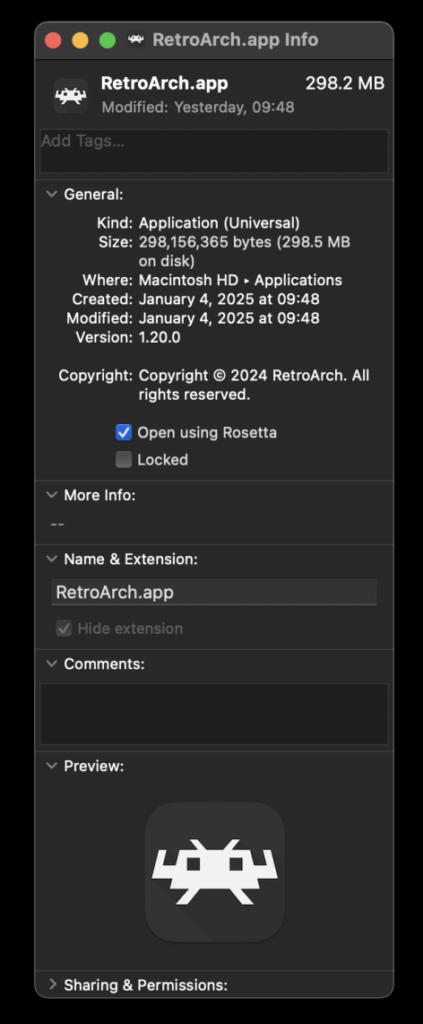
For macOS users running on Apple Silicon (M1/M2/M3 chips), an additional step is necessary to enable LRPS2. RetroArch must be run using Rosetta emulation. This involves exiting RetroArch, locating the application in Finder, right-clicking to select "Get Info," and checking the "Open using Rosetta" box. This ensures compatibility with the x86_64 architecture of the LRPS2 core on Apple Silicon systems, allowing it to appear in the Core Downloader.
Fine-Tuning Your Experience: Core Options Explained

LRPS2 provides a comprehensive suite of core options, categorized to allow users granular control over various aspects of emulation, video rendering, and input. These options empower users to customize their experience for optimal performance and visual fidelity, tailoring settings to specific games or hardware configurations.
- System Options: These generally pertain to fundamental emulation parameters, such as region settings, console model, and other low-level system configurations that can impact game compatibility or behavior.
- Video Options: Beyond renderer selection, these options control general display characteristics, aspect ratio, interlacing handling, and other visual settings independent of the specific rendering backend.
- Video – GSdx Options: This category provides extensive controls specific to the GSdx renderer. Users can adjust internal resolutions, texture filtering, anisotropic filtering, and various upscaling parameters. These settings are crucial for enhancing the visual quality of PS2 games beyond their original output.
- Manual Hardware Rendering Fixes – GSdx: A critical section for compatibility, this allows users to enable specific workarounds and hacks for games that exhibit graphical glitches or rendering issues with hardware acceleration. While paraLLEl-GS aims to minimize the need for such fixes, GSdx users will find these invaluable for problematic titles.
- Emulation Options: These settings control the core emulation speed, accuracy settings for the Emotion Engine (CPU) and Graphics Synthesizer (GPU), and other timing-related parameters that can influence game performance and stability.
- Input Options: Dedicated to controller configuration, these options allow users to map physical inputs to the emulated PlayStation 2 controllers, including dual analog stick support and rumble feedback. The development team is actively working on implementing support for analog face buttons, a unique feature of the original PS2 controller, which, while not essential for all games, enhances authenticity for titles that utilized it.
- ParaLLEl-GS Core Options: This dedicated section for the new compute-based renderer offers specific controls for its advanced features. Users can fine-tune SSAA levels, enable or disable high-res scanout, and adjust other parameters unique to paraLLEl-GS to balance performance and visual quality.
Addressing Common Queries: LRPS2 FAQ
The launch of a new core often brings forth common user questions, and Libretro has proactively addressed several key points to assist users.
- Black Screen with Audio: Some Windows users may encounter a black screen while audio continues to play, particularly when using the default D3D11 video driver. The recommended solution is to switch the video driver to D3D12, either globally in RetroArch settings or specifically for LRPS2 via core overrides, and then reload the core and content.
- ParaLLEl-GS Performance on Intel Integrated Graphics: Unfortunately, Intel Integrated Graphics Processors (IGPs) generally struggle with the compute shader heavy demands of paraLLEl-GS, even recent models. Users with such hardware are advised to utilize the software renderer or the GSdx renderer for better performance. Intel’s newer discrete GPUs are expected to handle paraLLEl-GS without issue.
- Software Renderer Crashes with Vulkan: A known issue exists where the software renderer may crash when the Vulkan video driver is selected. While the cause is under investigation, users experiencing this should switch to the ‘glcore’ driver on Linux or one of the D3D drivers on Windows to ensure stable operation of the software renderer.
- Analog Face Button Support: The development team acknowledges the absence of analog face button support and is actively working on its implementation. While a few PS2 games utilize this feature, most titles remain fully playable and completable without it.
- Identifying Per-Game Patches: To determine which internal patches (Game Enhancements, Language Unlock, No interlacing, Widescreen) are being applied on a per-game basis, users must enable logging in RetroArch and review the log output. While the internal database is continuously expanding, not all games are currently covered.
- Core Not Appearing in List: If LRPS2 is not visible in the core list, it likely means the core is not available for the user’s specific platform (e.g., Android, iOS, ARM Linux). For supported platforms (Windows, x86_64 Linux, macOS), updating core info files via the online updater is the primary troubleshooting step.
- Improving Frame Pacing: To optimize frame pacing, users can enable "Sync to Exact Content Framerate" in RetroArch’s Video -> Synchronization settings. For VRR display users, turning VSync off in RetroArch while ensuring it’s enabled in the GPU driver control panel (e.g., Nvidia Control Panel) can yield improvements. However, performance may vary with certain games like Fighting Vipers or Sega Rally 1995, necessitating experimentation.
The Broader Impact: Reshaping PlayStation 2 Emulation
The release of LRPS2 and its advanced paraLLEl-GS renderer represents a significant leap forward for PlayStation 2 emulation within the Libretro ecosystem. By modernizing the codebase, offering broad rendering API support, and introducing a cutting-edge compute-based renderer, Libretro has set a new standard for accuracy, performance, and visual fidelity.
This development not only enhances the experience for existing RetroArch users but also reinforces Libretro’s position as a leader in multi-system emulation. The emphasis on accuracy and the reduction of game-specific hacks with paraLLEl-GS promise a more consistent and reliable emulation experience, simplifying the process for users and expanding the reach of PS2 game preservation. The project’s dedication to supporting diverse operating systems and hardware configurations, including specific instructions for Apple Silicon users, demonstrates a commitment to broad accessibility.
The PlayStation 2’s immense library, comprising over 3,800 titles, holds a special place in gaming history. LRPS2’s arrival ensures that this legacy can be experienced with renewed vibrancy and technical excellence, providing both nostalgic gamers and new enthusiasts with the definitive way to play these classic titles on modern hardware. The ongoing development, including future enhancements like analog face button support, signals a long-term commitment to perfecting this pivotal emulation core.
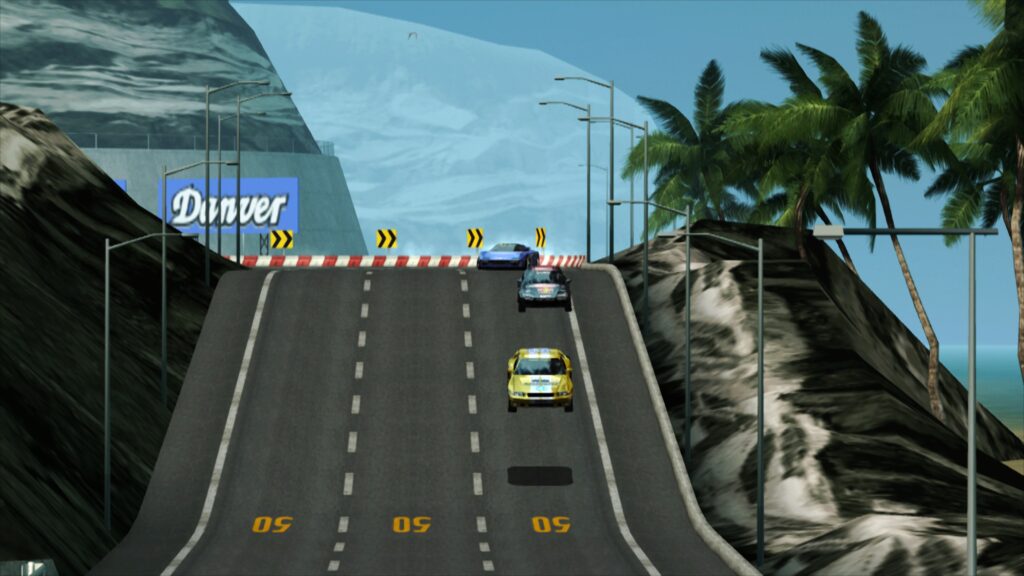
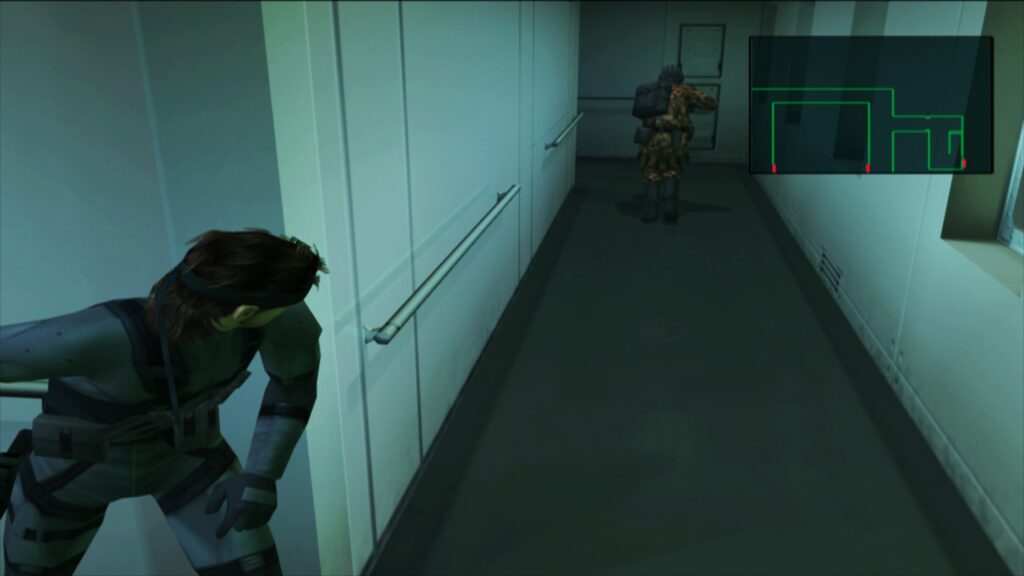
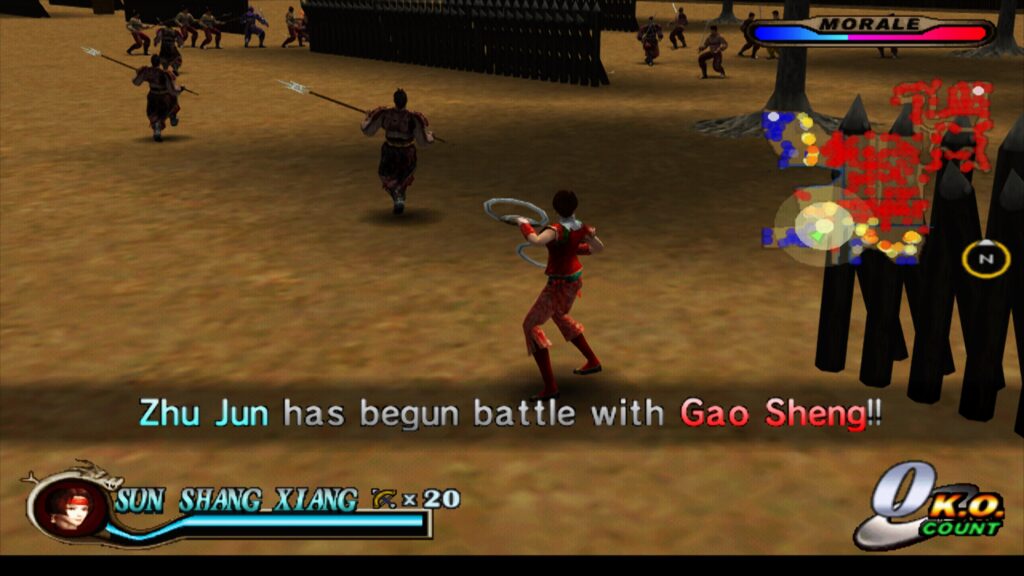
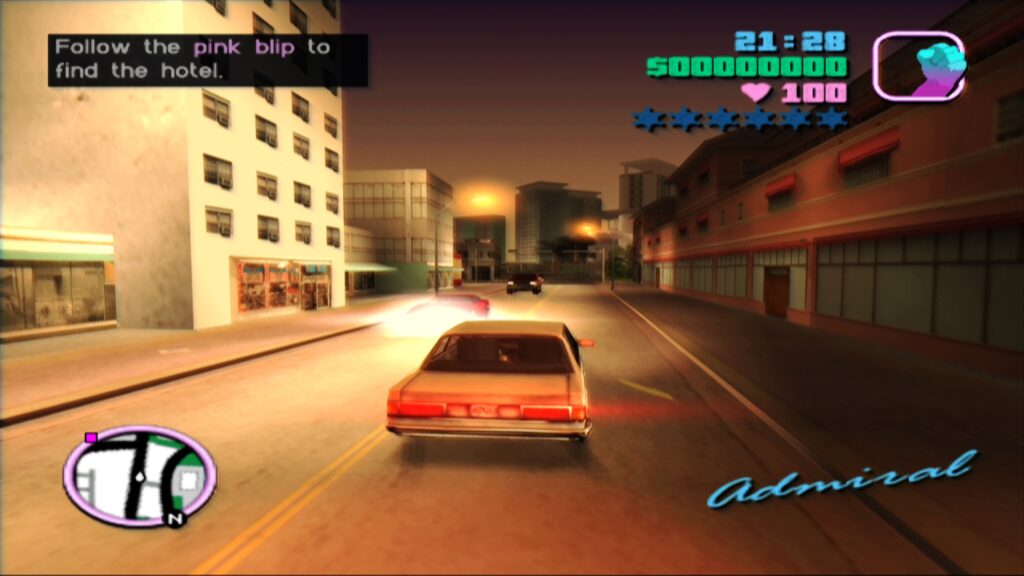
Accompanying the announcement, Libretro provided a series of demonstrative videos showcasing LRPS2 and paraLLEl-GS in action, featuring titles like Primal image Vol. 1, Ridge Racer V, Gran Turismo 4, Tekken 5, Onimusha 3 Demon Siege, and Tekken Tag Tournament. These visual examples highlight the impressive graphical improvements and smooth performance achievable with the new core, offering tangible proof of its capabilities.