Edi Durjana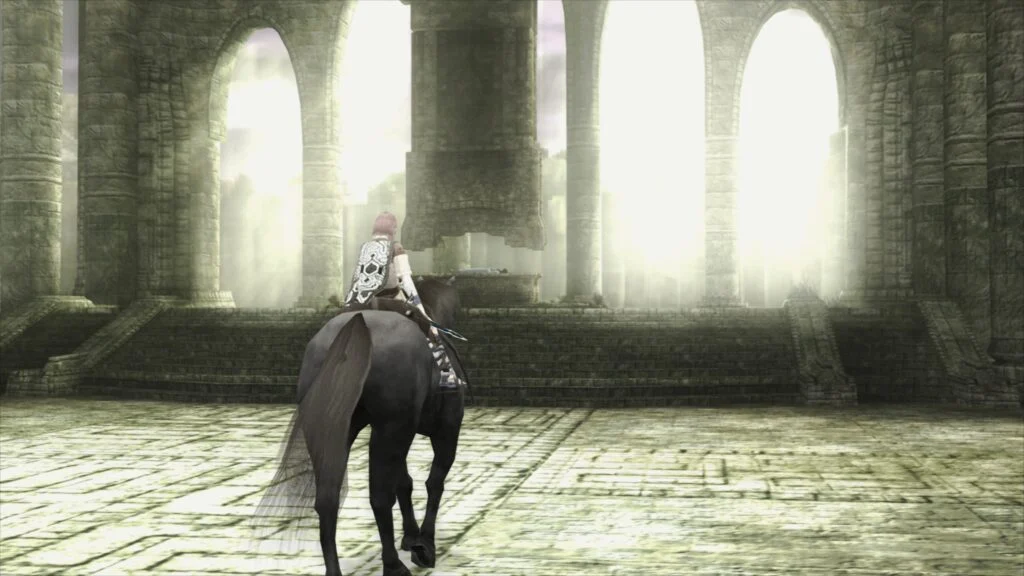
Libretro has officially announced the release of LRPS2, a brand new PlayStation 2 core engineered to bring a modern, highly optimized emulation experience to the RetroArch platform. This significant development marks a substantial upgrade for users seeking to revisit the vast library of titles from Sony’s best-selling console. LRPS2, a heavily modified version of the renowned PCSX2 emulator, has been custom-tailored for the Libretro API and is immediately available across major desktop operating systems, including Windows, macOS, and Linux. This release addresses long-standing limitations of previous emulation attempts within the ecosystem, promising enhanced stability, performance, and visual fidelity.
The Enduring Legacy of the PlayStation 2 and Emulation Challenges
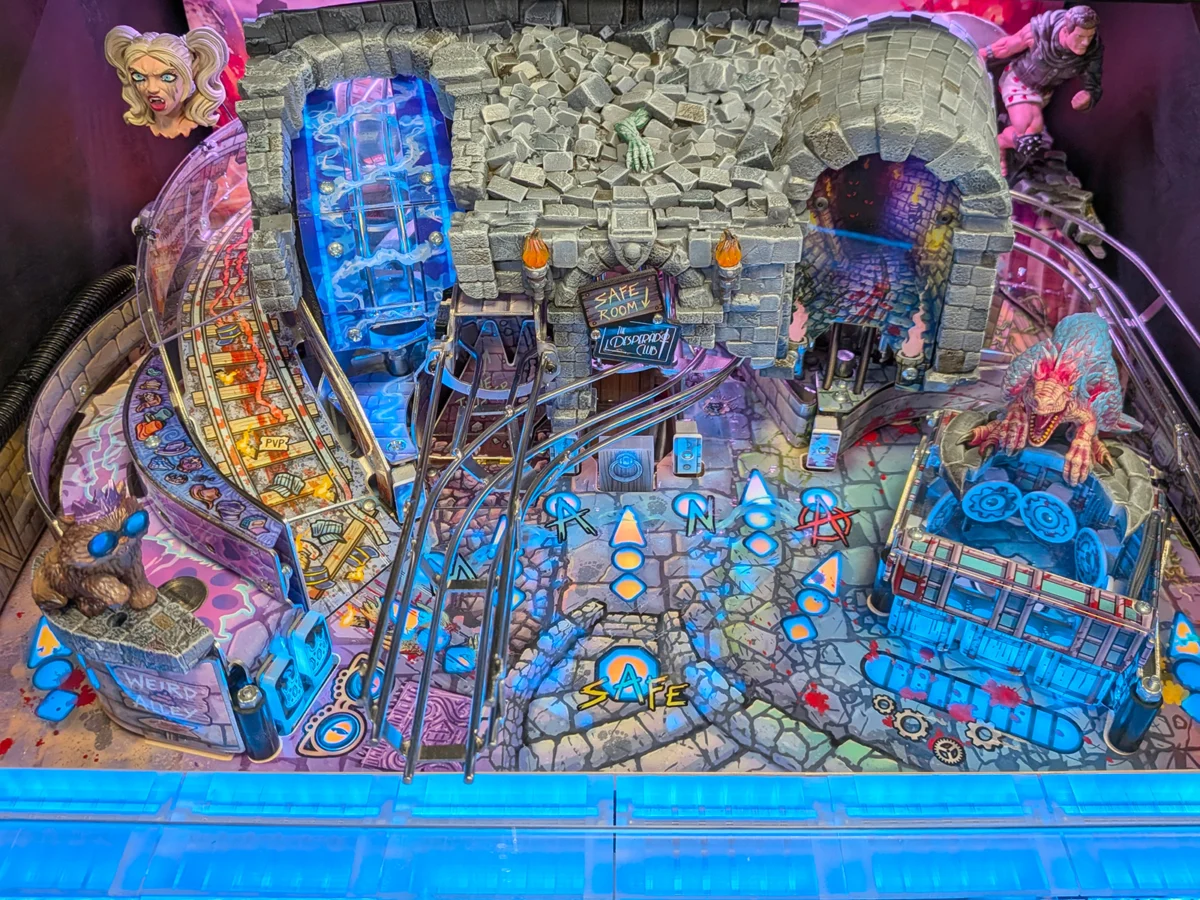
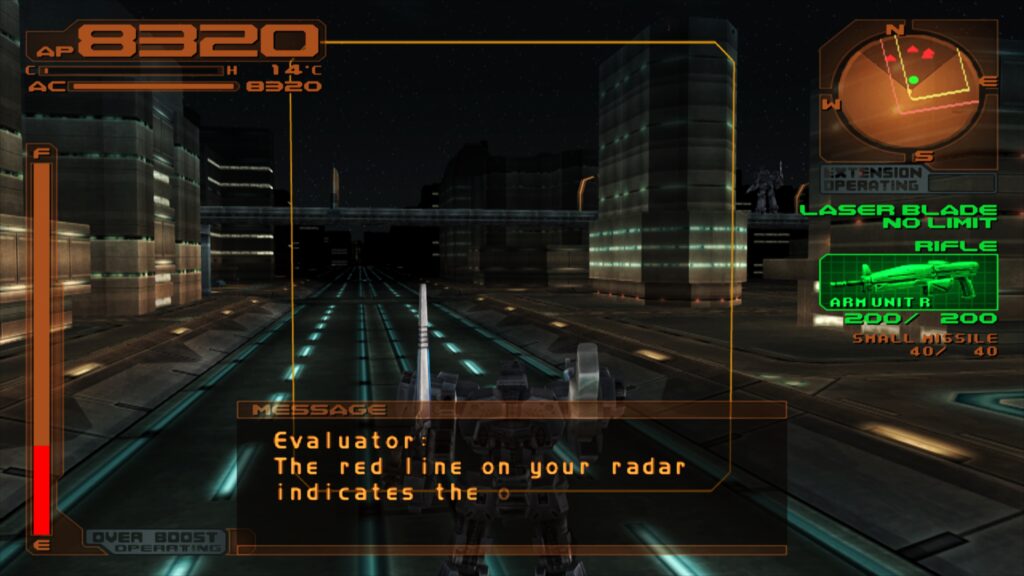
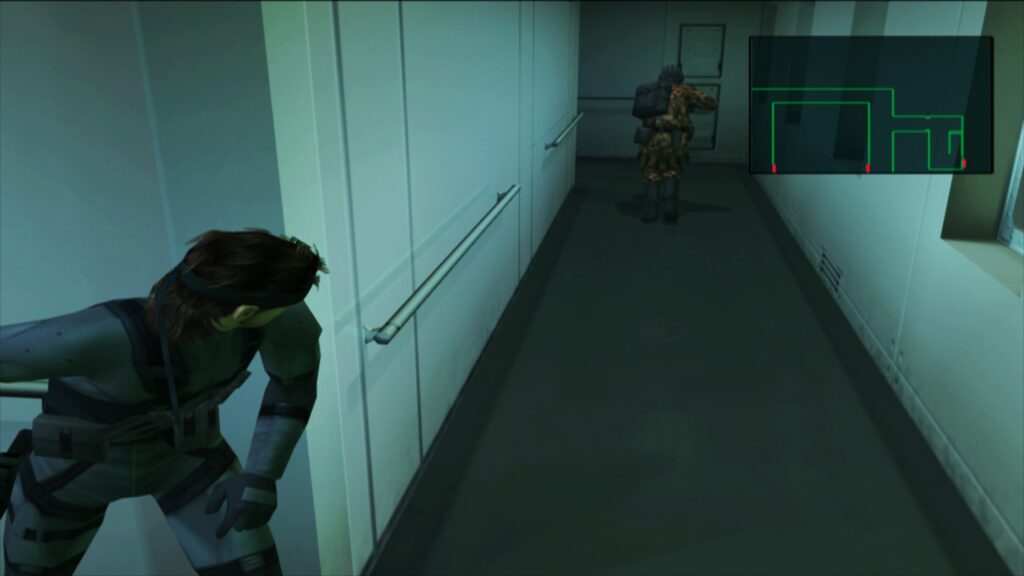
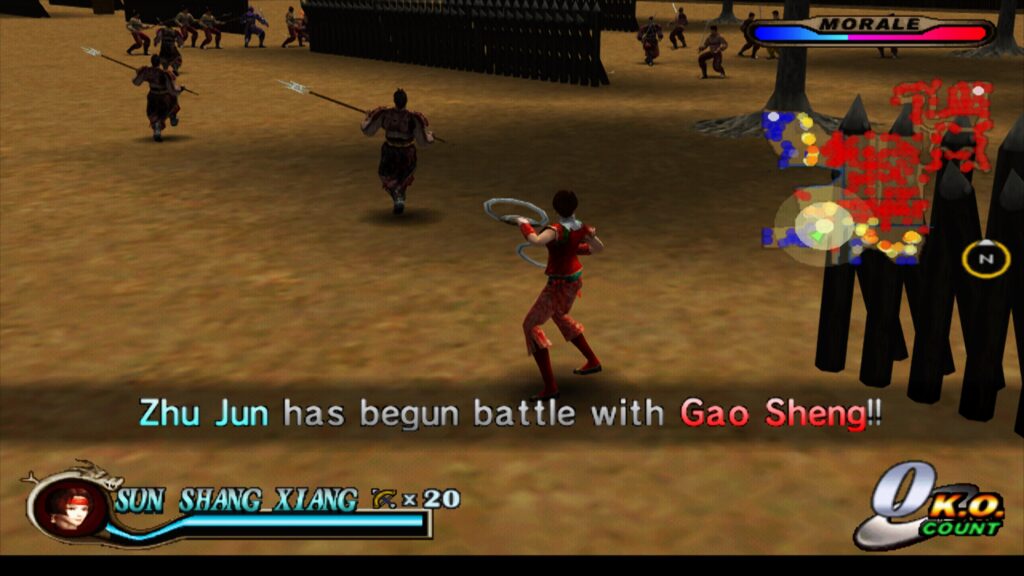
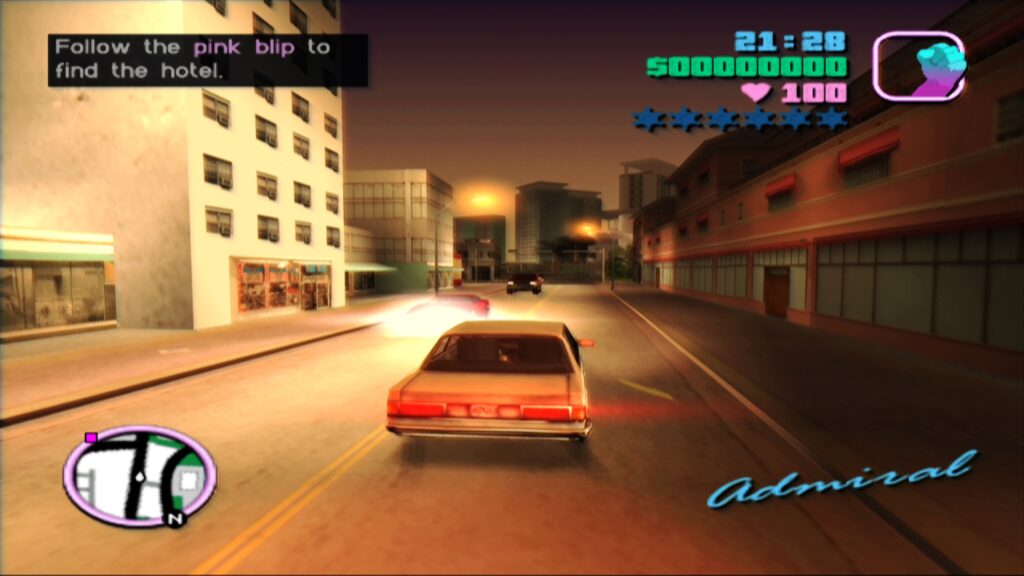
The PlayStation 2, launched in 2000, stands as the most successful video game console of all time, having sold over 155 million units worldwide. Its immense popularity fostered a sprawling library of nearly 4,000 games, encompassing iconic titles like Grand Theft Auto: San Andreas, Final Fantasy X, Metal Gear Solid 2: Sons of Liberty, and God of War. This rich historical catalog continues to captivate players and preservationists alike, driving an persistent demand for robust and accurate emulation solutions. However, emulating the PS2’s complex and highly specialized architecture, particularly its Emotion Engine CPU and Graphics Synthesizer (GS), has historically presented formidable challenges. Unlike PC hardware, the PS2’s components were designed for specific, often unconventional, tasks, making direct instruction translation and accurate timing synchronization a monumental task for emulator developers.
For years, PCSX2 has been the undisputed leader in PlayStation 2 emulation, lauded for its continuous development and commitment to accuracy and performance. The decision by Libretro to base LRPS2 on a heavily modified PCSX2 codebase leverages years of accumulated expertise and compatibility work, while simultaneously allowing for deep integration into the RetroArch framework. This strategic approach ensures that LRPS2 benefits from PCSX2’s foundational strengths, while being optimized to conform to Libretro’s unified core interface, enabling a consistent user experience within RetroArch.
LRPS2: A Modern Foundation for Next-Generation Emulation
The new LRPS2 core distinguishes itself through its thoroughly modernized codebase, representing a significant departure from any older, less optimized PS2 cores that might have existed within the Libretro ecosystem. This updated architecture promises to eliminate many of the serious drawbacks associated with previous iterations, such as stability issues, compatibility gaps, and performance bottlenecks. The core’s design prioritizes contemporary programming practices, leading to a more efficient and reliable emulation environment.
A core strength of LRPS2 lies in its comprehensive support for multiple rendering backends through the GSdx renderer, a critical component inherited and adapted from PCSX2. Users can now choose from a variety of modern graphics APIs, catering to different hardware configurations and operating system preferences. This includes Vulkan, which offers high-performance, low-overhead graphics rendering on Windows, macOS, and Linux. Windows users further benefit from support for both Direct3D 11 and Direct3D 12, providing excellent compatibility and performance across a wide range of NVIDIA, AMD, and Intel graphics cards. Additionally, OpenGL support is available for Windows and Linux, ensuring broader accessibility. This multi-API approach allows users to select the backend that yields the best performance and compatibility for their specific system, optimizing their PS2 gaming experience.
Introducing paraLLEl-GS: A Revolution in Visual Fidelity
Perhaps the most groundbreaking feature introduced with LRPS2 is the paraLLEl-GS renderer. Developed by Themaister, known for his pioneering work on compute-shader based rendering, paraLLEl-GS represents a paradigm shift in PlayStation 2 graphics emulation. Much like the paraLLEl-RDP renderer for Nintendo 64 emulation before it, paraLLEl-GS is written entirely as a compute program and operates exclusively with the Vulkan graphics API. This innovative approach harnesses the parallel processing power of modern GPUs in a highly efficient manner.
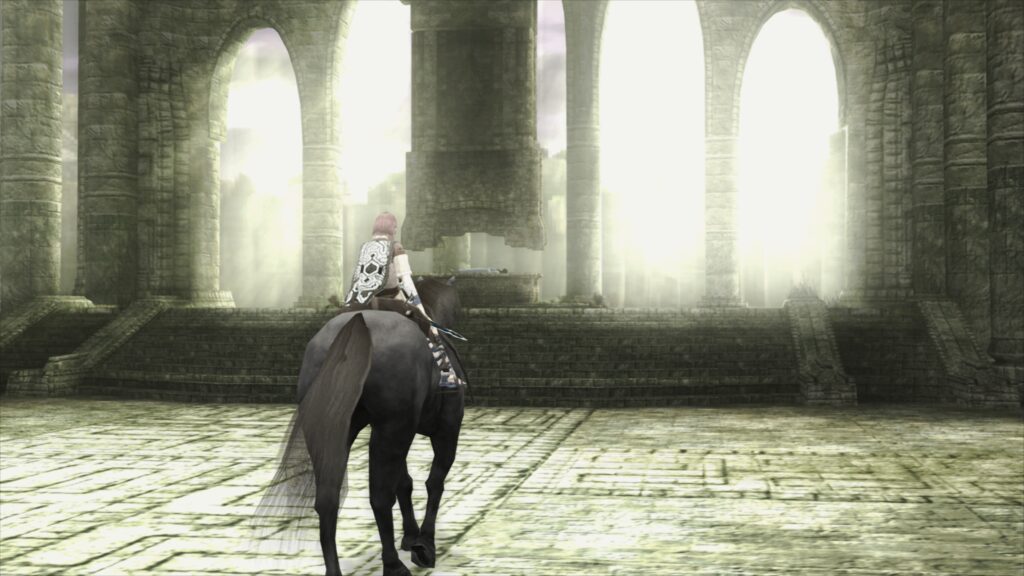
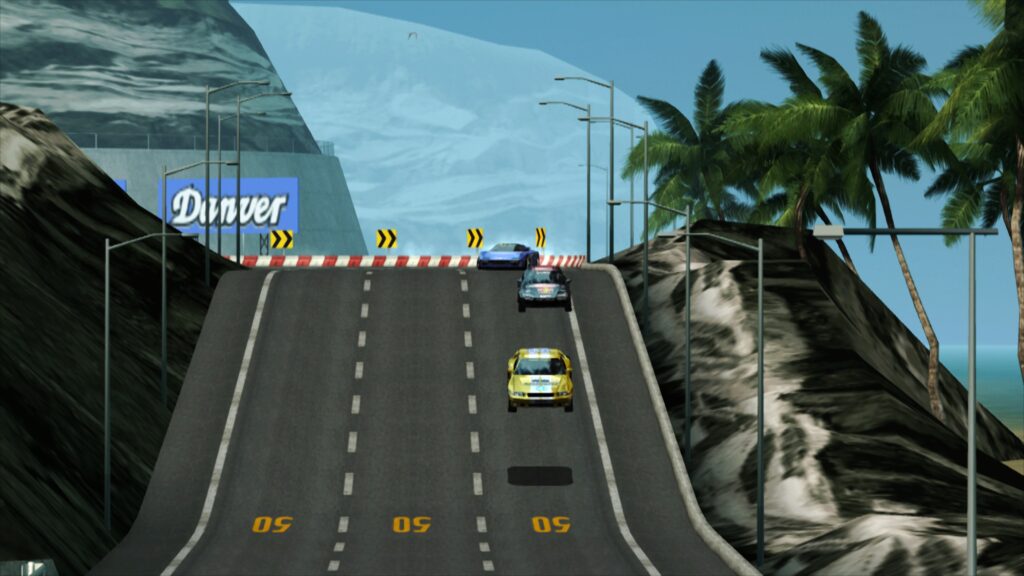
The primary objective of paraLLEl-GS is to achieve an unprecedented level of accuracy, mirroring the fidelity of a software renderer, but critically, with the added benefit of advanced graphical enhancements. A standout feature is its support for up to 16x Super-Sampling Anti-Aliasing (SSAA). When combined with the experimental high-resolution scanout option, SSAA effectively eradicates the shimmering and aliasing (jaggies) typically visible on 3D geometry and textures, which are common artifacts in many upscaled emulation scenarios. This results in an incredibly clean and stable image that often surpasses the visual quality achieved by traditional GSdx rendering at significantly higher internal resolutions, where such artifacts can still persist.
The high-resolution scanout feature, when enabled, allows for a doubling of the native output resolution. This, paired with 16x SSAA, produces a final image that dramatically elevates the visual presentation of classic PS2 titles, making them look far more polished than their original hardware counterparts or even other emulators without such advanced techniques. A key advantage of paraLLEl-GS is its inherent accuracy, which substantially reduces the need for game-specific hacks that are often required with other hardware renderers to overcome visual glitches or rendering inaccuracies. This simplifies the user experience and ensures a more consistent visual output across the PS2 library. For those interested in the technical intricacies, Themaister’s detailed blog article, published several months prior to this announcement, provides an in-depth breakdown of the compute-shader based GS emulation techniques employed in paraLLEl-GS.
Installation and Configuration for Users
Setting up LRPS2 within RetroArch is a streamlined process, though it requires adherence to specific steps to ensure proper functionality. For users on supported platforms—Windows, Linux (x86_64), and macOS (with a specific caveat for Apple Silicon)—the initial step involves updating the ‘Core Info Files’ via RetroArch’s online updater. This ensures that the LRPS2 core appears correctly in the menu. Following this, users proceed to the ‘Core Downloader’ to select and download ‘Sony – PlayStation 2 (LRPS)’.

Crucially, the next step involves acquiring the necessary system files. From the ‘Core System Files Downloader,’ users must download the ‘LRPS2.zip’ bundle. This bundle automatically creates the ‘pcsx2’ directory within RetroArch’s ‘system’ directory and populates it with ‘GameIndex.yaml’. This YAML file is vital as it contains various per-game hacks and settings utilized by both the core and the GSdx renderer to enhance compatibility and performance across the diverse PS2 library. Additionally, the bundle creates a ‘bios’ directory. It is within this ‘bios’ directory that users are required to place their legally obtained PlayStation 2 BIOS set, a fundamental component for the emulator’s operation. Once these prerequisites are met, games, ideally in formats like CHD (Compact Hashed Disc), can be scanned and loaded. It is important to note that compressed archives such as .7z, .rar, or *.zip are not supported for game loading.
Platform-Specific Notes: macOS and Beyond
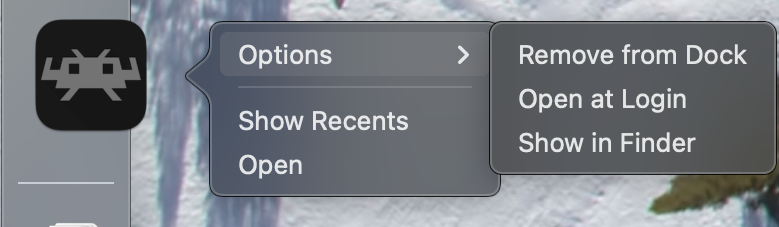
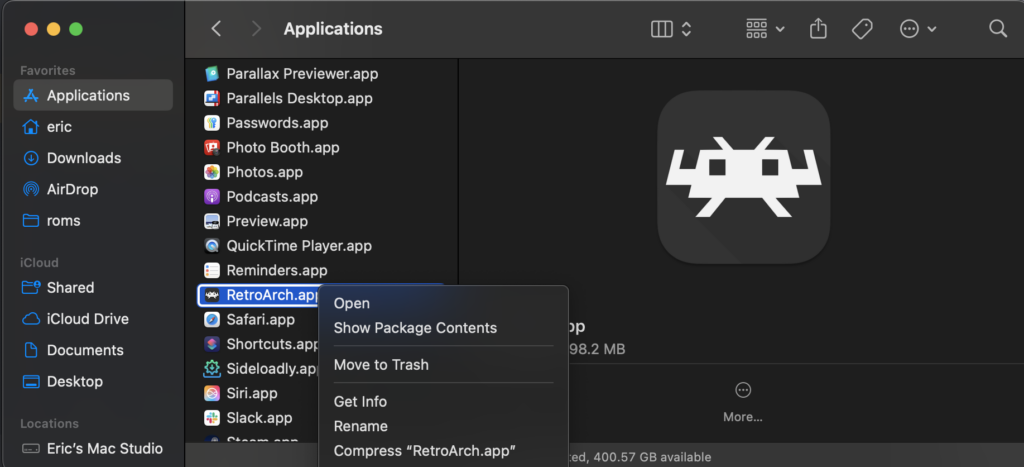
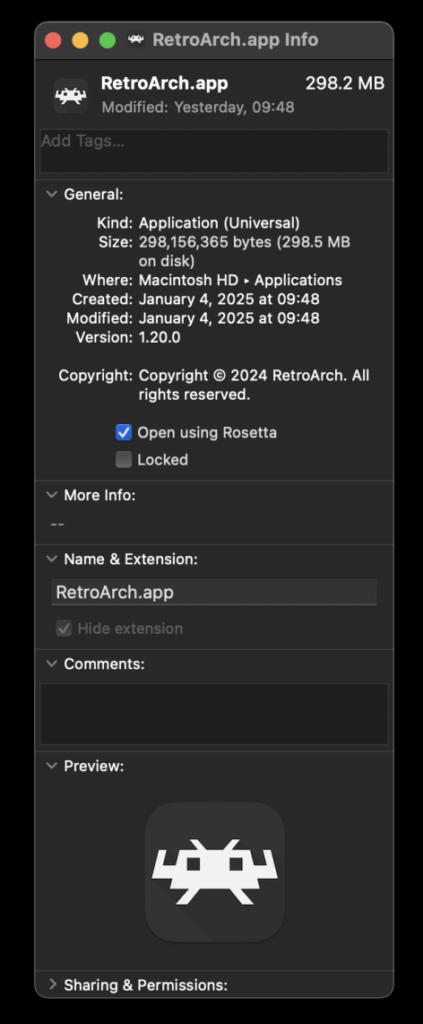
Users on macOS running Apple Silicon devices (M1, M2, etc.) need to take an additional step to utilize LRPS2. The core currently requires Rosetta 2 to function. To enable this, users must exit RetroArch, locate the application in Finder, right-click it, and select ‘Get Info’. Within the Info screen, a checkbox labeled ‘Open using Rosetta’ must be selected. Once RetroArch is launched under Rosetta, the LRPS2 core will become visible and downloadable in the Core Downloader. This temporary measure ensures compatibility while native Apple Silicon support is potentially explored in future updates.
It is important to clarify that LRPS2 is not currently available for mobile platforms such as Android or iOS, nor for ARM-based Linux systems. This limitation is primarily due to the core’s computational demands and the specific architectural optimizations currently in place, which target x86_64 processors.
Optimizing Your Experience: Performance and Known Issues
While LRPS2 offers significant advancements, users may encounter specific scenarios or require configuration adjustments for optimal performance.
- Black Screen Issue: Some Windows users employing the default D3D11 video driver may experience a black screen with audio. The recommended solution is to switch the video driver to D3D12, either globally in RetroArch settings or specifically for the LRPS2 core via a core override.
- paraLLEl-GS and Integrated Graphics: The highly compute-intensive nature of paraLLEl-GS means it may perform poorly on older Intel integrated graphics processors (IGPs), even relatively recent models, often failing to achieve full speed. In such cases, the software renderer or the GSdx hardware renderer remains the best option. Newer discrete Intel GPUs are expected to handle paraLLEl-GS without issue.
- Software Renderer and Vulkan Conflict: A known issue exists where the software renderer may crash when used with the Vulkan video driver. Until a fix is identified, users are advised to switch to the ‘glcore’ driver on Linux or one of the D3D drivers on Windows for reliable software rendering.
- Analog Face Buttons: The implementation of analog face button support, a unique feature of the PS2 controller, is currently a work in progress. While most games are fully playable without it, its absence may affect nuanced gameplay in a select few titles.
- Frame Pacing: To enhance frame pacing, especially on Variable Refresh Rate (VRR) displays, users can experiment with the ‘Sync to Exact Content Framerate’ option found under RetroArch’s Video -> Synchronization settings. For VRR displays, it is often beneficial to turn VSync off in RetroArch but ensure it is enabled in the GPU driver control panel (e.g., NVIDIA Control Panel). It is worth noting that some older titles, such as Fighting Vipers and Sega Rally 1995, may not behave optimally with ‘Sync to Exact Content Framerate’ enabled, necessitating individual testing.
- Internal Patches: To ascertain which internal game-specific patches (Game Enhancements, Language Unlock, No interlacing, Widescreen) are being applied by LRPS2, users need to enable logging in RetroArch and review the log output. The internal database of patched games is continuously being expanded.
The Road Ahead: Future Enhancements and Broader Impact
The release of LRPS2, particularly with the inclusion of paraLLEl-GS, represents a significant leap forward for PlayStation 2 emulation within the Libretro ecosystem. It not only provides a highly compatible and performant core but also introduces cutting-edge rendering techniques that set a new standard for visual accuracy and enhancement. The ongoing development efforts, including the eventual implementation of analog face buttons and the expansion of the internal game compatibility database, underscore Libretro’s commitment to refining the PS2 experience.
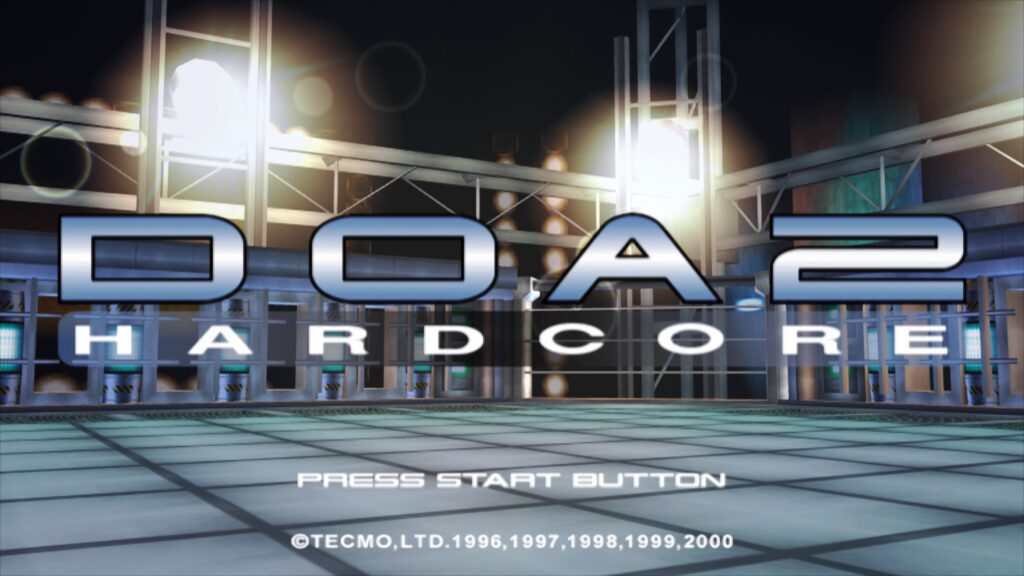
This development solidifies RetroArch’s position as a premier unified frontend for retro gaming, offering a modern and feature-rich platform for preserving and enjoying classic titles. The emphasis on compute-shader driven rendering, as exemplified by paraLLEl-GS, highlights a broader trend in emulation development towards leveraging modern GPU capabilities for unprecedented accuracy and visual improvements, moving beyond simple upscaling. This innovation promises to breathe new life into beloved PS2 classics for a new generation of players and dedicated enthusiasts alike, ensuring the console’s rich legacy endures with contemporary polish.