 Vera Clarissa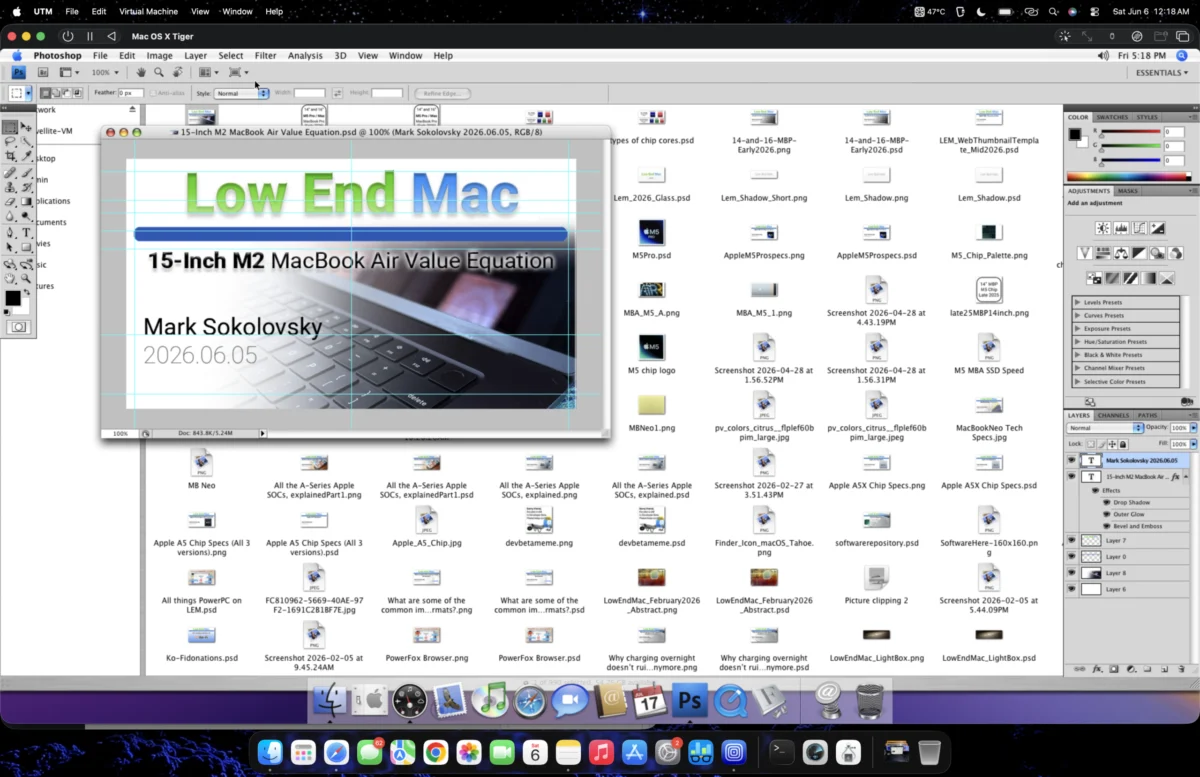
The quest to run older, cherished software on modern hardware has led to an innovative solution for graphic designers and digital artists seeking to leverage the capabilities of Adobe Photoshop CS4 on Apple’s latest M2 MacBook Air. This article details a successful method involving virtualization, demonstrating that with the right configuration, a powerful, albeit dated, creative suite can be made accessible on contemporary silicon, bypassing the need for costly upgrades or subscriptions. The achievement signifies a potential breakthrough for users with established workflows tied to older software versions, offering a pragmatic approach to bridging the gap between legacy applications and cutting-edge technology.
The Challenge of Modernizing Creative Workflows
For many creative professionals, Adobe Photoshop CS4 represents a foundational tool, ingrained in their workflow and creative process. The transition to newer versions, often accompanied by subscription models and significant interface changes, can be disruptive and financially burdensome. The advent of Apple’s M-series chips, while offering substantial performance gains, also introduced architectural shifts that can complicate the installation and operation of older, Intel-based or PowerPC-dependent software. This creates a quandary for users who possess licenses for, or are deeply familiar with, older software but require the portability and efficiency of modern portable computing devices.
The M2 MacBook Air, known for its fanless design and impressive battery life, presents a compelling platform for mobile productivity. However, its ARM-based architecture is fundamentally different from the x86 architecture that most older software was designed for. Running such applications directly is often impossible without specialized emulation or virtualization techniques. The initial approach explored by users often involves attempts at direct compatibility or less sophisticated emulation, which frequently falter due to architectural incompatibilities.
The Virtualization Breakthrough: UTM and macOS VMs
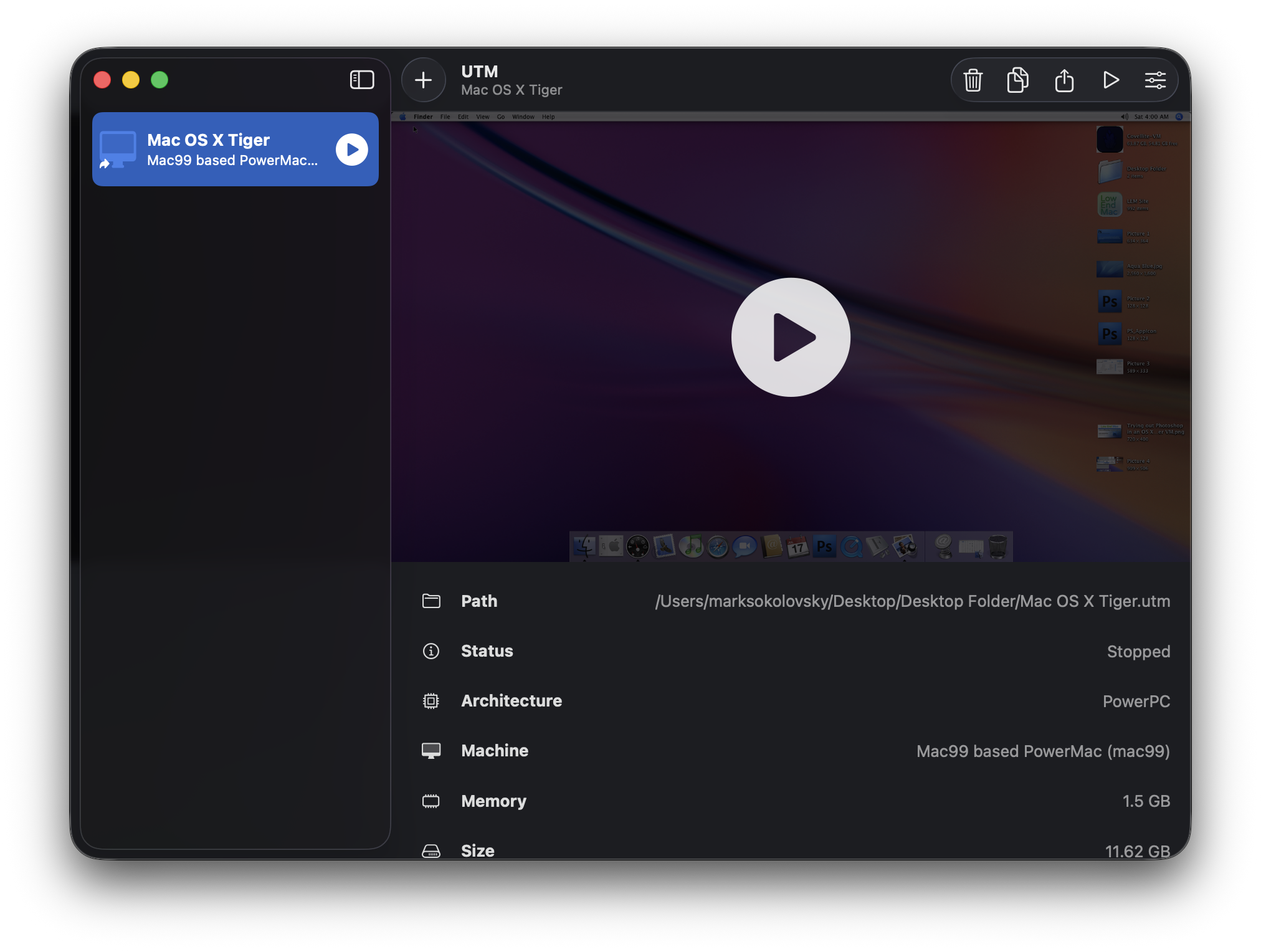
The breakthrough in achieving Photoshop CS4 functionality on the M2 MacBook Air hinges on the use of UTM, a popular and versatile virtualization and emulation application. UTM allows users to run various operating systems, including older versions of macOS, within a virtual machine environment on their M2 Mac. The process involves creating a virtual machine, installing a compatible operating system within it, and then installing Photoshop CS4 inside that virtualized OS.
Initial attempts often focus on running the most recent stable older macOS versions that might support CS4. In this specific case, the user first experimented with a virtual machine running Mac OS X Leopard (version 10.5). Leopard, released in 2007, predates the widespread adoption of Apple’s own Intel transition and was designed for PowerPC and early Intel Macs. While a Leopard VM could be successfully created and compressed to a manageable 22 GB using UTM’s space reclamation and compression features, the performance and usability of Photoshop CS4 within this environment were severely hampered.
Hurdles with Leopard VM
The primary issue encountered with Photoshop CS4 running in a Leopard VM was a significant lack of usability. Text boxes proved difficult to place and select accurately, leading to a frustrating user experience. This was attributed to the VM’s inability to leverage proper video hardware acceleration, a common challenge in virtualized environments, especially with older operating systems like Leopard. Without native graphics processing, the rendering of complex visual elements and precise user interface interactions becomes unreliable. This lack of graphical fidelity prevented any serious editing or the opening of complex site graphic files, rendering the setup impractical for actual design work.
The Tiger Advantage: A Smoother Experience
Recognizing the limitations of Leopard, the next logical step was to explore an even older, yet still capable, macOS version. The user then transitioned to testing Photoshop CS4 within a virtual machine running Mac OS X Tiger (version 10.4). Tiger, released in 2005, is known for its robust performance and compatibility with a wide range of legacy applications. This shift proved to be the critical turning point.
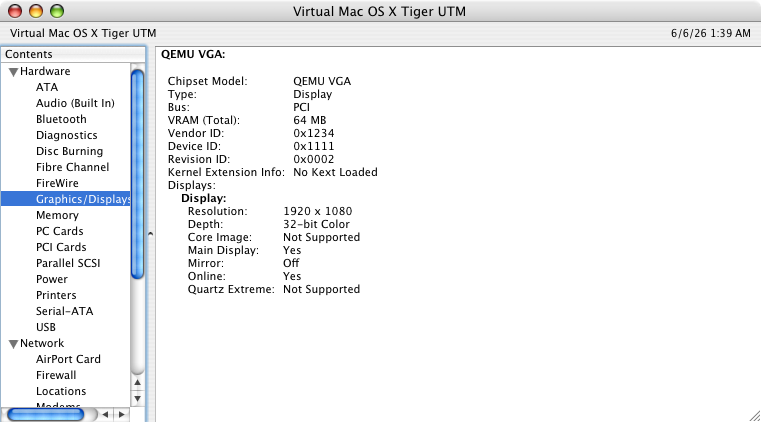
Upon installing essential fonts such as Roboto, San Francisco, and Valera Round, and transferring the necessary Photoshop CS4 installation files and project assets, the experience within the Tiger VM was markedly improved. The application became significantly more stable and responsive. This was largely attributed to the way Tiger handles graphics rendering. The article notes that "Quartz Compositor has much less overhead versus Core Animation," suggesting that Tiger’s older graphics framework, despite not having direct hardware acceleration through loaded kexts (kernel extensions) in the VM, provided a more stable foundation for CS4’s rendering engine compared to Leopard’s more modern, yet less compatible, approach in a virtualized context.
Enabling Creative Work on the Go
The success with the Tiger VM opened up the possibility of performing graphic design tasks for websites remotely. The ability to create website graphics without being tethered to a dedicated workstation, such as a Power Mac G5, was a significant practical benefit. This allows for flexibility and productivity in diverse locations, transforming the M2 MacBook Air into a capable, albeit virtualized, creative hub for specific tasks.
Deep Dive into Functionality: Opening Files and Editing
With Photoshop CS4 now demonstrably functional within the Tiger VM, the next phase involved rigorous testing of its core capabilities. The user confirmed that graphic files for websites rendered correctly within the virtualized environment. This included opening, manipulating, and saving various image formats.
Editing and Asset Management
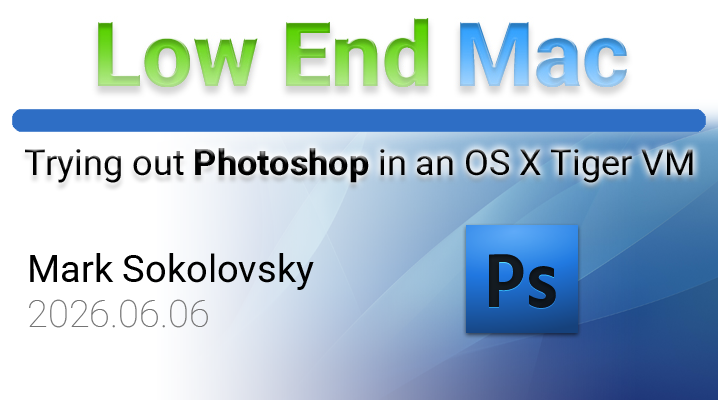
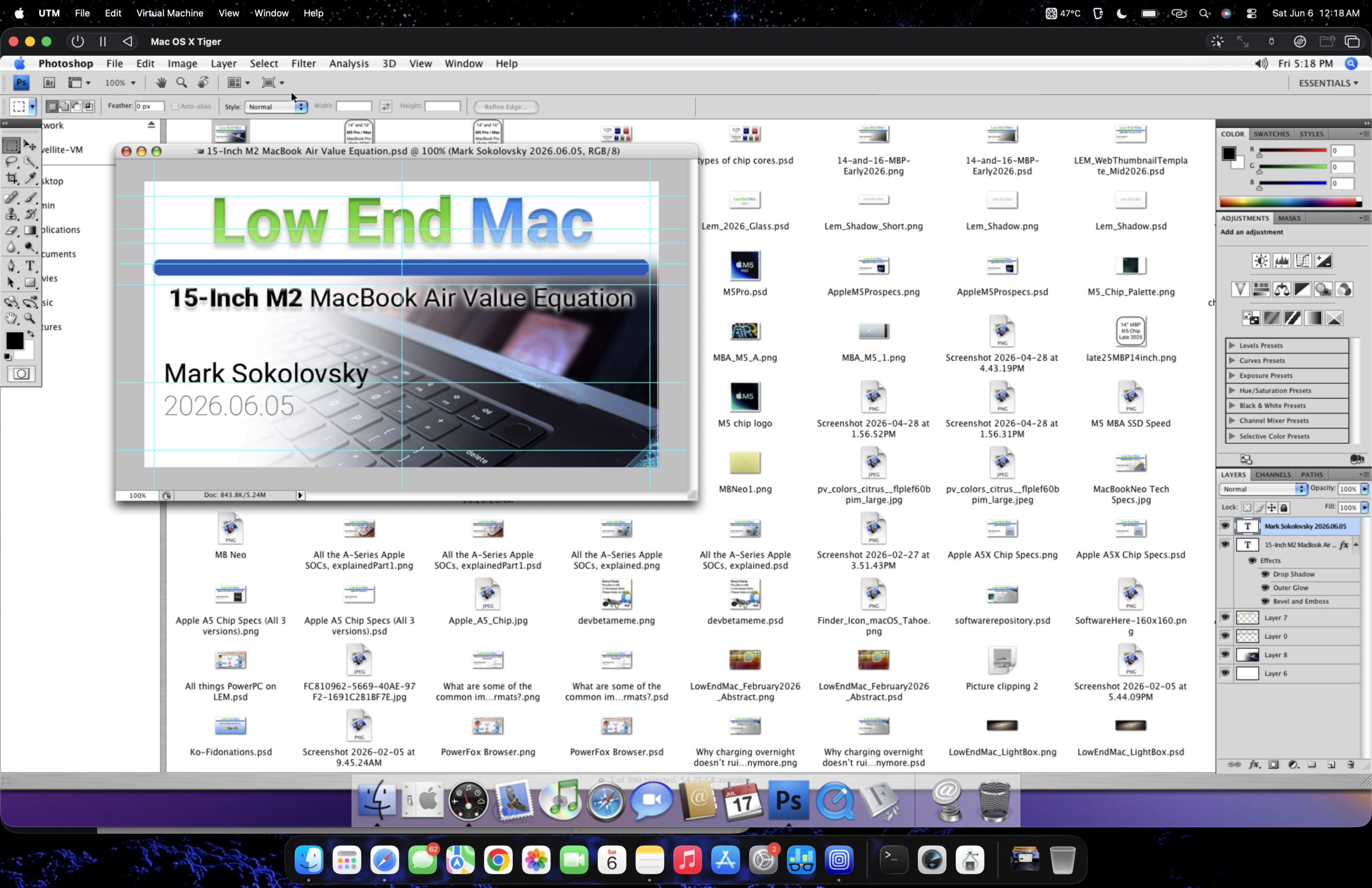
Crucially, the system proved capable of handling typical design operations. The article highlights a specific instance where a web thumbnail preview of a recent article was successfully customized. This involved a multi-step process of opening the preview, copying elements from other tabs (such as a full-sized Tiger Aqua Blue wallpaper), and pasting them into the working file. The virtual machine handled these operations without significant performance degradation, indicating that the core editing functions of CS4 were largely unimpeded. This demonstrated a level of practical usability that was entirely absent in the Leopard VM.
USB Peripheral Integration
A notable aspect of the UTM virtualization platform is its ability to integrate USB peripherals. The article mentions that UTM "seamlessly works integrating compatible plugged-in USB peripherals, even in an old version of Mac OS X." While this functionality may require enabling and doesn’t always work flawlessly (estimated at "~90% of the time"), it significantly enhances the workflow. The ability to drag and drop files between the host M2 MacBook Air and the virtual machine via USB storage devices or direct file sharing protocols streamlines the process of transferring assets and completed work. This is a critical feature for any creative workflow, allowing for efficient data management.
Performance Analysis: How Does it Run?
The overall performance of Photoshop CS4 within the Tiger VM on the M2 MacBook Air is described as surprisingly robust for the circumstances. While it’s acknowledged that "nothing will compare to or replace the Power Mac G5 as a graphics workstation" for intensive tasks, the current setup provides a viable solution for many common design needs. The system handles opening, copying, and pasting operations without significant lag, even with larger files like the Tiger Aqua Blue wallpaper.
The implications of this successful virtualization are far-reaching. For individuals or organizations still reliant on Photoshop CS4 due to cost, training, or specific plugin compatibility, this method offers a tangible pathway to modernize their hardware without abandoning their established software. It underscores the potential of virtualization as a tool for extending the lifespan of legacy software in an era of rapid technological advancement.
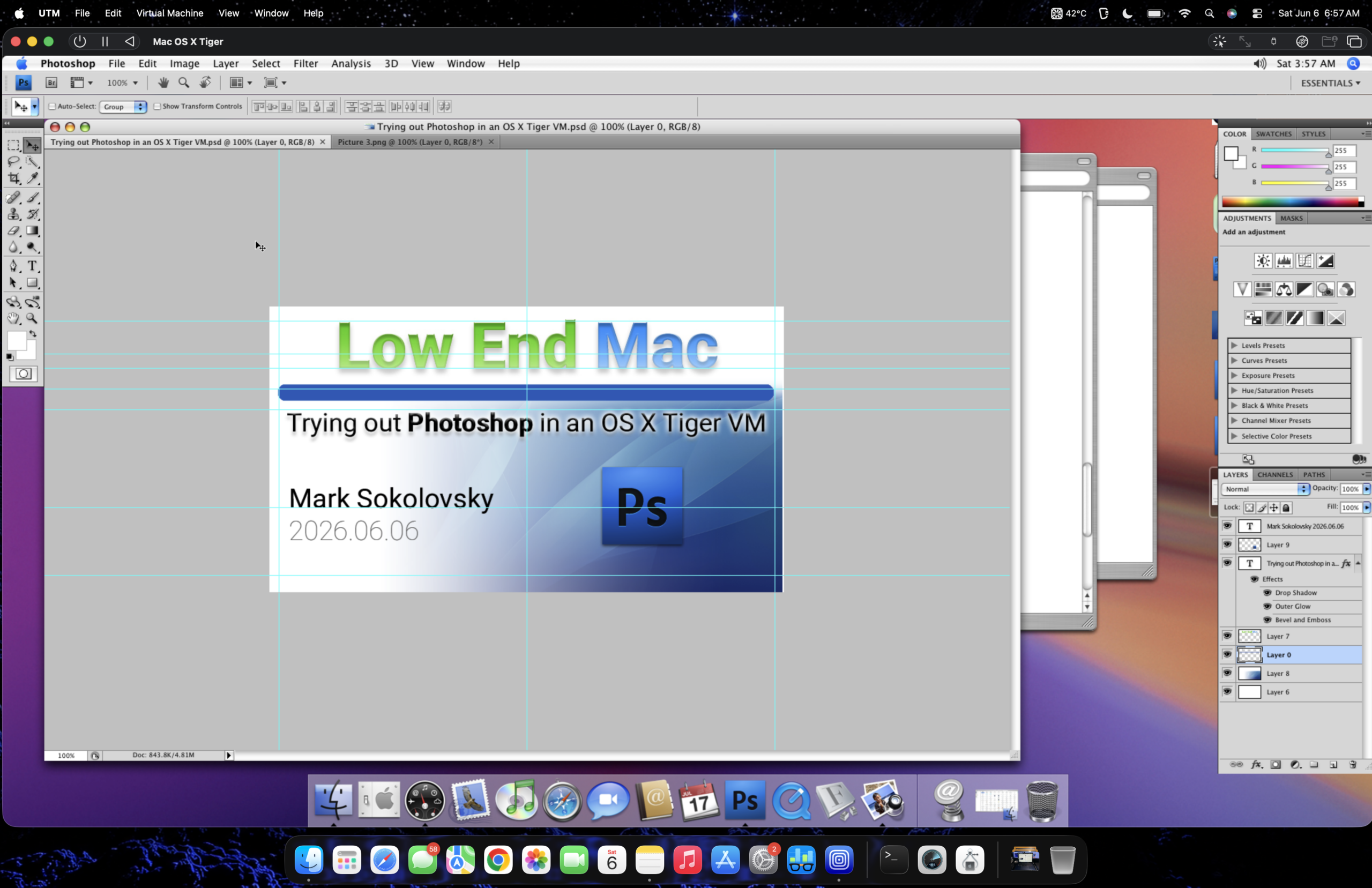
The video embed within the original article (titled "Launching Photoshop CS4 in a Tiger VM on a M2 MacBook Air running Tahoe") likely provides a visual demonstration of the application’s performance and user interface within the virtualized environment, offering further concrete evidence of its functionality.
Conclusion: A Pragmatic Solution for Legacy Software Users
The successful implementation of Photoshop CS4 on an M2 MacBook Air via a macOS Tiger virtual machine using UTM represents a significant achievement for users seeking to bridge the gap between legacy creative software and modern hardware. The method, while requiring technical setup and understanding of virtualization, provides a functional and usable solution for graphic design tasks. It highlights the enduring relevance of older software and the innovative ways users are adapting to evolving technology. This approach not only bypasses subscription fees but also allows users to continue working with a familiar and comfortable interface, demonstrating that with ingenuity, the past can indeed inform and support the present in the digital creative landscape.