Vera Clarissa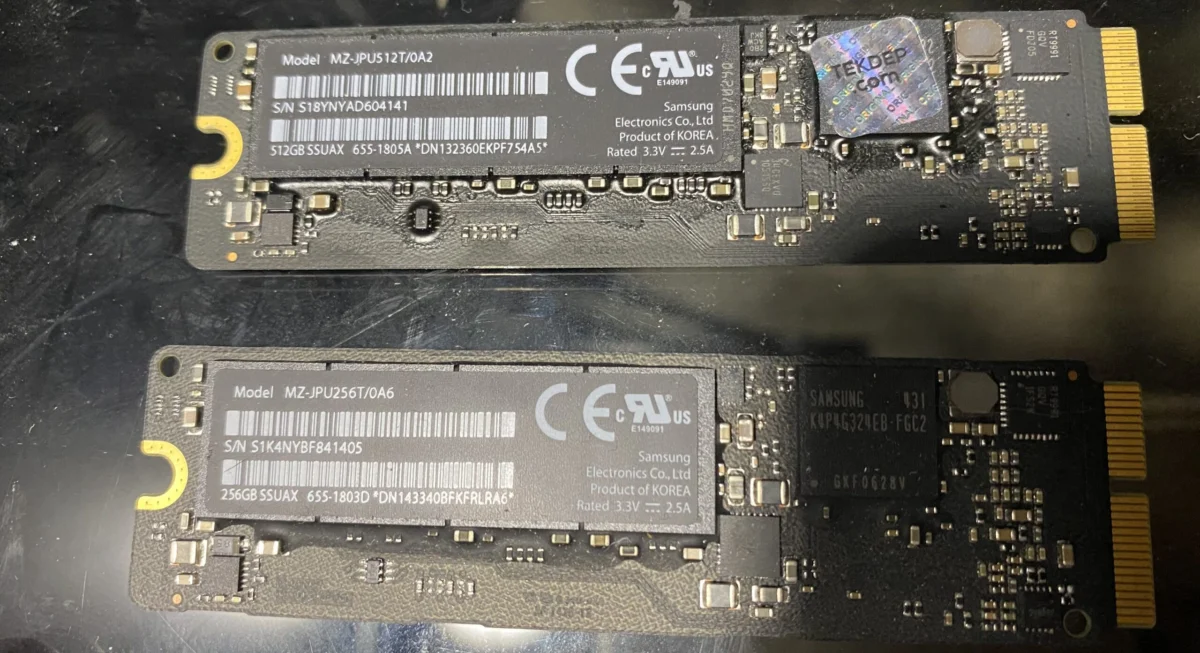
Solid State Drives (SSDs) have transitioned from a niche upgrade to the ubiquitous standard for primary boot drives across nearly all modern computing platforms, including the vast array of Mac computers. From the robust expansion capabilities of older Mac Pros to the sleek designs of contemporary MacBooks, flash storage has fundamentally reshaped user experience and system performance. While smartphones and tablets embraced this technology earlier, the past decade has seen SSDs become increasingly cost-effective and integrated into laptops and desktops alike. As we look towards the future, understanding the diverse array of SSD standards and their compatibility with various Mac models is crucial for both enthusiasts and everyday users. This article delves into the intricacies of different SSD types, their evolution, and their integration within the Apple computing lineage, offering a comprehensive guide to making informed decisions in an increasingly complex storage market.
The Genesis of Speed: From Hard Drives to Flash Storage
The journey to widespread SSD adoption has been a gradual but transformative one. Traditional Hard Disk Drives (HDDs), with their spinning platters and mechanical read/write heads, represented the pinnacle of data storage for decades. However, their inherent limitations in speed, susceptibility to physical shock, and higher power consumption became increasingly apparent as computing demands escalated. The advent of flash memory, the same technology underpinning USB drives and memory cards, offered a compelling alternative.
The early 2000s saw flash storage primarily confined to portable devices where size and durability were paramount. The cost of NAND flash memory, the core component of SSDs, remained prohibitively high for widespread desktop and laptop integration. However, as manufacturing processes advanced and economies of scale kicked in, the price per gigabyte began to fall significantly. By the mid-2010s, SSDs had reached a tipping point, offering a dramatic improvement in read/write speeds and responsiveness compared to HDDs at a more accessible price. This shift marked a paradigm change, enabling faster boot times, quicker application loading, and a generally more fluid computing experience.
SATA: The Foundation of Modern Storage
The SATA (Serial Advanced Technology Attachment) interface has been instrumental in popularizing SSDs. Introduced in the early 2000s, SATA offered a significant upgrade over its Parallel ATA (PATA) predecessor, providing higher data transfer rates and a simpler, more flexible cabling system. The transition to SATA allowed for SSDs to be easily integrated into existing computer designs, often as direct replacements for traditional 2.5-inch HDDs.
The first Mac to natively incorporate the SATA interface was the 2003 Power Mac G5. This landmark machine, a powerhouse of its era, laid the groundwork for future storage advancements within Apple’s professional lineup. Early Power Mac G5 models, equipped with SATA 1.0, were capable of data transfer rates up to 150 MB/s. While this speed is modest by today’s standards, it represented a substantial leap over the IDE interfaces found in earlier Macs. Subsequent iterations of the Power Mac G5 and other Mac models gradually adopted faster SATA revisions, with SATA III (6 Gbps, approximately 600 MB/s) becoming the common standard for many years.
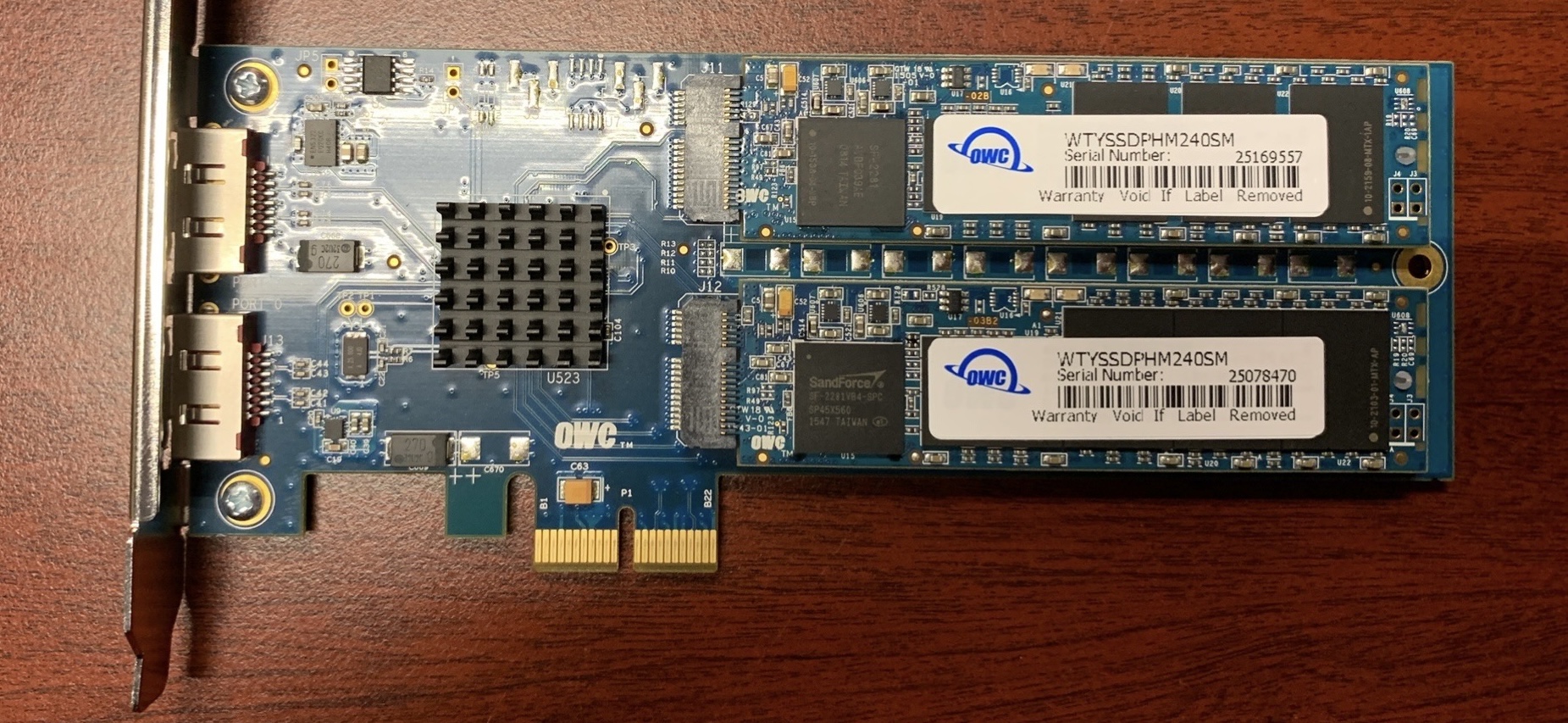
The widespread adoption of SATA SSDs in the mid-2010s was driven by their excellent price-to-performance ratio. For users looking to upgrade older Macs, build budget-friendly systems, or simply add a fast secondary drive for applications and data, SATA SSDs offered an attractive solution. Even today, many users continue to leverage SATA SSDs for these purposes, especially in systems where higher-speed interfaces are not supported or where cost remains a primary consideration. The compatibility of SATA SSDs extends to a wide range of Macs, from the aforementioned Power Mac G5s (with appropriate adapters for older models) to iMacs and Mac Minis from the late 2000s and early 2010s. However, performance can vary significantly depending on the specific Mac model’s SATA controller, the installed PCI card (if used), the SSD itself, and even the operating system version.
AHCI: The Communication Protocol for SATA
While SATA refers to the physical interface and cabling, AHCI (Advanced Host Controller Interface) is a crucial communication protocol that defines how the host system interacts with SATA storage devices. Developed by Intel and released in 2004, AHCI standardized the way SATA controllers function and enabled advanced features like Native Command Queuing (NCQ). NCQ allows an SSD to reorder incoming read and write commands to optimize for efficiency, leading to improved performance, especially under heavy workloads.
AHCI is not a physical connector but rather a software interface standard. It acts as a translator between the operating system and the SATA drive, facilitating a more efficient data transfer process. For users looking to upgrade older Macs that originally shipped with PATA drives, implementing AHCI often involves the use of a SATA controller card that supports this protocol. For instance, a Power Mac G5 equipped with an AHCI-compliant PCIe adapter can utilize modern SSDs, allowing them to communicate effectively and achieve their potential speeds within the constraints of the SATA interface.
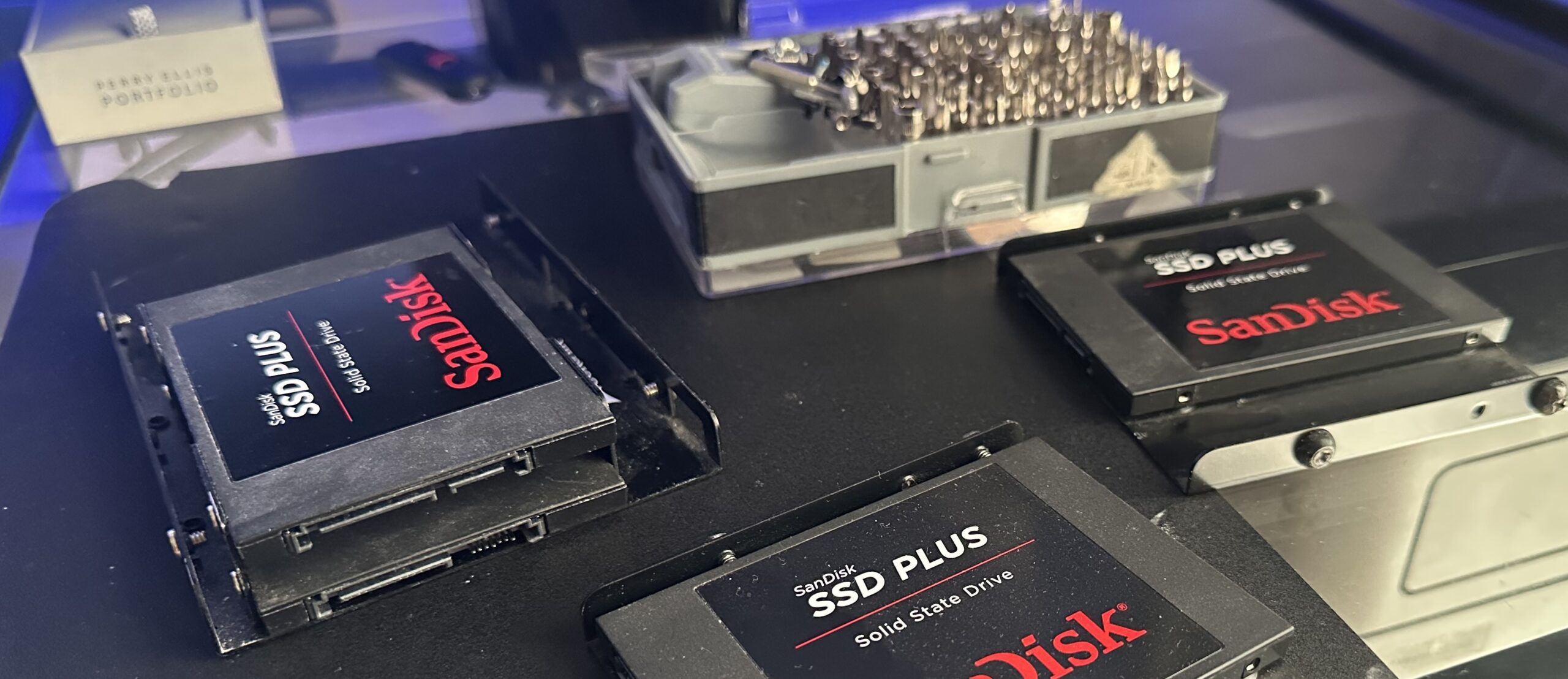
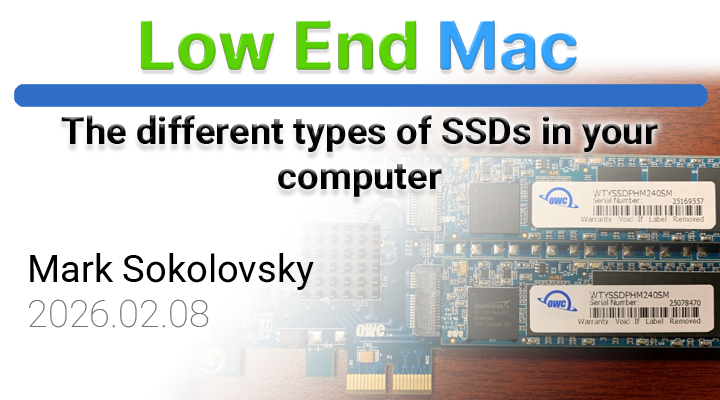
The pictured OWC Mercury Accelsior, adapted for a Power Mac G5, exemplifies this. These blade-style SSDs, connected via a PCIe adapter, leverage the AHCI protocol to deliver significantly faster performance than the original hard drives. This upgrade path highlights the importance of understanding both the physical interface (SATA) and the communication protocol (AHCI) when planning storage upgrades for older Mac systems.
NVMe: The Next Generation of SSD Performance
The evolution of storage technology did not stop with SATA and AHCI. As SSD performance continued to improve, the limitations of the AHCI protocol became increasingly apparent. AHCI was originally designed with mechanical hard drives in mind and was not fully optimized for the parallel processing capabilities of flash memory. This led to the development of NVMe (Non-Volatile Memory Express).
NVMe was engineered from the ground up specifically for Solid State Drives. Its primary advantage lies in its ability to drastically reduce latency and increase throughput. Unlike AHCI, which supports a single command queue with a limited number of commands, NVMe can handle up to 64,000 command queues, each capable of holding up to 64,000 commands. This massive parallelism allows NVMe SSDs to process millions of requests simultaneously, a stark contrast to the sequential processing limitations of AHCI. In real-world terms, this translates to significantly faster read and write speeds, reduced bottlenecks, and a noticeably snappier user experience, particularly for demanding tasks like video editing, large file transfers, and gaming.
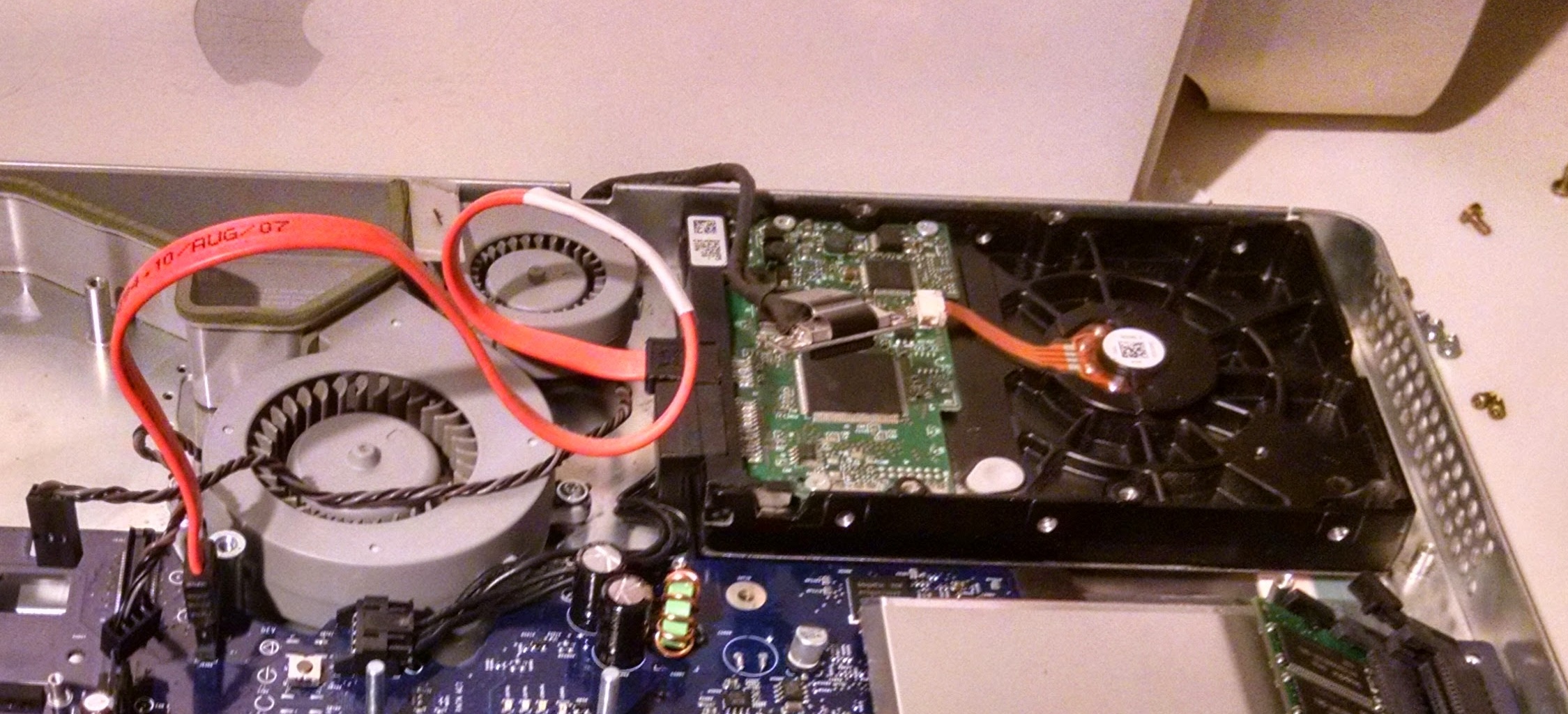
The adoption of NVMe has been closely tied to the introduction of faster interfaces, most notably PCIe. While NVMe SSDs can technically be connected via SATA, their full potential is only realized when paired with a PCIe interface. This synergy has made NVMe the de facto standard for high-performance SSDs in modern computers.
PCIe: The High-Speed Highway for Data
PCIe (Peripheral Component Interconnect Express) is a high-speed serial computer expansion bus standard. Unlike the older PCI bus, PCIe offers dedicated, point-to-point connections between devices and the host system, providing significantly higher bandwidth and lower latency. For SSDs, this means multiple "lanes" of data transfer, enabling much faster read and write speeds compared to SATA.
The introduction of PCIe-based SSDs, particularly those utilizing the NVMe protocol, marked a significant leap in storage performance. These drives can achieve sequential read/write speeds that are orders of magnitude faster than even the quickest SATA III SSDs, often exceeding 3,000 MB/s and reaching well over 7,000 MB/s for newer PCIe Gen 4 and Gen 5 drives.
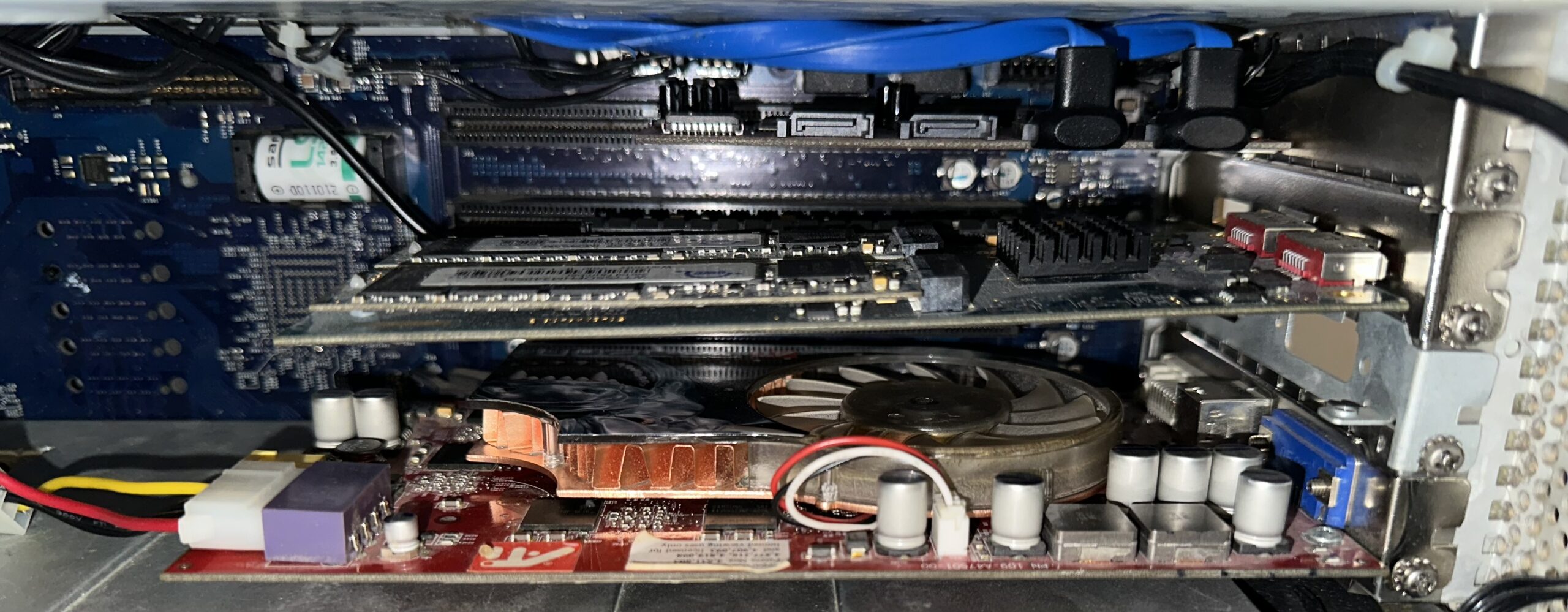
Apple has been a prominent adopter of PCIe for SSDs, particularly in its MacBook Pro and iMac lines starting from around 2013. These integrated PCIe SSDs, often in a blade-like form factor, provide exceptional performance. For Mac Pro users, PCIe slots offer the flexibility to install high-performance NVMe SSDs via adapter cards, allowing for substantial storage upgrades. However, it’s important to note that PCIe devices can be more expensive and may have higher power draw. Furthermore, in systems with a limited number of PCIe lanes, the bandwidth can become a bottleneck if multiple high-demand PCIe devices are operating simultaneously.
M.2: A Form Factor, Not a Protocol
The M.2 standard refers specifically to the physical form factor and connector type of an SSD, rather than its underlying protocol. Similar to how PCIe is a standard for expansion cards, M.2 is a standard for small, compact storage modules. These M.2 drives can utilize either the SATA protocol or the NVMe protocol.
This distinction is critical. An M.2 SSD that uses the SATA protocol will be limited to SATA III speeds (around 550-600 MB/s), regardless of its M.2 form factor. Conversely, an M.2 SSD that uses the NVMe protocol, when connected to an NVMe-compatible M.2 slot (typically one that supports PCIe lanes), can achieve the high speeds associated with NVMe.
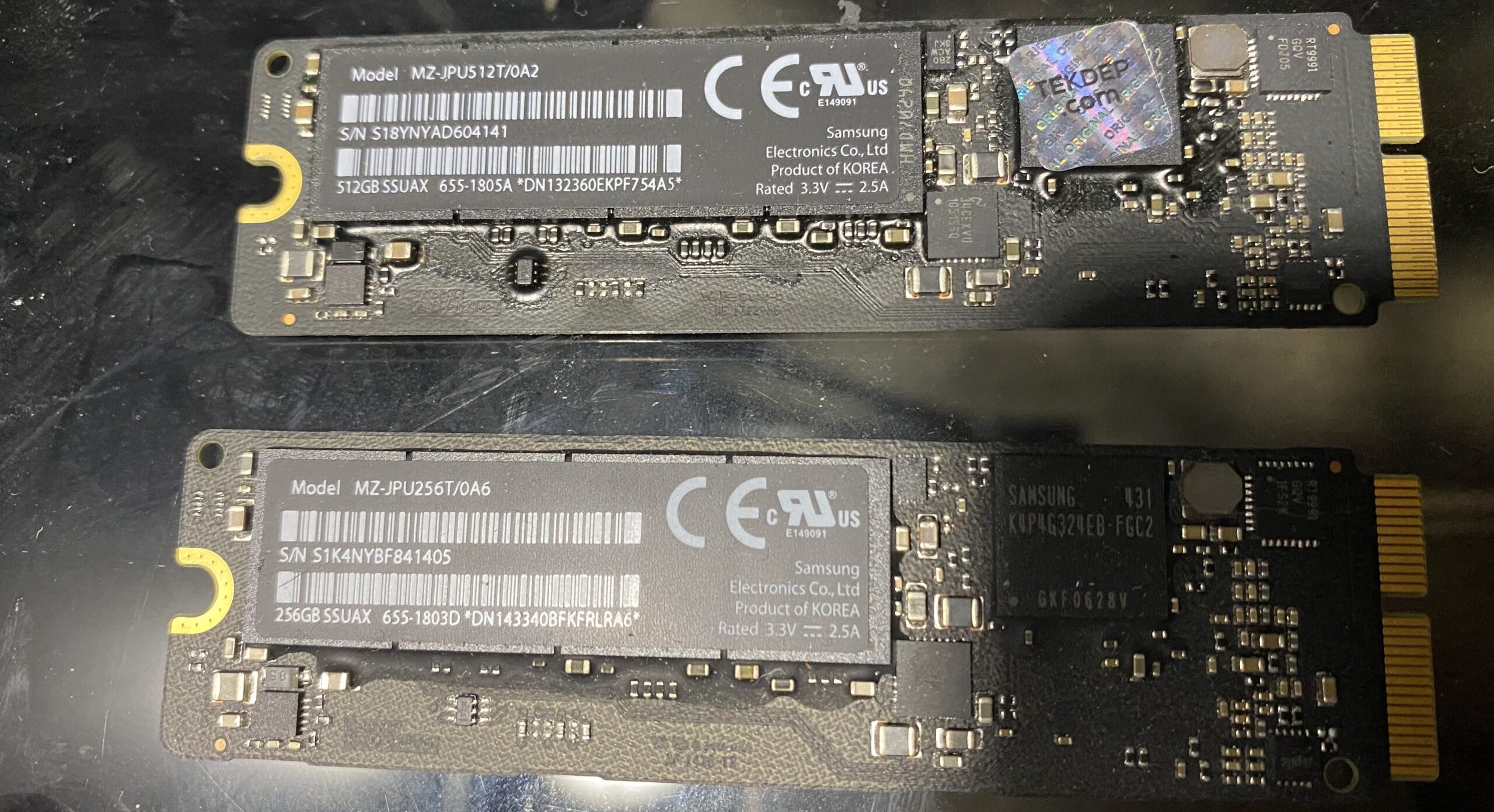
This can lead to confusion, as visually similar M.2 drives can have vastly different performance characteristics. For compatibility with older Macs, especially those that might have an M.2 slot but only support SATA, it’s essential to check the specifications. Some M.2 SATA SSDs can be adapted for use in older Mac models that originally had 2.5-inch SATA drives, offering a cleaner installation than traditional drives. However, for the highest performance, an NVMe M.2 SSD is required, along with a compatible M.2 slot on the Mac that supports NVMe over PCIe.
RAID 0: Striking a Balance Between Speed and Risk
RAID (Redundant Array of Independent Drives) is a technology that combines multiple storage drives into a single logical unit. This can be done for various purposes, including improving performance, enhancing data redundancy, or a combination of both. To the operating system, a RAID array typically appears as a single drive, although disk utility software will often reveal the individual drives within the array.
The most common RAID configuration for maximizing SSD performance is RAID 0, also known as "striping." In RAID 0, data is split and written across two or more drives simultaneously. This parallel access allows for significantly increased read and write speeds, as the workload is distributed. For example, two identical SSDs configured in RAID 0 can theoretically achieve nearly double the throughput of a single drive.
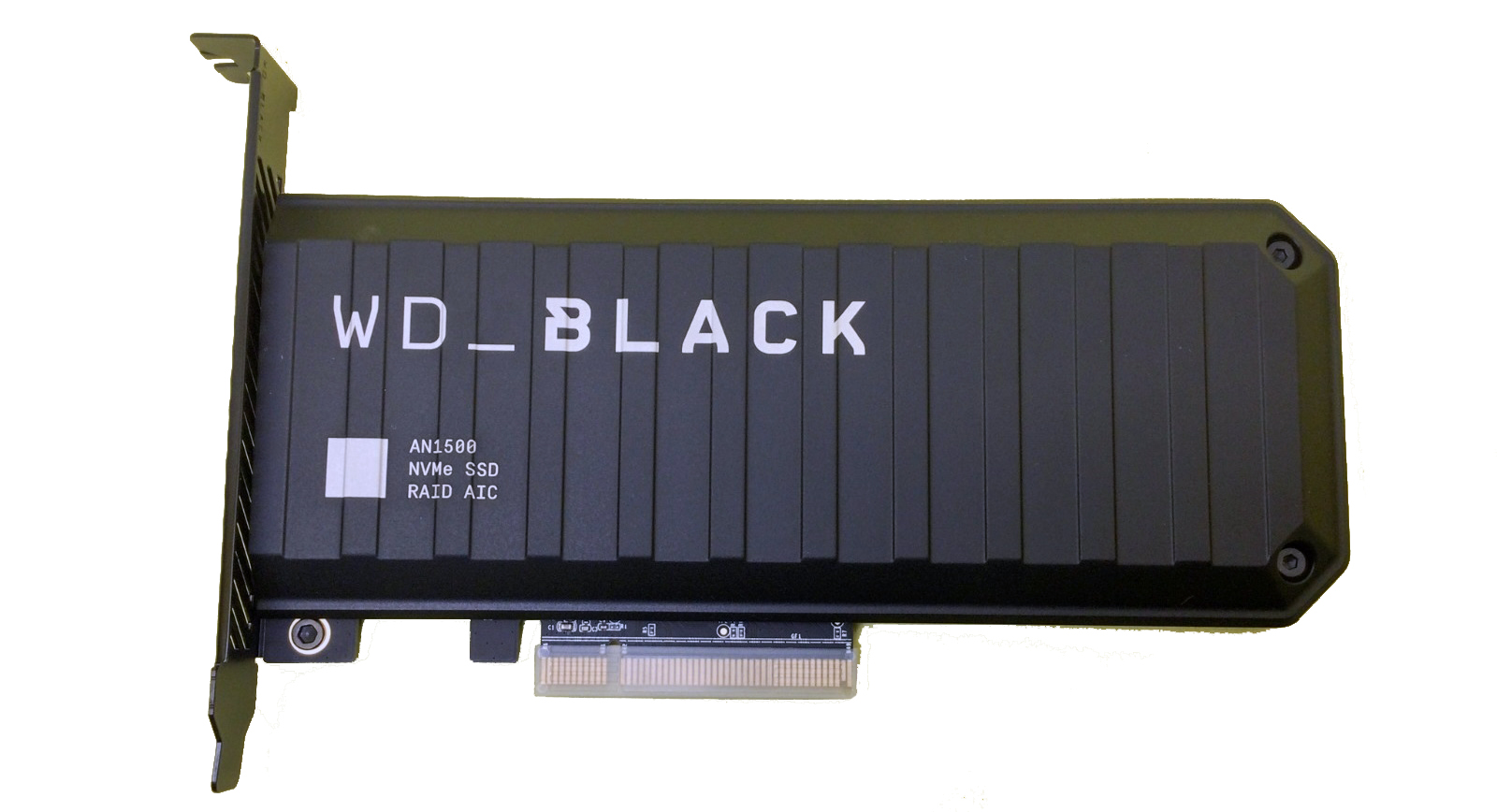
However, this performance gain comes at a considerable cost: reliability. In a RAID 0 configuration, there is no data redundancy. If even one drive in the array fails, all the data across all drives in that array is lost. This makes RAID 0 a configuration that prioritizes raw speed over data safety. It is often used in high-performance workstations where temporary data is processed, or where regular backups are meticulously maintained.
For Mac users, RAID 0 arrays can be configured using software utilities like Disk Utility or through dedicated hardware RAID controllers. While it can offer a substantial boost in performance for tasks that are heavily I/O bound, the inherent risk of data loss means it is not suitable for critical data without a robust backup strategy in place. The evolution of NVMe SSDs and their integration into systems with multiple PCIe lanes has further amplified the potential of RAID 0, allowing for extreme performance levels, but also amplifying the catastrophic consequences of a single drive failure.
Conclusion: A Dynamic Future for Mac Storage
The trajectory of SSD technology within the Mac ecosystem showcases a relentless pursuit of speed and efficiency. From the foundational SATA interface that breathed new life into older machines to the high-performance NVMe protocol enabled by the PCIe bus, Apple has consistently integrated cutting-edge storage solutions into its product lines. Understanding the nuances of these different standards—SATA, AHCI, NVMe, PCIe, and the form factor distinction of M.2—is paramount for users aiming to upgrade their existing Macs or make informed purchasing decisions for new ones.
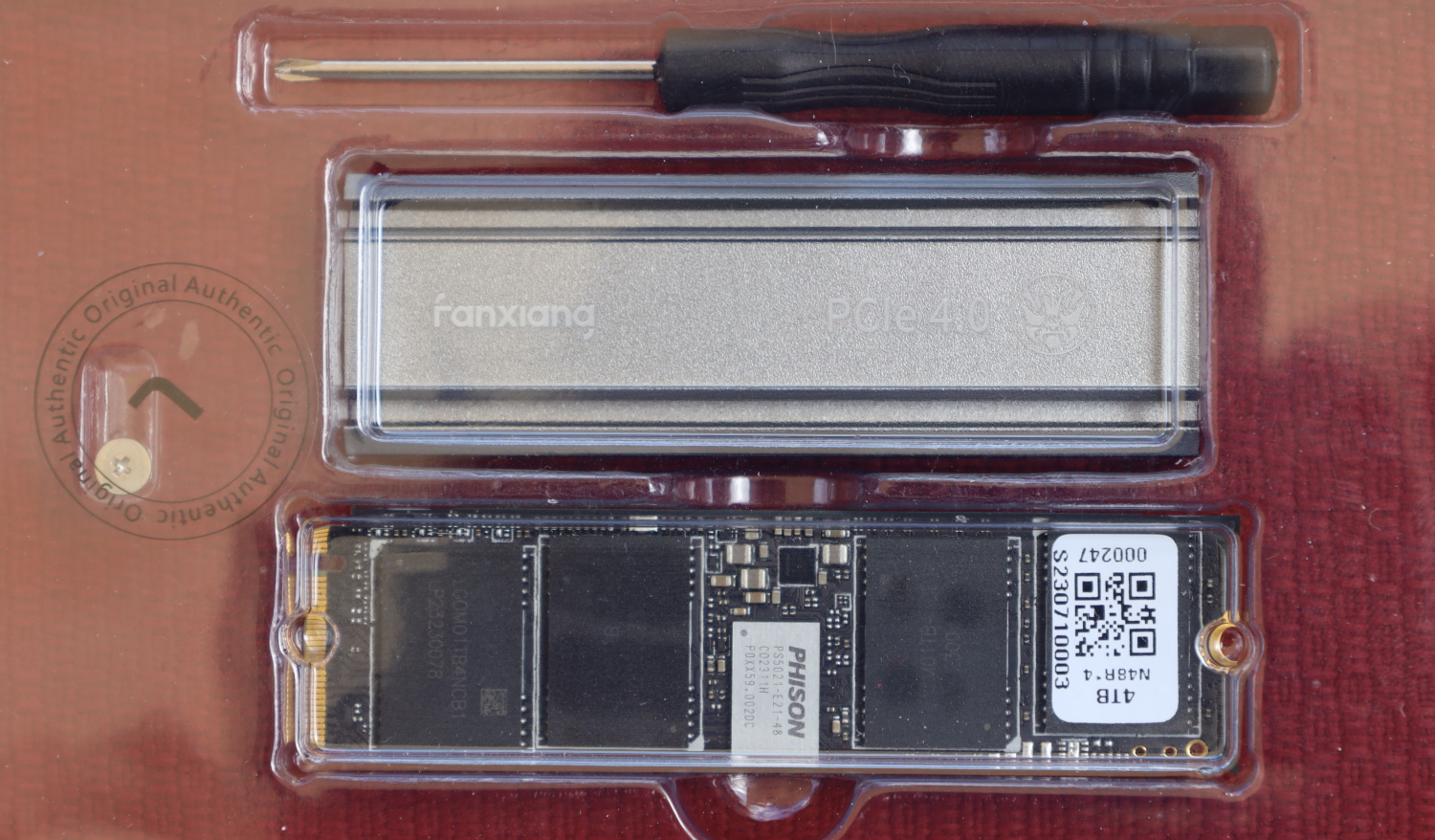
The continued advancements in NAND flash technology, controller designs, and interface speeds suggest that the evolution of SSDs is far from over. As capacities increase and prices continue to fall, the performance gap between SSDs and traditional HDDs will only widen further, solidifying the SSD’s position as the indispensable component of modern computing. For Mac users, this means an ongoing opportunity to enhance their machines, whether through straightforward SATA upgrades on older models or by leveraging the cutting-edge speed of NVMe PCIe SSDs in newer systems. The key lies in informed decision-making, ensuring that the chosen storage solution aligns with the Mac’s capabilities and the user’s specific performance and reliability needs.