 Edi Durjana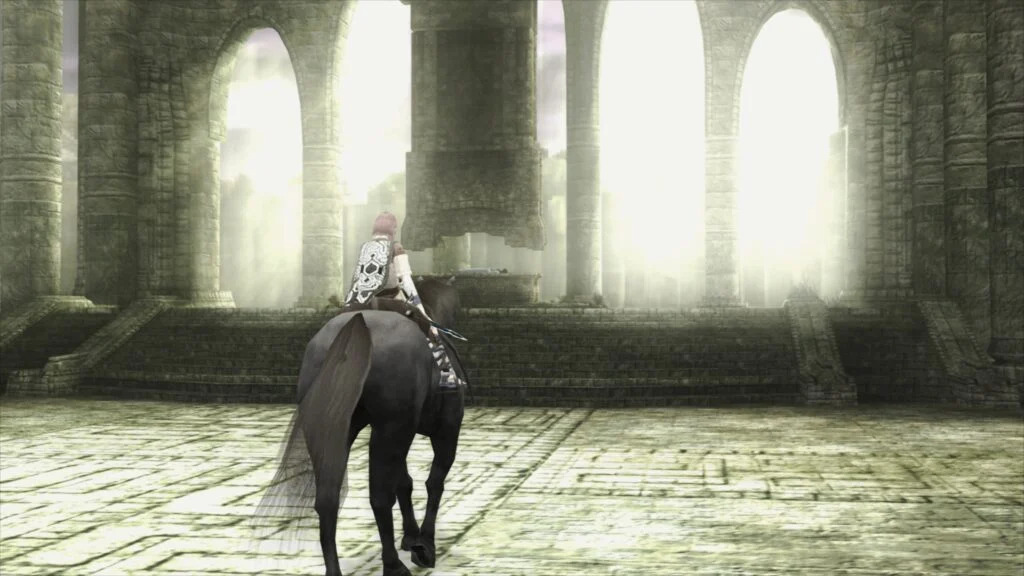
The world of video game preservation and emulation has been significantly advanced with the official launch of LRPS2, a groundbreaking PlayStation 2 (PS2) core for the Libretro API. This release marks a pivotal moment for enthusiasts seeking to experience the vast and iconic PS2 library on modern hardware, boasting substantial improvements over previous emulation attempts within the Libretro ecosystem. Developed as a heavily modified adaptation of the highly regarded PCSX2 emulator, LRPS2 is now readily available across Windows, macOS, and Linux platforms, promising a superior, more stable, and visually enriched emulation experience.
This new core represents a substantial leap forward, moving beyond the inherent limitations and "serious drawbacks" that plagued its older predecessors. Its foundation is built upon modern, up-to-date code, signifying a robust and future-proof architecture designed to tackle the complexities of PS2 hardware emulation with greater precision and efficiency. The development team has meticulously engineered LRPS2 to deliver an experience that not only faithfully recreates the original console’s behavior but also introduces advanced graphical enhancements previously unattainable in a unified frontend like RetroArch.
Technical Foundations and Cross-Platform Accessibility
The decision to base LRPS2 on PCSX2, a long-standing titan in the PS2 emulation scene, provides an immediate advantage. PCSX2 has benefited from years of dedicated development and community contributions, refining its accuracy and compatibility across thousands of titles. By custom-tailoring this robust framework for the Libretro API, LRPS2 inherits this wealth of knowledge while integrating seamlessly into RetroArch’s unified control scheme, shader pipeline, and configuration system. This integration means users can now enjoy the convenience of managing their entire retro gaming library, including PS2 titles, from a single, familiar interface.
Crucially, LRPS2’s broad platform availability—Windows, macOS, and Linux—underscores Libretro’s commitment to accessibility. This ensures that a vast majority of desktop and laptop users can access the core, regardless of their preferred operating system. While the core is not currently available for Android, iOS, or ARM Linux, this decision likely stems from the demanding computational requirements of PS2 emulation, particularly with advanced rendering techniques, which may exceed the capabilities of current mobile or low-power ARM devices. The focus on x86_64 architectures allows developers to optimize for performance without compromising the ambitious graphical fidelity targets.
The core’s versatility is further highlighted by its comprehensive support for nearly all the rendering backends offered by the venerable GSdx renderer. Users can leverage Vulkan on Windows, macOS, and Linux for cutting-edge performance and modern API features. Windows users additionally benefit from Direct3D 11 and 12, ensuring optimal integration with Microsoft’s proprietary graphics technologies. OpenGL, a long-standing standard, remains an option for Windows and Linux, providing broad compatibility even on older hardware or niche configurations. This multi-API approach ensures that LRPS2 can adapt to a wide array of system specifications, offering flexibility and choice to the end-user.
For those interested in the historical context of PlayStation 2 display technology, a companion article titled "PlayStation 2 and the CRT TV" was released concurrently. This resource provides valuable background on the visual characteristics of the console’s output, offering insights into the fidelity targets and design philosophies behind modern emulation efforts.
ParaLLEl-GS: The Apex of Visual Emulation
While the GSdx renderer provides robust and versatile hardware rendering, the true "star of the show" is undoubtedly paraLLEl-GS. This revolutionary renderer, engineered by the renowned developer Themaister, represents a paradigm shift in graphics synthesizer emulation. Following in the footsteps of his acclaimed paraLLEl-RDP for Nintendo 64 emulation, paraLLEl-GS is written entirely as a compute program, leveraging the raw processing power of the Vulkan graphics API.
The core philosophy behind paraLLEl-GS is to achieve the pixel-perfect accuracy of a software renderer while simultaneously offering unparalleled graphical enhancements. Traditional hardware renderers often rely on approximations and hacks to translate the PS2’s unique rendering pipeline to modern GPUs, which can introduce visual artifacts or inaccuracies. Compute shaders, however, allow for a more direct and precise simulation of the PS2’s Graphics Synthesizer (GS) at a fundamental level. Themaister’s detailed blog article, "PlayStation 2 GS emulation: the final frontier of Vulkan compute emulation," provides an in-depth technical breakdown of this complex undertaking, highlighting the innovative techniques employed to achieve such fidelity.
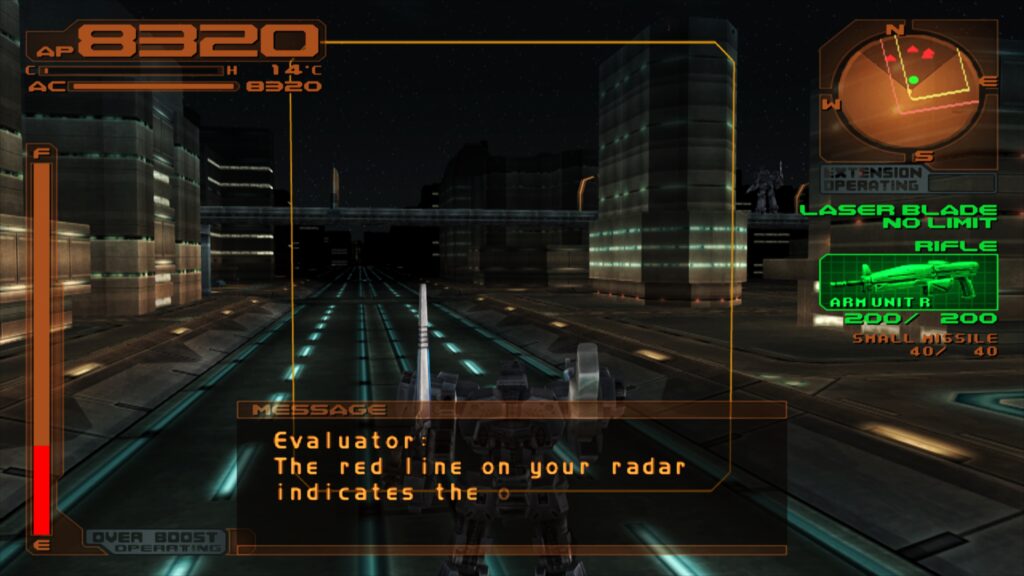
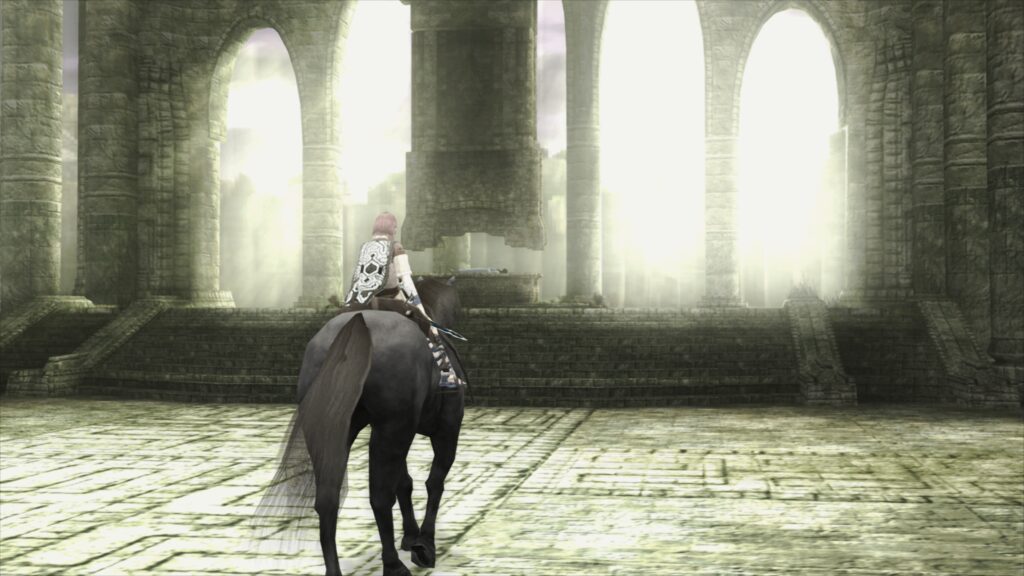
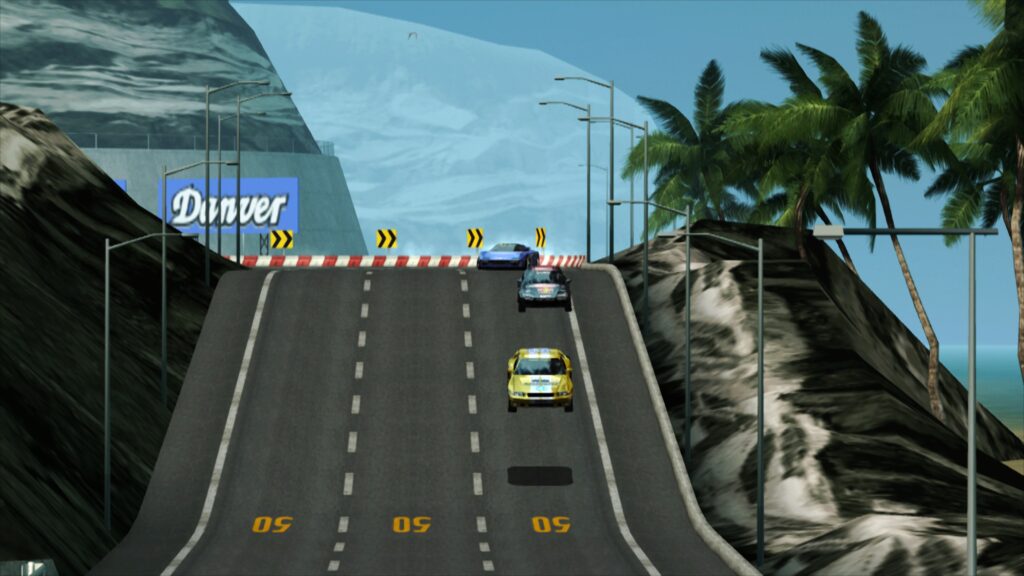
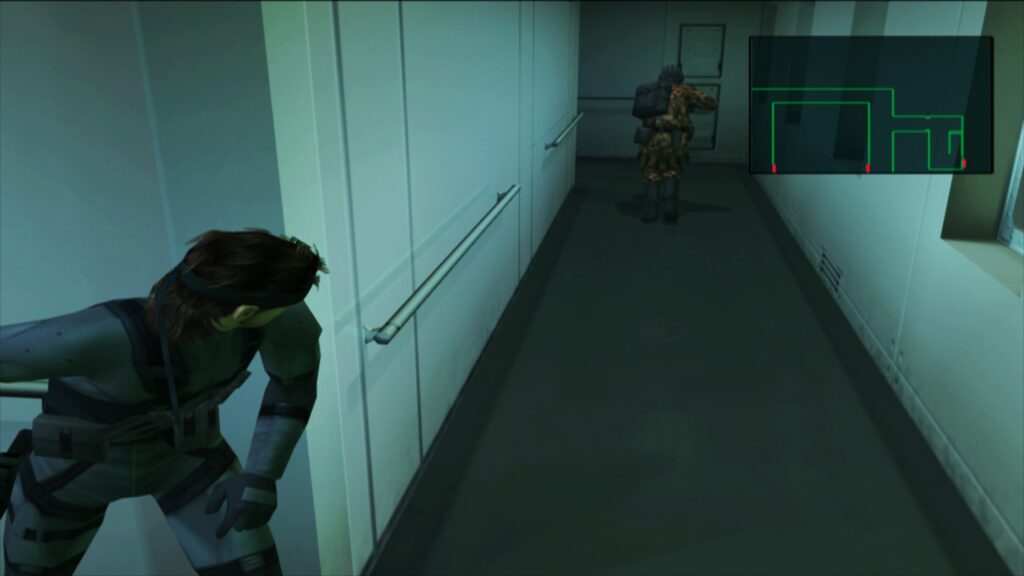
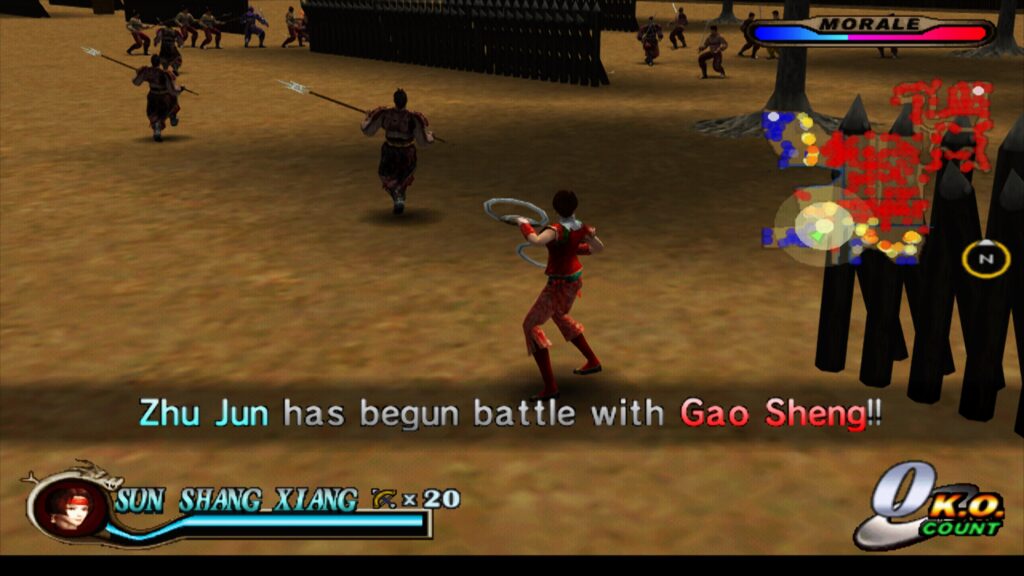
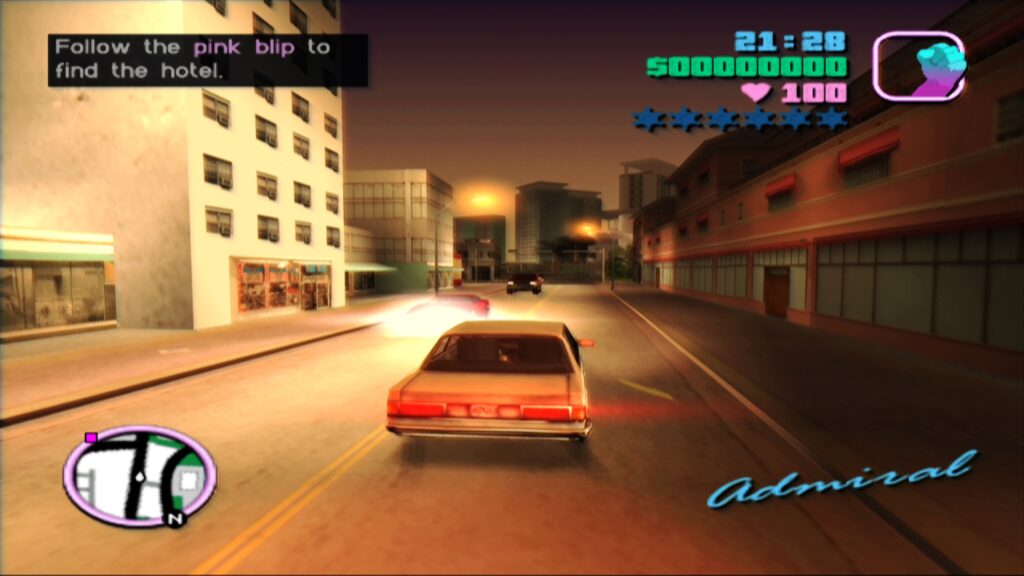
The most striking feature of paraLLEl-GS is its ability to eliminate the "shimmering and jaggies" that often plague 3D geometry and textures in upscaled emulation. This is achieved through the implementation of 16x Super-Sampled Anti-Aliasing (SSAA) combined with an experimental high-resolution scanout feature. SSAA renders the scene at a significantly higher internal resolution and then downsamples it, producing an incredibly smooth and artifact-free image. When coupled with the high-res scanout, which effectively doubles the output resolution, the resulting visual quality can often surpass that of GSdx rendering at much higher internal resolutions, all while maintaining a more authentic presentation. The provided screenshots, such as those from Armored Core 3, utilizing these settings alongside a FSR-AA-lv2-bspline-4taps shader preset, vividly demonstrate this remarkable visual upgrade.
Another significant advantage of paraLLEl-GS is its reduced reliance on game-specific hacks. Unlike many hardware renderers that require a plethora of compatibility fixes to address graphical glitches in individual games, paraLLEl-GS’s compute-based accuracy inherently sidesteps many of these issues. This translates to a more consistent and hassle-free experience for users, minimizing the need for manual tweaking on a per-game basis.
Setting Up the LRPS2 Core for Optimal Playback

To embark on a journey through the PlayStation 2’s extensive game catalog using the new LRPS2 core, users must follow a clear installation and configuration process within RetroArch.
- Platform Compatibility Check: Ensure your system runs Windows, Linux (x86_64), or macOS. As noted, Android, iOS, and ARM Linux are not currently supported.
- Update Core Info Files: Navigate to RetroArch’s "Online Updater" and select "Update Core Info Files." This critical step ensures that the core manifest is refreshed, allowing LRPS2 to appear correctly in the core list under "Sony – Playstation 2 (LRPS)."
- Download the Core: From the "Online Updater," proceed to the "Core Downloader" and locate "Sony – Playstation 2 (LRPS)." Download and install the core.
- Acquire System Files: Crucially, LRPS2 requires specific system files for full functionality. Go back to the "Online Updater" and select "Core System Files Downloader." Download the "LRPS2.zip" bundle. This package is designed to automatically create the necessary
pcsx2directory within your RetroArchsystemfolder. Inside thispcsx2directory, it placesGameIndex.yaml, a vital configuration file containing various per-game hacks and settings used by both the core and the GSdx renderer to enhance compatibility and performance. It also creates abiosdirectory. - Provide PS2 BIOS: Users must legally obtain their own PlayStation 2 BIOS files and place them within the newly created
biosdirectory. This step is non-negotiable for the core to function, as the BIOS is proprietary firmware essential for the console’s startup and operation. - Game Formats: Once the BIOS is in place, users are ready to scan and load their games. LRPS2 supports various common game image formats, including CHD (Compressed Hunks of Data), which is highly recommended for its efficiency and storage benefits. However, it is imperative that games are not stored within generic compressed archives such as .7z, .rar, or *.zip, as these formats are not directly readable by the core.
Specific Considerations for macOS (Apple Silicon) Users
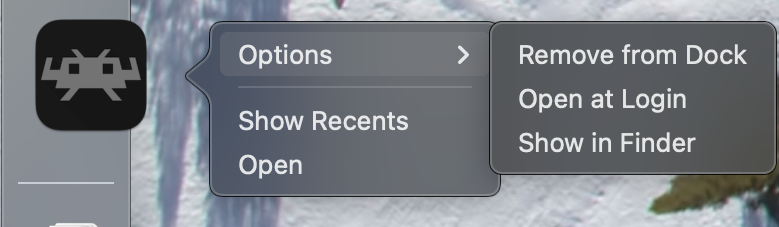
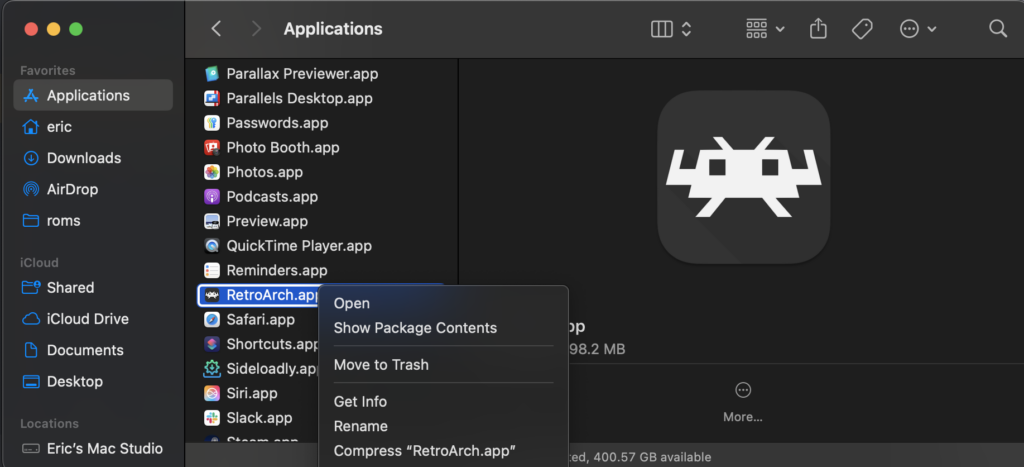
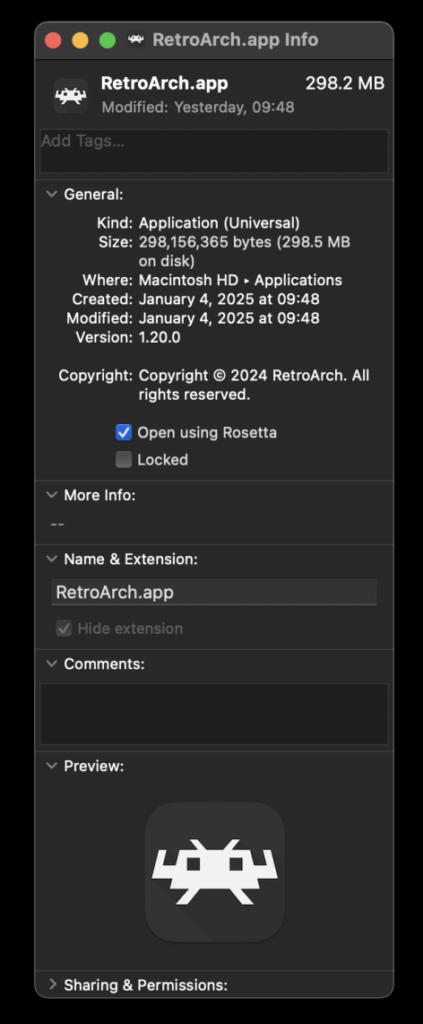
Apple Silicon users on macOS, running machines with M1, M2, or newer chips, have an additional step to ensure LRPS2 functionality. Since the LRPS2 core is currently compiled for x86_64 architecture, RetroArch must be run under Rosetta. Rosetta 2 is Apple’s dynamic binary translator that allows Intel-based macOS applications to run on Apple Silicon Macs.
To enable Rosetta for RetroArch:
- Exit RetroArch completely.
- Locate the RetroArch application in Finder.
- Right-click on the RetroArch application icon and select "Get Info" from the contextual menu.
- In the Info window that appears, locate and check the box labeled "Open using Rosetta."
- Launch RetroArch. Once running in Rosetta mode, the LRPS2 core will be visible and downloadable in the "Core Downloader" as described above. This ensures compatibility and allows Apple Silicon users to leverage the powerful new core.
Deep Dive into Core Options
The LRPS2 core offers an extensive array of configuration options, allowing users to fine-tune their emulation experience. While the full list of options is expansive, they are generally categorized for ease of navigation:
- System: These options typically govern fundamental console behavior, such as selecting the console region (NTSC-U, PAL, NTSC-J), setting the PS2 model, or managing memory card slots. They ensure proper game booting and regional compatibility.
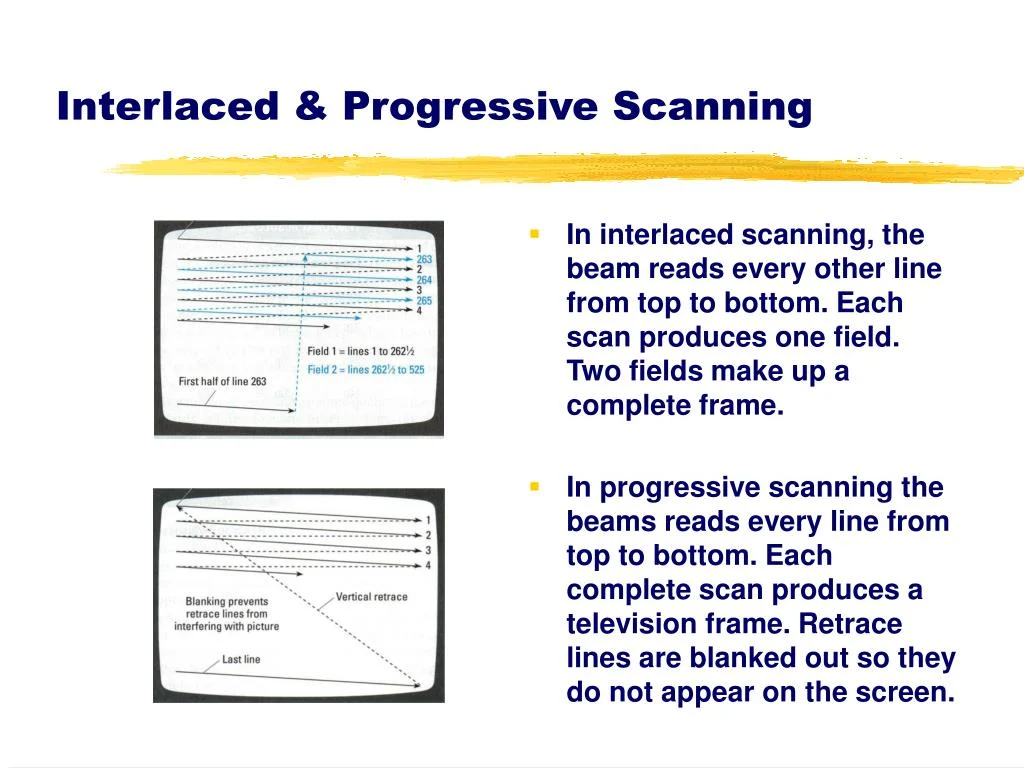
- Video: General video settings encompass aspects like aspect ratio correction, deinterlacing modes (critical for many PS2 games designed for interlaced displays), and display synchronization settings.
- Video – GSdx: This section contains specific settings for the GSdx hardware renderer. These often include internal resolution scaling (e.g., 2x, 3x native resolution), various texture filtering options (bilinear, trilinear, anisotropic), anti-aliasing methods (MSAA), and specific upscaling hacks to mitigate visual glitches introduced by higher resolutions.
- Manual Hardware Rendering Fixes – GSdx: For certain games, even with GSdx’s advanced features, specific graphical issues might arise in hardware mode. This category houses game-specific workarounds or "hacks" that can be enabled to resolve these visual anomalies. The
GameIndex.yamlfile plays a crucial role here, automating many of these fixes. - Emulation: These options delve into the core emulation of the PS2’s Emotion Engine (EE) and Graphics Synthesizer (GS). Settings like CPU cycle rate adjustments, various speed hacks, and micro-VU settings can influence performance and compatibility, allowing users to balance speed with accuracy.
- Input: This section allows for comprehensive controller mapping, rumble feedback configuration, and multi-tap support for games that utilize more than two controllers. Accurate input emulation is vital for an authentic gameplay experience.
- ParaLLEl-GS Core Options: Unique to the paraLLEl-GS renderer, these options include settings for SSAA levels (e.g., 2x, 4x, 8x, 16x), toggling the experimental high-resolution scanout, and potentially other compute-shader specific enhancements or debugging tools. These settings directly impact the visual fidelity and performance of this cutting-edge renderer.
Addressing Common User Queries (FAQ)
The development team has proactively addressed several anticipated questions and potential issues users might encounter:
- Black Screen with D3D11: Some Windows users employing the default D3D11 video driver might experience a black screen despite audible game audio. The recommended solution is to switch the RetroArch video driver to D3D12, either globally or specifically for the LRPS2 core via a core override. This typically resolves the compatibility issue.
- ParaLLEl-GS Performance on Intel Integrated Graphics: ParaLLEl-GS, with its heavy reliance on compute shaders, is quite demanding. Intel Integrated Graphics Processors (IGPs), especially older models, may struggle to run it at full speed. In such cases, the software renderer or the GSdx hardware renderer are recommended alternatives. Newer, discrete Intel GPUs are expected to handle paraLLEl-GS without issues.
- Software Renderer Crashing with Vulkan: A known issue exists where the software renderer crashes when paired with the Vulkan video driver. While the cause is under investigation, users are advised to switch to the
glcoredriver on Linux or one of the D3D drivers on Windows for stable software rendering. - Analog Face Buttons: The PlayStation 2 famously featured analog face buttons (e.g., X, Square, Circle, Triangle), a feature rarely seen on other consoles. Emulating these precisely is an ongoing effort, though most games remain fully playable without this functionality, as it’s only critical in a select few titles.
- Checking Per-Game Patches: To determine which internal patches (e.g., widescreen, no interlacing, game enhancements) are being applied from the
GameIndex.yamlfile, users need to enable logging in RetroArch. The log output will display hints regarding activated patches. The database of implemented games is continually expanding. - LRPS2 Not Appearing in Core List: If the core is not visible, first confirm that your platform (Windows, x86_64 Linux, macOS) is supported. If it is, updating your core info files via the online updater usually resolves the issue.
- Improving Frame Pacing: For smoother gameplay, especially on Variable Refresh Rate (VRR) displays, users can enable "Sync to Exact Content Framerate" in RetroArch’s Video -> Synchronization settings. When using a VRR display with an Nvidia GPU, it’s recommended to turn VSync Off in RetroArch but ensure it’s enabled in the Nvidia driver control panel. However, some games may not behave optimally with this setting, requiring experimentation.
Broader Implications and Future Outlook
The release of LRPS2 and the pioneering paraLLEl-GS renderer represents a significant milestone for the Libretro project and the broader emulation community. It solidifies RetroArch’s position as a comprehensive, multi-system frontend capable of delivering high-quality experiences for even demanding platforms like the PlayStation 2.
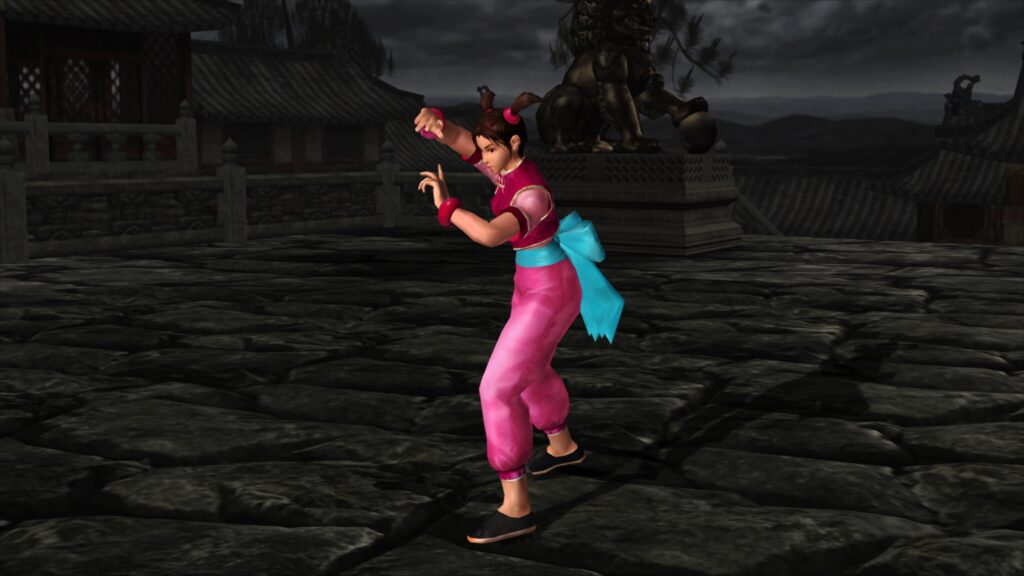
This development contributes immensely to the ongoing efforts of video game preservation. By providing a modern, accurate, and visually enhanced way to play PS2 games, LRPS2 ensures that a generation of classic titles remains accessible and enjoyable for current and future players. The modular nature of Libretro also encourages community involvement, with users and developers contributing to the GameIndex.yaml and providing feedback that further refines the core.
The advent of paraLLEl-GS also showcases the potential of compute shaders and modern graphics APIs like Vulkan to push the boundaries of emulation accuracy and visual fidelity. This innovative approach may pave the way for similar advancements in emulating other complex console architectures, promising even more faithful and enhanced retro gaming experiences across various platforms. As hardware continues to evolve, LRPS2 stands as a testament to the dedication of developers committed to preserving gaming history with cutting-edge technology. The continuous development, user feedback, and robust technical foundation of LRPS2 ensure that the PlayStation 2’s legacy will thrive in the digital age.