Edi Durjana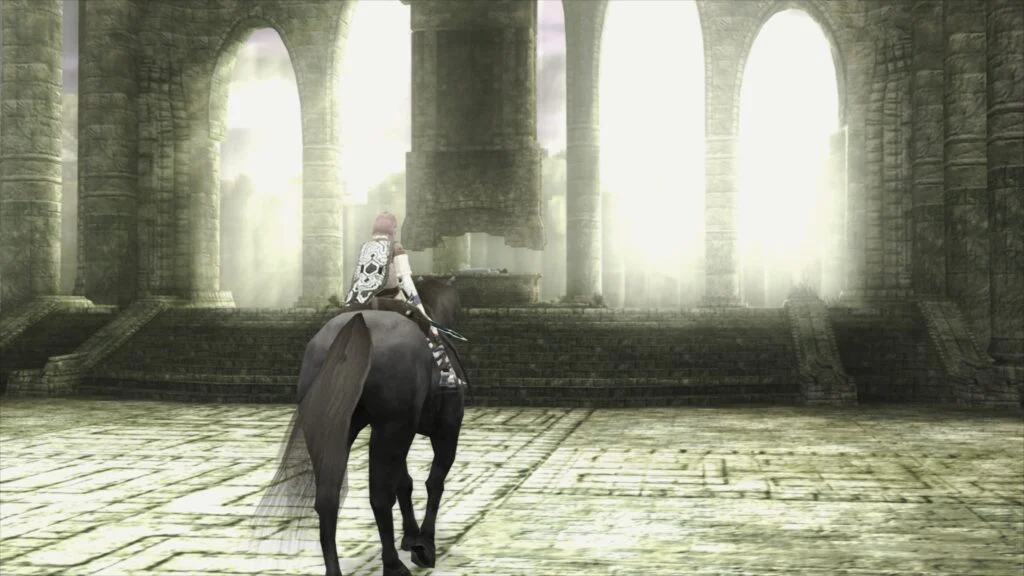
The emulation landscape has been significantly advanced with the official announcement from Libretro regarding the release of LRPS2, a brand new PlayStation 2 core meticulously engineered for the Libretro API. This sophisticated core, a heavily modified derivative of the renowned PCSX2 emulator, marks a substantial leap forward in PlayStation 2 emulation, promising enhanced performance, superior accuracy, and a host of modern rendering capabilities. Currently available for Windows, macOS, and Linux platforms, LRPS2 is poised to redefine the experience of playing classic PS2 titles within the unified RetroArch environment.
A New Era for PlayStation 2 Emulation within Libretro
For years, the PlayStation 2 has stood as a formidable challenge for emulator developers due to its complex and unique hardware architecture, particularly its Graphics Synthesizer (GS) and Emotion Engine. While standalone emulators like PCSX2 have made incredible strides, integrating a robust and feature-rich PS2 core into a multi-system frontend like RetroArch has presented its own set of difficulties. Previous attempts at PlayStation 2 emulation within the Libretro framework faced various limitations, often struggling with performance, compatibility, or the integration of modern graphical enhancements.
LRPS2 addresses these long-standing issues head-on. The core boasts a thoroughly modernized codebase, diverging significantly from older Libretro PS2 cores. This update has allowed developers to eliminate critical drawbacks that plagued previous iterations, paving the way for a more stable, efficient, and feature-complete emulation experience. The adoption of a contemporary foundation means LRPS2 benefits from ongoing advancements in emulation techniques and hardware optimization, ensuring a more future-proof and adaptable core.
Advanced Rendering Capabilities and Cross-Platform Support
One of the most compelling features of LRPS2 is its comprehensive support for a wide array of rendering backends, leveraging the power of the GSdx renderer. This flexibility allows users to select the most suitable rendering technology for their system, optimizing both performance and visual fidelity. Supported APIs include:
- Vulkan: Available across Windows, macOS, and Linux, Vulkan is a modern, high-performance graphics and compute API known for its low-overhead and explicit control over GPU operations. Its inclusion ensures that LRPS2 can harness the full power of contemporary graphics cards, delivering crisp visuals and smooth frame rates.
- Direct3D 11 and 12: Exclusively for Windows users, these DirectX versions provide robust and highly optimized rendering paths, particularly beneficial for users with NVIDIA and AMD graphics hardware. Direct3D 12, in particular, offers significant performance improvements by allowing closer-to-metal access for developers.
- OpenGL: Available on Windows and Linux, OpenGL remains a widely supported and versatile graphics API, offering a reliable fallback or preferred option for a broad range of hardware configurations.
This extensive backend support underscores Libretro’s commitment to accessibility and performance across diverse user setups.
Introducing paraLLEl-GS: A Paradigm Shift in Graphics Emulation
While the core’s general advancements are noteworthy, the true star of this release is the pioneering paraLLEl-GS renderer. Developed by Themaister, a renowned figure in the emulation community known for his groundbreaking work on paraLLEl-RDP for Nintendo 64 emulation, paraLLEl-GS represents a revolutionary approach to emulating the PlayStation 2’s Graphics Synthesizer. Unlike traditional rendering methods, paraLLEl-GS is written entirely as a compute program and exclusively utilizes the Vulkan graphics API.
The philosophy behind paraLLEl-GS is to achieve the highest possible accuracy, mirroring the precision of a software renderer, but with the added benefit of significant graphical enhancements only possible through hardware acceleration. This innovative approach yields several key advantages:
- Software Renderer Accuracy with Hardware Enhancements: The primary goal is to replicate the pixel-perfect output of a software renderer, which traditionally offers the most accurate representation of original console graphics but at a high computational cost. By leveraging compute shaders, paraLLEl-GS aims to achieve this accuracy efficiently on modern GPUs.
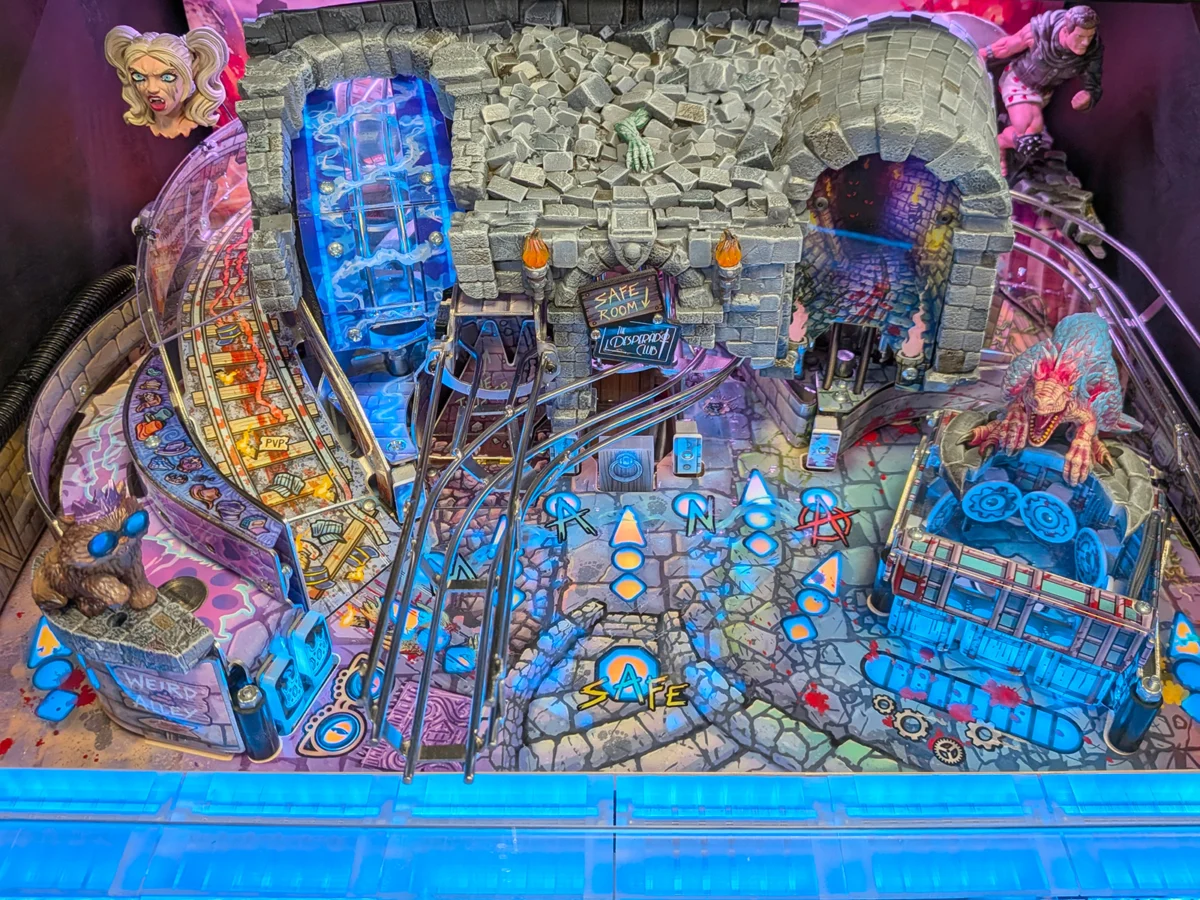
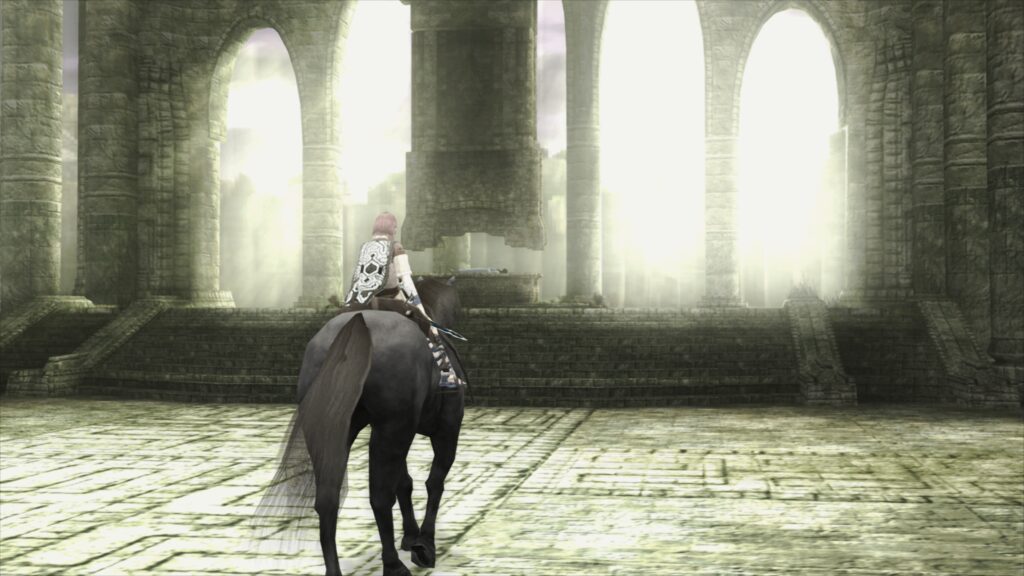
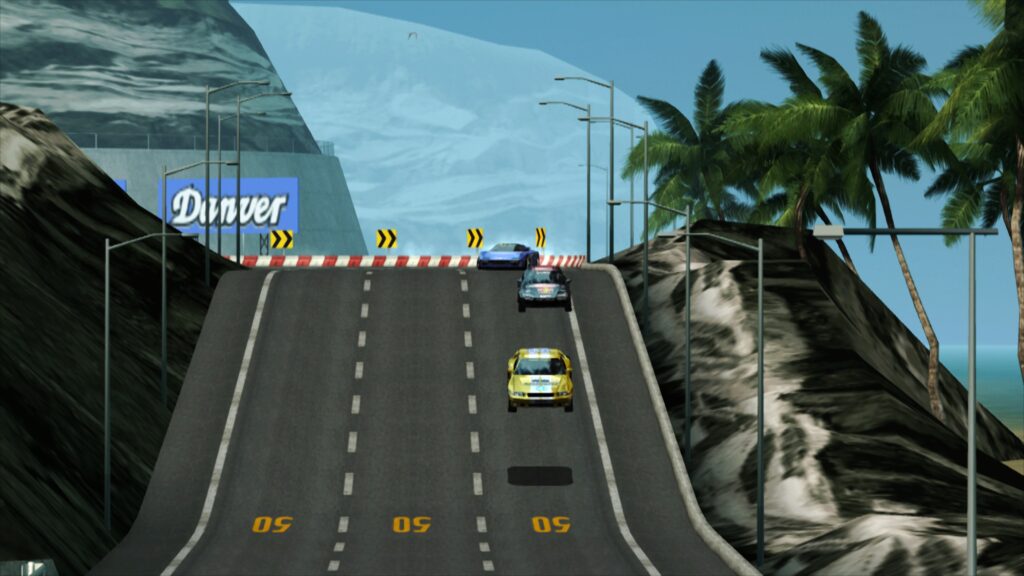
- Super-Sampling Anti-Aliasing (SSAA): A standout feature is its robust 16x SSAA implementation. When combined with an experimental high-resolution scanout, SSAA effectively eliminates aliasing artifacts—the "shimmering" and "jaggies" commonly seen on 3D geometry and textures in upscaled emulation. The result is an incredibly clean and smooth image, often surpassing the visual quality achieved by traditional GSdx rendering at much higher internal resolutions.
- High-Resolution Scanout: This feature allows for a doubling of the effective resolution, further enhancing visual clarity. When paired with 16x SSAA, the final output image quality is often superior to that of GSdx at significantly increased internal resolutions, but with fewer performance penalties.
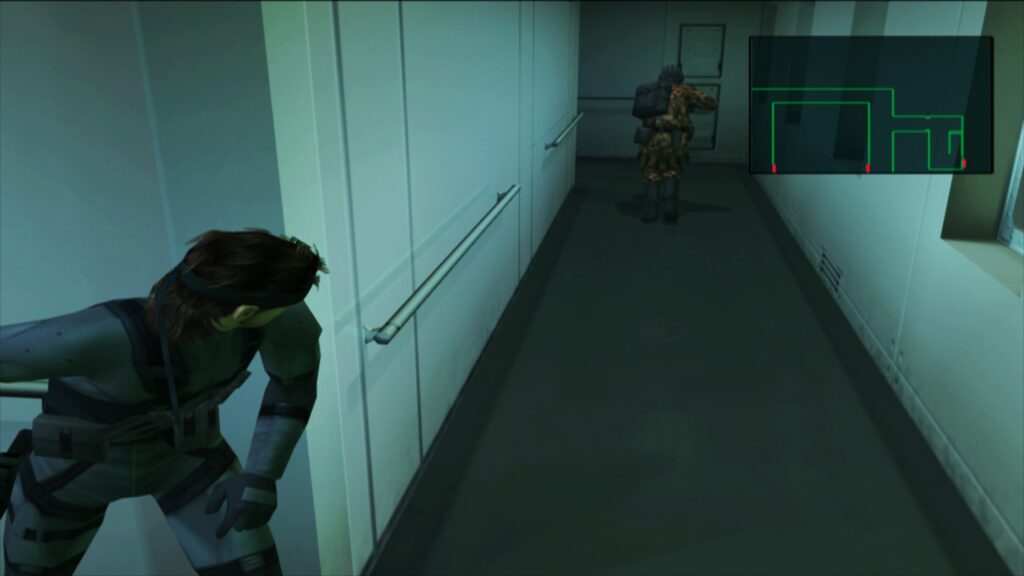
- Reduced Need for Game-Specific Hacks: A common challenge in PS2 emulation, especially with hardware renderers like GSdx, is the necessity for numerous game-specific hacks and workarounds to resolve graphical glitches. paraLLEl-GS, due to its compute-shader-based accuracy, dramatically reduces the reliance on such hacks, leading to a more consistent and hassle-free experience across a broader library of games.
The development of paraLLEl-GS underscores a growing trend in high-fidelity emulation towards compute-centric rendering, where the GPU is utilized for complex calculations beyond simple texture drawing, allowing for more precise emulation of intricate hardware behaviors. Themaister’s detailed blog article, published several months prior, provided an initial glimpse into the technical complexities and ambitious goals of this project, which has now culminated in its integration into LRPS2.
Setting Up LRPS2: A Step-by-Step Guide
To ensure a smooth transition for users eager to experience LRPS2, Libretro has outlined a clear setup procedure within RetroArch:

- Platform Availability Check: Confirm that your operating system is supported. LRPS2 is available for Windows, Linux (x86_64), and macOS. It is explicitly NOT available for Android, iOS, or ARM Linux at this time.
- Update Core Info Files: Within RetroArch’s online updater, navigate to "Update Core Info Files." This crucial step ensures that the core’s metadata is correctly recognized and displayed in the menu.
- Download the Core: Proceed to the online updater’s "Core Downloader." Scroll down to locate and download "Sony – Playstation 2 (LRPS)."
- Acquire System Files: Next, go to the online updater’s "Core System Files Downloader" and download the "LRPS2.zip" bundle. This bundle is vital as it automatically creates the necessary
pcsx2directory within your RetroArchsystemdirectory. Insidepcsx2, it placesGameIndex.yaml, which contains per-game hacks and settings for compatibility with both the core and the GSdx renderer. - Install PS2 BIOS: The
LRPS2.zipbundle also creates abiosdirectory. Users must legally obtain and place their PlayStation 2 BIOS files within thisbiosdirectory. Without a proper BIOS set, the core will not function. - Load Games: Once the BIOS is in place, users are ready to scan their game library or load individual games. LRPS2 supports various game formats, including CHD, but it is critical that games are not stored in compressed archives like .7z, .rar, or *.zip, as these are not directly supported for loading.
Special Considerations for macOS (Apple Silicon) Users
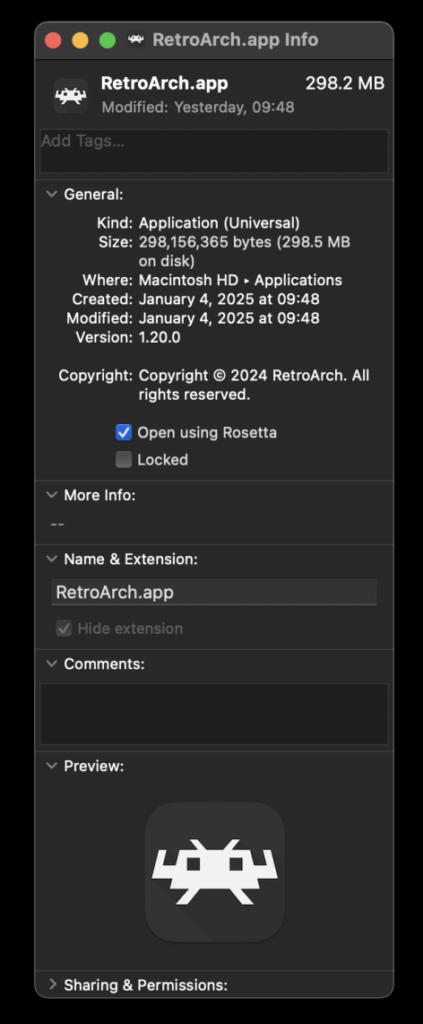
For macOS users running on Apple Silicon (M1, M2, etc.) architecture, an additional step is required to utilize LRPS2. RetroArch must be run under Rosetta, Apple’s dynamic binary translator, which allows Intel-based applications to run on Apple Silicon Macs.
To enable Rosetta:
- Exit RetroArch completely.
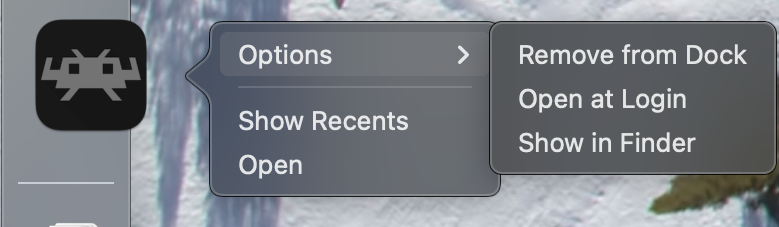
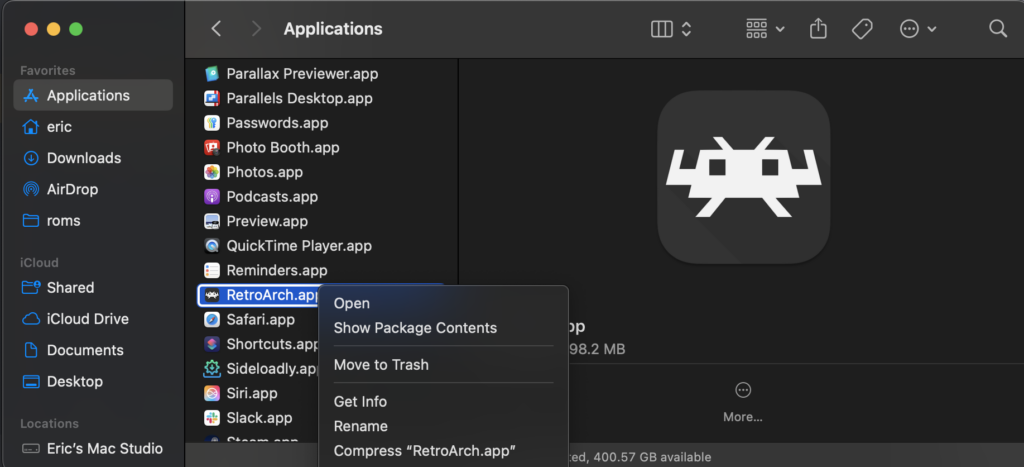
- Locate the RetroArch application in Finder.
- Right-click on the RetroArch icon and select "Get Info" from the contextual menu.
- In the Info window, check the box labeled "Open using Rosetta."
- Launch RetroArch again. Once running in Rosetta, the LRPS2 core will become visible and downloadable in the Core Downloader. This temporary measure is necessary until native Apple Silicon support for the core is potentially developed.
Configuring Your PlayStation 2 Experience: Core Options Overview

LRPS2 provides a comprehensive suite of core options, allowing users granular control over various aspects of the emulation. These options are categorized for ease of navigation and include:
- System: Controls fundamental emulation settings related to the emulated PS2 hardware.
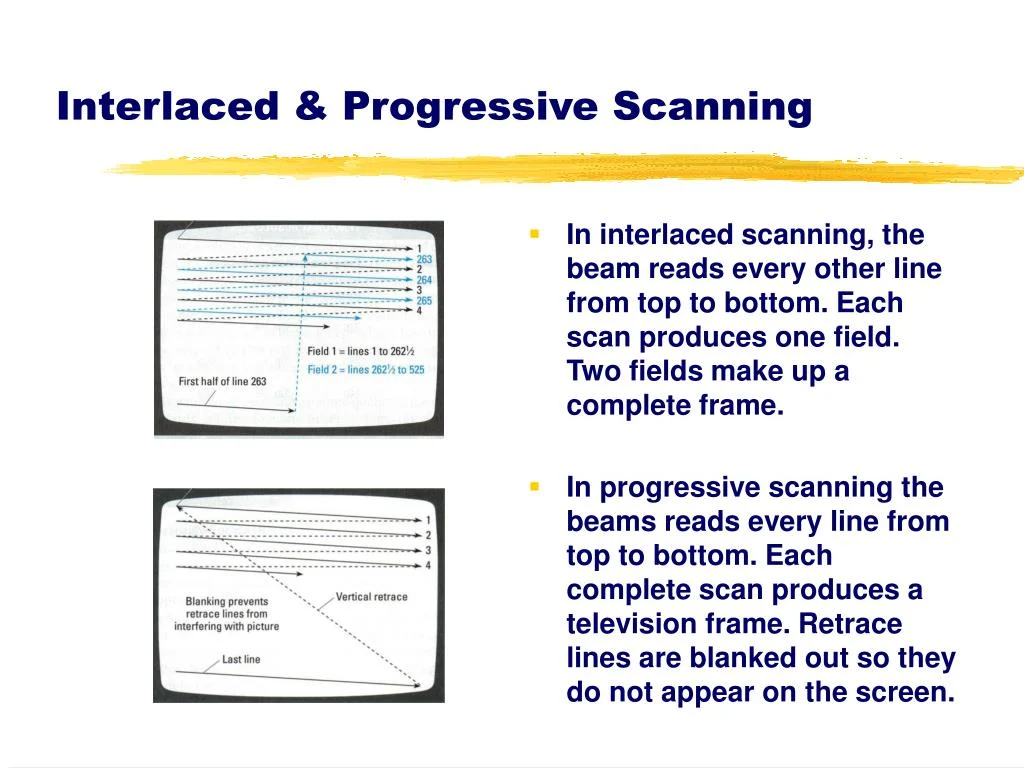
- Video: General video settings applicable to all renderers, such as aspect ratio and interlacing.
- Video – GSdx: Specific options for the GSdx renderer, including internal resolution scaling, texture filtering, and various hardware rendering hacks to address graphical anomalies in specific games.
- Manual Hardware Rendering Fixes – GSdx: A dedicated section for fine-tuning game-specific fixes when using the GSdx renderer, often critical for titles with unique rendering pipelines.
- Emulation: Settings related to the core’s emulation speed, cycle rates, and other performance-tuning parameters.
- Input: Configures controller inputs, including mapping for digital and analog controls.
- ParaLLEl-GS Core Options: A dedicated section for customizing the advanced features of the paraLLEl-GS renderer, such as SSAA levels, high-res scanout, and other experimental enhancements.
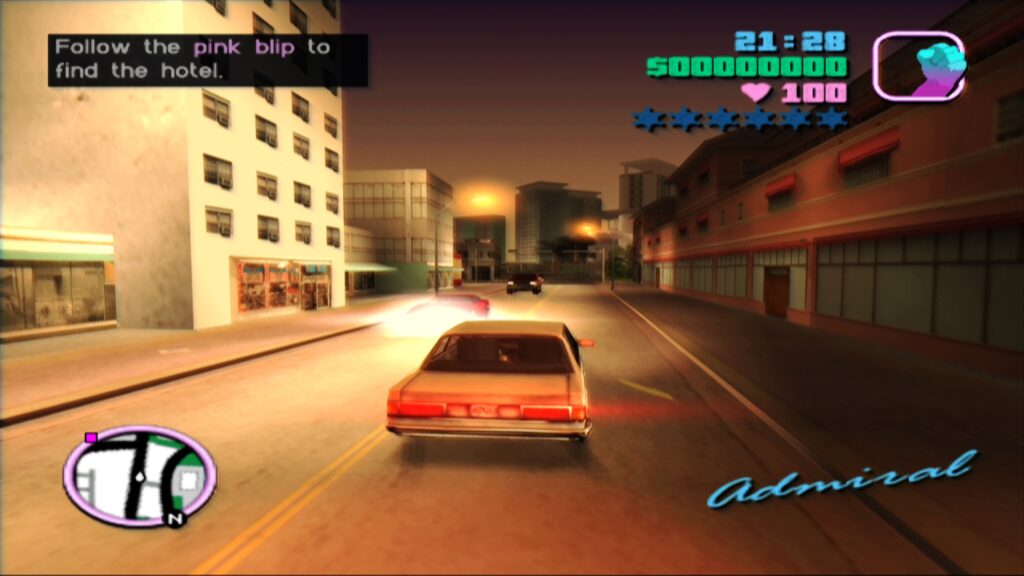
These extensive options empower users to tailor their PS2 experience, balancing performance, accuracy, and visual enhancements according to their hardware capabilities and personal preferences. The GameIndex.yaml file further complements this by providing an internal database for per-game adjustments, which the developers intend to expand significantly over time.
Addressing Common Queries and Challenges
The Libretro team has also proactively addressed several frequently asked questions and known issues that users might encounter:
- Black Screen with Audio (Windows D3D11): Some Windows users might experience a black screen when using the default D3D11 video driver. The recommended solution is to switch the RetroArch video driver to D3D12, either globally or via a core override for LRPS2.
- paraLLEl-GS Performance on Intel Integrated Graphics: Unfortunately, Intel Integrated Graphics Processors (IGPs) are not optimized for the compute shaders heavily utilized by paraLLEl-GS. Even relatively recent Intel IGPs may struggle to run games at full speed. In such cases, users are advised to revert to the software renderer or the GSdx renderer for better performance. Intel’s newer discrete GPUs, however, are expected to handle paraLLEl-GS effectively.
- Software Renderer Crashes with Vulkan Video Driver: A known bug causes the software renderer to crash when RetroArch’s global video driver is set to Vulkan. Until a fix is found, users should switch to the
glcoredriver on Linux or one of the D3D drivers on Windows to reliably use the software renderer. - Analog Face Buttons: The implementation of analog face button support, a unique feature of the PS2 controller, is currently a work in progress. While some games utilize this feature, most are fully playable and completable without it.
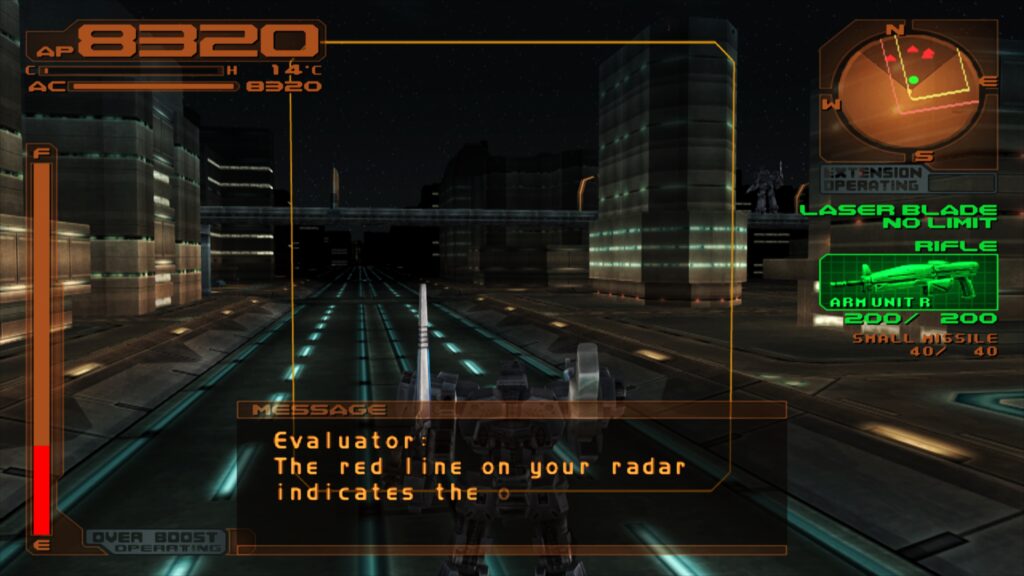
- Identifying Internal Patches: To see which internal game-specific patches (e.g., game enhancements, language unlocks, no interlacing, widescreen) are being applied, users need to enable logging in RetroArch and review the log output. This system is continuously being expanded.
- Improving Frame Pacing: For optimal frame pacing, particularly on Variable Refresh Rate (VRR) displays, users can enable "Sync to Exact Content Framerate" in RetroArch’s Video -> Synchronization settings. On NVIDIA GPUs with VRR, turning VSync off in RetroArch and enabling it in the NVIDIA driver control panel is often beneficial. However, some older titles may not respond well to "Sync to Exact Content Framerate," requiring user experimentation.
Broader Implications and Future Outlook
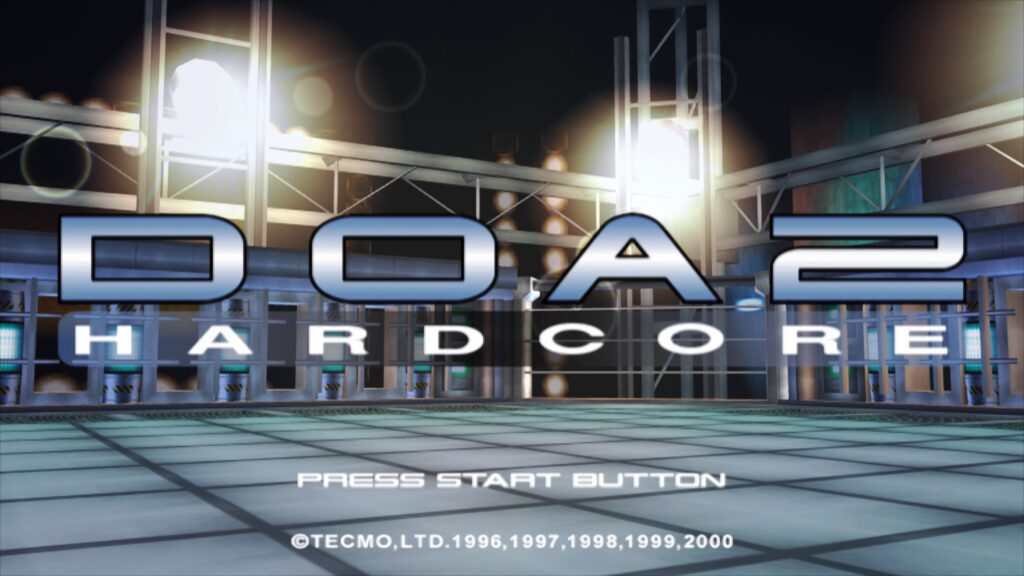
The release of LRPS2, especially with the groundbreaking paraLLEl-GS renderer, signifies a major milestone for the Libretro and wider emulation communities. It solidifies RetroArch’s position as a premier multi-system emulation frontend, offering a level of PS2 emulation that rivals, and in some aspects surpasses, standalone solutions through its seamless integration and advanced features.
This development also highlights the ongoing innovation in the field of emulation, pushing the boundaries of what is possible through clever utilization of modern hardware capabilities like compute shaders. The emphasis on accuracy, combined with high-fidelity graphical enhancements, sets a new standard for preserving and experiencing classic games.
The Libretro team’s commitment to continuous improvement, evidenced by the ongoing development of the game compatibility database and addressing known issues, suggests a bright future for LRPS2. As hardware continues to evolve and emulation techniques become more refined, users can look forward to an increasingly robust and visually stunning PlayStation 2 experience within the familiar and powerful RetroArch ecosystem. This release is not merely an update; it is a declaration of intent, signaling a new era of highly accurate and visually enhanced console preservation.