 Vera Clarissa
The initial release of macOS 27’s Golden Gate beta offers a nuanced evolution of the desktop experience, building upon the visual language established in its predecessor, macOS Tahoe. While a quick glance might suggest a familiar interface, closer inspection reveals a series of subtle yet significant UI tweaks, many of which appear to be direct responses to user feedback and evolving design philosophies within Apple. This early glimpse into Golden Gate, codenamed internally for its ambitious scope, provides valuable insights into Apple’s strategic direction for its Mac operating system.
Evolution of the Interface: Subtle Refinements and Nostalgic Echoes
At first impression, the desktop environment of macOS Golden Gate retains much of the visual continuity users have come to expect from recent macOS iterations. However, Apple has implemented a series of understated modifications to the user interface. These changes, though not overtly revolutionary, aim to enhance usability and aesthetic coherence. One notable area of refinement is observed in the setup process. The navigation buttons within the initial setup screens exhibit an updated design, which evokes a stylistic resonance with Apple’s iconic Aqua interface, albeit with a more subdued color palette. This aesthetic choice has been interpreted by some as a deliberate callback, reminiscent of the lighter iterations of the Graphite Aqua theme prevalent in macOS Leopard and earlier versions. This deliberate incorporation of familiar design elements, filtered through a modern lens, suggests a strategic effort to balance innovation with user comfort and recognition.
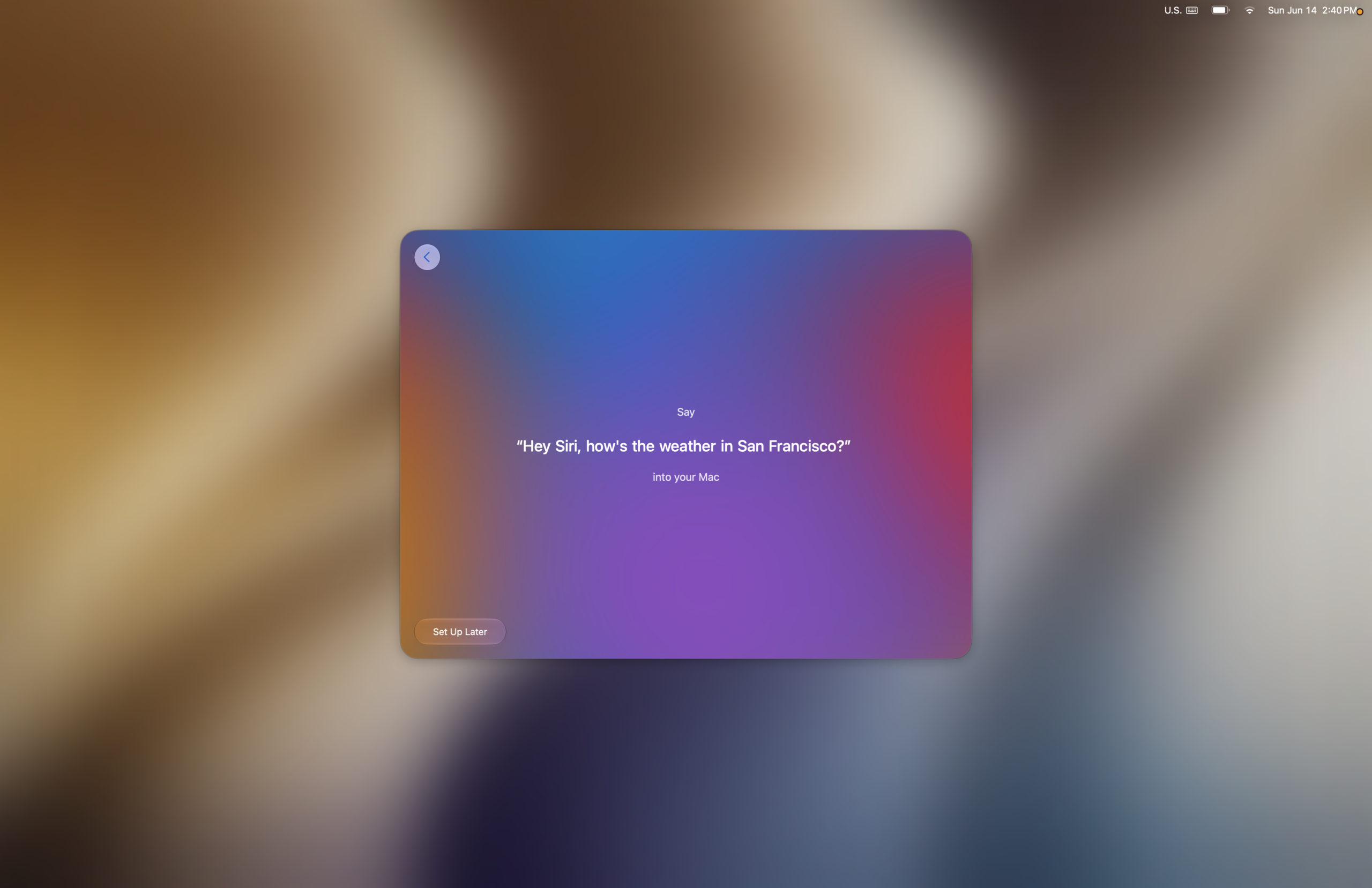
The setup process itself, while largely familiar in its core functions, introduces subtle graphical enhancements. Early screens, including those for accessibility features and Data & Privacy settings, maintain a standard, user-friendly presentation. The integration of Siri setup, however, showcases a more dynamic approach. Users opting to enable Siri are guided through a voice training process that incorporates pleasing musical cues upon successful completion of each step. This auditory feedback mechanism is a testament to Apple’s attention to detail in crafting an engaging and encouraging onboarding experience.
Visual Enhancements and Transparency Adjustments
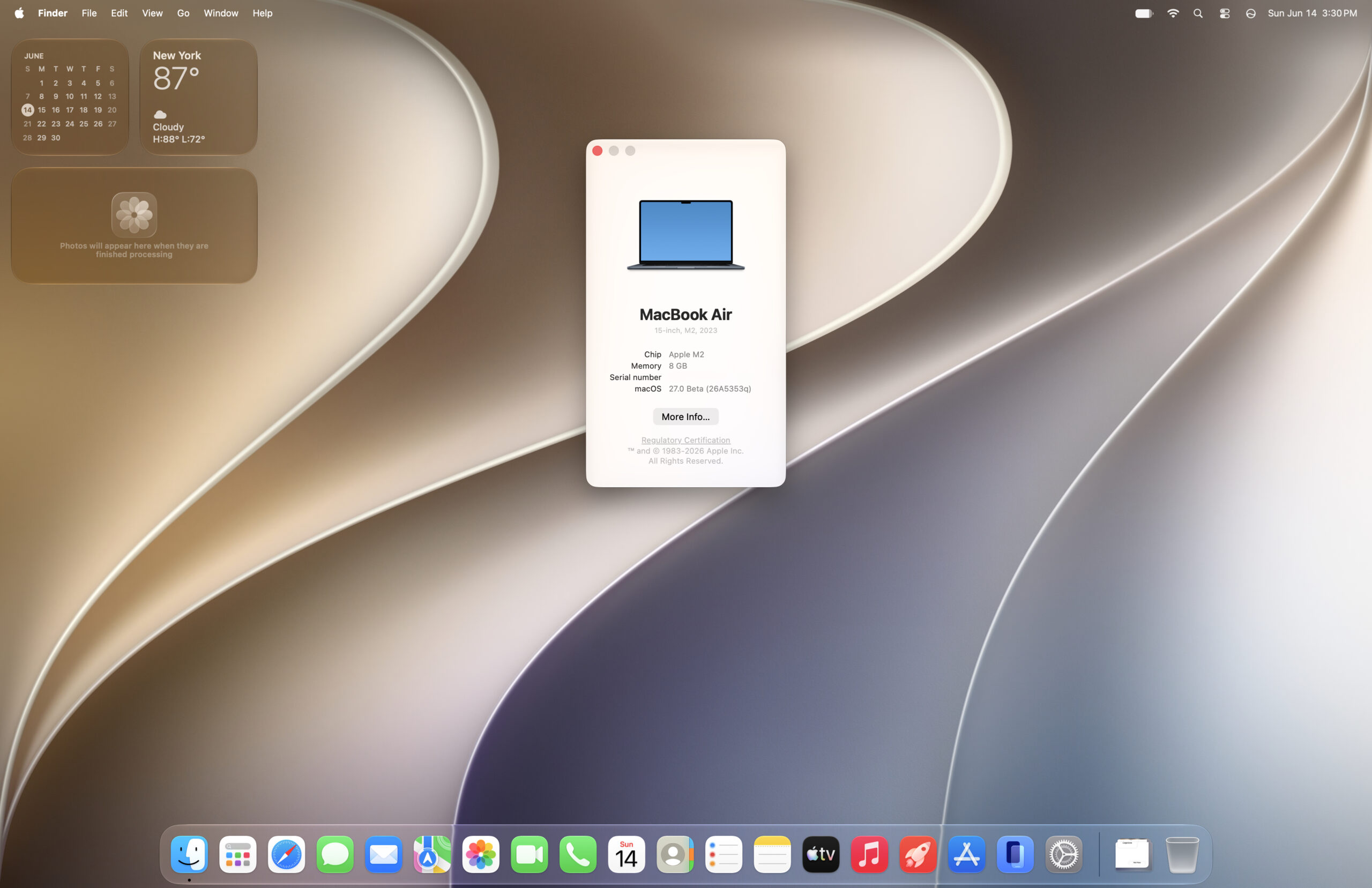
Further into the setup, users encounter screens dedicated to features like Image Playground and reframe. These segments offer an early opportunity to interact with system-wide adjustments, most notably the translucency slider. This control, accessible during initial setup and later within System Settings, allows users to fine-tune the level of transparency applied to various interface elements. The editor’s note accompanying the initial beta release highlighted a preference for maximizing translucency, suggesting a desire for a more airy and visually expansive desktop. The implemented transparency effects are described as tactful, enhancing elements like the icon dock without compromising legibility in content-heavy areas. This balanced approach to transparency signifies a mature understanding of how visual effects can both beautify and improve the user experience.
Performance and System Responsiveness: A Noticeable Leap
Beyond the visual refinements, a significant aspect of the Golden Gate beta appears to be an improvement in system performance. Animations across the operating system are reportedly faster, contributing to a more fluid and responsive user experience. While some animations have undergone modifications—such as the removal of a fade effect for desktop widgets when the desktop is revealed—the overall perception is one of enhanced speed. The dark frame that appears when clicking on the wallpaper to show the desktop has also been refined with more rounded edges, a small but indicative detail of the broader UI polish.
To quantify these perceived improvements, early benchmarking has been conducted. Preliminary results from Geekbench 6, comparing macOS Golden Gate against its predecessors Tahoe and Sequoia, indicate a general increase in performance metrics. While multicore CPU performance saw minimal gains, single-core CPU scores exhibited meaningful improvements. These gains in single-core performance are particularly significant, as they directly influence application launch times and the responsiveness of individual tasks. Although benchmarks are subject to environmental variables and can fluctuate, the consistent upward trend in these early tests, coupled with anecdotal reports from early adopters citing a faster experience, suggests that Golden Gate is poised to deliver tangible real-world performance benefits.
Key Benchmark Data (Preliminary)
- Geekbench 6 Single-Core CPU: Observed increases compared to macOS Tahoe.
- Geekbench 6 Multicore CPU: Marginal gains or stable performance noted.
- OpenCL and Metal Performance: Initial benchmarks indicate positive trends, suggesting improved graphics processing capabilities.
(Note: Specific numerical data from the original source is limited to a single image reference. A comprehensive comparison would require more detailed benchmark reports.)

Underlying Development and Potential Implications
The development of macOS Golden Gate is situated within Apple’s ongoing strategy of incremental yet impactful operating system updates. Following the significant architectural shifts and feature introductions in previous releases, Golden Gate appears to be focusing on refinement, performance optimization, and the integration of advanced AI capabilities. The "Golden Gate" codename itself suggests a bridge to a new era of Mac computing, potentially encompassing deeper AI integration and enhanced system efficiencies.
The WWDC (Worldwide Developers Conference) typically serves as the platform for Apple to unveil its major software advancements. While Golden Gate is currently in its beta phase, its eventual public release will likely be accompanied by a formal announcement at a future WWDC event, where its full feature set and underlying technological advancements will be detailed. The anticipation surrounding these events is always high, as they offer insights into Apple’s roadmap and the future of its hardware and software ecosystem.
Infrastructure and Compatibility: Shifting Protocols
A significant, albeit potentially disruptive, change noted in the Golden Gate beta is the deprecation of the Apple File Sharing Protocol (AFP). This decision has direct implications for users relying on older networked file-sharing configurations, particularly those involving PowerPC Macs. Existing AFP-based setups will likely become inoperable with the full release of macOS Golden Gate.
However, Apple has maintained support for the Server Message Block (SMB) protocol, a widely adopted standard for network file sharing. This ensures continued compatibility for many users and allows for continued access to shared resources, even from older macOS versions. The ability to locate and mount network shares via SMB, as demonstrated with a Power Mac G5 running Sorbet Leopard, highlights the persistence of core networking functionalities. The challenge of authenticating with user accounts, however, indicates that some finer points of SMB integration may still require further refinement in subsequent beta releases.

The phasing out of AFP signifies Apple’s strategic move towards more universally adopted and modern network protocols. This aligns with broader industry trends and may encourage users to migrate to more contemporary hardware and software solutions for their network infrastructure.
Emerging Quirks and Areas for Improvement
As with any early beta release, macOS Golden Gate is not without its quirks. A noted issue involves the app drawer not opening as expected, a functional anomaly that is being addressed by the development team. Such bugs are typical of beta software and are crucial for identifying and rectifying before a stable public release. The presence of these issues underscores the importance of beta testing for gathering real-world usage data and ensuring a robust final product.

Looking Ahead: A "Snow Leopard" of the New Era?
The overall impression of the macOS Golden Gate beta is one of cautious optimism. The combination of subtle UI improvements, noticeable performance gains, and the potential for deeper AI integration positions it as a potentially significant release. The editor’s comparison to macOS Snow Leopard is particularly telling; Snow Leopard was celebrated for its stability, performance enhancements, and focus on core functionality rather than radical feature overhauls. If Golden Gate can deliver a similar level of polish and speed, it could be a highly regarded iteration of macOS.
While the removal of AFP support presents a hurdle for some legacy users, the continued robustness of SMB and the ongoing development of AI features suggest a forward-looking approach. The opportunity to test the new Siri AI, currently on a waitlist for beta testers, will provide further insight into Apple’s advancements in artificial intelligence and its integration into the Mac ecosystem. For daily users, the perceived increase in snappiness and responsiveness is a tangible benefit, even if specific benchmarks for intensive tasks are still under evaluation. The journey from beta to public release will be closely watched by users and industry analysts alike, as macOS Golden Gate shapes the future of Apple’s desktop computing experience.