Edi Durjana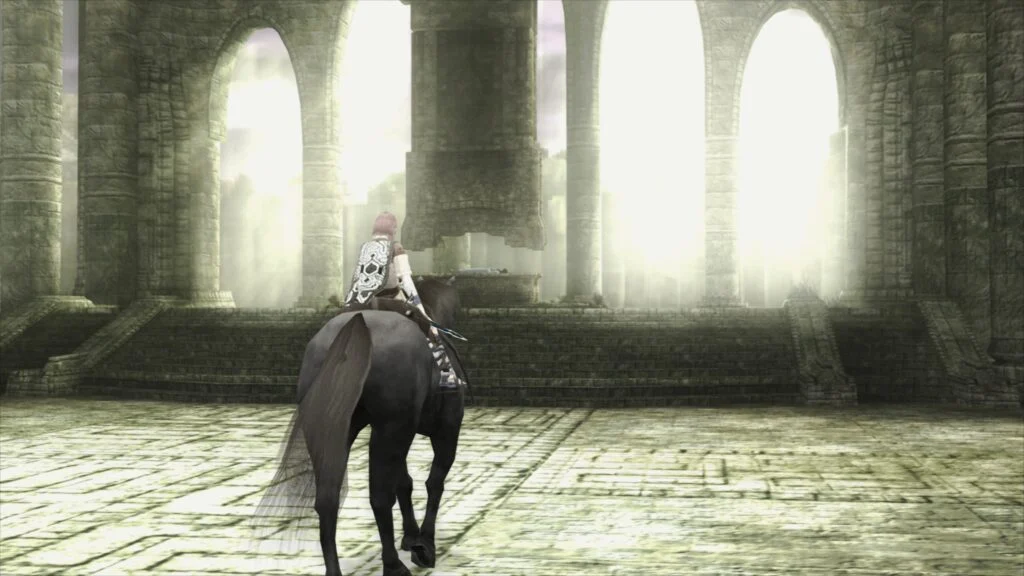
Libretro has officially launched LRPS2, a groundbreaking new PlayStation 2 core for its multi-system frontend, RetroArch. This heavily modified version of the highly acclaimed PCSX2 emulator has been custom-tailored for the Libretro API, promising a significantly enhanced and modernized emulation experience for one of gaming’s most iconic consoles. Currently, LRPS2 is available for Windows, macOS, and Linux (x86_64) platforms, marking a substantial leap forward for PlayStation 2 preservation and playability within the RetroArch ecosystem.
The introduction of LRPS2 addresses long-standing limitations and drawbacks associated with the previous, aging PlayStation 2 core available in RetroArch. Developers at Libretro have meticulously refactored and updated the core code, bringing it to a modern standard that promises greater stability, compatibility, and performance. This extensive overhaul aims to deliver a robust and feature-rich environment for reliving the vast library of PlayStation 2 titles, from action-packed blockbusters to critically acclaimed niche experiences.
Advanced Rendering and Platform Compatibility
A cornerstone of the LRPS2 core is its comprehensive support for a wide array of rendering backends, leveraging the power of modern graphics APIs through the integrated GSdx renderer. Users can now enjoy their favorite PS2 games with Vulkan on Windows, macOS, and Linux, providing high-performance and feature-rich rendering across diverse hardware. Windows users benefit from additional support for Direct3D 11 and Direct3D 12, offering flexibility and optimized performance for Microsoft’s proprietary graphics APIs. Furthermore, OpenGL support is available on both Windows and Linux, ensuring broad compatibility for various system configurations. This multi-API approach underscores Libretro’s commitment to accessibility and performance across the varied hardware landscape of its user base.
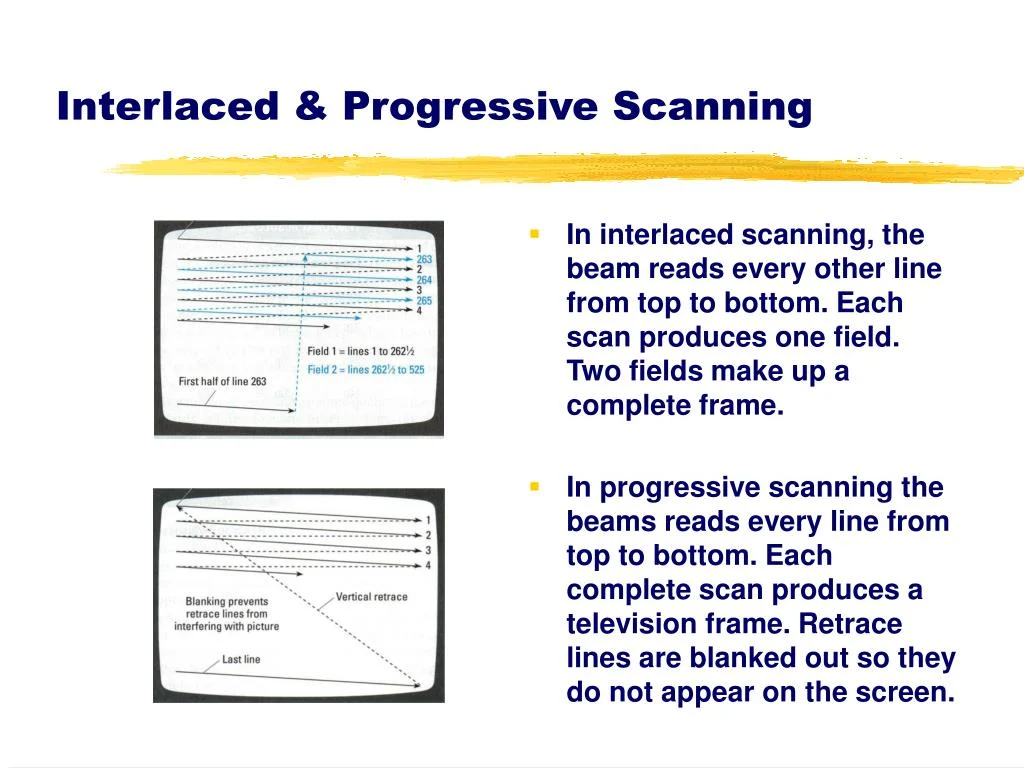
Beyond standard rendering, the development team has also released a companion compendium article, "PlayStation2 and the CRT TV," offering historical context and a deep dive into the visual characteristics of the console’s output on period-accurate displays. This resource provides valuable insight for enthusiasts aiming to replicate the authentic PS2 experience.
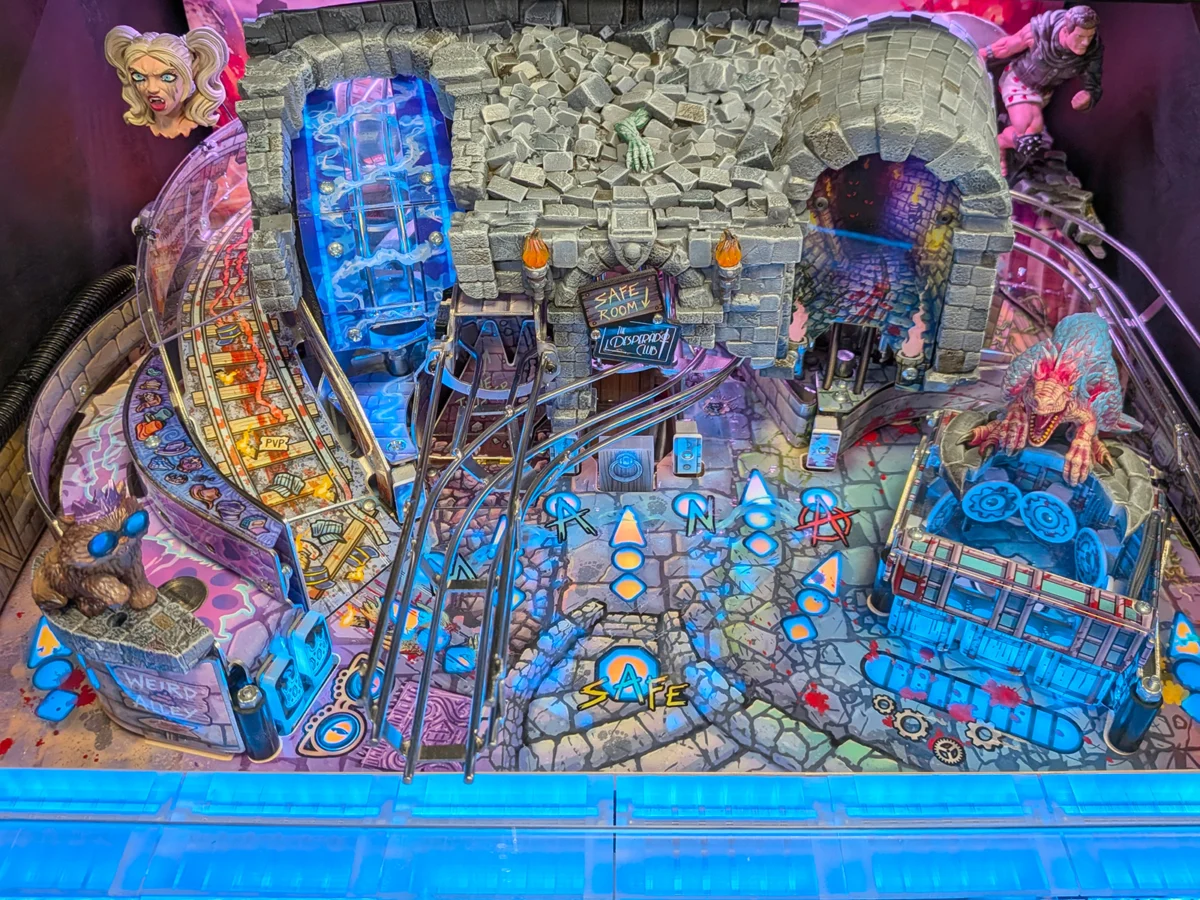
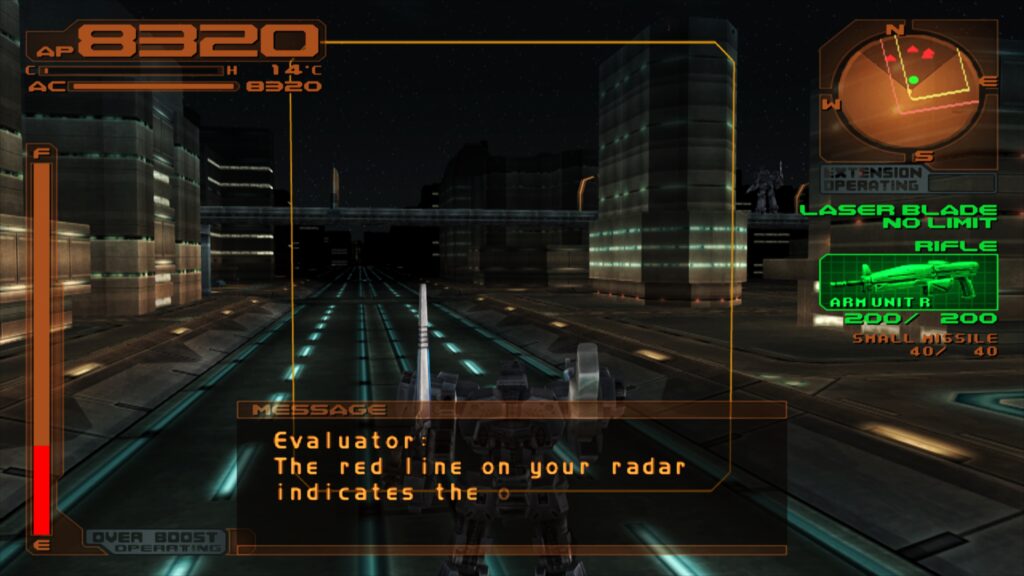
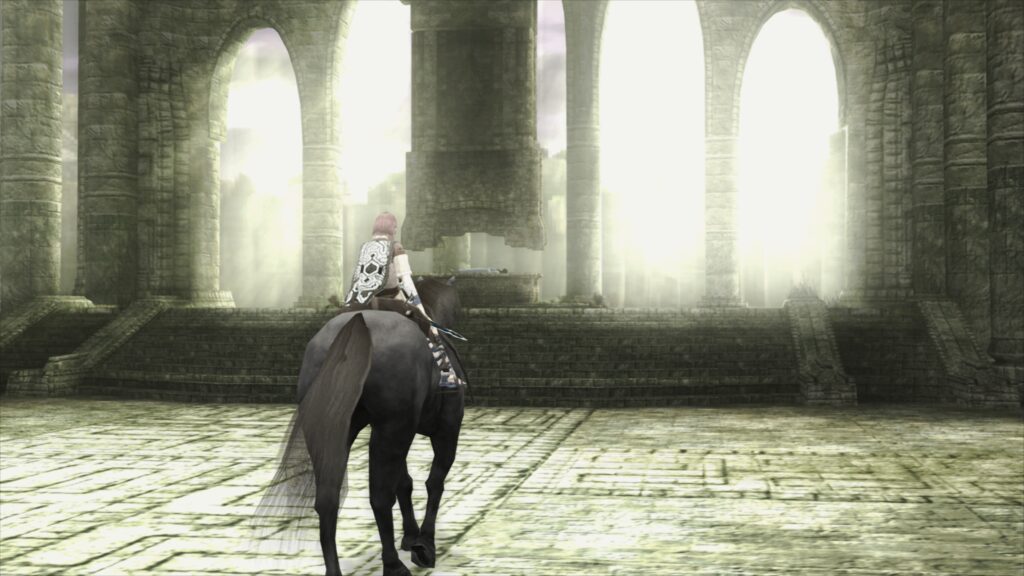
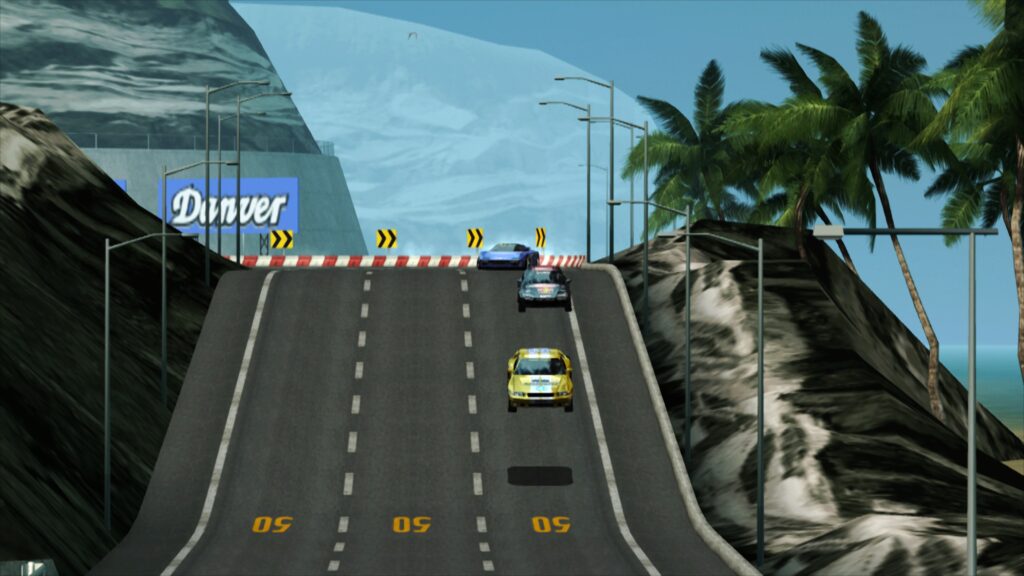
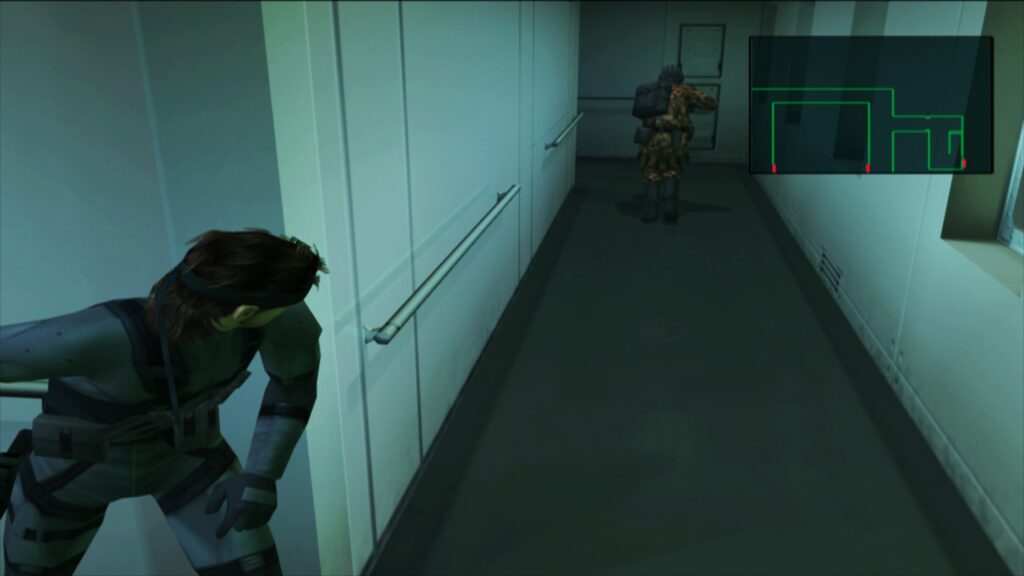
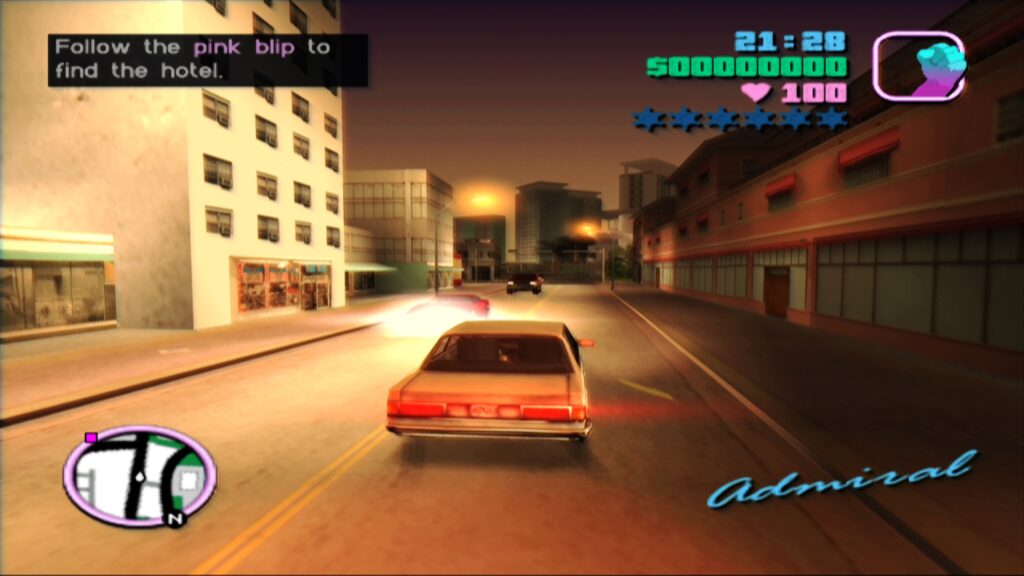
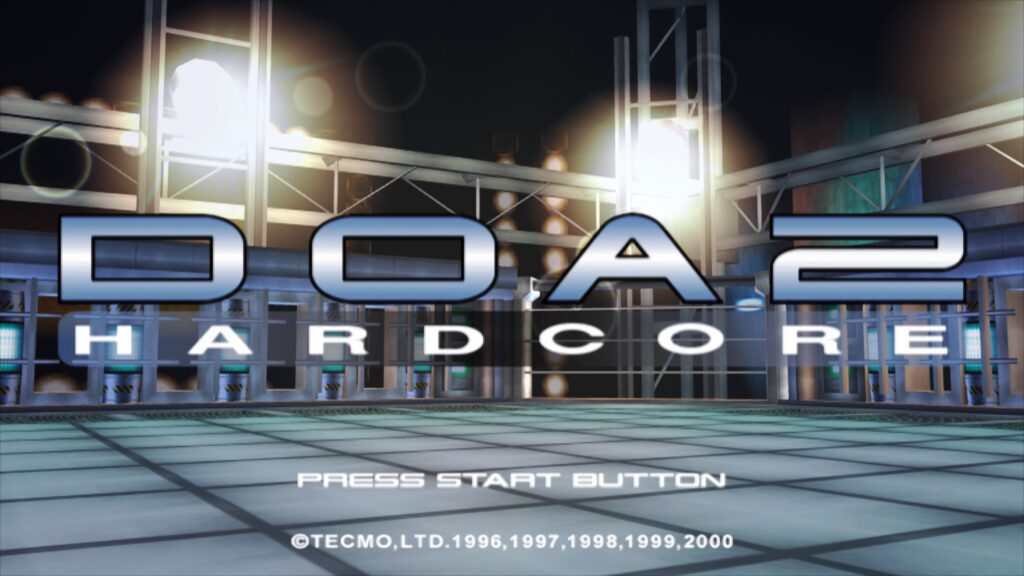
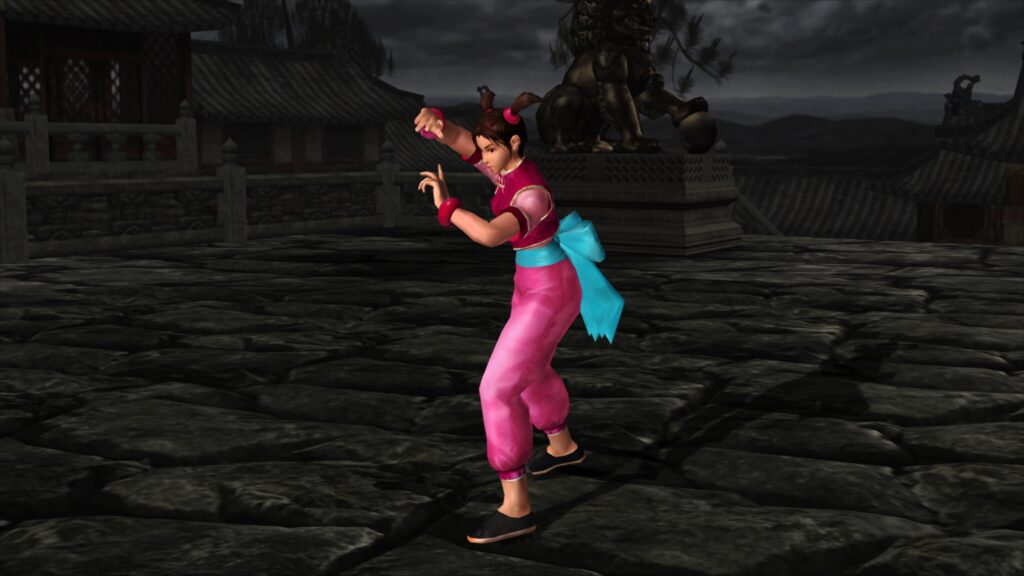
For those eager to witness the core’s capabilities, showcase screenshots accompanying the announcement demonstrate the visual fidelity achievable with LRPS2. These images, captured using the experimental paraLLEl-GS renderer with settings like 16x SSAA and high-res scanout, combined with a ‘fsr-aa-lv2-bspline-4taps.slangp’ shader preset, highlight the core’s potential for stunning visual enhancements that surpass original console output.
Setting Up LRPS2: A Step-by-Step Guide
To begin using the LRPS2 core, users on supported platforms (Windows, Linux x86_64, and macOS) must follow a structured installation process within RetroArch. The first step involves updating "Core Info Files" via the online updater to ensure the core correctly appears in the menu. Subsequently, users can navigate to the "Core Downloader" to download the "Sony – Playstation 2 (LRPS)" core itself.
A critical component of the setup is acquiring the necessary system files. The "Core System Files Downloader" provides the "LRPS2.zip" bundle, which automatically creates a "pcsx2" directory within RetroArch’s "system" folder. This bundle includes the crucial "GameIndex.yaml" file, a database containing per-game hacks and settings used by the core and GSdx renderer to maximize compatibility and performance for specific titles. Additionally, the bundle establishes a "bios" directory where users must legally place their PlayStation 2 BIOS files. Once the BIOS files are correctly positioned, games can be scanned and loaded. LRPS2 supports various game formats, including CHD, but it is essential that games are not stored in generic compressed archives such as .7z, .rar, or *.zip, as these are not directly supported for loading.
Special Considerations for macOS (Apple Silicon)
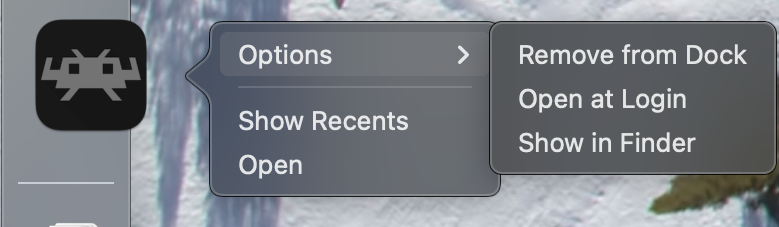
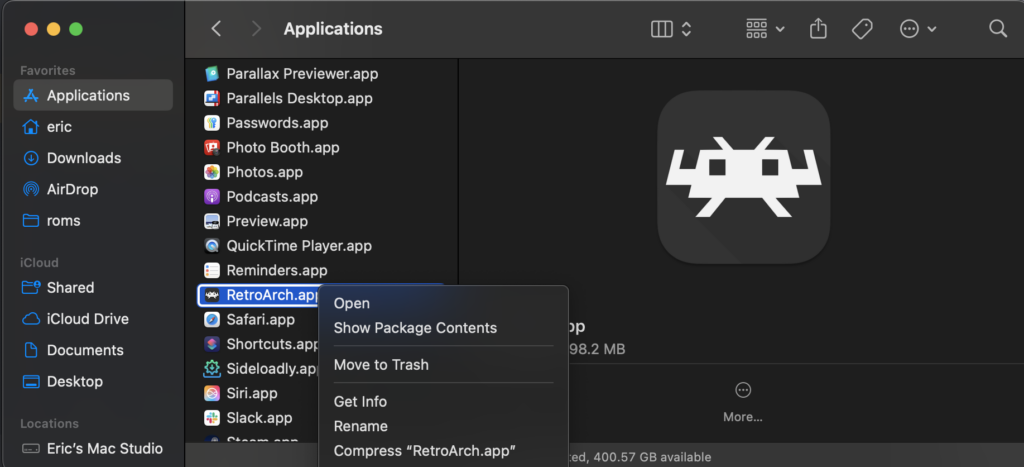
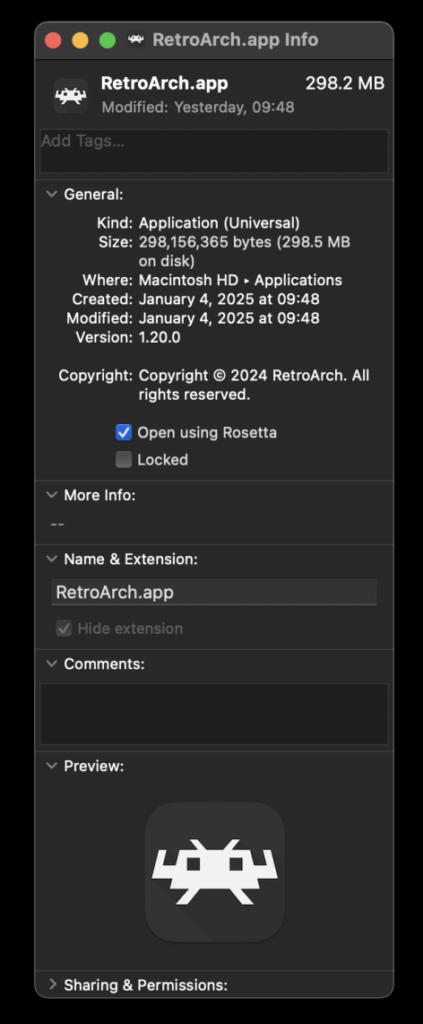
Users running RetroArch on Apple Silicon-based macOS devices face a unique requirement due to the LRPS2 core being compiled for x86_64 architecture. To enable compatibility, RetroArch must be run using Apple’s Rosetta 2 translation layer. This involves exiting RetroArch, locating the application in Finder, right-clicking to select "Get Info," and then checking the "Open using Rosetta" checkbox within the Info screen. Once RetroArch is launched under Rosetta, the LRPS2 core will become visible and downloadable in the Core Downloader. This temporary workaround ensures that Apple Silicon users can access the powerful new core while native ARM builds are potentially developed in the future.
Understanding Core Options: Fine-Tuning Your Experience
LRPS2 provides a comprehensive suite of core options, categorized into several sections, allowing users to fine-tune their emulation experience. While a detailed list of every option is extensive, understanding the general categories helps in optimization:

- System: These options typically control fundamental aspects of the emulated PS2 hardware, such as console region, memory card settings, and potentially fast boot options.
- Video: General video settings applicable to both GSdx and paraLLEl-GS, including aspects like aspect ratio, interlacing, and general display modes.
- Video – GSdx: This section contains specific settings for the GSdx renderer. These might include internal resolution scaling, texture filtering options, various upscaling hacks, and other graphics-related tweaks designed to improve visual quality or address rendering glitches in specific games.
- Manual Hardware Rendering Fixes – GSdx: A crucial category for compatibility, this section provides game-specific workarounds and patches to correct visual artifacts or improve performance that may arise when using hardware rendering with GSdx. These often address issues like half-pixel offsets, sprite inaccuracies, or depth buffer problems.
- Emulation: Options related to the core emulation speed, CPU/EE (Emotion Engine) and GS (Graphics Synthesizer) clock speeds, and other timing-sensitive adjustments to ensure accurate game behavior.
- Input: Settings for controller configurations, mapping physical inputs to the emulated PS2 controller, and potentially enabling rumble or other peripheral functionalities.
- ParaLLEl-GS: Dedicated options for the advanced paraLLEl-GS renderer, which include its unique graphical enhancements like SSAA levels and high-resolution scanout, discussed in further detail below.
ParaLLEl-GS: Reimplementing the Graphics Synthesizer with Compute Shaders
Undoubtedly the most innovative feature introduced with LRPS2 is paraLLEl-GS, a brand-new renderer developed by Themaister. Following in the footsteps of paraLLEl-RDP for Nintendo 64 emulation, paraLLEl-GS is a bespoke renderer written entirely as a compute program, exclusively utilizing the Vulkan graphics API. This represents a significant paradigm shift in PlayStation 2 graphics emulation, moving away from traditional rasterization techniques towards a more accurate and flexible compute-based approach.
The technical intricacies of this project were previously detailed in Themaister’s blog article, "PlayStation 2 GS emulation – the final frontier of Vulkan compute emulation," published several months prior to the core’s release. This foundational work laid the groundwork for paraLLEl-GS’s capabilities.
The primary objective of paraLLEl-GS is to achieve an unparalleled level of accuracy, matching or even exceeding the fidelity of the software renderer, while simultaneously enabling advanced graphical enhancements. Its standout feature is Super-Sampling Anti-Aliasing (SSAA). When configured to 16x SSAA in conjunction with experimental high-resolution scanout, paraLLEl-GS can virtually eliminate aliasing and shimmering on 3D geometry and textures, resulting in an exceptionally clean and stable image.
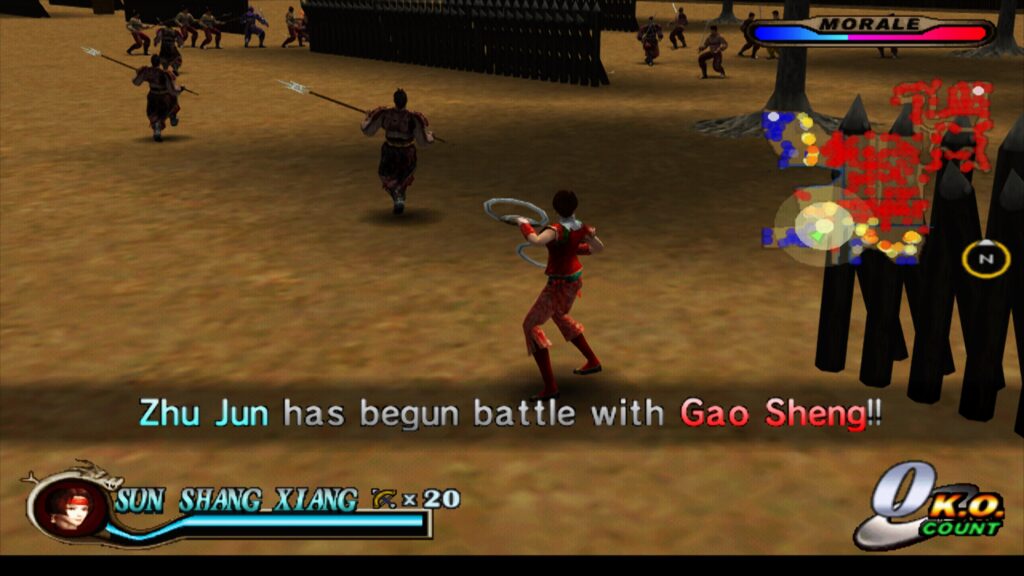
With high-res scanout enabled, the core can effectively double the native output resolution. When combined with SSAA, the final image quality frequently surpasses that achieved by the GSdx renderer even at much higher internal resolutions. A key advantage of paraLLEl-GS is its inherent accuracy, which significantly reduces the need for game-specific hacks or compatibility adjustments, a common necessity with traditional hardware renderers like GSdx. This leads to a more consistent and hassle-free experience across the PS2 library.
ParaLLEl-GS Specific Core Options:
The paraLLEl-GS renderer offers its own set of distinct options to leverage its unique capabilities:
- Renderer Type: Allows selection between paraLLEl-GS, GSdx, and software renderers.
- Internal Resolution: While paraLLEl-GS handles scaling differently, this option might influence base rendering or certain post-processing steps.
- Anti-Aliasing (SSAA): Controls the level of Super-Sampling Anti-Aliasing, with 16x SSAA being the most visually impactful setting.
- High-Resolution Scanout: An experimental option that can effectively double the output resolution, significantly enhancing clarity when combined with SSAA.
- Texture Filtering: Options for how textures are sampled, such as bilinear, trilinear, or anisotropic filtering, to improve texture clarity at higher resolutions.
- VSync: Controls vertical synchronization to prevent screen tearing.
Frequently Asked Questions and Troubleshooting
Libretro anticipates several common user queries and has provided guidance:
- Black Screen with Audio (D3D11): Some Windows users may experience a black screen when using the default D3D11 video driver. The recommended solution is to switch to the D3D12 driver, either globally in RetroArch settings or via a core override, and then reload the content. This suggests a potential rendering path conflict or driver-specific issue with D3D11.
- Slow Performance on Intel Integrated Graphics (paraLLEl-GS): ParaLLEl-GS’s reliance on compute shaders means it performs best on dedicated GPUs. Intel Integrated Graphics Processors (IGPs), particularly older models, often lack the compute shader performance required for full-speed emulation. In such cases, the software renderer or the GSdx renderer remain the more viable options. Newer Intel discrete GPUs, however, are expected to handle paraLLEl-GS efficiently.
- Software Renderer Crashes with Vulkan Driver: A known issue exists where the software renderer may crash when used in conjunction with the Vulkan video driver. While developers investigate the cause, users are advised to switch to the "glcore" driver on Linux or one of the D3D drivers on Windows for reliable software renderer operation.
- Analog Face Buttons: The implementation of analog face button support, a unique feature of the PlayStation 2 controller, is currently under development. While a handful of PS2 games utilized this, most titles remain fully playable and completable without it, mitigating its immediate impact on the user experience.
- Identifying Internal Patches: To determine which per-game patches (e.g., game enhancements, language unlocks, interlacing removal, widescreen hacks) are being applied, users need to enable logging in RetroArch and review the log output. The internal database of game-specific hacks is actively growing, and future updates may provide a more user-friendly way to view these details.
- LRPS2 Not Appearing in Core List: If the core is not visible, first confirm that the platform is supported (Windows, Linux x86_64, macOS; not Android, iOS, or ARM Linux). If on a supported platform, updating "Core Info Files" through the online updater is the primary troubleshooting step.
- Improving Frame Pacing: For smoother gameplay, users can experiment with the "Sync to Exact Content Framerate" option found under Settings -> Video -> Synchronization. For those with VRR (Variable Refresh Rate) displays (like G-Sync or FreeSync), turning VSync off in RetroArch and ensuring VSync is enabled in the GPU driver control panel (e.g., Nvidia Control Panel) can yield optimal results. However, some games, such as Fighting Vipers and Sega Rally 1995, may not behave well with "Sync to Exact Content Framerate" enabled, necessitating user experimentation to find the best settings.
Implications for Retro Gaming and Preservation
The release of LRPS2, particularly with the innovative paraLLEl-GS renderer, signifies a monumental achievement for the retro gaming community and game preservation efforts. By providing a modern, highly compatible, and visually enhanced PlayStation 2 emulation experience within RetroArch, Libretro has democratized access to a cherished console library. This move not only makes classic titles more accessible to a wider audience but also ensures their long-term preservation in a high-fidelity format. The technical advancements, especially in rendering accuracy and visual enhancements, set a new benchmark for console emulation and highlight Libretro’s ongoing commitment to pushing the boundaries of what is possible in the world of video game preservation. As the core continues to evolve, with ongoing work on features like analog face buttons and an expanding game compatibility database, LRPS2 is poised to become the definitive way to experience PlayStation 2 games on modern platforms.