
 Vera Clarissa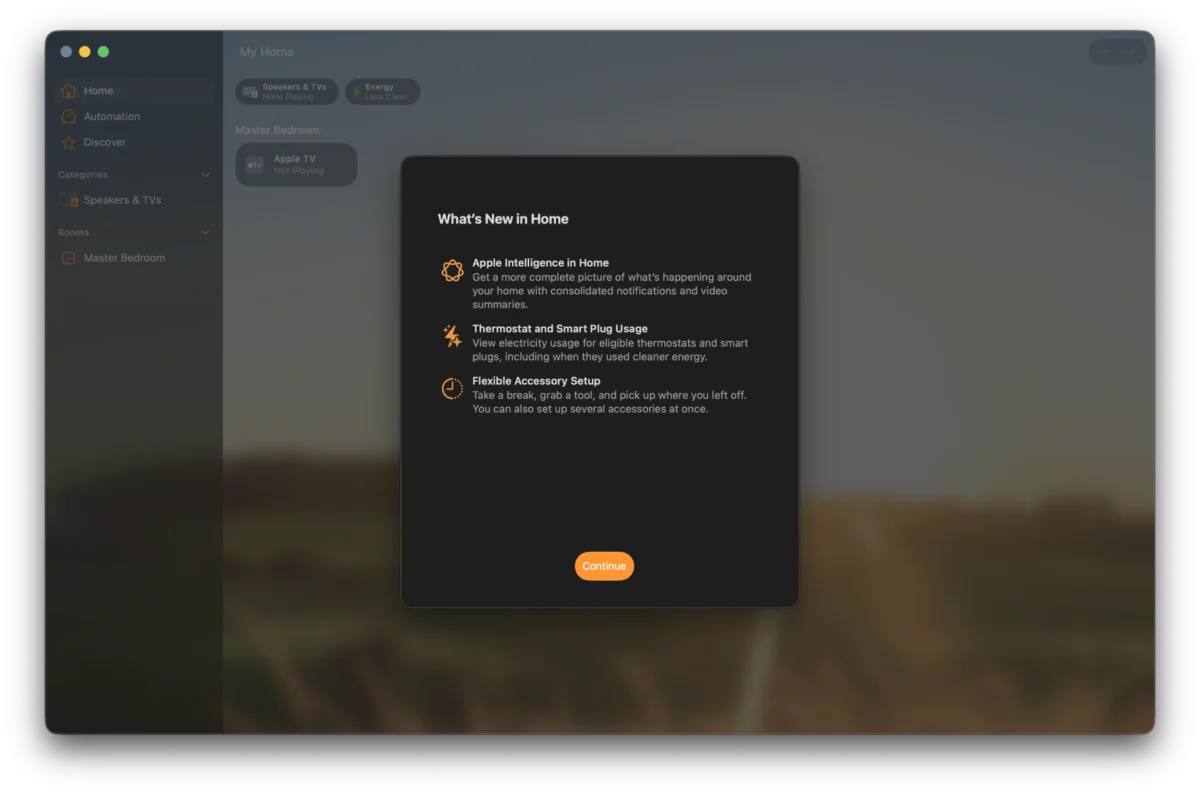
The first developer beta of macOS Golden Gate arrived precisely on June 8th, 2026, coinciding with the opening day of the annual Worldwide Developers Conference (WWDC26). This initial release offered a first glimpse into Apple’s next-generation desktop operating system. Now, with the subsequent rollout of Developer Beta 2, the focus shifts to refining early features, addressing initial feedback, and laying the groundwork for broader adoption. A key development accompanying these betas is the quiet, phased integration of the advanced Siri AI, which is beginning to replace its predecessor for users who opted into the early access waitlist. This transition, while subtle, signals a significant shift in how users will interact with their Macs.
The Genesis of macOS Golden Gate: A WWDC Unveiling
WWDC26 marked a pivotal moment for Apple’s operating system development, with the unveiling of macOS Golden Gate setting the stage for the next era of Mac computing. The announcement, delivered by Apple executives during the keynote address, highlighted a commitment to enhancing user experience through intelligent assistance and streamlined performance. The subsequent release of the first developer beta, just hours after the keynote, underscored Apple’s accelerated development cycle and its eagerness to involve the developer community in the refinement process. Developer Beta 2, released on June 22nd, 2026, represents the first significant iteration, incorporating early feedback and introducing further refinements.
Developer Timeline: From Initial Release to Refined Iteration
The development of macOS Golden Gate is unfolding in a structured, iterative manner, a hallmark of Apple’s software engineering practices.
- June 8th, 2026: WWDC26 Keynote. Apple officially announces macOS Golden Gate and releases the first developer beta (Build 26A5353q). Early adopters and developers begin initial testing.
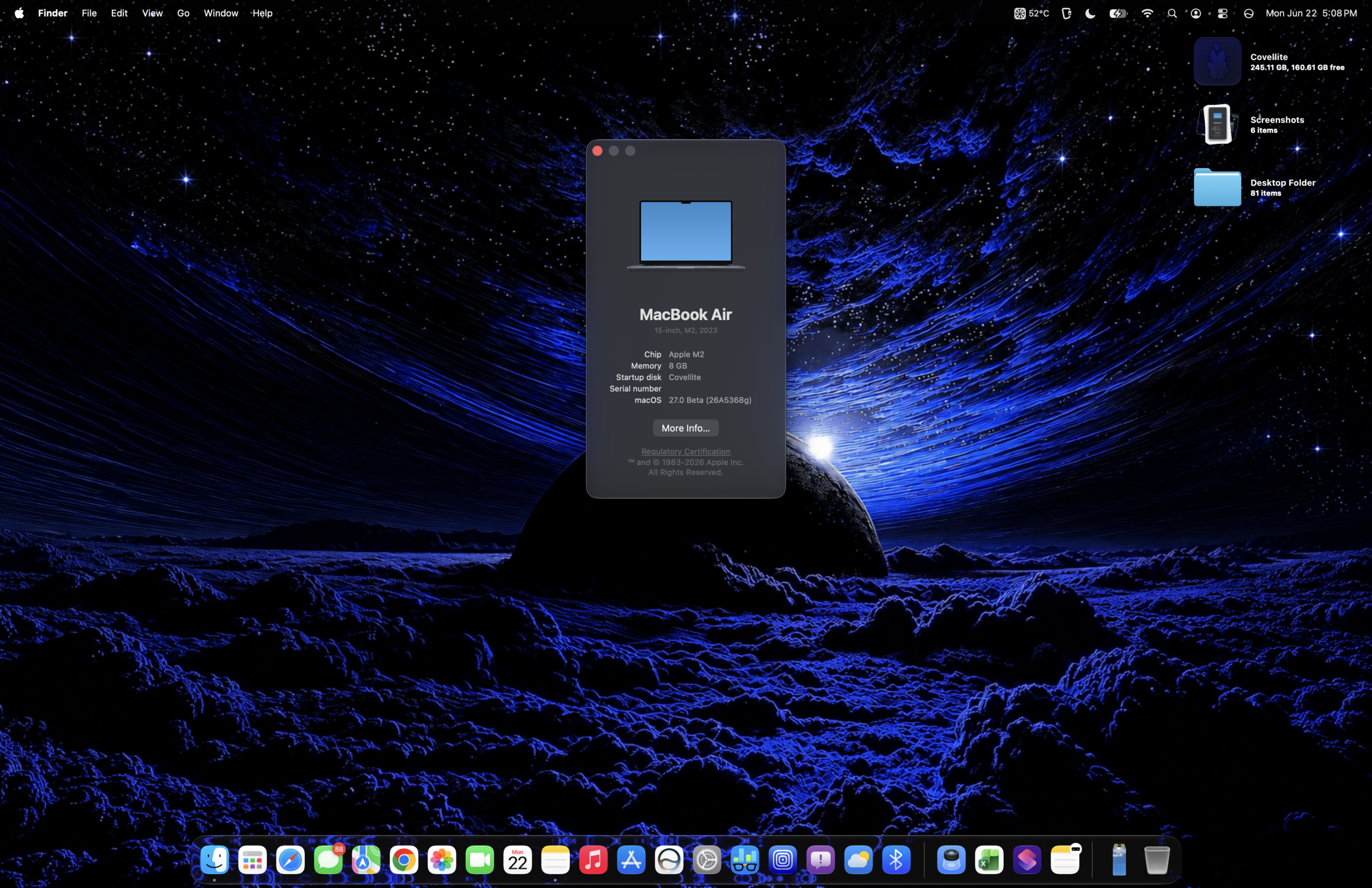
- June 22nd, 2026: Release of Developer Beta 2 (Build 26A5368g). This iteration addresses bugs identified in Beta 1 and introduces further UI adjustments and feature enhancements, including the more integrated Siri AI.
This cadence allows Apple to gather comprehensive feedback from a wide range of developers and hardware configurations, ensuring a more stable and feature-rich public release.
Initial Impressions: Subtle Shifts and Enhanced Integration
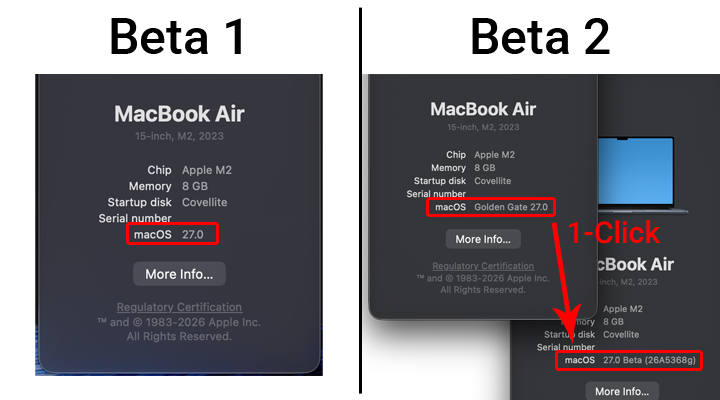
Upon logging into macOS Golden Gate Developer Beta 2, several immediate changes become apparent, reflecting Apple’s ongoing efforts to refine the user interface and integrate new functionalities. A notable alteration is the subtle modification of the text displayed under "macOS" within the "About This Mac" window, hinting at a potential rebranding or a more descriptive naming convention for future iterations.

The upgrade process to Beta 2 has also been notably streamlined. Unlike earlier beta cycles that often involved extensive setup screens, users are now directed straight to the desktop, indicating a more polished installation experience. This efficiency mirrors similar improvements seen in iOS 27 Developer Beta 2, suggesting a unified approach to user onboarding across Apple’s platforms.
Furthermore, the integration of Siri AI is becoming increasingly palpable. While its rollout to waitlisted users is gradual, its presence is subtly woven into various UI elements and navigation pathways. This deep integration signifies a move beyond a standalone assistant to a more pervasive intelligence embedded within the operating system’s core functionalities. A new, distinct system icon for macOS 27 has also been introduced within the "About" section of the Settings application, visually marking the evolution of the operating system.
Networking Protocols: Addressing Compatibility and Introducing New Workflows
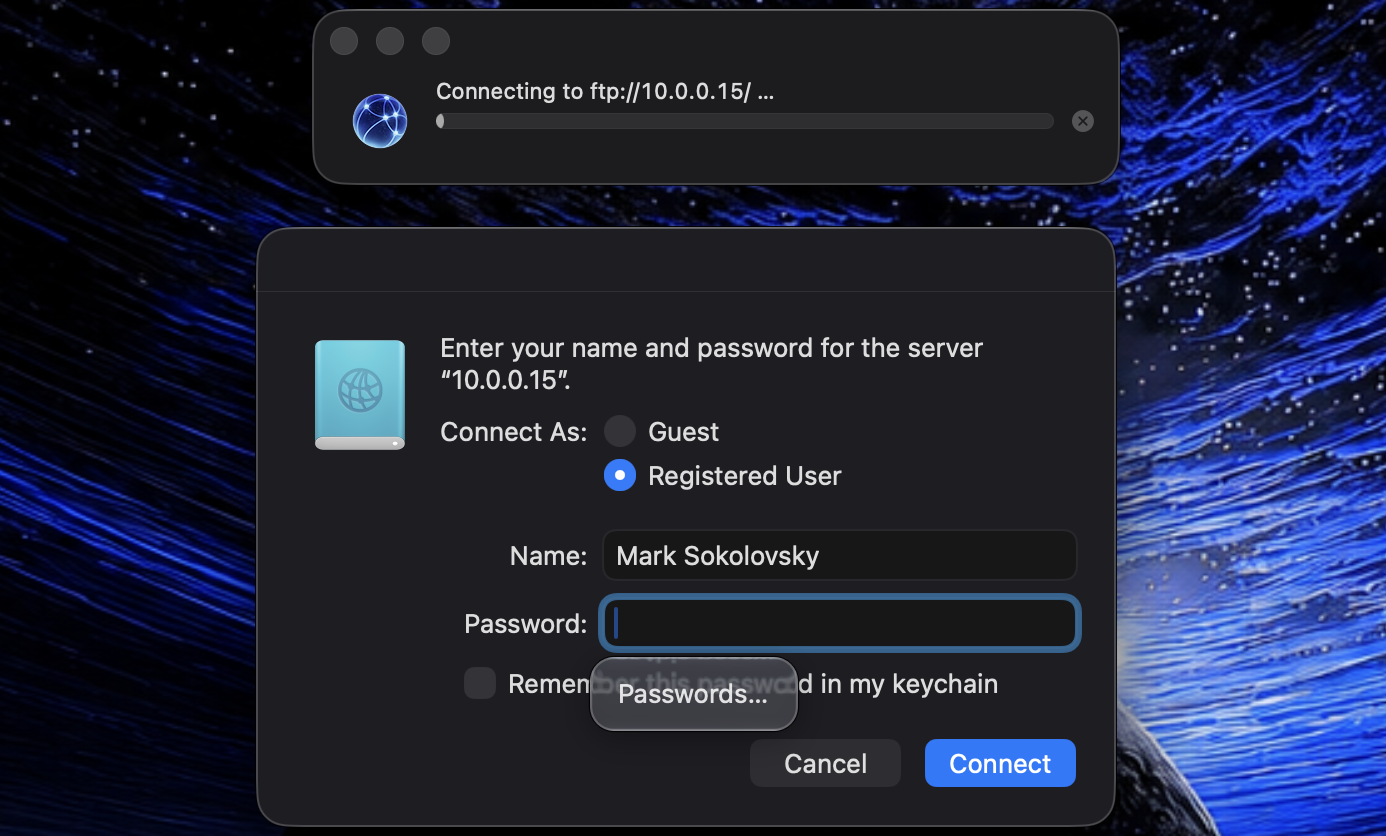
One of the significant technical hurdles addressed in Developer Beta 2 pertains to network file transfer, particularly concerning compatibility between Apple Silicon Macs and older PowerPC architecture machines. Initial reports from Beta 1 indicated persistent issues with Network File Transfer (NFT), with authentication often proving unreliable and limiting users to mounting only public volumes.
Developer Beta 2 appears to have made substantial progress in resolving these networking challenges. While Apple has officially deprecated the Apple File Protocol (AFP) in favor of more modern networking solutions, support for File Transfer Protocol (FTP) has been notably improved and appears to be functioning reliably. Early testing suggests that while AFP offered a more seamless experience in terms of volume size reporting and potentially faster load times, it was prone to occasional hangs. The successful implementation of FTP, however, provides a robust alternative for inter-device file sharing, although further testing over local area networks (LANs) is recommended to fully assess its performance under varying network conditions.

A crucial point for users is the apparent necessity to disable AFP when running macOS Golden Gate. Keeping AFP enabled seems to introduce conflicts, particularly with older systems like the Power Mac G5 running the "Tahoe" operating system, while simultaneously causing issues for users on Golden Gate. This suggests a deliberate design choice by Apple to enforce a transition away from AFP, creating a distinct networking environment for users on the newer Golden Gate build compared to those on older systems. This necessitates a conscious decision on how to manage network connectivity between different macOS versions.
What’s New in Beta 2: Feature Refinements and UI Tweaks
Developer Beta 2 introduces a series of refinements and new features, building upon the foundation laid by the initial release.
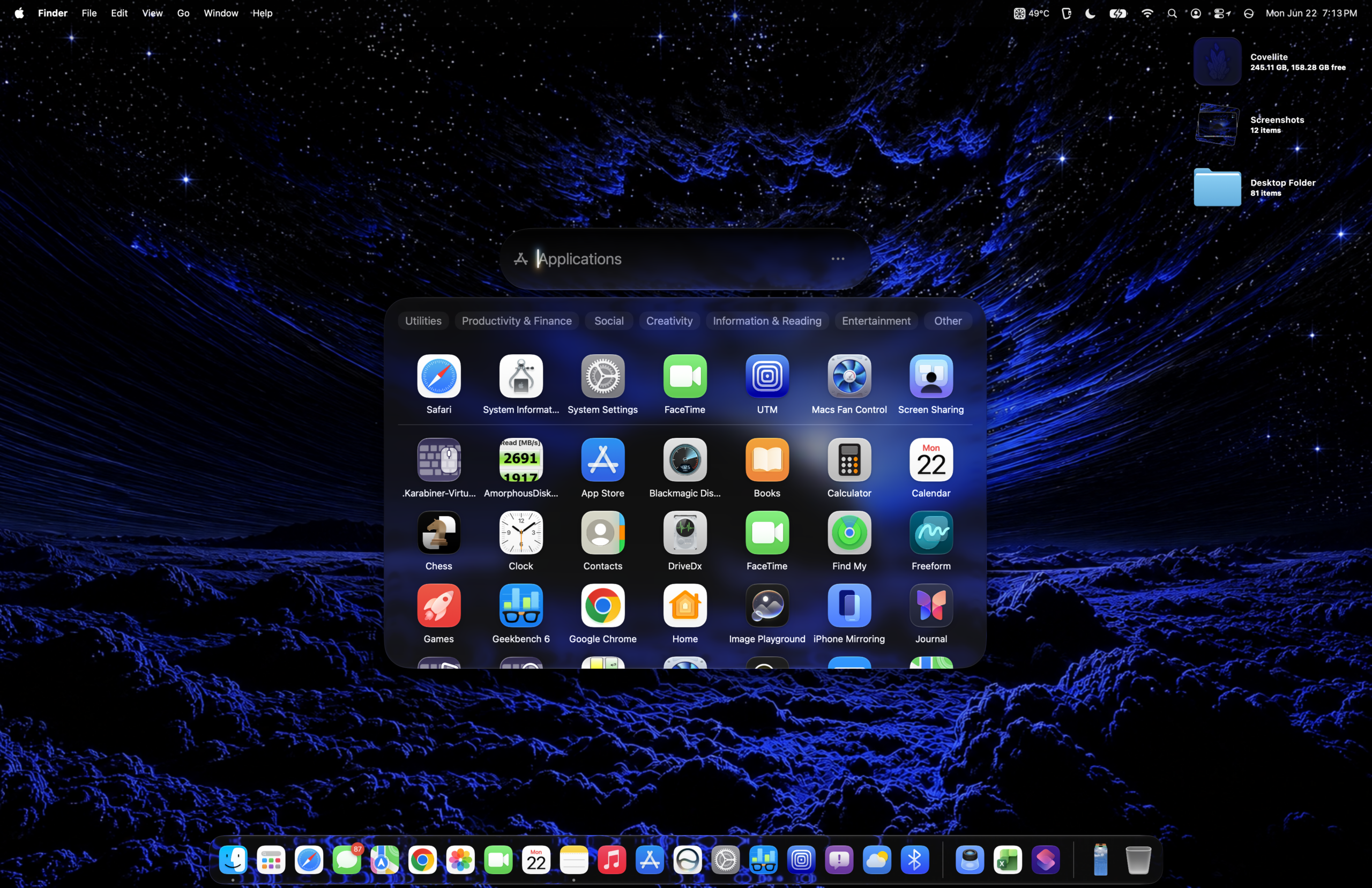
- Home App Integration: While details are still emerging, the inclusion of the Home App suggests a continued focus on smart home device management and integration within the macOS ecosystem. This points towards a more unified Apple device experience, extending beyond the iPhone and iPad.
- Siri AI in Settings: Further adjustments have been made to the user interface and button layout within the Siri AI submenu in Settings. These modifications aim to enhance the discoverability and usability of Siri’s advanced capabilities, indicating that Apple is actively iterating on how users configure and interact with its intelligent assistant.
- Bug Fixes and Performance Enhancements: As expected with a second beta release, a significant number of bug fixes have been implemented. These address issues reported by developers using Beta 1, aiming to improve overall system stability and performance. While specific details on all bug fixes are typically reserved for official release notes, the iterative nature of beta testing ensures that common pain points are addressed promptly.
Emerging Issues and Known Limitations
Despite the progress made in Developer Beta 2, certain issues and limitations remain, as is typical for early software builds.
- Networking Protocol Dependencies: The aforementioned network protocol issues, particularly the requirement to disable AFP for optimal Golden Gate performance, highlight a potential compatibility challenge for users with mixed-network environments. This necessitates careful configuration and potentially the adoption of alternative file-sharing methods.
- Siri AI Rollout and Functionality: The phased rollout of Siri AI means that not all users will experience its full integration immediately. Furthermore, the depth and breadth of its capabilities are still under active development and testing, with its full potential likely to be revealed in subsequent beta releases and the final public launch.
- System Performance Perception: While benchmark data may not show drastic changes, some users have reported a subtle perception of the system feeling "5% slower" compared to Beta 1, particularly after indexing has settled. This subjective observation, while not immediately quantifiable, warrants further investigation as Apple continues to optimize the OS.
Artificial Benchmarks: Assessing the Impact of Siri AI
The introduction of Siri AI and other system-level optimizations in Developer Beta 2 inevitably raises questions about its impact on system performance. Benchmarking tools like Geekbench provide a quantitative measure of this impact. Early comparisons between macOS Sequoia, Tahoe, and the Golden Gate betas suggest that the core performance metrics, such as CPU, OpenCL, and Metal scores, have not experienced drastic deviations.
The MacBook Air, a common platform for early macOS beta testing, continues to exhibit snappy performance, indicating that the underlying architecture remains robust. While overall performance figures may appear stable, subtle improvements in animation fluidity, such as those observed in the Applications tray and Control Center, suggest that Apple is focusing on enhancing the perceived responsiveness and visual polish of the user interface. The increased CPU overhead required to run the advanced Siri AI is a factor that Apple developers are likely managing through efficient resource allocation and background process optimization.
A Day-One Impression: Navigating the Early Stages of Evolution
As a first-day impression of Developer Beta 2, the immediate focus has been on installation, initial configuration, and preliminary testing. The process of getting these betas operational, allowing devices to index system files, and then beginning to interact with the new features requires a dedicated effort. The current assessment is based on the initial hours of usage, providing a snapshot of the changes and early performance characteristics.
The most significant development is the introduction of Siri AI. While its full capabilities are yet to be explored, the initial integration hints at a more intelligent and proactive computing experience. The resolution of some minor bugs and the subtle enhancements to animations are positive steps. However, the subjective feeling of a slight performance decrease after indexing, even if not reflected in raw benchmarks, is an area that warrants continued observation. As the indexing process completes and more time is dedicated to interacting with Siri AI and other new features, a more comprehensive opinion can be formulated. The journey through these beta releases is a testament to Apple’s commitment to refining its operating system, with each iteration bringing it closer to a polished and powerful final product.